
Best Cell Phone Projectors by Budget for 2026
Disclosure: We may earn a commission when you buy through links on this page, at no extra cost to you. As an Amazon Associate I earn from qualifying purchases. Learn more
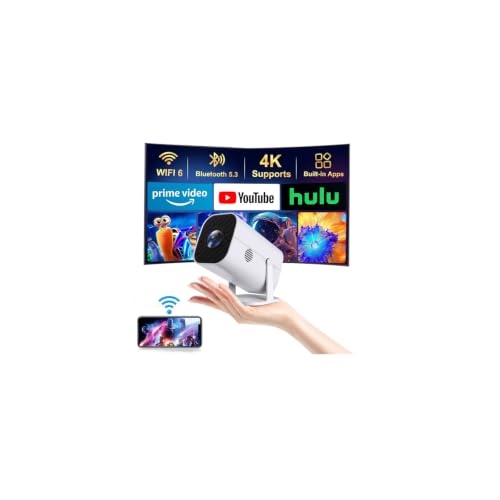
Compare the best cell phone projectors at every price point. Learn what you get at budget, midrange, and premium levels and where spending more pays off.
Prices for phone projectors stretch from under $60 to well past $400, and the gap is not only about image quality. The best cell phone projectors match your room, your phone and the way you watch, so a cheap model in a dark bedroom can please you more than a costly one in a bright living room. This guide sorts the spending into clear tiers.
You will learn what each tier usually includes, which features change the picture in real use, and which extras you can skip. Connection type, brightness and focus matter more than a long spec list, and each section ties those points to a budget.


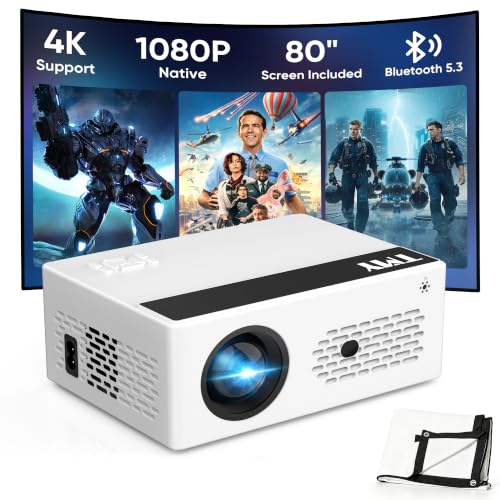
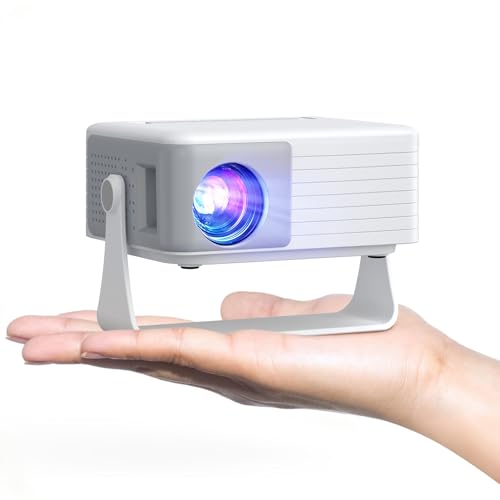
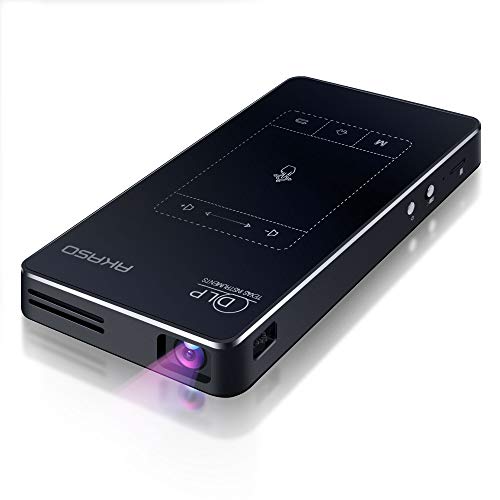
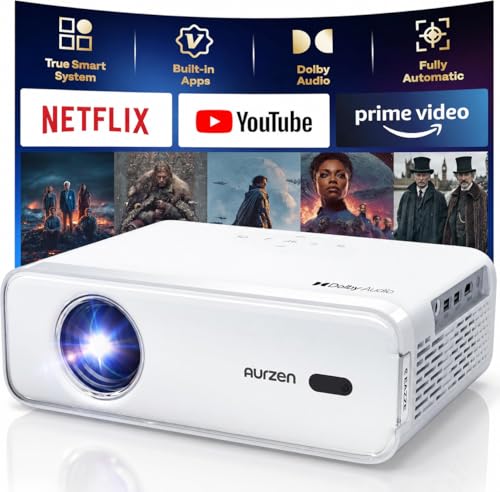
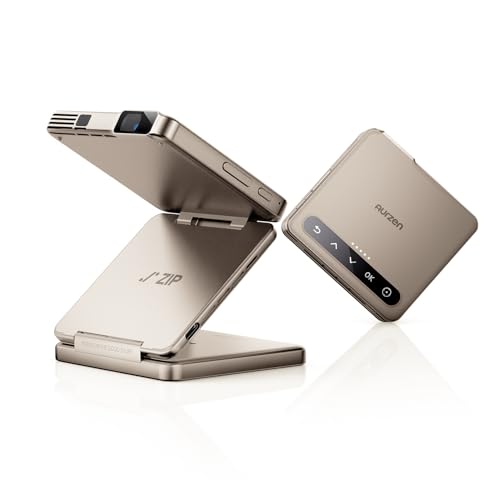
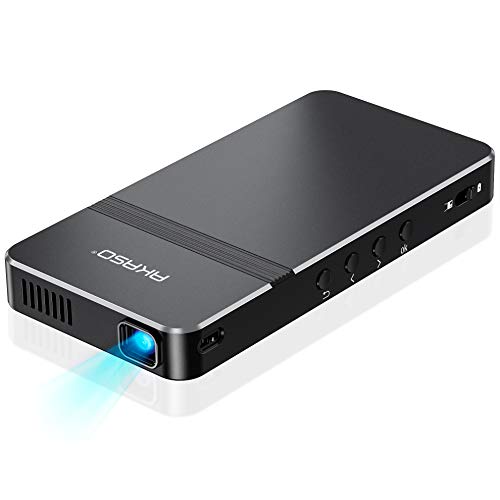
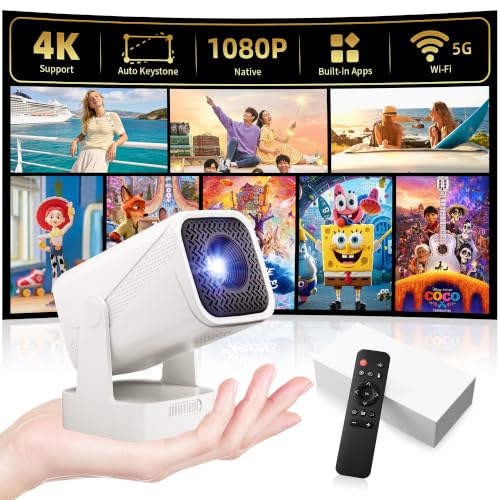
Who Should Buy Which Cell Phone Projector?
Start with the room and the habit, not the price tag. A projector that suits a dorm wall may wash out in a family room.
Casual Viewers Watching on a Tight Budget
You watch a film or a match now and then, mostly after dark, and you want the lowest cost that still gives a clear picture. A budget model with native 720p resolution and a simple wired or wireless link will serve you well. Keep the image near 60 to 80 inches.
Families Hosting Regular Movie Nights
You gather several viewers, so brightness, sound and easy setup matter more than the smallest size. Look for a midrange model with stronger light output, auto focus and a speaker that fills a room. If you want a closer look at models built around phone viewing, see our guide to the best projectors for phones before you settle on a tier.
Travelers and Presenters Who Carry a Projector Often
You show photos, slides or short clips in hotel rooms, classrooms or shared flats, so size and battery life lead your list. Choose a compact model that runs about two to three hours per charge and connects without a cable when the network is weak. A small tripod matters more to you than the largest possible image.
Key Features to Compare
Judge every model with the same five checks below. They decide how the picture looks in your room far more than brand names or box claims.
Brightness Measured in ANSI Lumens
Brightness decides whether the image holds up once a lamp is on or curtains leak light. Honest ratings use ANSI lumens, and a figure near 200 suits a dark room while about 400 to 600 gives you more freedom in a living room. Ignore huge lumen claims with no standard named, because those numbers often describe the light source, not the light that reaches the wall. Choose brightness for your worst usual lighting, not your best.
Native Resolution and Image Size
Native resolution is the detail the projector truly shows, and it matters more than the input formats it accepts. A native 720p image looks soft once you pass about 80 inches, while native 1080p stays crisp at 100 inches and beyond. Think about your wall first, then pick the resolution that keeps text and faces clear at that size. A smaller, sharper image beats a huge, fuzzy one.
How Your Phone Connects
Your phone can link by cable or by wireless mirroring, and each route has a trade off. A USB C or HDMI cable gives a steady picture with no lag, but it tethers the phone to the projector. Wireless mirroring through WiFi frees the phone, yet it can stutter on busy networks. Check that the projector supports your phone system, and remember that some streaming apps limit mirrored playback, so a cable or a built in app may be the surer route.
Focus and Keystone Correction
Focus sets sharpness, and keystone correction squares the image when the projector sits at an angle. Auto focus saves time each time you move the unit, while manual focus costs less and stays put once set. Digital keystone is handy for a shelf or a side table, but heavy correction crops the picture and softens the edges. Place the projector square to the wall, then use correction only for the last small tilt.
Battery, Sound and Portability
A built in battery frees you from outlets for about two to three hours, which covers most films but not long game days. Built in speakers suit a small room, yet dialogue gains clarity when you add an external speaker, so see our guide to the best cell phone speakers for larger spaces. Weight matters too, since a model near two pounds slips into a bag while a five pound unit stays home. Fan noise near 30 to 35 decibels stays easy to ignore in quiet scenes.
Projector Tiers: What You Get and Where to Stop
Price tiers for the best cell phone projectors follow a clear pattern, and knowing it stops you from paying for power you will never use. Each tier below lists what you get and who should stop there.
Budget Tier: Dark Room Basics for Occasional Viewing
Models under $100 usually offer native 720p, modest brightness and manual focus, with a small speaker. They reward a dark room and a modest image size, and they punish bright light. Choose this tier for a bedroom or a dorm where you control the light.
Midrange Tier: Easier Setup and a Brighter Picture
Models at about $100 to $250 add native 1080p on many units, stronger brightness, auto focus and faster wireless links. Setup stops feeling like work here, because the image squares and sharpens itself in seconds. Choose this tier if you watch weekly or want a 100 inch picture without total darkness.
Premium Tier: Stronger Light, Sound and Streaming
Models at about $250 to $500 bring the highest brightness in this class, built in streaming apps, better speakers and quieter fans. You pay for comfort in rooms that never get fully dark. Choose this tier for a main living room or a patio where light demands more output.
First Year Extras: Screen, Mount, Cable and Case
The purchase price is only part of what you will spend. A screen, a tripod or a ceiling mount, a spare cable and a case can add about $30 to $80 over the first year. Light sources last for years, so replacement cost is low, but a battery slowly loses capacity with heavy use. A longer warranty has real value here, since a fan fault can end a good projector.
Common Mistakes to Avoid
Small choices at setup cause most disappointment with a new projector.
- Buying by the largest lumen claim on the box leaves you with a dim image, because unrated figures rarely match real brightness.
- Stretching the image past the size your resolution supports makes faces and text look soft for every viewer.
- Placing the projector far off center and leaning on heavy keystone correction crops the picture and blurs its edges.
- Mirroring over a weak WiFi signal causes stutter and lip sync drift that a simple cable would have avoided.
- Running a battery model at full brightness for a long film drains the charge before the final scenes.
- Failing to test your own phone and apps first can hide a connection limit until the return window closes.
Care and Maintenance for Phone Projectors
Dust is the main enemy of a clear picture. Wipe the lens with a dry microfiber cloth, never with a shirt or a paper towel, since grit can scratch the coating. Keep the vents clear, and let the fan finish its cool down cycle before you unplug the unit, because trapped heat shortens light source and battery life.
Store the projector in its case in a dry room, away from direct sun. Charge a stored battery to about half and top it up every few months, rather than leaving it full or empty for a season. Check cables for bent pins and carry the unit by its body, not by a connected cable.
Cell Phone Projectors: Your Questions Answered
What image size should I choose for a phone projector in my room?
Choose an image size your room distance supports, which for most seating is about 60 to 100 inches. Sit roughly one and a half times the image width away, so a 100 inch picture suits seating near 10 to 12 feet. Before mounting anything, project at your planned size and read small text from your usual seat.
Can a phone projector play streaming apps from a phone?
Yes, but the route matters, because some streaming services restrict wireless mirroring from phones. A cable link usually passes the picture without that limit, and models with built in streaming apps skip the phone entirely. Use the projector remote for pause and volume once the film starts, a habit that also saves phone battery.
How bright should a phone projector be for a bright living room?
A phone projector for a bright living room should offer about 400 to 600 ANSI lumens or more. Curtains that block direct sun help as much as extra lumens, since daylight on the wall washes out any portable model. For daytime sports, accept a smaller image near 60 inches, because the same light over less area looks stronger.
How long does the light source in a phone projector last?
The light source in most phone projectors lasts about 20,000 to 30,000 hours, which covers many years of normal use. The battery usually fades first, holding less charge after hundreds of cycles. Slow that fade by avoiding full drains and by using the power adapter at home, saving battery cycles for travel.
Do I need a screen for a phone projector, or will a wall work?
A wall works fine for a phone projector when it is smooth, clean and painted a flat white or light gray. A screen adds brightness and hides wall texture. Renters can use a smooth pull down screen, which leaves no marks and stores in a closet.
Wrapping Up
Match brightness to your room light, pick a connection that suits your phone, and let image size follow from your wall. Compare tiers with those checks in hand.
When you shop for best cell phone projectors with a clear budget in mind, the right tier is easy to spot. Spend on the features your space demands and skip the rest.


