
Best Ceiling Fans for Cooling 2026: Buying Guide
Disclosure: We may earn a commission when you buy through links on this page, at no extra cost to you. As an Amazon Associate I earn from qualifying purchases. Learn more
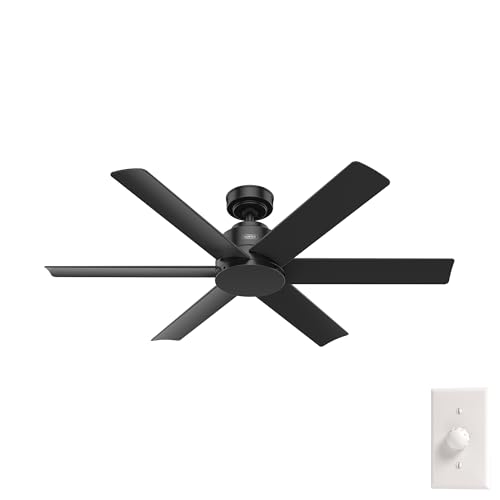
Fans cool people, not rooms: how to match span, airflow and noise to choose the best ceiling fans for cooling.
Choosing the best ceiling fans for cooling can feel confusing because fans differ in blade span, motor strength, mounting style, and controls. This guide compares the main types side by side so you can match a fan to your room instead of guessing from looks alone. Read the product table below, then use the sizing and feature sections to narrow your short list.
A ceiling fan does not lower the temperature of a room the way an air conditioner does. It moves air across your skin, and that moving air helps sweat evaporate, which makes you feel cooler.

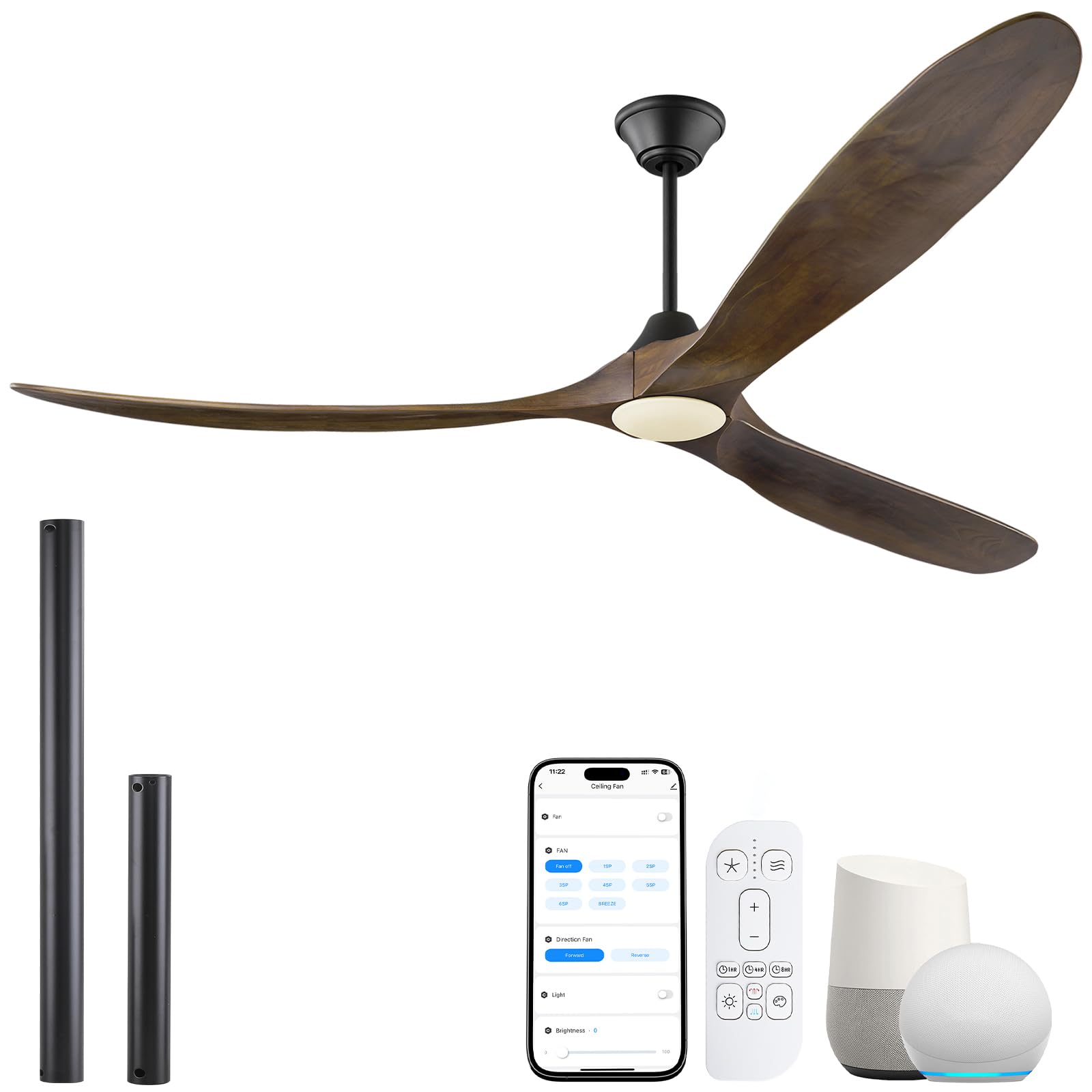

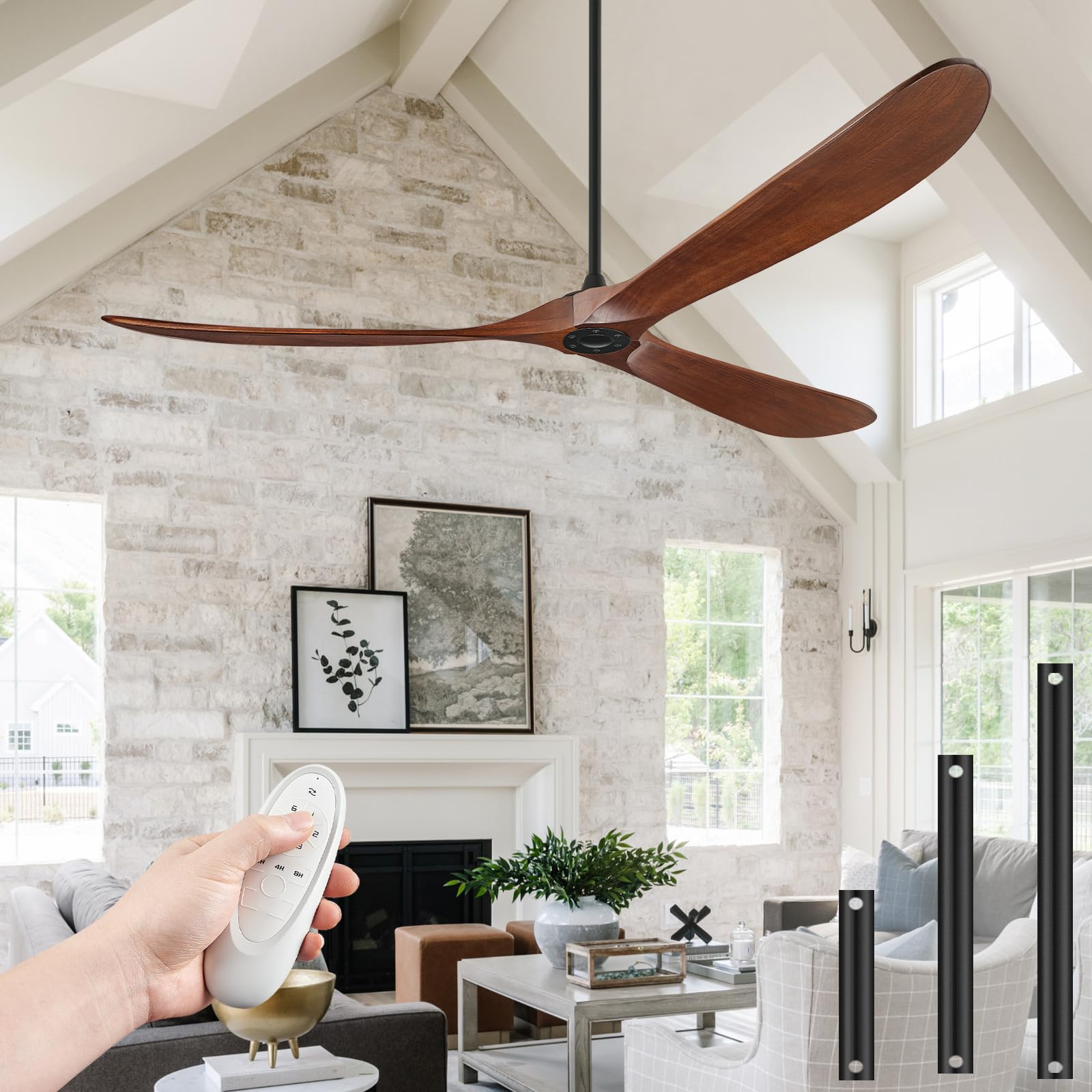


Types of Ceiling Fans Compared
The table below gives a quick overview. The sections that follow explain each type in more detail, including where it works best and where it falls short.
| Type | Best For | Pros | Cons | Typical Price |
|---|---|---|---|---|
| Standard downrod fans | Rooms with standard or high ceilings | Strong airflow and flexible height | Needs enough ceiling height | about $80 to $250 |
| Low profile hugger fans | Low ceilings and small rooms | Close to the ceiling and out of the way | Less room for airflow above the blades | about $60 to $200 |
| Smart fans with remote and app control | Bedrooms and living rooms | Schedules, timers, and easy speed changes | More setup and a higher price | about $120 to $350 |
| Small room fans | Bedrooms, offices, and nooks | Compact blades and quieter speeds | Too weak for large open rooms | about $50 to $180 |
Standard Downrod Fans
A standard downrod fan hangs from a rod that drops the blades below the ceiling. That drop gives air room to circulate above and below the blades, which usually improves airflow in rooms with ceilings around eight feet or higher. You can often choose a longer or shorter rod to set the blades at a comfortable height above the floor.
These fans suit living rooms, bedrooms, and open plan spaces where a larger blade span makes sense. They also work well in rooms with sloped ceilings when the mount allows the rod to hang straight down. Check the maker guidance for slope limits and rod length before you buy, and follow maker electrical and assembly guidance during installation.
Low Profile Hugger Fans
A hugger fan mounts close to the ceiling, so it is a practical choice when headroom is tight. It keeps the blades well above head height in rooms with low ceilings and avoids the crowded look of a long rod in a small space. Many hugger fans still offer several speeds, so you can adjust airflow without changing the mount.
The trade off is airflow. With less space above the blades, a hugger fan may move less air than a downrod fan of the same blade span. In a small bedroom or office that may not matter, but in a large room it can leave distant corners feeling still. Measure your ceiling height and room size first, then decide whether close mounting or stronger airflow matters more.
Smart Fans With Remote and App Control
Smart fans add a remote, an app, or voice control to the basic job of moving air. That control makes it easy to change speeds from bed, set a timer for the night, or schedule the fan to run before you arrive home. Some models also offer a breeze mode that varies speed to feel more like natural wind.
Smart features are most useful in rooms where you change settings often, such as a bedroom or a living room used at different times of day. They add cost and setup steps, so they may not be worth it in a rarely used guest room. If you choose a smart fan, check that it works with the control method you already use at home and that you are comfortable with its setup steps.
Small Room Fans
Small room fans use a shorter blade span, often around 36 to 44 inches, and suit bedrooms, home offices, and reading nooks. Their smaller blades can feel calmer at low speeds, which helps in a room where you sit close to the fan.
The limit is coverage. A small fan in a large living room will cool the seating area near it but leave the rest of the room feeling warm. Use small room fans where the seating area is close to the center of the room, and choose a larger span for open spaces. A guide to best ceiling fans can help you compare spans for different room sizes.
Small Room Fans vs Large Room Fans: Which Should You Choose?
Start with room size, not style. A small room fan suits a single seating area, while a large room fan suits an open living area where people sit in several spots. Blade span, motor strength, and mounting height all matter, but span is the simplest first filter. A fan that is too small for the room will run at high speed and still feel weak, while a fan that is too large for a tiny room can feel drafty at its lowest setting.
Next, consider ceiling height and noise. A large room fan on a downrod gives strong airflow in a tall room, while a small room fan on a close mount suits a low ceiling and a quiet bedroom. Choose the size that covers the seating area first, then refine your choice by noise and controls.
How to Choose the Right Ceiling Fan
Airflow and Blade Span
Airflow tells you how much air a fan moves, and blade span tells you how wide a circle the blades cover. Larger spans usually suit larger rooms, but blade shape and motor strength also affect the result. A well shaped set of blades with a steady motor can outperform a larger set of flat blades that wobble at high speed. Look for airflow figures from the maker and compare fans of similar span rather than judging by span alone.
Noise Level and Sleep Friendly Speeds
Noise matters most in bedrooms and offices, where a hum or click can disturb sleep or concentration. Lower speeds should run quietly, and the fan should not rattle when it changes speed. Read maker noise figures where available, and pay attention to mount quality, since a loose mount can create noise that has nothing to do with the motor. A fan with several low speeds gives you more room to find a quiet setting that still moves enough air.
Smart Controls and Sensors
Smart controls range from a simple remote to app schedules and voice commands. A remote is enough for many buyers, while an app suits people who want timers and routines. Some fans also sense room conditions and adjust speed on their own, which can help in a room that warms up during the day. Decide which controls you will actually use, since unused smart features add cost without improving cooling.
Room Size and Mounting Height
Room size sets the blade span, and mounting height sets how well the fan moves air. As a rough guide, small rooms suit spans around 36 to 44 inches, medium rooms suit spans around 44 to 52 inches, and large rooms suit spans of 52 inches or more. Blades should sit high enough to clear heads and furniture, yet low enough to move air where people sit. Follow maker guidance for minimum clearance from the ceiling and the floor, and check local rules for electrical work if you are unsure about wiring.
Safety Features
Safety starts with a secure mount and the right rated box for a ceiling fan. A fan rated box supports the weight and movement of the fan, while a standard light box may not.
Blades should clear doors, tall furniture, and bunk beds, and the fan should not wobble at normal speeds. Look for maker safety guidance and certification marks, and hire a qualified electrician if the wiring or support needs work. A guide to best cooling fans can help you compare fans with other cooling options for the same room.
Features That Matter for Cooling
Cooling depends on airflow, speed range, and direction. A fan with several speeds lets you match airflow to the weather and the number of people in the room. A reverse direction setting can help in cooler months by gently pushing warm air down from the ceiling, though it does not replace heating.
Blade pitch, the angle of the blades, also affects airflow, with a steeper pitch often moving more air at the same speed. Focus on airflow and speed range first, and treat lights and decorative finishes as secondary choices.
Care and Maintenance Tips
Dust on blades can reduce airflow and throw the fan out of balance, so wipe blades regularly with a dry cloth. Check screws and blade holders now and then, since vibration can loosen them over time. If the fan wobbles, check that blades are level and that the mount is tight before assuming the motor is at fault. Keep the area around the fan clear, and follow maker guidance for cleaning and for any moving parts that need attention.
For smart fans, keep the remote battery fresh and check app updates that may affect schedules. If a fan develops a persistent wobble, noise, or electrical smell, stop using it and seek maker or professional advice.
Ceiling Fans: Your Questions Answered
What features matter most in ceiling fans for cooling?
Airflow, blade span, speed range, and mounting height matter most, because they decide how much air reaches the seating area. A fan with several speeds lets you adjust airflow through the day, while the right span covers the room without feeling drafty. Noise and controls matter next, especially in bedrooms, where a quiet low speed and a remote make daily use easier. Decorative finishes and built in lights should come last, since they do not change how cool you feel.
Do ceiling fans really cool a room?
Ceiling fans cool people, not rooms, because moving air helps sweat evaporate from skin. An empty room will not get cooler just because a fan runs, so turning the fan off when you leave saves energy. In an occupied room, a fan can make the air feel several degrees cooler, which may let you set an air conditioner a little higher. That feeling depends on humidity, since very humid air slows evaporation and reduces the cooling effect.
Where is the best place to put a ceiling fan?
Place the fan near the center of the seating area, so airflow reaches the people who use the room most. In a long room, two smaller fans may cover the space better than one large fan at one end. Keep blades clear of tall furniture, doors, and light fixtures, and check that the fan does not block a walkway. In a bedroom, center the fan over the bed or the main seating area rather than over a corner that no one uses.
Is it expensive to run a ceiling fan all day?
Running a ceiling fan usually costs far less than running an air conditioner, since fan motors use much less power. The exact cost depends on the motor, the speed setting, and local electricity rates, so check maker power figures for a rough estimate. Running the fan only when the room is occupied saves more than running it around the clock. A timer or smart schedule can help in rooms that are used at set times each day.
What size ceiling fan do I need for my room?
Match blade span to room size, starting with small spans for bedrooms and offices and larger spans for living rooms and open spaces. Measure the room in feet and note where people sit, since seating area matters more than total floor area in an oddly shaped room. If the room has a high ceiling, a downrod fan with a larger span often works better than a close mount fan. When in doubt between two sizes, the larger span with a low speed setting usually offers more flexibility.
Final Thoughts
The right fan comes down to room size, ceiling height, and how you use the space. Start with blade span and mounting style, then check airflow, noise, and controls before worrying about finish or lights. A best cooling tower fan may suit a renter or a room without a ceiling mount, but a ceiling fan usually covers a larger seating area with steadier airflow. See the product table above, then choose the fan that fits your room.
In short, the best ceiling fans for cooling are the ones that move enough air to the seats you actually use, run quietly at the speeds you prefer, and mount safely in your room. Keep that check in mind, and you can ignore the rest of the marketing and choose with confidence.


