
Best CCTV IP Cameras in 2026: Matching Features to Your Space
Disclosure: We may earn a commission when you buy through links on this page, at no extra cost to you. As an Amazon Associate I earn from qualifying purchases. Learn more

Choosing the best cctv ip cameras: resolution, lens, night vision, PoE or WiFi power, storage and alerts, plus placement and network tips.
There is no single camera that suits every building, because a front door, a warehouse aisle and a baby room ask for very different views. The best cctv ip cameras for you are the ones that match your space, your network and the moments you actually need to review. This guide walks through those choices so you can read the comparison table below with a clear plan.
Start with the job each camera must do. Some spots need a wide view that proves a delivery arrived, while others need enough detail to read a face or a license plate at a gate.
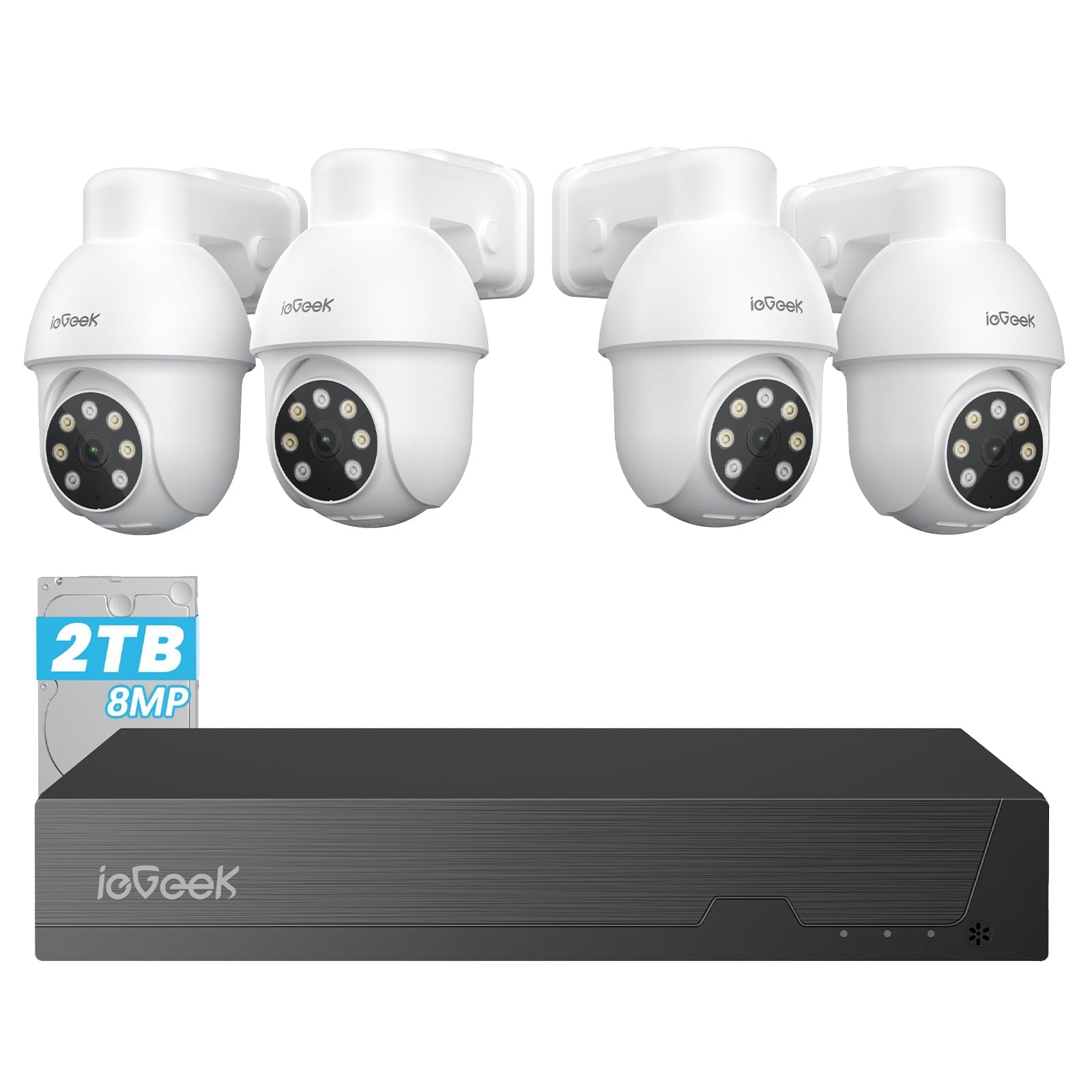
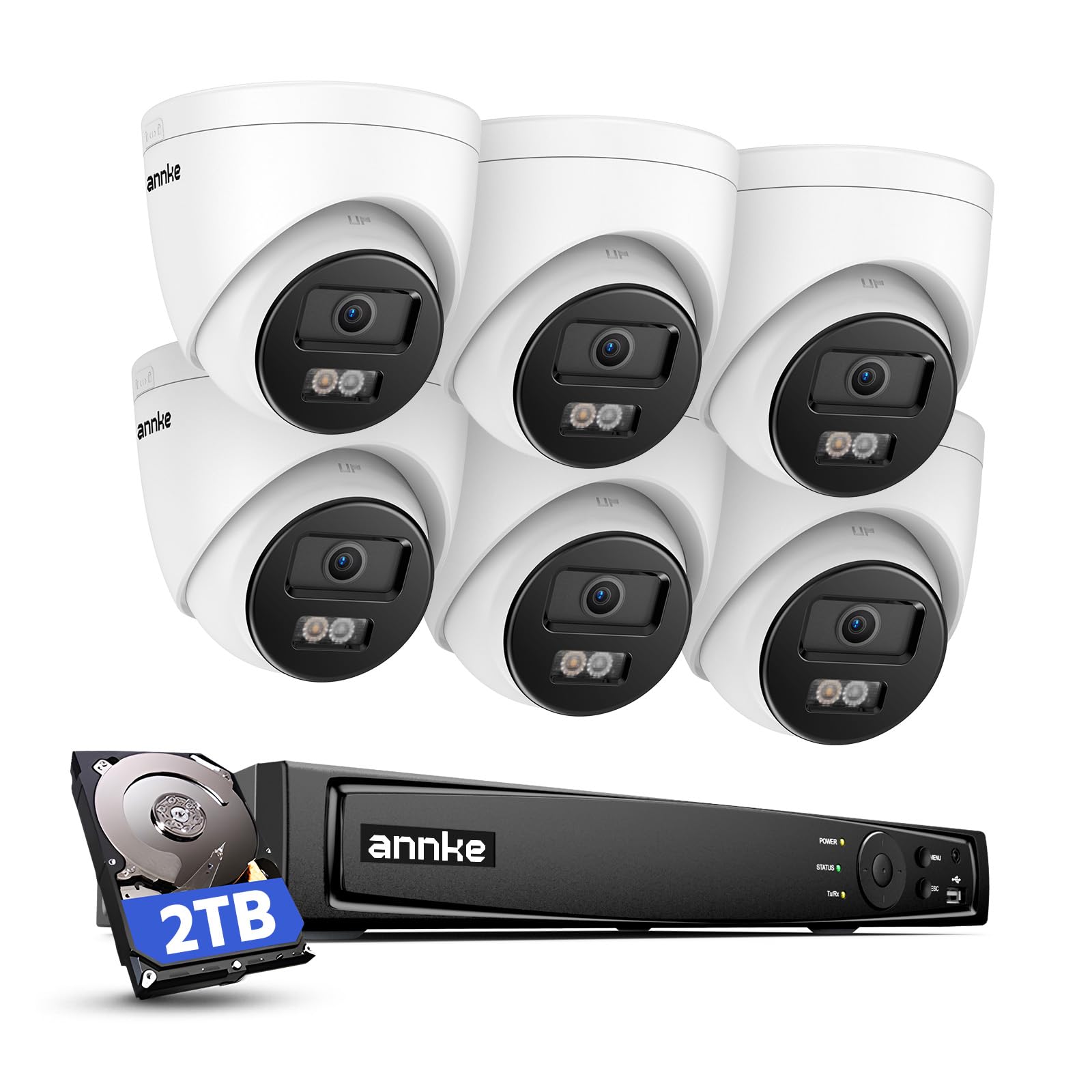
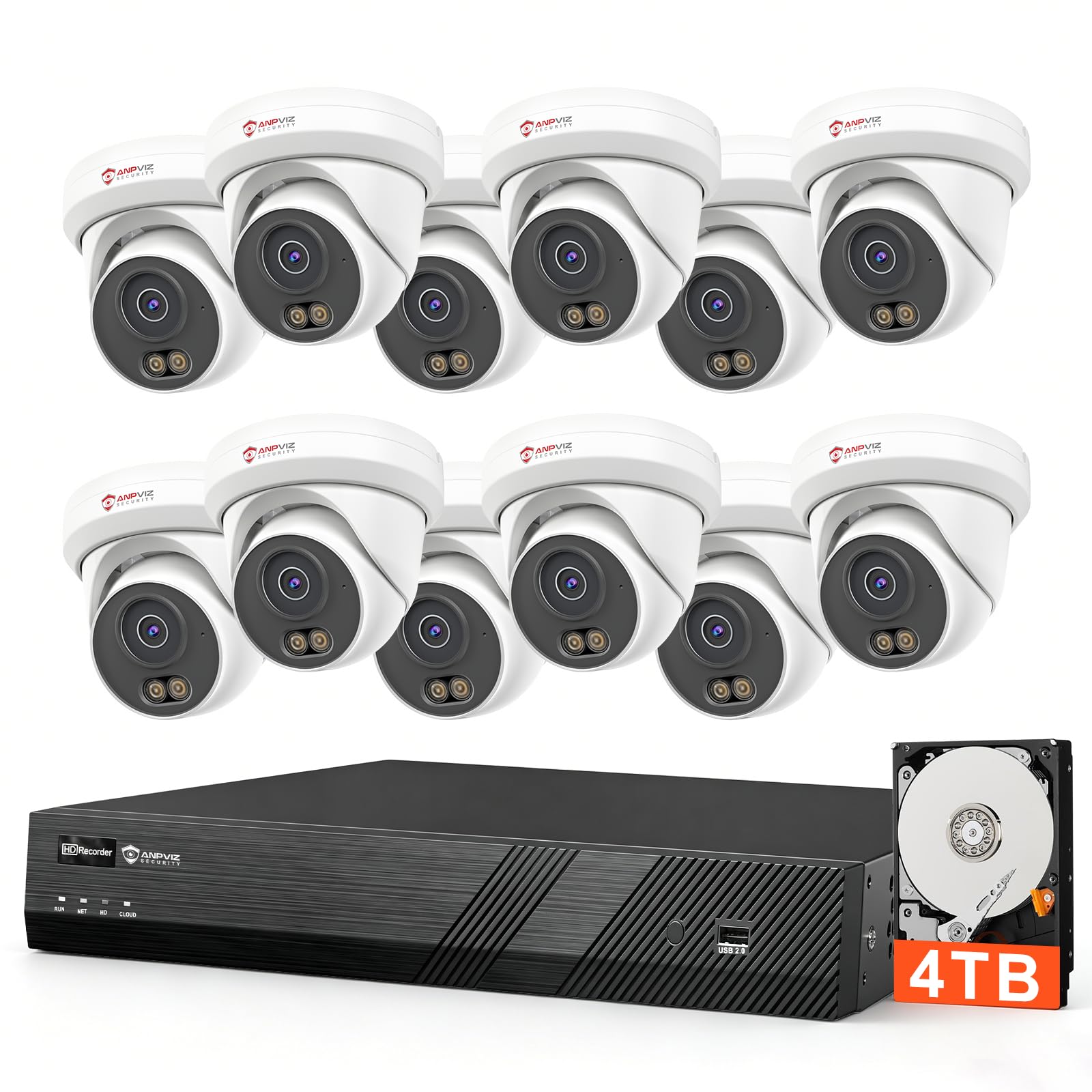
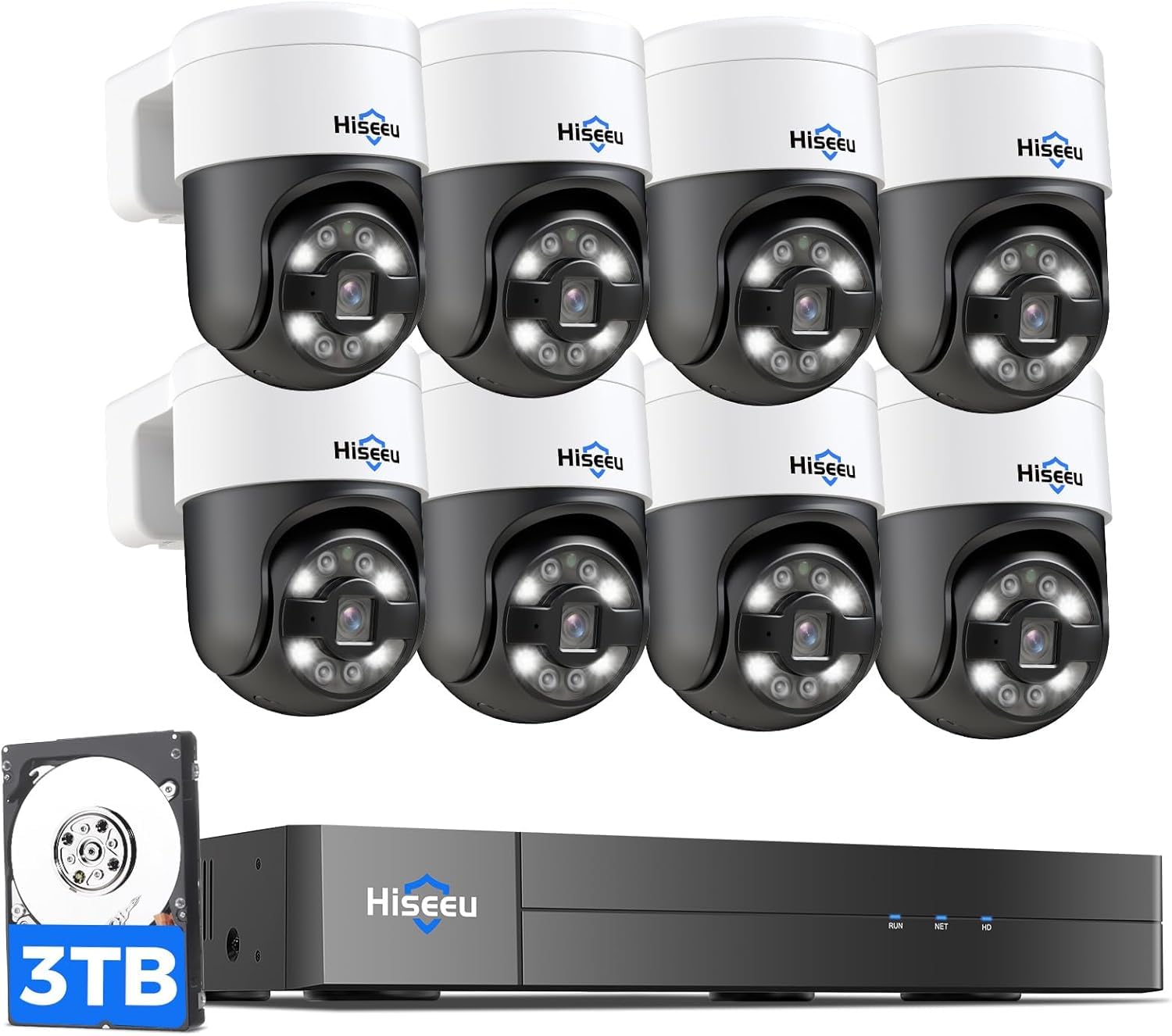


Who Should Buy Which CCTV IP Cameras?
Homeowners Covering Doors, Driveways and Yards
You need clear views of the places people approach, plus alerts that arrive on your phone while you are away. Choose weatherproof outdoor models for the driveway and porch, and a compact indoor model for an entry hall if you want one. Power over Ethernet suits fixed outdoor spots because one cable carries both power and video.
Small Business Owners Watching Shops and Stock Rooms
You need cameras that run all day, store weeks of footage and let staff check a till or a stock room from the back office. Choose wired models with a network video recorder, because a recorder keeps footage on site even when the internet drops. If image detail is your top concern, see our guide to the best quality cctv cameras for a deeper look at picture quality.
Owners of Rental Homes, Farms and Remote Sites
You manage places you cannot visit every day, so reliable remote viewing matters more than extra resolution. Choose cameras with strong app support, clear status alerts when a camera goes offline and storage that keeps recording on site during an outage. A solar or battery model can cover a gate far from a power outlet, while wired models suit buildings with power and cable runs in place.
Key Features to Compare
When you compare best cctv ip cameras side by side, work through these six factors in order. Each one changes what you can see, how long you can keep it and how much work the system needs from you.
Resolution and Sensor Size
Resolution sets how much fine detail a camera can capture, and sensor size shapes how clean that detail looks. A 1080p camera often covers a small room well, while 4K video helps when you need to zoom into a recorded scene across a yard or a car park. A larger sensor usually gathers more light, which supports cleaner images after dark.
Lens Choice, Field of View and Optical Zoom
The lens decides how much of a scene fits in the frame and how large people appear in it. A wide lens of about 2.8 mm can cover a whole room or porch, but faces look small at a distance. A lens of about 4 mm or longer narrows the view and makes a gate or till easier to read. Optical zoom changes the lens itself, so detail holds up better than with digital zoom, which only enlarges pixels.
Night Vision and Low Light Performance
Most incidents that worry owners happen after dark, so judge a camera by its night image first. Infrared lights let a camera record in total darkness, usually in black and white, with a useful range of about 30 to 100 feet on many home models. Cameras with a sensitive sensor and a small spotlight can record in color at night, which helps you describe clothing or a vehicle.
Power and Connection: Ethernet, WiFi and Battery
Power choice shapes both reliability and installation effort. Power over Ethernet sends power and video through one cable, so the connection stays steady and there is no battery to charge, but you must run cable to each camera. WiFi models install faster and suit rented homes, yet a weak signal can cause dropped frames. Battery models fit gates and sheds without outlets, but heavy motion can drain them in weeks.
Storage: Recorder, Memory Card and Cloud Plans
Storage decides how far back you can search when something happens days later. A network video recorder stores footage from several cameras on a hard drive inside your building, with no monthly fee. A memory card inside one camera is simple and cheap, but it fills quickly and is lost if the camera is stolen. Cloud plans keep copies off site and simplify sharing clips, at a monthly cost per camera.
Smart Detection, Alerts and Two Way Audio
Smart detection separates people and vehicles from swaying branches and passing headlights, so your phone buzzes for events that matter. Look for detection zones you can draw on the image, because excluding a busy street cuts false alerts sharply. Two way audio lets you speak to a delivery driver or warn off a stranger at the door, and a built in siren on some outdoor models adds a stronger deterrent. If you are comparing broader home setups, see our guide to the best cctv security cameras for how full systems are packaged.
How to Plan Camera Placement and Network Setup
Plan positions on paper before you drill anything. Mark each entrance, the driveway, any side gate and blind corners, then stand in each spot and check what a camera at about 8 to 10 feet high would see. That height balances a clear view of faces with some protection from tampering.
Count your network load before you buy. Each camera sending 4K video can use several megabits per second of upload speed when you view it remotely, and your router must handle every stream at once. Wired cameras on a switch with enough PoE ports keep that load off your WiFi. For a wider comparison of network camera styles, see our guide to the best ip cameras and note which connection types recur across models.
Secure the system on the day you install it. Change every default password, turn on two step sign in for the app where offered and keep camera firmware updated. Place cameras so they watch your own property, and check local rules about recording audio and filming areas beyond your boundary, because privacy laws vary by state and city.
Common Mistakes to Avoid
- Mounting a camera too high makes faces small and hats hide the detail you installed it to capture.
- Buying only by price leaves you with storage so short that last week footage is gone when you need it.
- Placing a WiFi camera beyond a strong signal causes frozen frames right when motion matters most.
- Covering a large yard with one wide camera spreads pixels so thin that no person can be identified.
- Skipping a test recording at night hides weak infrared range until a real incident proves it.
- Forgetting to set detection zones floods your phone with alerts until you start ignoring all of them.
How to Make Your CCTV IP Camera Last Longer
Wipe each outdoor lens with a soft damp cloth every few months, because dust, pollen and spider webs scatter infrared light and blur night images. Clear webs from the housing with a soft brush, and check that cable joints and rubber seals still sit tight after storms.
Update firmware when the maker releases it, since updates often fix security flaws and recording faults. Once a year, walk the property at night with the app open and confirm that each view still matches the area you meant to cover, because moved furniture, new fences and grown shrubs slowly change every scene.
CCTV IP Cameras: Your Questions Answered
Do CCTV IP cameras need the internet to keep recording?
No, CCTV IP cameras do not need the internet to record onto a recorder or a memory card inside your building. The internet is required for viewing from outside your home network and for cloud storage and phone alerts. A useful test is to unplug your router for an hour after setup and confirm that local recording continues.
How many CCTV IP cameras does a typical home need?
Most homes are covered well by three to five CCTV IP cameras. Start with the front door, the driveway and the back entrance. Add a camera only when a real blind spot remains, such as a side gate or a detached garage. Extra cameras add storage cost and alert volume, so a smaller system you review carefully often protects better than a large one you ignore.
What upload speed do CCTV IP cameras need for remote viewing?
Remote viewing of one CCTV IP camera usually needs about 2 to 5 megabits per second of free upload speed, with 4K streams at the higher end. If the picture stutters, lower the remote viewing quality in the app first, because the recorded footage on your recorder can stay at full quality even when the live view is reduced.
How long do CCTV IP cameras keep their recordings?
Retention depends on storage size, camera count and how much motion your scenes contain. A recorder with a drive of about 2 to 4 terabytes often holds about two to four weeks from four cameras recording on motion. Before a trip, check the oldest available clip in your app, because that date, not the product box, tells you your true retention.
Can CCTV IP cameras record audio legally at home?
Rules on audio recording are stricter than rules on video in many places, and some states require the consent of everyone in a conversation. Many owners turn audio recording off for cameras that face shared spaces and keep it on only where notices are posted. Laws differ by state, so check your local rules or ask a local attorney before you rely on audio as evidence.
Our Verdict
Choose by scene first, then by camera. A clear night image, storage that lasts long enough to matter and a connection that stays up will serve you better than the longest spec list. Use the product table above to compare the models that fit the plan you built in the sections above.
When you choose best cctv ip cameras with those three points settled, setup is simpler and the footage will actually help on the day you need it.


