Best Catalog Printers in 2026: Which Type Is Right for You?
Disclosure: We may earn a commission when you buy through links on this page, at no extra cost to you. As an Amazon Associate I earn from qualifying purchases. Learn more
Compare the best catalog printers by type, cost per page, and paper handling to choose the right style for your print runs.
Printing a catalog is a tougher job than printing a letter. You need sharp photos, accurate color, clean text on the same page, and hundreds of copies that still look consistent at the end of the run. Sorting the best catalog printers starts with choosing the right printer type for your volume, paper, and deadline, not with chasing the longest feature list.
This guide compares the main types side by side, then walks through cost, paper handling, and connectivity. Use the comparison table below for quick specs, then read the type sections to match a printer to your catalog schedule.

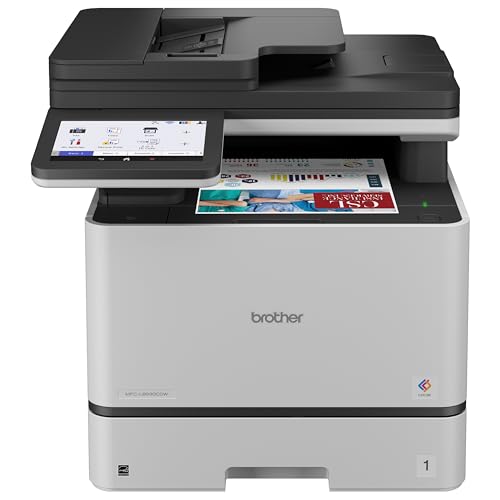
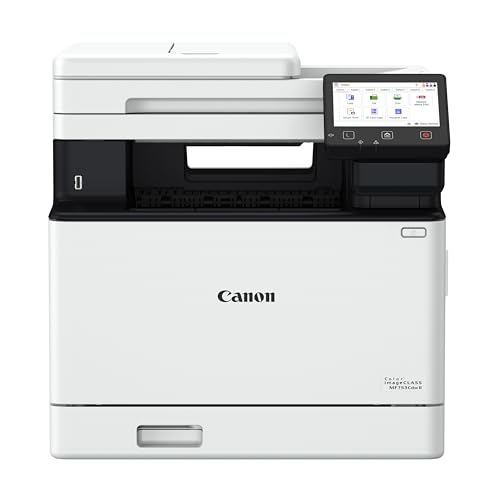
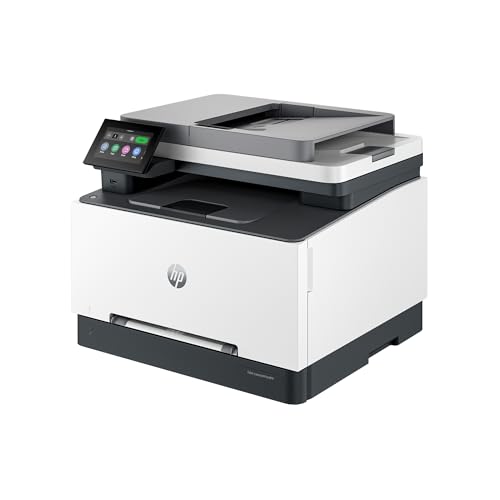
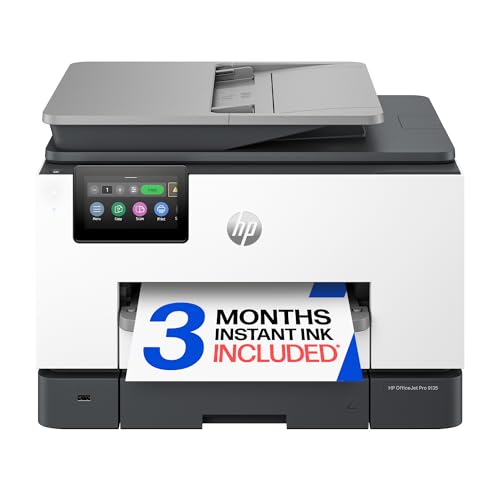


Types of Catalog Printers Compared
Most catalog work falls to three practical families: versatile all in one inkjet and tank models, color laser models built for speed and text, and dedicated photo models for image led catalogs. Three dimensional printers appear in some buying lists for this keyword, but they make objects, not printed catalogs, so they are covered only as a short clarification below.
All in One Printers
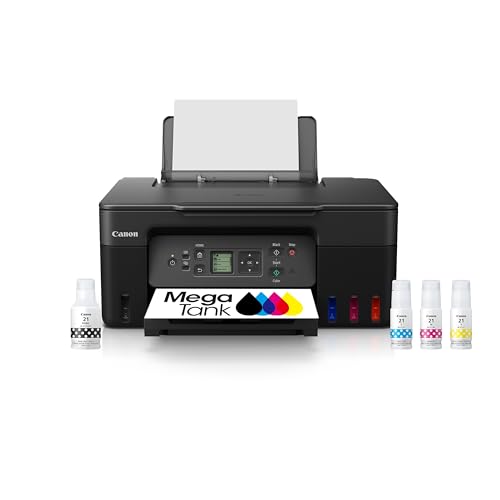
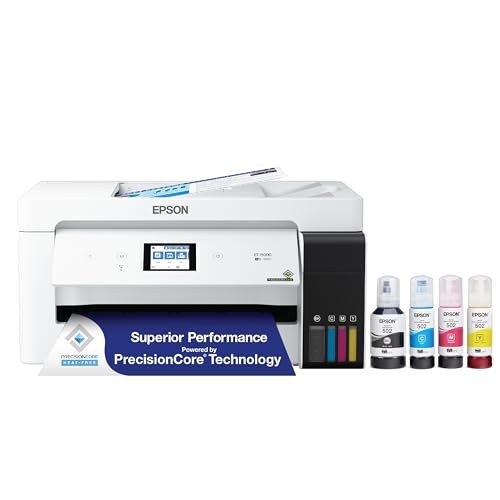
All in one models print, scan, and copy in one unit, which suits a small business that proofs catalog pages, scans product photos, and prints short runs in the same office. Inkjet and ink tank versions give strong color for photos and graphics, and tank versions cut ink costs sharply on longer runs. The trade off is speed, because most all in one units print catalog pages more slowly than a laser model, and paper trays are smaller. Choose this type for runs of about 10 to 100 copies where versatility matters more than raw pace.
Photo Printers
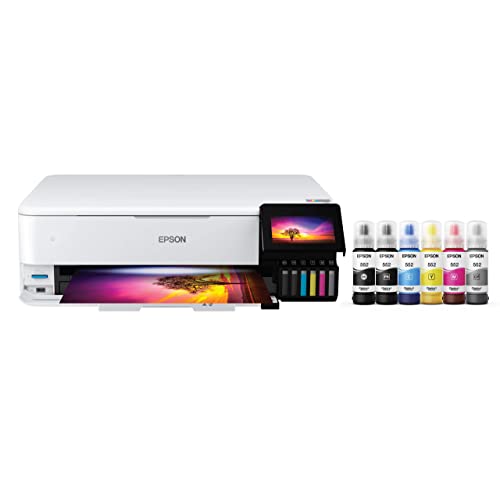
Photo printers focus on image quality above all else, using more ink colors and finer droplets to render smooth gradients, skin tones, and deep shadows. They shine for premium catalogs where the product photo sells the item, such as food, fashion, jewelry, and art. Running costs are higher, output is slower, and many models limit paper size or lack duplex printing. Choose a photo model when image quality is your top selling tool and your run length is modest, or pair it with a faster model for text heavy pages.
Color Laser and Tank Models for Longer Runs
Color laser printers deliver crisp text, fast pages per minute, and pages that resist smudging right off the tray, which helps when you stack catalogs quickly. They suit text heavy catalogs and runs of several hundred copies. Ink tank inkjet models sit between the families, offering low cost color pages with good photo quality at moderate speed. For most small teams printing their own catalogs, one of these two is the workhorse. Our guide to the best quality printers explains the print quality checks that apply across both families.
All in One Printers Compared With Photo Printers: Which Should You Choose?
Compare these two on five points. For image quality, a photo printer wins on gradients and fine detail, while a good all in one is close enough for most product shots. For speed and volume, the all in one wins, with bigger trays and often duplex printing. For cost per page, the all in one, especially a tank version, is far cheaper. For paper choice, photo models handle glossy and fine art stock beautifully but can be picky about thick catalog paper. For daily office use, only the all in one scans and copies. In short, choose photo for a short, image led run, and all in one for a practical, mixed catalog you print often.
If home office space and budget are tight, our guide to the best computer printers for home covers compact models that can still handle a modest catalog run.
How to Choose the Right Catalog Printer
Once you know your type, these five checks separate a printer that handles one catalog from a printer that handles every catalog on your calendar without delays, reprints, or runaway ink bills.
Printer Type: Inkjet, Laser, Tank, and What to Skip
Inkjet gives you the best color range for photos and works on many paper types, but print heads need regular use to stay clear. Laser gives you speed, sharp text, and a low fuss duty cycle, but photo areas can look flatter. Tank models are inkjets with refillable reservoirs, trading a higher purchase price for much lower ink costs. Skip three dimensional printing for this job entirely, since a catalog is ink on paper. Match the type to your run length first, then refine within that family by tray size and cost per page.
Footprint and Noise
Catalog printers with large paper trays and duplex units take real desk or table space, and the output tray adds more when open. Measure your space with trays extended, not the tidy closed size in the listing. Noise matters during long runs in a small office, because a loud laser fan or a busy inkjet carriage runs for hours, not minutes. If the printer will share a room with calls or customers, look for a quiet mode, accept that it prints more slowly, and plan long runs for off hours.
Reliability and Support
A catalog deadline turns a small fault into a big problem, so reliability and support deserve weight equal to print quality. Check the recommended monthly duty cycle and keep your normal runs well inside it, not at its limit. Look for current drivers for your operating system, clear firmware update support, and a warranty that covers at least the first year of production use. Handy tip: before a big run, print a full test catalog, check alignment and color, and keep that approved copy as your reference for the rest of the run.
Connectivity and Mobile Printing
WiFi, Ethernet, USB, and mobile printing through AirPrint or a vendor app all have a place, but stability matters most for large catalog files. A wired Ethernet or USB link avoids dropped jobs when you send a 200 page file with large images. WiFi is convenient for proofs from a phone or tablet and for shared office access. Confirm the printer supports your file workflow, including direct PDF printing if your team uses it, because converting large files through a slow app wastes time on every run.
Cost per Page and Ink Costs
Cost per page means the ink or toner cost divided across the pages a cartridge or tank fill can print, and it decides whether home printing beats a print shop. Catalog pages with full color photos use far more ink than a text page, so use color coverage estimates, not the headline yield based on light text. Tank models often bring color cost down to a few cents per page, while cartridge and photo models can cost several times more. Add paper cost, waste from proofs, and your time for a true comparison. For image heavy pages, our guide to the best printers for pictures details the paper and ink choices that control both quality and cost.
Tips to Get the Most From Your Catalog Printer
Print a short test run every week or two if you use an inkjet, because regular use prevents clogged nozzles better than any cleaning cycle. Use genuine ink or a reputable refill brand with consistent color, since cheap ink shifts colors between batches and a catalog must match from first copy to last. Calibrate color with the same paper you will use for the final run, and save that profile. Store printed catalogs flat, away from sunlight, for at least a day before stacking heavy boxes on them, so ink and toner settle fully.
Frequently Asked Questions About Catalog Printers
Inkjet or laser: which is cheaper long term for catalogs?
An ink tank inkjet is usually cheapest long term for color catalogs, because tank ink costs far less per page than cartridges or color toner. A color laser can win for text heavy catalogs at high volume, where speed cuts labor and toner yields are strong. The hidden factor is reprints: if laser photo quality forces you to outsource the cover or photo pages, the split workflow can cost more than one good tank model doing the whole job.
What paper works best for printing catalogs at home or in a small office?
Use a coated or premium presentation paper in the weight your printer tray and duplex unit support, often around 32 lb for inner pages and heavier stock for covers if the feed path allows it. Glossy stock makes photos vivid but shows fingerprints, while matte stock reads well under bright light. Always run ten test copies on the exact stock first, because a paper that feeds well for one page can jam or skew by page fifty of a duplex run.
Are ink tank printers worth it for catalog printing?
Yes, ink tank printers are worth it if you print catalogs more than twice a year or print other color work between catalogs. The higher purchase price is repaid through very low ink costs and fewer cartridge swaps mid run. They are less worthwhile for a single tiny run, where a print shop may be cheaper overall. One extra benefit owners value is planning: a clear tank shows ink level at a glance, so you rarely start a long run on a nearly empty color.
What does cost per page mean for a catalog?
Cost per page is your total consumable cost for one finished page, including ink or toner and, ideally, paper and waste. For catalogs, calculate it from a real test: print a set number of your actual pages, note ink use, and divide. A useful habit is to track cost per finished catalog, not per page, because covers, proofs, and spoiled copies are real costs too. That single number makes the print at home versus print shop decision honest and repeatable.
Final Thoughts
Choose the type by run length and image needs, verify cost per page with your own catalog pages, and confirm tray size and paper handling before you buy. Those three steps prevent nearly every catalog printing disappointment, from muddy photos to ink bills that erase your savings. When you are ready, compare the best catalog printers in the product table above against your page count, paper, and deadline, and pick the model that fits your real schedule.