
Best Card Printers (2026): How to Choose an ID Card Printer
Disclosure: We may earn a commission when you buy through links on this page, at no extra cost to you. As an Amazon Associate I earn from qualifying purchases. Learn more

Choose the best card printers for ID badges and membership cards by print sides, ribbon cost, encoding options and cost per card.
Printing your own plastic ID badges, membership cards or access cards takes a different kind of printer from a home inkjet, and the right choice depends on how many cards you print and how much each one has to carry. The best card printers are the ones whose print sides, ribbon type and software match your volume, so each finished card costs what you expect.
The product table lists ID card printers and supply bundles. This guide explains the main technologies and costs, so you can compare them with confidence before you order.

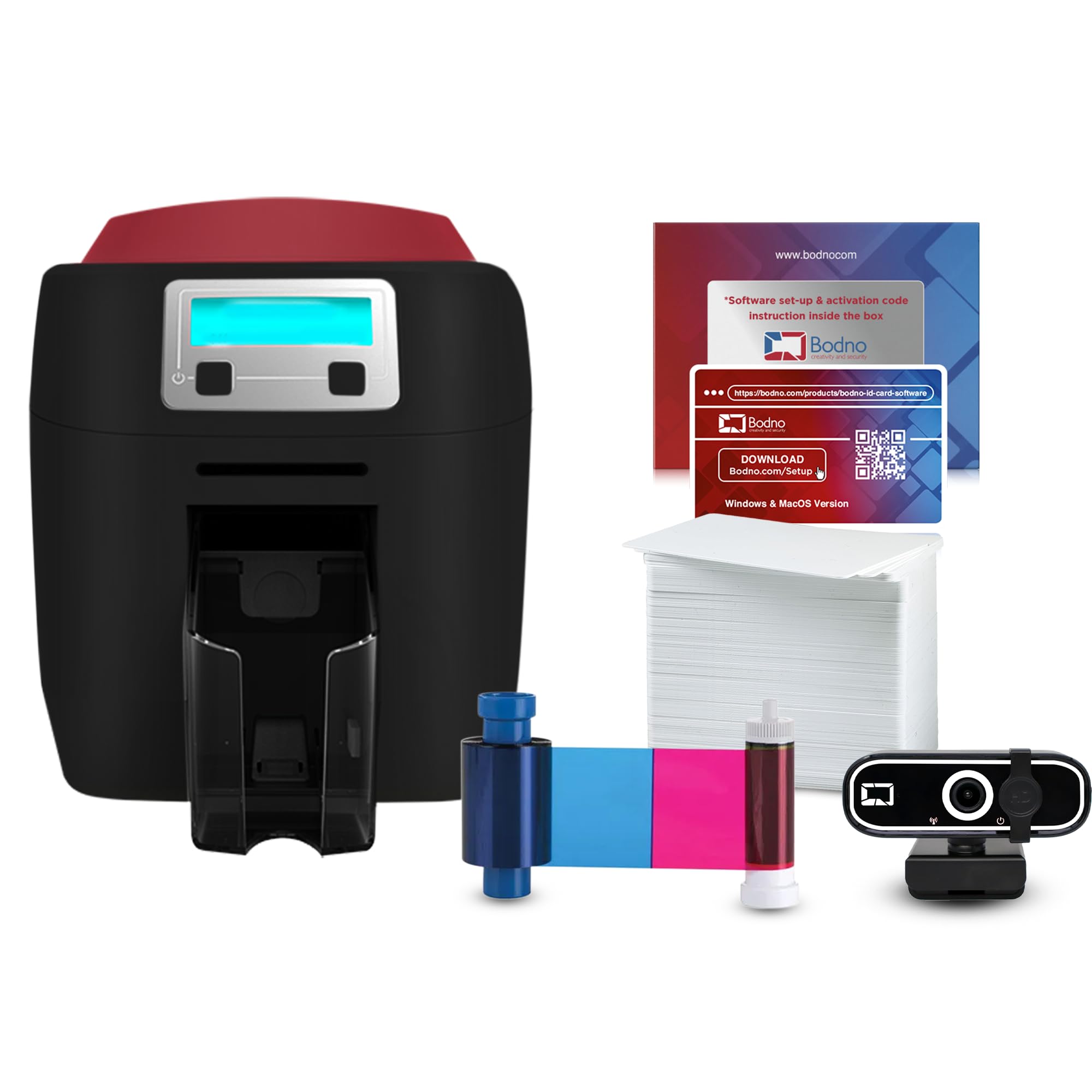
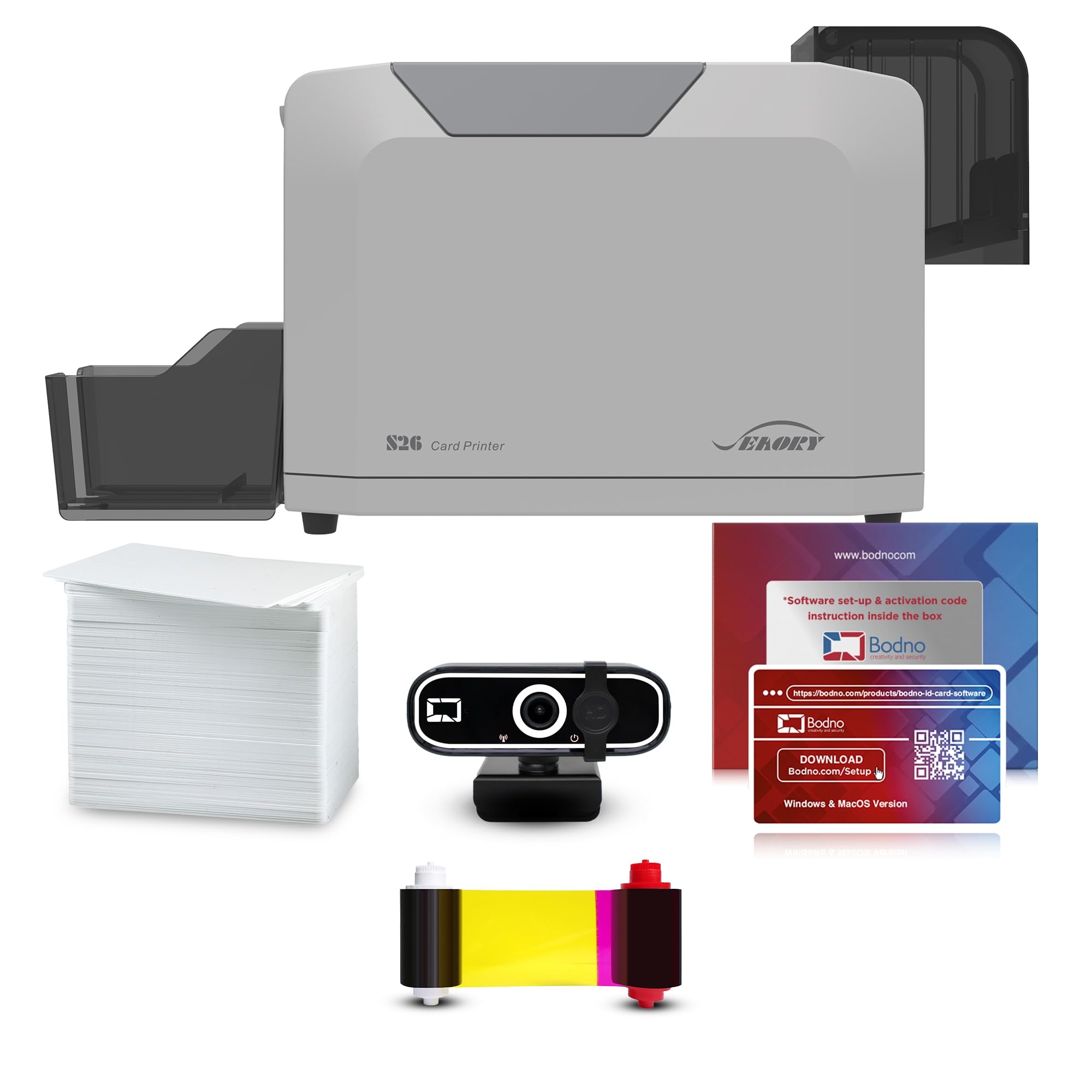


How Card Printers Work
Most plastic card printers use dye sublimation. A heated print head transfers color from a ribbon onto a blank PVC card, panel by panel (yellow, magenta, cyan), followed by a clear overlay that protects the surface. The result is a sharp, durable card that is far tougher than an inkjet printout on paper. A monochrome ribbon option prints only black text and barcodes, which is cheaper when you do not need photos.
Some machines also add a lamination step or encoding modules for magnetic stripes, smart cards or proximity chips. Those extras matter only if your door or payment system needs them, so check your requirements before paying for them.
Who Should Buy Which Type
Small Offices, Schools and Clubs
If you issue a few dozen cards a month, a single-sided desktop printer is the sensible start. It prints a photo and name on one side, and you can add a pre-printed back. Expect the lowest purchase price and a simple setup with the included software.
Businesses with Higher Volume
If you print hundreds of cards a month or need data on both sides, a dual-sided printer saves handling time because it flips the card inside the machine. These models cost more but print faster and often allow optional encoders and laminators.
Event and Membership Organizers
For badges and passes with a short life, a compact printer with a simple card feed and a basic overlay is enough. Check that the supplies are easy to buy, since running out of ribbon on the morning of an event is the real risk.
Key Features to Compare
- Single or dual-sided printing: Dual-sided models print the front and back in one pass, while single-sided models need a manual flip.
- Resolution: Most card printers print at about 300 dpi, which is enough for photos and small text on a standard badge.
- Ribbon type and yield: Full-color ribbons list how many cards they print, such as 100, 250 or 500 images. Divide the ribbon price by that number to find the supply cost per card.
- Card thickness: Standard ID cards are 30 mil thick, and some printers accept thicker cards or special stock.
- Software: Look for badge design software that connects to a spreadsheet or database, so you can print many cards from a list.
- Connections: USB is standard, and Ethernet helps if several people share the printer.
Budget and Running Costs
Entry-level card printers start at roughly $550 to $900, mid-range dual-sided models sit around $1,300 to $2,000, and printers with encoders and lamination go well above that. Many listings are bundles that include ribbons, blank cards and design software, which is often the best value for a first purchase. Always work out the cost per finished card: ribbon cost plus the blank card, plus cleaning supplies. A cheaper printer with expensive supplies can cost more over a year than a better machine.
Software and Workflow
The design software matters as much as the printer if you print more than a handful of cards. Look for software that lets you build a template with a photo, name, ID number and barcode, and that can pull data from a spreadsheet so you can print a whole batch from a list. Some bundles include basic software, while others need a paid upgrade for database features, so check what is included before you buy.
Think about how photos will reach the card too. A webcam or phone image works for most badges, and consistent lighting and a plain background make the cards look professional. If several staff members will use the printer, pick a model with a network connection and clear instructions so that nobody has to guess how to load a ribbon.
Choosing Between Models
Start from your daily volume. A few cards a week suits a single-sided desktop model, a few hundred a month points to a dual-sided printer, and a shared office needs a network connection too. Ask whether the printer can be upgraded later with an encoder or laminator, so you do not outgrow it.
Care and Setup
Keep the printer in a dust-free place, and use the cleaning cards or rollers the maker supplies, because dust on the card surface causes white specks in the print. Store blank cards flat and sealed, and handle them by the edges to avoid fingerprints. Run a test print after loading a new ribbon, and replace the ribbon when you see faded color or banding.
Common Mistakes When Buying a Card Printer
- Ignoring ribbon cost and yield, which decide the real cost of every card.
- Buying a single-sided printer when you need data on both sides every time.
- Paying for an encoder or lamination module that your access system does not need.
- Skipping a check of how easy it is to buy ribbons and cards from several sellers.
If you only need a few business cards or greeting cards on paper, an inkjet is the better tool, and our guide to the best printers for business cards covers that. For more on plastic cards, see our guide to the best id card printers.
Frequently Asked Questions About Card Printers
What is the difference between single-sided and dual-sided card printers?
A single-sided printer prints one side of the card in one pass, so you flip the card by hand for the back. A dual-sided printer flips the card inside the machine, which saves time and gives consistent alignment when you print many cards.
How much does each card cost to print?
Divide the ribbon price by the number of cards it prints, then add the price of a blank card. A full-color print often costs about $0.30 to $0.70 per card, and a monochrome print costs less.
Can I print photo ID cards at home?
Yes, a desktop card printer prints photo IDs when you pair it with badge software and a webcam or image files. Check that the printer uses a color ribbon, since a monochrome-only model prints black text.
Do I need an encoder?
Only if your door, parking or payment system reads a magnetic stripe, a smart chip or a proximity card. If you only print a photo and name for visual identification, you can skip the encoder and save money.
How long do printed plastic cards last?
A card with a clear overlay lasts for several years of normal daily use. Heavy wear, bending and sunlight shorten its life, so replace cards that crack or fade.
Final Thoughts
Decide how many cards you print, whether you need both sides, and what your access system requires, then compare ribbon costs. Check your short list in the product table, and the best card printers for you will be the ones that fit your volume and keep the cost per card predictable.


