
Best Car Security Cameras: A Complete Buying Guide
Disclosure: We may earn a commission when you buy through links on this page, at no extra cost to you. As an Amazon Associate we earn from qualifying purchases. Learn more

Walking out to a shattered window, a missing catalytic converter, or a fresh dent with no witness in sight is one of the more frustrating experiences a car owner can have. If you park on the street, in a shared driveway, or anywhere out of your direct line of sight, having proof after the fact does not undo the damage, but it does help with insurance claims and police reports. This is where car security cameras come in: devices built specifically to watch your vehicle while it sits parked, rather than simply recording footage while you drive.
Car security cameras work differently from the dash cam that might already be mounted on your windshield, and picking the wrong type is one of the most common mistakes first-time buyers make. This guide walks through how these cameras actually function, what separates a genuinely useful setup from a gimmick, and how to mount and power one so it captures something usable when it matters. You will learn how power source, motion detection, mounting position, and storage each affect whether a camera earns its keep.
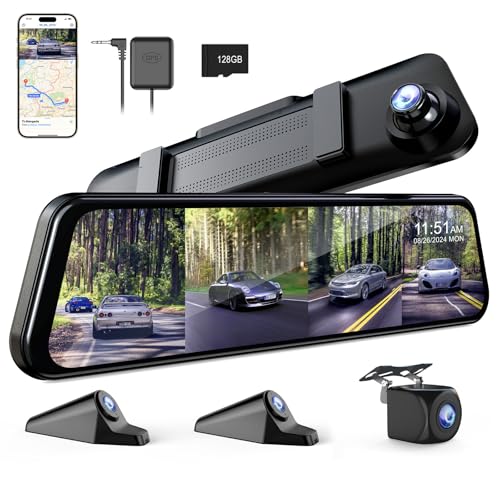
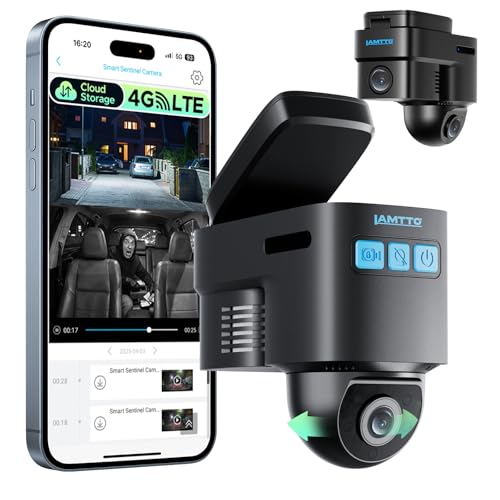
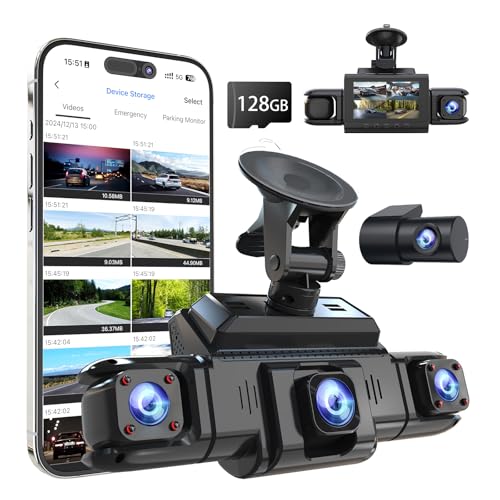
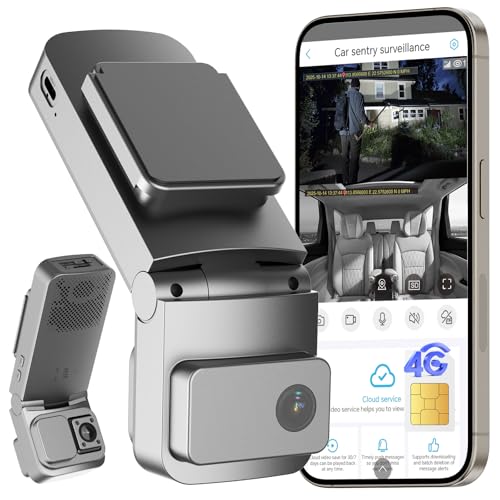

Dash Cam Parking Mode or a Dedicated Security Camera: What Actually Fits a Parked Car
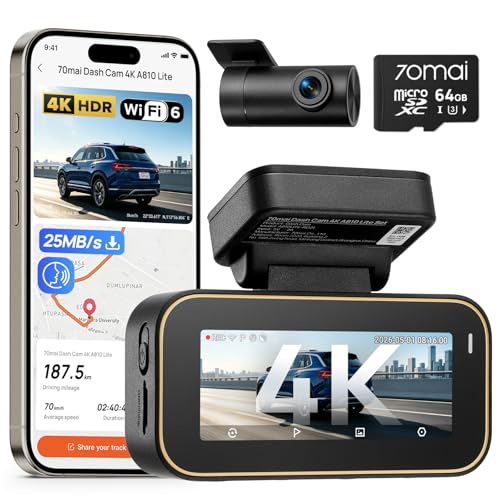
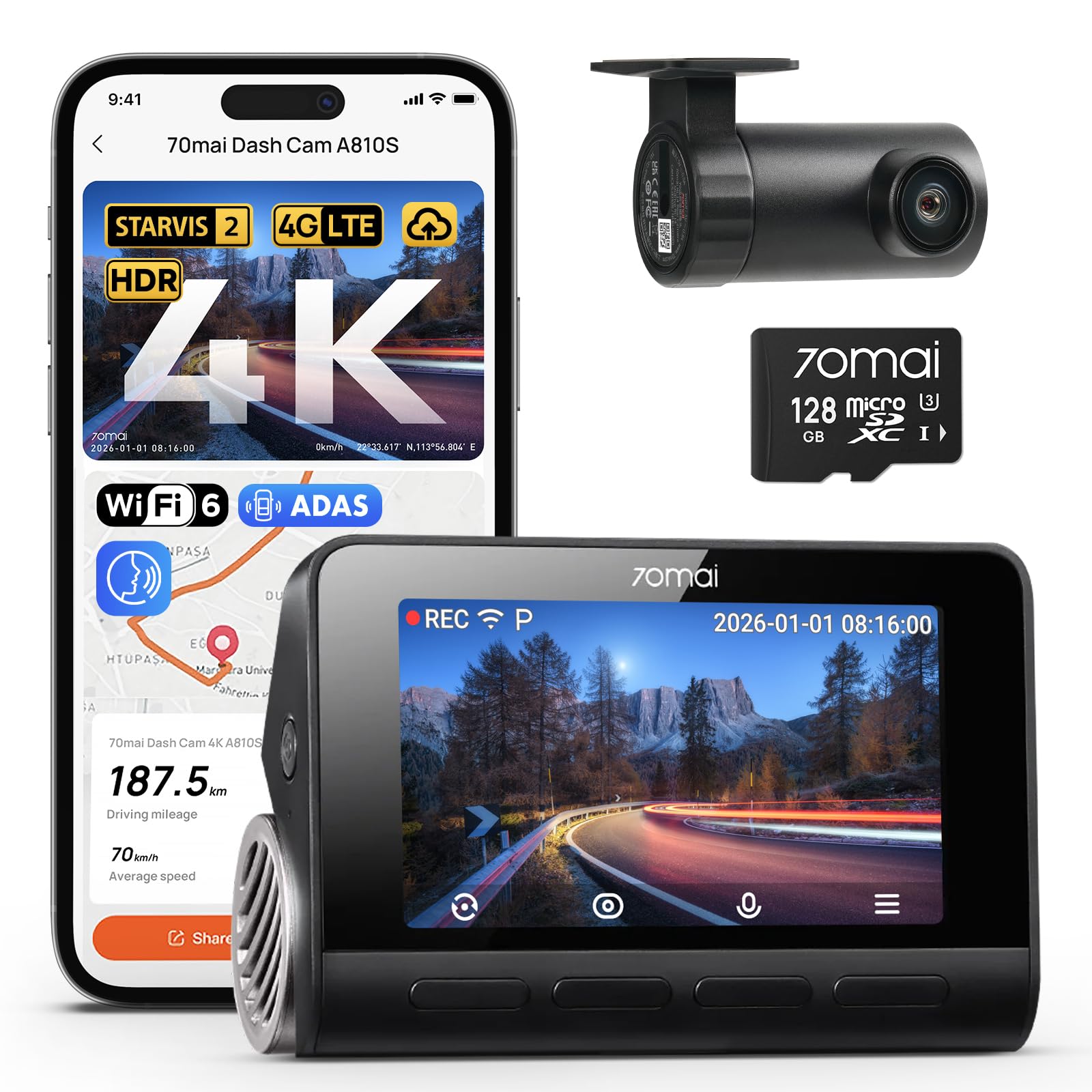
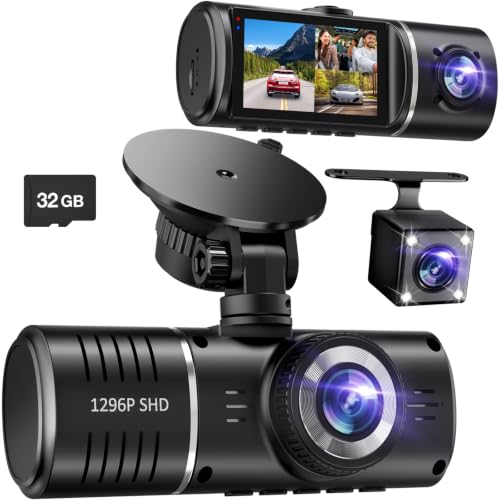
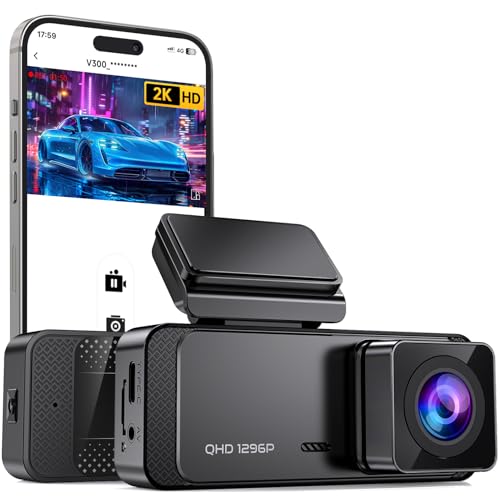
The first decision is which category of device you actually need, because "car security camera" covers a few very different products. A dash cam with parking mode is the option most people already own or consider first. It switches to a low-power standby state when the engine is off, then wakes up to record when its sensors detect motion or an impact. This works well if your car has a decent battery and you do not mind either running a hardwire kit into the fuse box or accepting a shorter parking mode window on battery alone. If you already have one and want to compare current options, our roundup of the best dash cams covers models with strong parking mode performance.
A dedicated standalone security camera is a separate category. These units run on their own rechargeable battery or a small solar panel and mount somewhere around the vehicle, sometimes even off the car entirely if it always parks in the same spot. Because they do not draw from the car's electrical system, they avoid the classic complaint of a dead starter battery after a weekend away. It is also worth not confusing either of these with a backup camera, which exists to help you see behind the vehicle while reversing rather than to monitor it while parked.
Power Source and Connectivity: Keeping a Camera Running When the Engine Is Off
Power source is where most buyers get tripped up, because a car security camera that dies after a few hours defeats the purpose. Hardwired dash cams pull a trickle of power from the car battery through a voltage-cutoff device, which protects against a dead battery but still ties performance to how healthy that battery already is. Battery-only units are more flexible about mounting but need regular recharging, especially in cold weather when battery capacity drops. Solar-assisted models split the difference, topping off a built-in battery whenever there is daylight, which matters a lot if the car sits for days between drives.
Connectivity matters just as much as power. If a camera relies on your home WiFi to send alerts or footage, range becomes a real issue the moment the car is parked at the curb, in a detached garage, or down a long driveway. Some owners solve this by pairing a vehicle-mounted camera with a fixed camera aimed at the parking spot instead, similar in concept to how an outdoor solar powered security camera covers a driveway or yard. For anywhere WiFi does not reliably reach, look for a model with a cellular or LTE option, since it will keep sending alerts even when the router is out of range.
Motion Detection and Alerts That Cut Down on False Notifications
Motion detection is the feature that decides whether you actually watch the footage or ignore the app after a week of false alarms. Basic PIR sensors detect heat and movement but can be triggered by passing cars, pedestrians, or even shifting shadows, which quickly becomes noise. A G-sensor adds impact detection, so the camera flags sudden jolts like a bump, break-in attempt, or a shopping cart rolling into a door panel. Better models combine both and add a short buffer before and after the trigger, so the clip actually shows what happened rather than just the tail end of it.
Look for adjustable sensitivity zones if the camera is mounted where it can also see a sidewalk or street, since you generally want alerts for activity near the vehicle itself, not every passerby. Push notifications with a snapshot attached let you decide in seconds whether an alert is worth a closer look, and two-way audio on some models lets you speak through the camera as a deterrent in real time. Smart parking mode, which only saves short event clips instead of hours of empty footage, also saves you from scrubbing through a full day of nothing to find the ten seconds that matter.
Where and How You Mount It Changes What It Actually Captures
Placement has a bigger effect on usable footage than most people expect. A camera mounted inside the windshield and aimed outward tends to struggle at night, since interior reflections and glare from streetlights bounce back into the lens. Exterior mirror-mount or magnetic units avoid that problem but need a genuinely weatherproof housing to survive rain, road grime, and temperature swings. If the goal is coverage of the whole vehicle rather than just what is directly ahead, a wider field of view or a second camera aimed at the rear becomes far more useful than one narrow forward-facing angle.
If your car parks in the same spot most nights, such as a driveway or an assigned space, a camera fixed to the house or garage and aimed at the vehicle can outperform anything mounted to the car itself. It never needs recharging from a wall outlet, keeps a consistent angle regardless of how the car is parked, and often has a wider field of view than a compact vehicle-mounted unit. Whichever route you choose, aim for an angle that captures the doors, the plate, and the path someone would take approaching the car, not just the windshield.
Video Quality, Night Vision, and Storage: What's Worth Paying For
Resolution matters most when you actually need the footage, since a blurry clip that cannot identify a face or a license plate is not much better than no footage at all. Treat 1080p as the practical floor and look for higher resolution if the camera will be watching from any real distance. Night vision range is just as important, given that a large share of vehicle break-ins and theft attempts happen after dark; check the manufacturer's stated detection distance rather than assuming every "night vision" label performs the same.
Storage is the last piece, and it comes down to a trade-off. A local SD card is simple and does not depend on a subscription, but it can be removed or destroyed along with the incident it recorded if someone finds it. Cloud storage protects the footage even if the camera itself is damaged or stolen, but it usually requires a paid plan and a stable connection to upload clips. Some buyers split the difference with a camera that saves locally by default and only uploads flagged events, which limits ongoing costs while still backing up the footage that actually matters.
Frequently Asked Questions
What's the difference between a car security camera and a dash cam with parking mode?
A dash cam with parking mode is primarily built for recording while you drive, with parking surveillance as an added feature that depends on the car's battery or a hardwire kit. A dedicated security camera is built specifically for watching a parked vehicle, usually runs on its own battery or solar power, and does not need to be wired into the car at all.
Do car security cameras need WiFi to work?
Most models can record locally to an SD card without any network connection. WiFi or cellular connectivity is only needed if you want live remote viewing, instant push alerts, or automatic cloud backup while you are away from the car.
Can a car security camera help with catalytic converter theft?
Yes, a camera aimed to cover the underside approach and both sides of the vehicle can capture footage of someone attempting to remove a catalytic converter, which is useful for police reports and insurance claims. It will not physically stop the theft on its own, so pairing it with a physical deterrent like a shield or lock is still worth considering.
How long does a battery-powered car security camera last before it needs a recharge?
This varies widely by model, motion frequency, and temperature, ranging from roughly a day of heavy activity to a couple of weeks in low-traffic areas with efficient standby modes. Solar-assisted models can extend this significantly if the camera gets consistent daylight exposure.
Where should I mount a security camera to watch my parked car?
Aim for an angle that covers the doors, license plate, and the most likely approach path, rather than only the windshield or a single narrow view. If the car always parks in the same spot, a camera fixed to a nearby structure and aimed at the vehicle often gives more consistent coverage than one mounted on the car itself.
Do car security cameras need a monthly subscription?
Not always. Cameras that save footage locally to an SD card typically work with no ongoing fees, while cloud storage, extended video history, and some remote alert features are usually tied to a paid subscription plan.
How far can a car security camera see at night?
Effective night vision range varies by camera, but many usable models cover somewhere between 20 and 60 feet with enough clarity to make out movement and rough shapes, with fewer covering enough distance to read a license plate in full darkness. Checking the manufacturer's tested detection distance is more reliable than trusting the marketing description alone.
Choosing the Setup That Fits Where You Park
There is no single best car security camera setup for every situation. Someone parking on a busy street each night has very different needs from someone with a fixed driveway spot, and the right combination of power source, mounting position, and storage depends on that context more than any single spec. Start with how and where the car actually parks, then work backward through power, detection, and storage to find a setup that will still be recording the one time it actually counts.