
Best Cameras That Shoot 4K in 2026: The Buyer Checklist We Use
Disclosure: We may earn a commission when you buy through links on this page, at no extra cost to you. As an Amazon Associate I earn from qualifying purchases. Learn more

Compare the best cameras that shoot 4k with a clear checklist on sensors, frame rates, autofocus, audio inputs, storage and battery life for video.
A camera can print 4K on the box and still disappoint you in clips. True resolution, frame rate, autofocus and recording limits separate a sharp tool from a spec sheet promise. The best cameras that shoot 4k pass a short checklist on all four points, and you can check each one against the comparison table below.
This guide turns that checklist into plain questions. You will see who gains most from a dedicated camera, which features change your footage, and which extras you can skip. Work through each section in order, and the right camera type becomes clear before you spend anything.
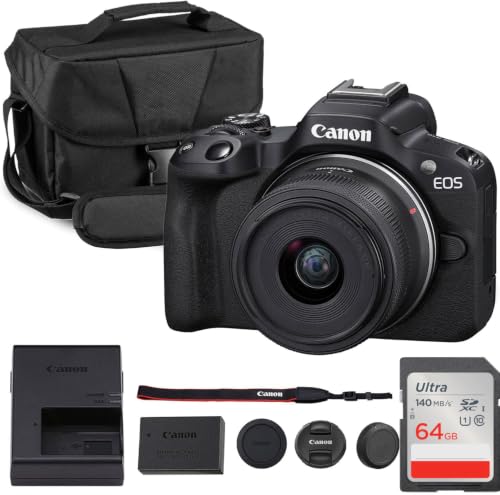


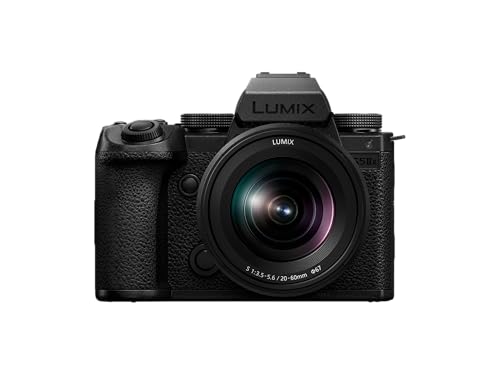
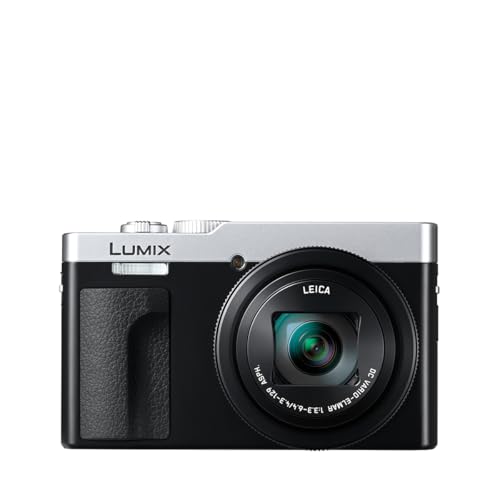

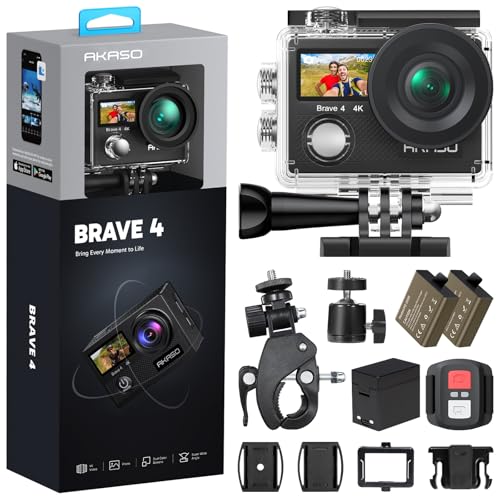


Who Should Buy a Camera That Shoots 4K?
Your main subject and shooting style matter more than any spec. Match yourself to one group first, because that choice sets your budget for lenses, audio and storage.
Families and Travelers Who Want Simple 4K Video
You record trips, school events and family gatherings, and you want clips that look clear on a TV without a complex setup. Choose a compact body with reliable auto modes, a kit lens and a screen you can read outdoors. For that small digital style, see our guide to the best point and shoot digital cameras, or our guide to the best 4k point and shoot cameras for stronger video.
Creators Who Record Themselves Without a Crew
You talk to the camera, film tutorials or record products on a desk, often alone. You need autofocus that holds your face, a screen that faces forward and a microphone input for clear speech. A light body suits desk and tripod work, while file transfer keeps posting on schedule.
Event and Client Shooters Who Need Reliability
You film weddings, sports or paid work where a missed clip cannot be filmed again. You need dual card slots, long recording without a short time limit, and batteries you can swap in seconds. Weather sealing and a second body matter more than size. Budget for support gear too, because reliability comes from the whole kit.
Key Features to Compare
Score every camera on the same six points below. A model that wins on one point and fails on another will frustrate you, so look for balance.
Sensor Size and 4K Picture Detail
Sensor size shapes detail, low light quality and depth of field more than megapixel count does. A 1 inch sensor suits compact bodies and bright scenes. APS C sensors give cleaner video in dim rooms and more background blur. Full frame sensors offer the strongest low light results and the shallowest focus, but their lenses are larger and costlier. Judge clips at your usual light levels, not bright showroom footage.
Lens Choice and How Far Zoom Reaches
The lens decides what fits in your frame and how much light reaches the sensor. A kit zoom that covers wide room views and closer portraits handles most filming. Optical zoom keeps detail at the far end, while digital zoom crops the image and loses quality. A wide maximum aperture helps indoors and softens backgrounds. If you plan to grow, pick a lens mount with affordable lenses to add later.
Autofocus and Stabilization for Video
Video autofocus must track a moving face without hunting or sudden jumps. Look for face and eye detection you can test on a walking subject. Stabilization matters as much for handheld clips. In body stabilization, lens stabilization or a mix of both can smooth small shakes, but none of them replaces a tripod for an interview shot. Walk slowly while you test, because small steps reveal weak stabilization fast.
Frame Rates, Codecs and Recording Limits
True 4K means 3840 by 2160 pixels, and some cameras reach that number by cropping the sensor or using a lower frame rate. Check the frame rates offered at full 4K, since 60p gives smoother motion and cleaner slow motion than 30p. Codecs and bit rates shape file size and editing effort, while 10 bit color and log profiles help with grading. Confirm the recording limit and heat behavior for long takes.
Audio Inputs, Screens and Ease of Use
Built in microphones rarely flatter speech, so a microphone input matters if people talk in your clips. A headphone jack lets you catch hum or wind noise while you can still fix it. A screen that tilts or faces forward helps solo filming and low angles. Clear menus, an auto mode and quick app transfer save time for newer users. Test the grip and buttons in your hands.
Battery Life, Storage and Weather Sealing
Video drains batteries faster than photos, so check minutes of 4K recording per charge, not shot counts. USB C charging and power delivery let you top up from a power bank between scenes. Fast cards matter too, because high bit rates need strong sustained write speeds. Weather sealing helps in light rain and dust, but it is not waterproofing, so use a cover in heavy rain.
Choosing a 4K Camera for Your Situation
The four needs below pull buyers toward different bodies and budgets. Find the one that matches your filming, then check its short list against the product table above. For the wider field, see our guide to the best cameras 4k.
Best Video Cameras That Shoot 4K
Dedicated video focused bodies put long, steady recording first. Look for generous recording limits, cooling that suits long sessions and both microphone and headphone ports. Choose this route when video is the main job and still photos come second.
Best Phone Cameras That Shoot 4K
A phone is always with you, and most models record sharp 4K with stabilization and easy sharing. When you weigh best phone cameras that shoot 4k against a dedicated body, check storage, battery drain on long clips and microphone options. A phone wins on convenience, but a camera wins on zoom, control and long sessions.
Best Cameras That Shoot 4K 60p: What to Check
A 60p mode doubles the frames of 30p, which smooths fast action and lets you slow clips to half speed. Confirm that 60p uses the full sensor width and not a crop that narrows your view. Sports, pets and kids benefit most, while talking head clips gain little. Check card speed too, because 60p files grow faster.
Best Cameras to Shoot 4K Professional Video
Professional work adds delivery and reliability demands. When you shortlist best cameras to shoot 4k professional video, require 10 bit recording, dual card slots for backup and clean output for external recorders if your workflow needs it. Clients expect consistent color across two bodies, so matching picture profiles matters.
Checks to Finish Before Checkout
Answer each question before you order. A single no should send you back to the table.
- Does the camera record true 4K at the frame rate you will use most?
- Does autofocus hold a moving face in the light you film in?
- Does the lens range cover both wide rooms and closer subjects?
- Can you add a microphone, and can you monitor audio with headphones?
- Does one battery last through your longest filming session?
- Are your cards fast enough for the highest bit rate you plan to use?
Common Mistakes to Avoid
These common errors waste money.
- Trusting a 4K badge without checking frame rate and crop leaves you with softer clips than expected.
- Spending the whole budget on the body leaves no money for a microphone, cards and spare batteries.
- Ignoring recording limits means a long ceremony or match can stop mid action.
- Judging clips only on a phone screen hides soft focus and noise that a TV shows clearly.
How to Make Your 4K Camera Last Longer
Clean the lens with a soft lens cloth, not your shirt, because fabric grit can scratch the coating. Keep a spare battery charged and rotate batteries evenly. Wipe the body after dusty or damp shoots.
Store the camera in a dry, padded bag with the lens cap on, away from heat and direct sun. Format cards in the camera after you back up your clips, and update firmware with a full battery. If a dial, port or screen hinge feels loose, have it serviced before a big shoot.
FAQ
What specs matter most for beginners buying a first 4K camera?
Autofocus reliability, a simple auto mode and a versatile kit lens matter most for beginners, ahead of every other spec. Record one room scene at noon and again in the evening, then watch both on your TV, because that comparison teaches you more about your light than any spec list.
How much should you spend on your first 4K camera?
Many capable starter setups land at about $500 to $900 for a body with a kit lens. Reserve part of that total for a fast card, a spare battery and a basic microphone if you record speech. A slightly cheaper body plus those basics gives usable clips sooner than a costly body used alone.
Is a smartphone enough instead of a dedicated 4K camera?
A smartphone is enough for short clips, casual sharing and filming in good light. The clearest gap is control, since a camera gives you direct dials, a real zoom lens and swappable batteries. A phone stays busy while it records, so calls and navigation pause during a long take or event.
What computer do you need to edit 4K camera video?
A recent mid range computer with a fast solid state drive can edit 4K video for short projects. If playback stutters, edit with smaller proxy copies and export from the full files last. Keep a second copy of finished clips on a separate external drive, because cards get reused over time.
Which camera features matter most for 4K video in low light?
A larger sensor and a wide aperture lens matter most for 4K video in low light by far. Adding one small lamp near your subject often improves clips more than raising camera gain, which adds grain. Film a short test in your usual evening light before an event that matters.
Final Thoughts
Start from your group and score the six feature points. Use the product table above to confirm frame rates, ports and battery claims on your final two choices.
When you compare best cameras that shoot 4k with a clear checklist, small spec tricks lose their power and the right camera stands out. Choose the body you will actually carry and charge, and your clips will improve fast.


