
Best Cameras for Your Home: Which One Fits the Way You Use It for 2026
Disclosure: We may earn a commission when you buy through links on this page, at no extra cost to you. As an Amazon Associate I earn from qualifying purchases. Learn more

Compare best cameras for your home by use case, sensor, autofocus, battery, and storage, with clear buying guidance on what to prioritize and skip.
There is no single camera that suits every household, because the job changes from room to room. Choosing the best cameras for your home starts with one honest question: will you mostly record family life, create video, join calls, or keep watch over doors and rooms? Each answer points to a different style of camera and a different set of features worth paying for.
This guide sorts the choice by how you live with a camera day to day. It explains the specs that shape image quality at home, the placement and power details people miss, and the extras you can skip. Use the comparison table below to match each use case against the models you are considering.
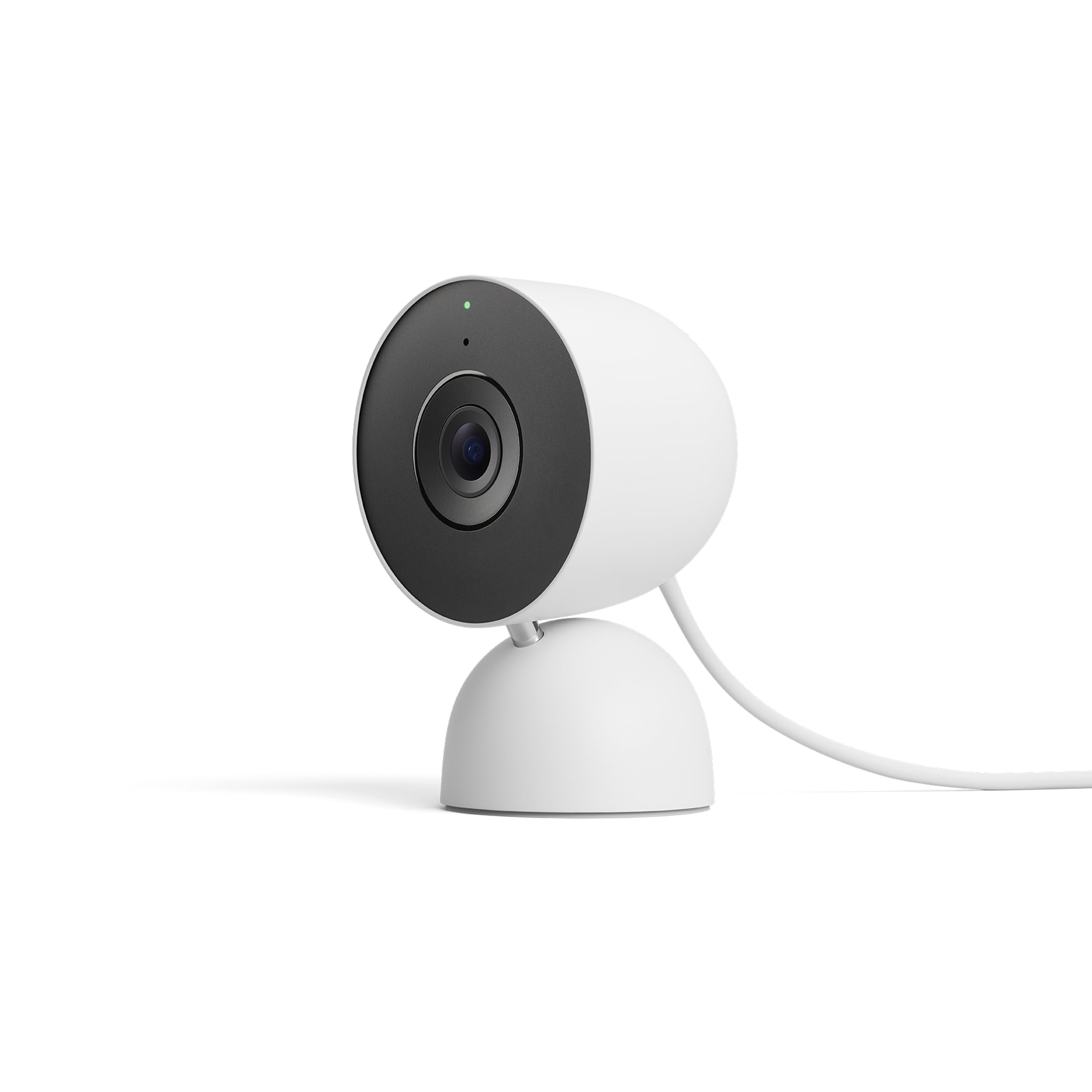

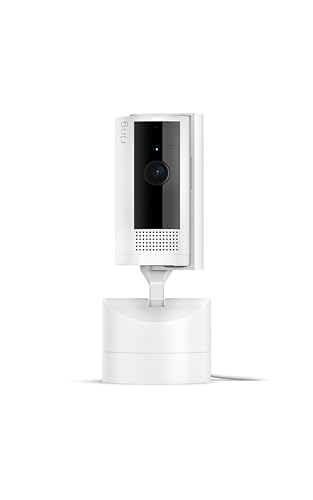
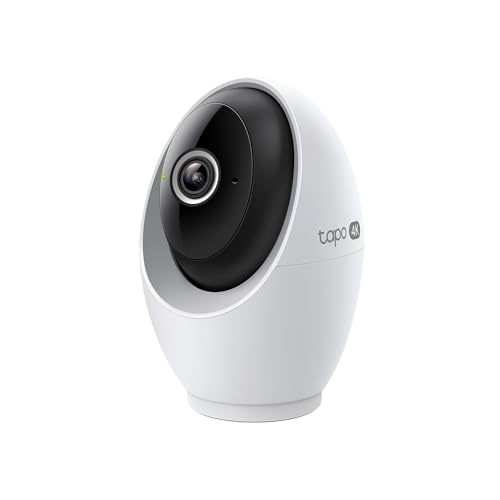


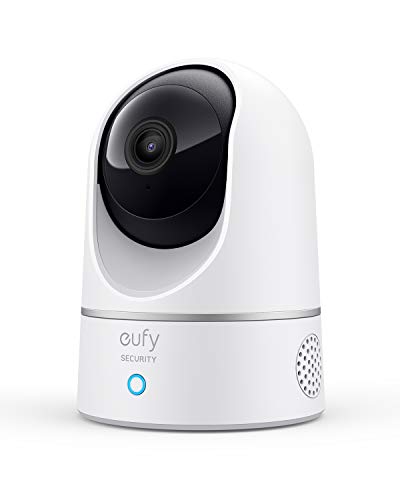
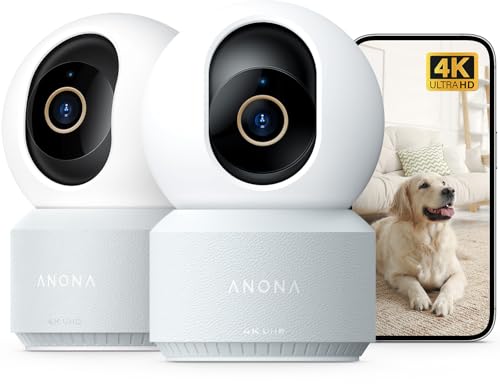

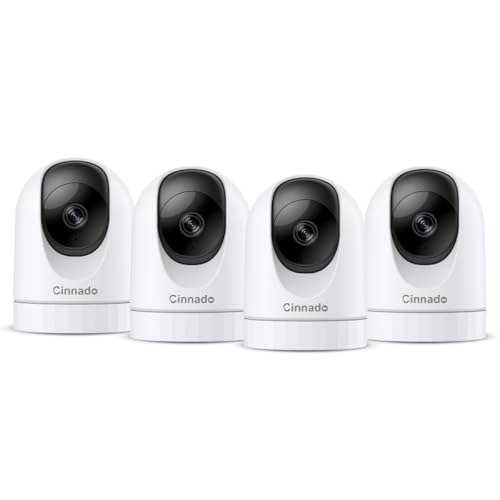
Who Should Buy Which Cameras?
Start with your most common scene, not the specification sheet. The three groups below cover most households, each with a different balance of size, speed, and simplicity.
For Families Recording Everyday Moments
You want a camera that is ready in seconds when a child takes first steps or a pet does something worth saving. Prioritize fast startup, reliable autofocus that tracks faces, and simple controls any adult in the house can use without a manual. A moderate zoom lens covers birthdays in the living room and games in the yard, while built in WiFi makes sharing clips painless. A bulky camera tends to stay in a drawer instead of on the counter where life happens.
For Creators, Streamers, and People Working From Home
If your camera earns its place on a desk or a tripod, clean video and clear audio matter more than still photo bursts. Look for vlogging cameras and desk friendly models with a flip screen you can check while recording, a microphone input, and steady autofocus that holds your face while you move. A dedicated body gives you softer backgrounds and better results in dim rooms than a basic webcam. Plan for a small tripod and a lamp in the same purchase, since lighting shapes your image more than most settings do.
For Households Watching Over Rooms and Entrances
Some homes need a camera that watches rather than one you carry. Fixed monitoring cameras suit nurseries, front doors, and rooms where you want alerts when motion happens while you are away. Prioritize a wide field of view, clear night viewing, two way audio, and alerts that reach your phone quickly. If watching over the home is your main goal, see our guide to the best security cameras for your home for a deeper look at that single job.
Key Features to Compare
The product table above gives you a quick side by side view, but the numbers only help once you know what each one changes at home. When shoppers compare the best cameras for your home, the factors below decide whether footage looks clear and stays steady.
Features That Matter for Your Home
Indoor rooms reward a wide view, honest low light performance, and controls that stay simple under pressure. A field of view around 100 to 130 degrees covers a typical living room from a corner, while smaller angles suit a desk or a hallway. Two way audio helps with kids and pets, and shared accounts let another adult view the feed without your password. Households leaning toward watch duties will find the feature sets in our guide to the best home cameras for security useful for judging alerts and recording options.
Sensor Size and Image Quality
Sensor size shapes image quality more than megapixel counts do. A 1 inch sensor gathers far more light than tiny phone sensors, so indoor photos look cleaner with less grain. APS C sensors go further in dim rooms and give you softer background blur, while full frame bodies deliver the cleanest low light results at the highest cost and size. Megapixels mainly decide how much you can crop or print, and for screens and family albums a moderate count is plenty.
Autofocus and Stabilization
At home, subjects rarely sit still, so autofocus speed decides how many moments you keep. Face and eye detection hold focus on people and pets as they move, which matters for family video and desk recording alike. Image stabilization smooths handheld footage, whether it lives in the lens, in the body, or in a small gimbal under the camera. Stabilization cannot fix a subject that moves too fast, so pair it with a fast shutter setting in dim rooms.
Battery Life and Charging
Battery needs split by camera style. Handheld models list shots per charge, and a rating near 300 shots suits casual family use, while frequent video drains a battery far faster than stills do. USB C charging is worth wanting, because you can top up from the same cables your phones use. Fixed home cameras often stay plugged in, which removes charging from your routine but ties placement to an outlet. One spare battery or a clear power plan keeps the camera ready when the moment arrives.
Planning Placement, Power, and Storage
Where a camera sits and how it stores footage shape your results as much as the camera does. A short plan before you buy prevents glare, dead zones, and full memory cards.
Place fixed cameras high in a corner and angle them down slightly to cover the most floor area with the least blind space. Avoid aiming straight at windows or bright lamps, because the camera exposes for the bright area and leaves faces in shadow. Keep monitoring views to shared spaces and entries, tell household members and guests where cameras are, and check your local rules on recording audio, since consent laws vary by state. A test recording from the planned spot shows glare and blind spots before you drill any holes.
Wireless Freedom and WiFi Strength
Battery powered models free you from outlets, but they still depend on a strong WiFi signal at the mounting spot. Test your phone signal where the camera will sit, because a weak connection causes choppy video and delayed alerts regardless of sensor quality. Mesh WiFi nodes help in larger homes. If flexibility in placement matters most, see our guide to the best wireless cameras for your home for models built around that freedom.
Outdoor Views and Weather Protection
A camera over a porch or driveway faces rain, dust, and wide swings in temperature, so weatherproof sealing is essential rather than optional. Look for a housing rated for outdoor use, a view wide enough to cover the approach path, and night viewing that reaches the street or gate. Optical zoom helps you read detail at a distance, while digital magnification only enlarges pixels and softens the image. For yard and entry coverage, see our guide to the best outdoor cameras for your home.
Recording Length and Storage Choices
Decide how long you want footage kept before you choose between local and cloud storage. Memory cards keep video in the camera and avoid monthly fees, but a stolen or damaged camera takes its footage with it. Cloud plans store clips off site and make searching easy, at the cost of a subscription. Homes that want round the clock coverage of several rooms should review our guide to the best home surveillance cameras, since continuous recording changes both storage needs and camera choice.
Common Mistakes to Avoid When Buying Cameras
Most regrets come from a short list of avoidable errors, and each one below costs money or leaves you with footage you cannot use.
- Buying by megapixel count alone, which leaves you with grainy indoor footage when the sensor is too small for your light.
- Ignoring the light in your own rooms, which leads to dark and blurry video even from a capable camera.
- Choosing a lens that is too narrow for the room, which cuts off the edges of family scenes and watch zones.
- Forgetting storage costs, which turns a low camera price into a monthly bill you did not plan for.
- Skipping the warranty and return terms, which leaves you stuck if the camera fails or the app frustrates you.
Care and Maintenance Tips
Clean the lens with a soft lens cloth, never your shirt, because shirt fabric can drag grit across the objective lens and leave fine scratches. Store a handheld camera in a dry padded bag away from steamy bathrooms, and keep a spare battery charged for unplanned moments. For fixed cameras, wipe the housing and lens cover every few months, since dust and spider webs near the lens cause glare and false motion alerts at night.
Update the camera software when the maker releases a fix, and protect connected cameras with a strong unique password and two factor sign in where offered. Check mounts and cables twice a year for looseness or sun damage, and review stored footage monthly so a full card or a lapsed plan never surprises you.
Cameras: Your Questions Answered
What features matter most in a camera for home use?
Sensor size, autofocus, and a lens angle matched to your room matter most in a camera for home use. These three decide whether indoor footage looks clean, stays sharp on moving kids and pets, and covers the space you care about. Before ordering, record a test clip on a store demo unit in light like your own living room, because your rooms reveal more than any spec sheet.
Which camera sensor size handles low light best at home?
A full frame sensor handles low light best at home, with APS C close behind and 1 inch sensors as the compact option. Larger sensors gather more light per pixel, so faces stay clear with less grain after sunset. Lens aperture matters alongside size, so a bright lens on a smaller sensor can rival a slow lens on a larger one. Adding one soft lamp near your usual filming spot improves results more than any setting change.
Is a smartphone enough instead of a dedicated home camera?
A smartphone is enough for occasional photos, but a dedicated home camera wins for daily and unattended use. Your phone leaves with you, drains its battery on long recordings, and cannot watch a room while you are out. A fixed or counter ready camera is always in place and ready the second something happens. Many households start with a phone, then add one dedicated camera for the room that matters most.
How much should you spend on a first home camera?
Most first time buyers do well with a first home camera that costs around $100, while stronger options run about $250. That span covers capable compact and solid fixed cameras with the features this guide describes. Reserve part of the budget for a memory card, a spare battery or mount, and any storage plan, since those extras often add about $50 in total. Spending more mainly buys a larger sensor, faster autofocus, and sturdier build quality.
What specs matter most for beginners buying a home camera?
Simple automatic modes, face detection autofocus, and a forgiving wide to moderate zoom matter most for beginners buying a home camera. These specs let you point, record, and get a usable result while you learn. Avoid models that bury basic settings in deep menus or require manual focus for everyday shots. A clear screen, USB C charging, and a transfer method you already understand will help you more than advanced manual controls.
How long do home camera batteries and memory cards last?
Home camera batteries typically hold a useful charge for about two to four years before runtime noticeably shortens. Heavy daily video use wears a battery faster than occasional stills, and heat speeds the decline. Memory cards last longer, but constant rewriting can wear a card in about one to two years of continuous recording. Mark the install date on each card and keep one spare so a failure never leaves a gap in coverage.
Wrapping Up
Match the camera to the job first, then weigh sensor size, autofocus, and storage in that order. Families need speed and simplicity, creators need clean video and audio, and watch duties need placement and power planned. Use the comparison table above to check your shortlist against those priorities, and you will land on the best cameras for your home with confidence rather than guesswork.


