
Best Cameras for Seniors: A Checklist for 2026
Disclosure: We may earn a commission when you buy through links on this page, at no extra cost to you. As an Amazon Associate I earn from qualifying purchases. Learn more

Run this checklist for the best cameras for seniors: grip and weight, screen text size, simple automatic modes, stabilization, and honest price bands.
A camera earns its place in later life by being picked up, not by its spec sheet. The honest test is an afternoon of real use: a family lunch, a garden walk, a school concert from the back row. This checklist for the best cameras for seniors judges every camera on handling first, because grip, weight, and a clear screen decide whether a camera gets used or stays in a drawer.
Work through the handling and picture checklists below, note which price band your budget falls in, and compare your shortlist against the comparison table below. Cameras that fail the handling checks rarely make up for it with picture quality.
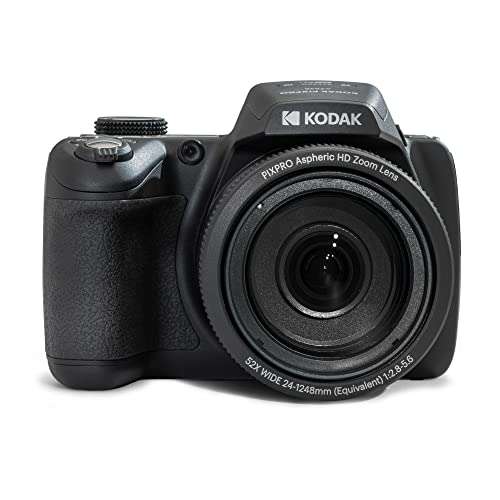

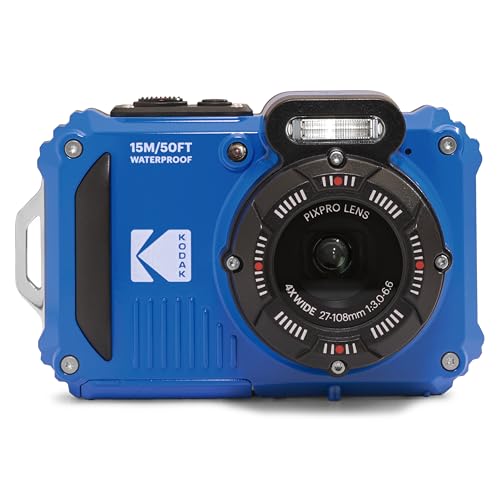


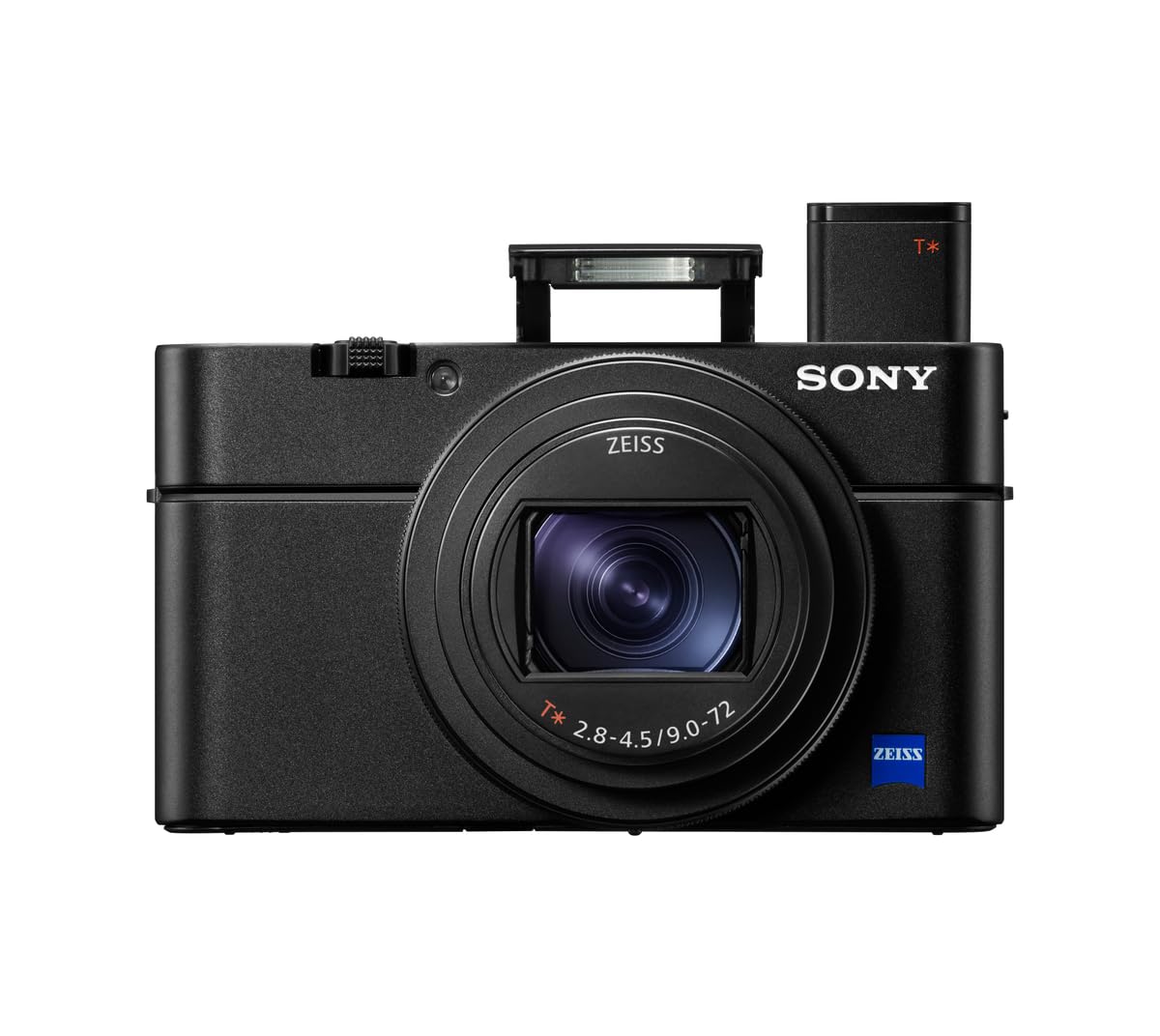

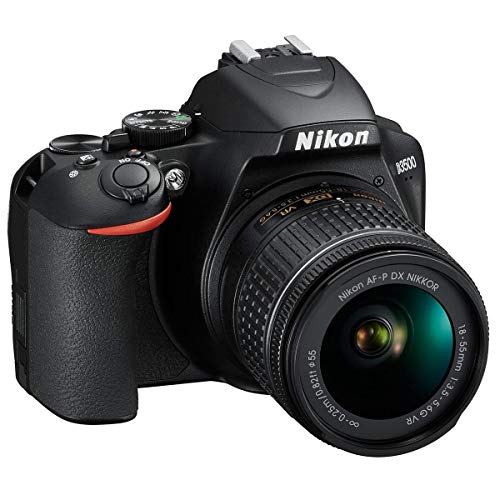

The Handling Checklist
Grip, Weight, and Button Size
Hold the camera one handed for a full minute in the store. A deep, textured grip and a weight under about a pound and a half keeps the hand relaxed, while smooth, heavy bodies tire fingers and slide. Buttons should be large, spaced, and findable by touch, with a shutter button that needs no hunt. One boundary matters: if new hand pain, a new tremor, or changes in your vision make any camera hard to use, raise that with your clinician rather than shopping around it.
Screen Size and Menu Text
The rear screen is your instruction book and your viewfinder at once. Look for a screen of about 3 inches or larger, with menu text you can read at arm's length without squinting, and a touch screen that lets you tap to focus instead of chasing a tiny joystick. Menus should say what they do in plain words. If the text stays small at the largest setting, that camera will frustrate you at home no matter how good its lens is.
Automatic Modes That Do the Work
A good fully automatic mode is a feature, not a compromise. The camera should judge light, focus, and steadiness on its own, so a family moment is captured before settings enter your mind. Scene modes for portraits, food, and night shots are worth having; deep manual menus are not, unless you enjoy them as a hobby. Judge this in the store by taking three shots without opening a single menu.
The Picture Checklist
Stabilization for Unsteady Hands
Image stabilization inside the body or lens smooths the small movements every hand makes, and it matters more with each added year of shooting. It cannot fix a big sway, but it rescues the slight tremor that blurs faces at indoor shutter speeds. Test it by photographing a sign across the store at full zoom; the steadier view is the one that will serve you at concerts and church halls.
Zoom That Replaces Walking Closer
A long zoom brings the stage, the bird feeder, and the far end of the garden to you. Look for optical zoom figures you can compare, about 10x to 30x in compact bodies, and ignore digital zoom claims, which only crop the picture. Pair the zoom with stabilization, because a magnified view magnifies hand movement too. At full reach, a fence or a companion shoulder makes a fine rest.
Light, Sensors, and Indoor Photos
Most senior photography happens indoors: birthdays, recitals, holiday tables. A larger sensor, 1 inch or APS C, gathers more light and keeps faces clean without a harsh flash. Megapixels beyond about 20 add little for prints and family sharing. The same sensor ladder runs through best digital cameras generally, so judge indoor samples, not daylight ones, when a store lets you try the camera near a dim corner.
What Your Money Buys: Three Price Bands
Under About $200: Simple Compacts
Entry compacts offer a small sensor, an honest automatic mode, and little else. They suit grandparents who want a camera that lives in a coat pocket and never asks a question. They overlap with best starter cameras for any age, with the same warning attached: screens and buttons run small at this level, so the handling checks matter most here.
About $200 to $500: The Comfort Band
This band buys 1 inch sensors, larger screens, stronger zoom, and stabilization that earns its name. For most buyers this is where handling and picture quality meet, and where a camera stops feeling like a gadget and starts feeling like a tool. Comparisons of best quality cameras often crown heavier bodies; your one minute hold test outranks their charts.
About $500 to $1,000: Bigger Bodies, Bigger Controls
Larger bodies bring larger grips, dials you can turn with stiff fingers, viewfinders for bright days, and the best low light results. The weight climbs too, so the hold test decides whether this band is a pleasure or a burden. Buy here for the controls and the viewfinder, not for megapixels you will never print.
Quick Buyer Checklist
Before you pay, answer these questions honestly in the store:
- Can I hold this camera one handed for a full minute without strain?
- Can I read every menu line at arm's length?
- Can I take a good photo without opening any menu?
- Are the buttons findable by touch alone?
- Does the zoom reach my usual subjects, with stabilization on?
- Does the battery charge from a simple cable I already own?
- Would I carry this camera on a normal day out?
Red Flags to Watch For
Walk away from cameras sold mainly on digital zoom figures, megapixel counts far beyond what the sensor size can use, or bundles padded with cards and cases instead of a better body. Be wary of screens that cannot brighten, menus locked at small text, and warranties that shrink to a few months, since service matters more as parts and habits change.
Class mix ups waste searches too. A listing for best door cameras is selling a home security device that watches your doorstep, a useful product but no help at a grandchild recital. Check that the page in front of you is about cameras you hold.
Choosing Cameras for Your Situation
For Family Gatherings and Grandkids
Choose a comfort band compact with a fast automatic mode and a screen that tilts for group shots. Faces at close range need little zoom, so spend on light handling and stabilization instead, and keep the camera on a wrist strap, because the best shots happen while plates are being passed.
For Travel and Garden Walks
Travel rewards the long zoom compact in a padded case, with a spare battery for full days out. Garden and bird shots want the strongest stabilization you can afford, plus a screen that tilts so you can compose low flowers without kneeling. General guides to best cameras for photography rank zoom and light the same way; the senior difference is the weight ceiling you set before you shop.
For a Vintage Look and Slower Pleasures
The pull of best vintage cameras for seniors is real: dials you turn, film you load, and a slower pace that suits a deliberate photographer. Film classes ask more of you, though. Every roll costs money to buy and develop, there is no screen to check, and loading film with stiff fingers takes practice. Many readers split the difference with a digital body that offers simple dials and a classic shape.
One more naming trap deserves a sentence. Search results for best monitor cameras for seniors lead to home monitoring units that watch a room for safety, a different product class from any camera in this guide, so treat that purchase separately if it is what you need.
Tips to Get the Most From Your Camera
Use a microfiber cloth, not a shirt corner, to clean the lens, and keep a spare battery charged in the same bag as the camera. Store the camera in a dry, padded case away from bathroom steam. Set the date and your preferred text size once, at the kitchen table, rather than fighting menus outdoors. Print a few favorite photos each month; prints are the backup that never needs a password.
Frequently Asked Questions
What makes a camera easier for a senior to use?
Size of controls, clarity of the screen, and honesty of the automatic mode, in that order. A camera you can hold, read, and trust without menus will be used weekly; a technically finer camera that fights your hands will not. Before you buy, ask the store to let you delete a photo and change one setting unaided; if both feel easy, the camera fits your life.
Which camera class is best for low light family photos?
Compacts with a 1 inch sensor are the sweet spot for indoor family photos, gathering enough light for clean faces without flash. Larger APS C bodies do better still but add weight. Whatever you choose, stand so the window light falls on your subjects rather than behind them; that free change beats any setting on the camera.
Is a smartphone enough for a senior photographer?
For many readers, yes. A phone you already carry has a large bright screen, simple controls, and family sharing built in. A dedicated camera earns its place when you want real zoom for stages and wildlife, a grip that suits your hands, or a battery that is not shared with calls and messages. Try the phone honestly for a month of family events before you spend.
How much should a senior spend on a first camera?
About $200 to $500 covers the comfort band where handling, screen size, and stabilization all come together. Spend less only if pocket size matters most, and more only if your hold test says the bigger body feels better, not worse. Keep a little budget back for a case, a spare battery, and a large print or two to enjoy the results.
Do seniors need a camera with a viewfinder?
A viewfinder helps on bright days when a rear screen washes out, and it steadies the camera against your face. Many seniors prefer the larger rear screen for composing, though, especially with glasses. If you shoot outdoors often, choose a model with both; if most photos happen indoors, the screen alone is simpler and lighter.
Final Thoughts
Run the hold test, the reading test, and the no menu photo test, and most cameras will sort themselves. Compare the survivors in the product table above, weighing stabilization and zoom against honest weight. Chosen by handling first, the best cameras for seniors are the ones that leave the house with you, and that is the only specification that truly matters.


