Best Cameras for Instagram Videos: A First Time Buyer's Guide for 2026
Disclosure: We may earn a commission when you buy through links on this page, at no extra cost to you. As an Amazon Associate I earn from qualifying purchases. Learn more

Shopping for the best cameras for instagram videos for the first time? Learn the terms, compare options, and avoid rookie mistakes with this easy guide.
If you have only filmed on a phone, buying a camera can feel confusing, because spec sheets list dozens of numbers that rarely explain what changes on screen. The best cameras for instagram videos make vertical clips look clear, sound clean and stay steady while you move. This guide starts with plain language basics, then shows you how to use the comparison table below.
Think first about how you actually post. A talking Reel at a desk, a cooking demo in a small kitchen and a travel clip on a windy street each reward a different mix of lens, sound and size. The sections below match those habits to the choices that matter.


Who Should Buy a Camera for Instagram Videos?
Start with the clip you post most often, not the clip you dream about once a year. Your filming position, room and subject decide which camera type feels easy from the first week.
Solo Creators Who Talk to the Camera at Home
You film alone at a desk or in a bedroom, so you must see yourself while you record and trust the camera to keep your face sharp. Choose a model with a screen that turns to face you and autofocus that locks onto eyes. A compact or small mirrorless body both work here, and a quiet room matters more than a large sensor.
Lifestyle Creators Who Film While Walking and Traveling
You shoot in streets, markets and parks, often while walking and talking. Choose a light body with strong stabilization, a lens wide enough for arm length filming and a secure one hand grip. Weather sealing helps in light rain and dusty places, and a small kit is one you will actually carry all day.
Small Business Owners Who Film Products and Demos
You show hands, tools, food or products at close range, and viewers judge detail and color before they read a caption. Choose a camera that focuses closely, holds focus when your hands move and records true colors under shop lights. If you also post still photos, see our guide to the best cameras for instagram for the photo side of the same workflow.
Key Features to Compare
When you compare best cameras for instagram videos side by side, work through the factors below in order. They affect every clip, while minor menu extras affect almost none.
Vertical Video, Resolution and Frame Rates
Instagram Reels play in a tall 9 by 16 frame, so check whether a camera marks that frame on screen or records tall video directly, because guides help you leave space for captions and buttons. Most beginners should choose 4K video at 30 frames per second for crisp detail, with 60 frames per second for smoother pans or gentle slow motion. Higher modes drain batteries and fill cards sooner, so save them for specific shots.
Sensor Size and Low Light Quality
The sensor gathers light, and a larger sensor usually gives cleaner images in dim rooms and softer backgrounds. A 1 inch sensor in a compact camera suits travel and desk filming, APS C sensors in mirrorless cameras give a clear step up indoors, and full frame sensors suit creators who film at night often. Megapixel counts matter less for video, because a Reel uses only part of the still photo resolution, so judge low light quality by sensor size and lens brightness together.
Focus That Tracks You and Footage That Stays Smooth
Autofocus decides whether your face or product stays sharp when you lean, gesture or walk toward the camera. Look for face and eye detection that follows you without hunting, because soft focus is the flaw viewers notice first and editing cannot fix it. Image stabilization smooths small hand movements, in lens form, body form or digital form. Body and lens systems handle walking shots best, while digital systems crop the frame slightly, so leave extra room around your subject.
Flip Screen and Sound Recording
A screen that flips forward lets you check framing, exposure and focus while you stand in front of the lens, which saves repeated takes when you film alone. Sound deserves equal attention, because viewers forgive soft light sooner than muffled speech. A microphone input lets you add an external microphone for windy streets or echoing rooms, and a headphone socket lets you confirm sound before a full take. These are core traits of vlogging cameras, so if long talking pieces are your format, see our guide to the best cameras for video blogging.
Lenses and Optical Zoom
The lens decides how much of the room fits in frame and how close you can stand to your subject. A wide view, roughly equal to 20 to 28 mm in full frame terms, suits arm length filming and small rooms, while a mild zoom tightens the shot without moving the tripod. Optical zoom uses glass and keeps detail, while digital zoom crops and loses detail. Fixed lens compacts keep a first purchase simple, and interchangeable lenses let mirrorless cameras grow with you.
First Shoot Setup: Charging, Framing and Test Clips
Charge the battery fully, format the memory card in the camera and turn on the tall frame guides before your first real shoot. Record a ten second test clip at your desk and play it on your phone at full brightness, because focus or sound problems are easier to spot there than on the camera screen.
For your first week, keep the camera on a small tripod at eye level, sit about an arm and a half from the lens and face a window or a soft lamp. Use a lens cloth, not your shirt, to clean the front glass, since shirt fabric can drag grit across the coating. Carry a spare battery and card, because retakes add up quickly. For broader camera types, see our guide to the best cameras for video and our guide to the best digital cameras.
Common Mistakes to Avoid
Most first purchase regrets come from a short list of avoidable errors.
- Buying for still photo megapixels leaves you paying for detail that a vertical Reel never shows.
- Filming in the highest frame rate all day drains batteries and fills cards before your best take.
- Ignoring the microphone input forces you to accept echoing room sound in every talking clip.
- Cropping a wide horizontal clip to tall shape in editing throws away most of the frame and softens the result.
- Choosing a heavy body for travel filming means the camera stays home on the days you post most.
Care and Maintenance for Cameras Used for Instagram Videos
Wipe the lens and screen with a clean microfiber cloth before shoots, and store the cloth in a sealed pouch so it does not collect grit. Keep the camera in a dry case away from steam and kitchen grease, and use a blower to clear dust from the lens mount before you change lenses. Never touch the sensor, and leave sensor cleaning to a service shop if spots appear in every clip.
Charge batteries after a shoot day rather than leaving them empty for weeks, and rotate two batteries so each gets even use. Copy clips to your phone or computer the same day, then format the card in the camera only after you confirm the copies open. Check the tripod socket and screen hinge each month, because daily vertical filming stresses those parts.
FAQ
What features matter most in cameras for instagram videos?
Reliable face autofocus, a screen that faces you and clean sound matter most for instagram videos. Those three decide whether a solo Reel looks sharp, framed and easy to hear. A useful extra is a product showcase mode on some compacts, which shifts focus to an item you hold up for the camera.
What specs matter most for beginners buying a camera for instagram videos?
For beginners, the specs that matter most are sensor size, lens brightness and the tall frame guide. Start there and ignore long menu lists during your first month. One habit helps more than any spec: record at the same settings for two weeks, so you learn exposure and focus before chasing advanced color modes.
How much should I spend on a first camera for instagram videos?
A sensible first budget is about $400 to $800 for the camera and lens together. That range covers capable compacts and entry mirrorless kits with the features this guide describes. Keep about $75 to $150 aside for a microphone, a small tripod, a spare battery and cards, because those often improve clips more than a costlier body.
Which camera type is better for low light instagram videos?
A mirrorless camera with an APS C or full frame sensor is usually better for low light instagram videos. Its larger sensor and bright lenses gather more light than a small compact sensor can. Placement helps too: move closer to a lamp or window and keep the background darker than your face, so skin tones look cleaner.
Is a smartphone enough instead of a camera for instagram videos?
A current smartphone is enough for instagram videos if you post casually and film in good light. It uploads directly and its tall framing is native, which keeps posting fast. A dedicated camera earns its cost when you film daily, work in dim rooms or need longer recording without calls or storage warnings interrupting a take.
Do cameras for instagram videos need a flip screen and a microphone input?
Yes, most solo creators need both a flip screen and a microphone input on a camera for instagram videos. The screen removes guesswork from framing, and the input removes thin, distant body microphone sound. If a model lacks an input, check for USB microphone support, because some newer bodies accept audio through that port instead.
The Bottom Line
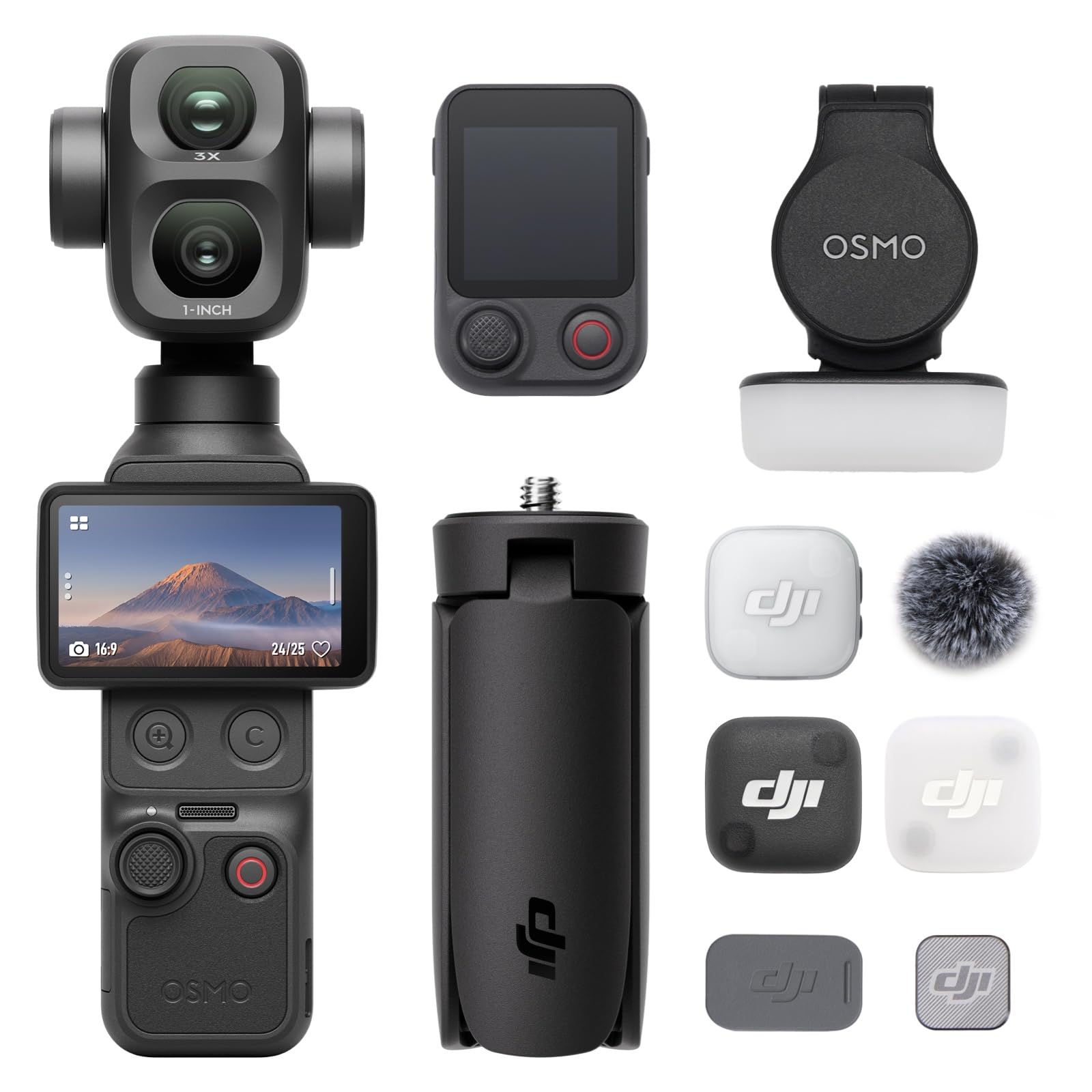
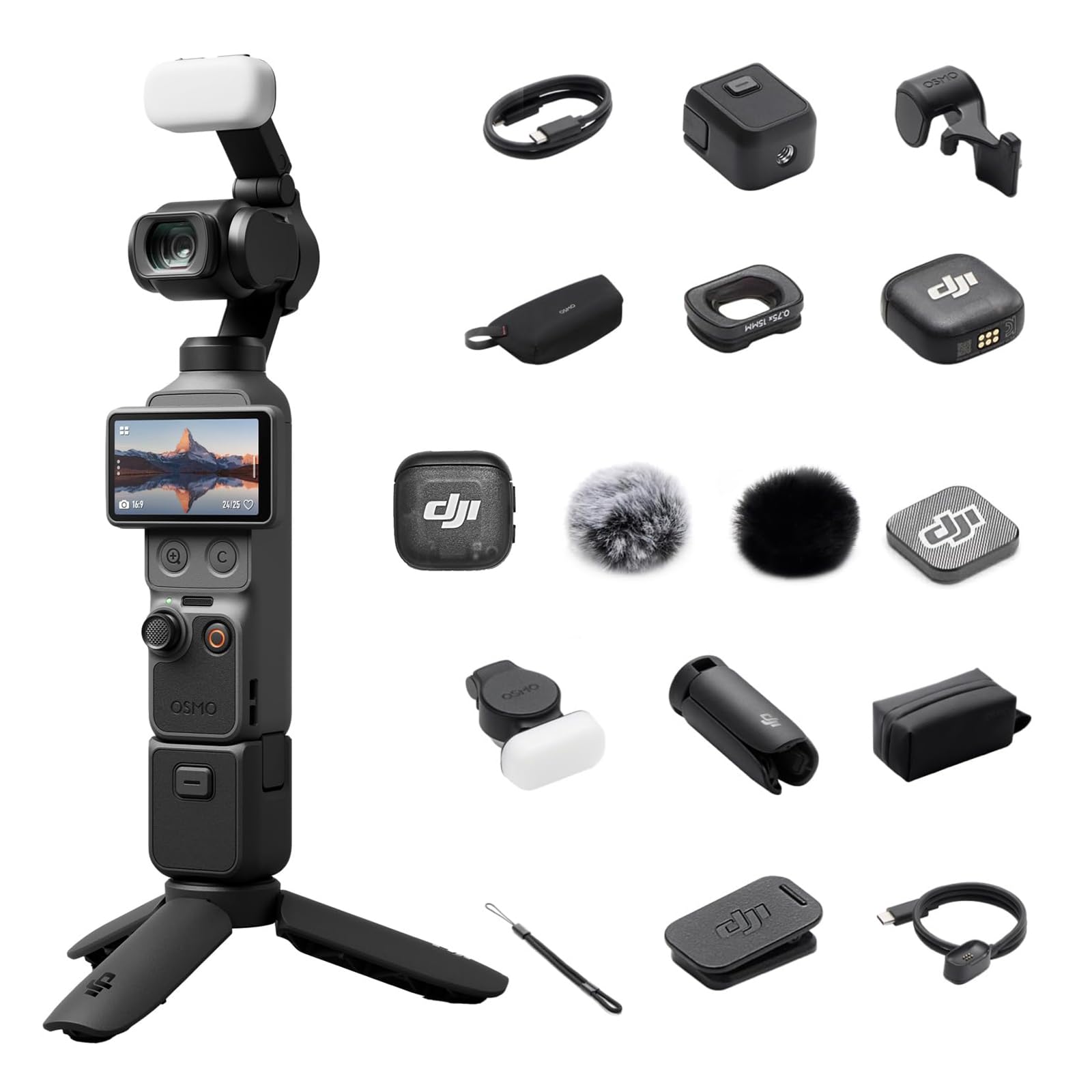
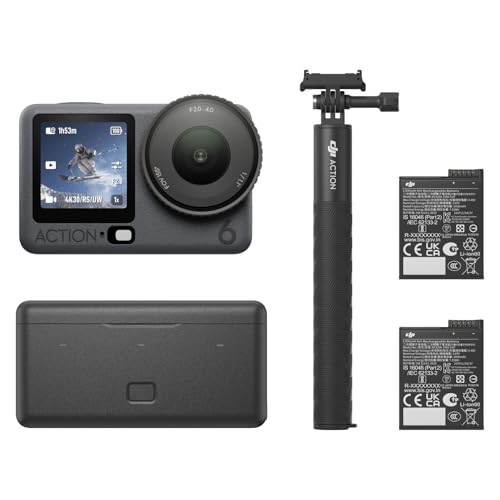
Choose the camera that matches the clip you post most: steady autofocus and a forward facing screen for talking Reels, light weight and stabilization for travel clips, and close focus with true color for product demos. Keep your first kit small and use the product table above to compare size, video modes and price.
When the basics fit your routine, the best cameras for instagram videos stop feeling like a spec puzzle and start feeling like a simple daily tool. Buy for your light, your room and your subject.