
Best Cameras for Inside House: A Checklist for 2026
Disclosure: We may earn a commission when you buy through links on this page, at no extra cost to you. As an Amazon Associate I earn from qualifying purchases. Learn more

Use this checklist to compare the best cameras for inside house by field of view, night vision, privacy controls, storage and price before you buy.
An indoor camera earns its place by watching one room well without watching too much. This checklist helps you choose the best cameras for inside house use by scoring the things that decide daily life with the camera: where it may sit, what it can see after dark, how it stores clips and how much of your household it hears. The comparison table below shows how the main classes differ.
Keep one limit in view from the start. An indoor camera is a monitoring aid: it records events so you can review them later, and it prevents nothing on its own. Strong passwords, current updates and honest placement do more for a household than any single spec, so the checklist below weighs those setup classes alongside the hardware.


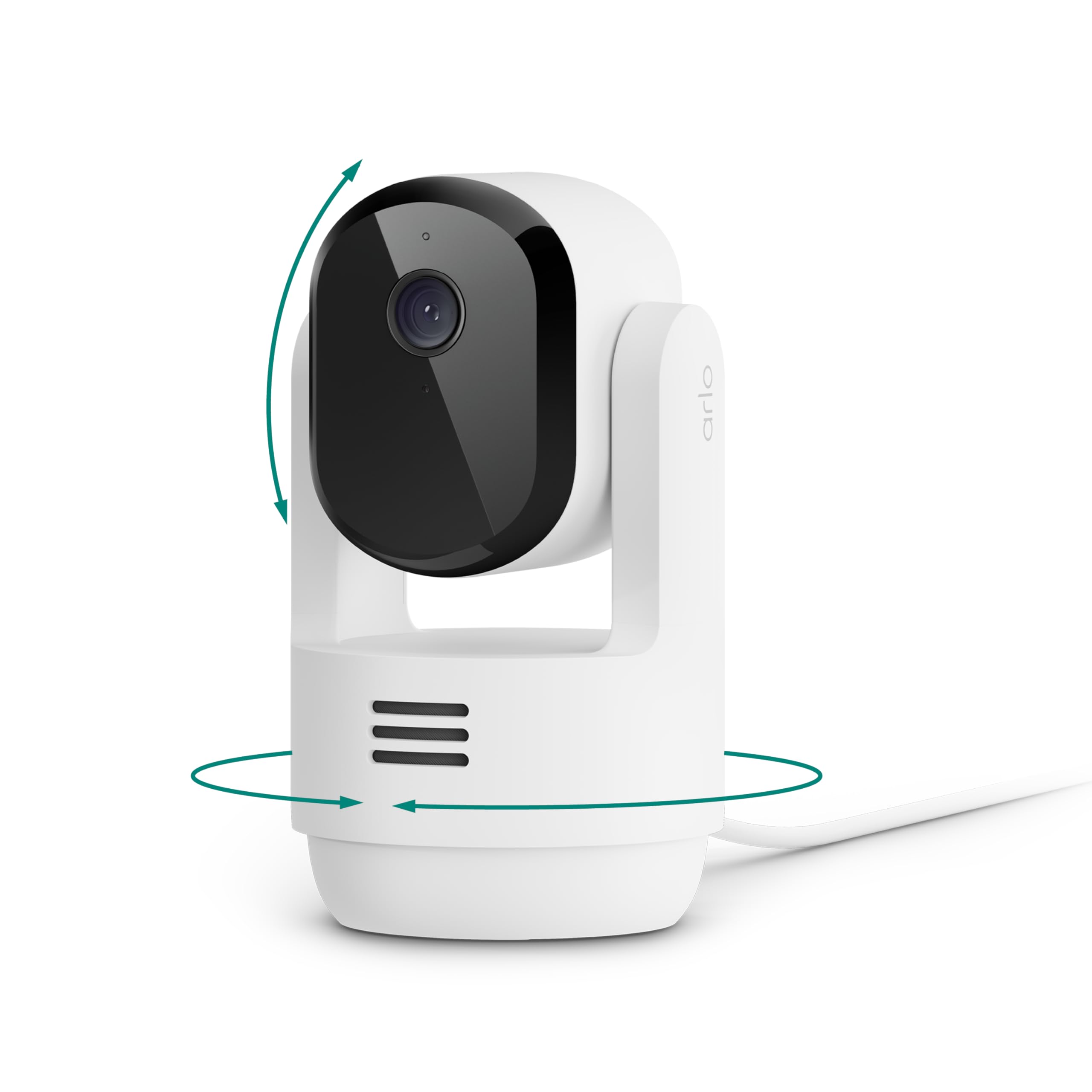

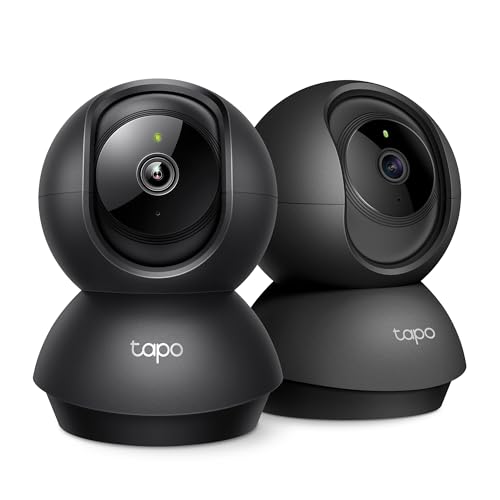
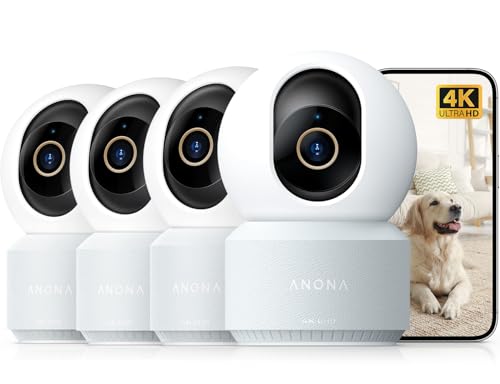
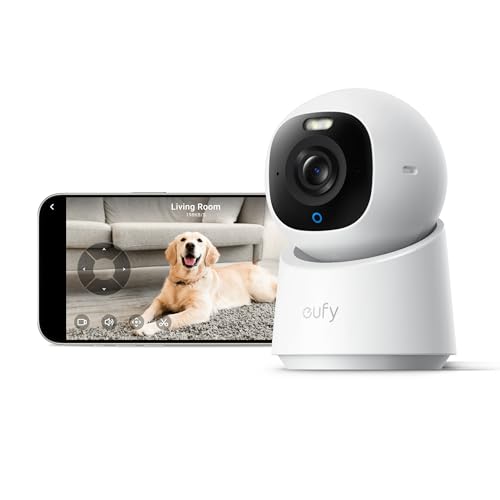

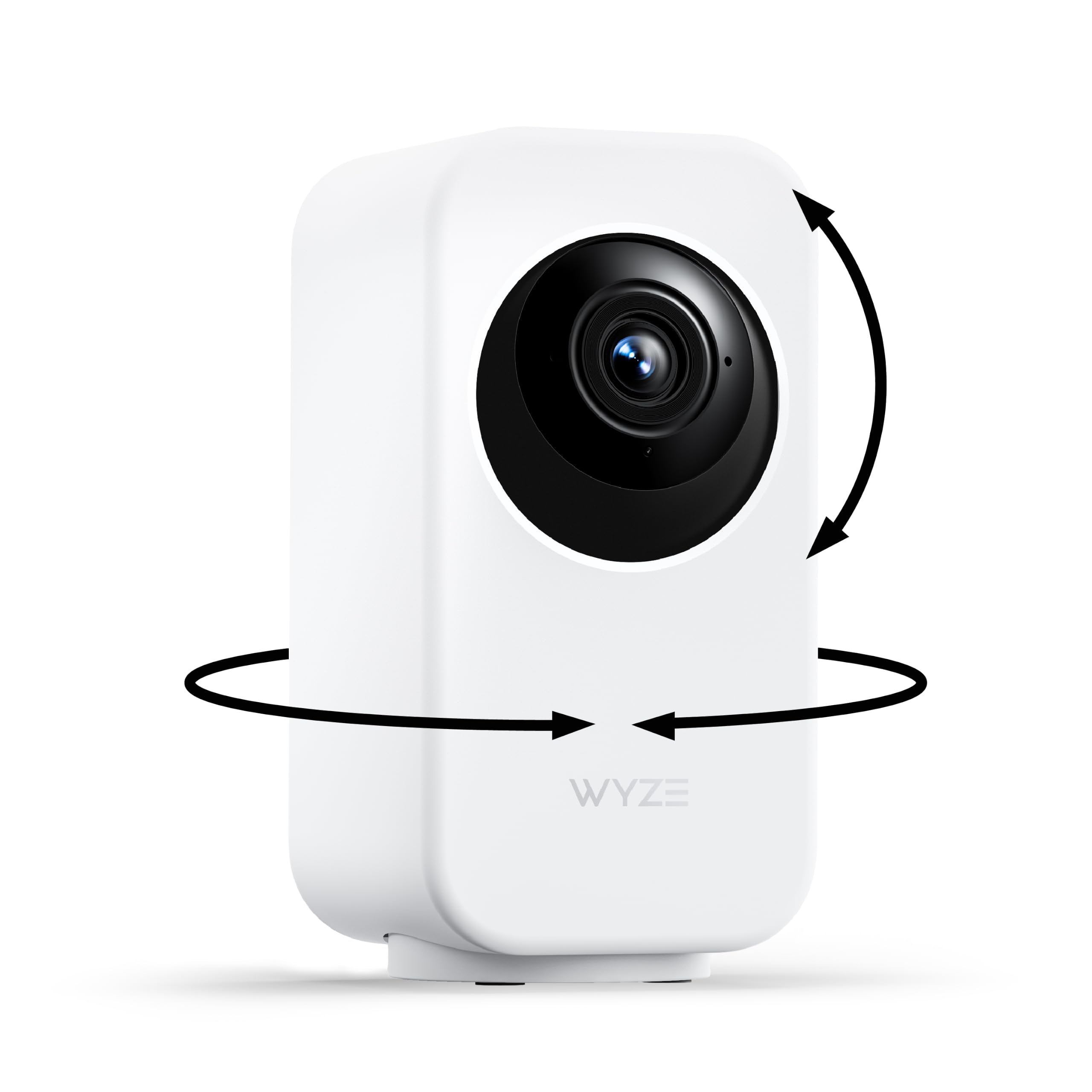
The Checklist: Features That Decide an Indoor Camera
Work through these six checks in order. The first two decide whether a camera belongs in your home at all; the rest decide which class fits your rooms. First, keep the class straight: best digital cameras are stills cameras you hold and aim, while an indoor security camera sits in one place and records on its own.
Placement and Consent Come First
Indoor cameras belong to shared space classes: living rooms, halls, nurseries watched by parents and entry points you pass through. Bedrooms and bathrooms are never camera ground, and everyone who lives in the home should agree to the placement first, so they know where cameras sit and when they run. Renters should also check their lease. A plan that grows to cover doors, a driveway and a yard steps up to the wider class covered in our guide to best security cameras for house.
Field of View and Picture Quality
A wide field of view, roughly 110 to 130 degrees, lets one camera cover a whole room from a corner, while a narrow view reads faces better at a door. Resolution classes from 2K upward keep faces and number plates readable when you zoom into a clip, though the wider the view, the thinner that detail spreads. Judge quality by what you need to recognize, not by the largest number on the box.
Seeing After Dark: Night Vision
Most indoor events worth recording happen in the evening, so night performance ranks high on this checklist. Infrared night vision reaches about 20 to 30 feet in typical classes and renders the scene in black and white, while color night classes use a small spotlight or sensitive sensor and give up some range. Views aimed outward through glass fail after dark because infrared reflects off the pane, so exterior points belong to the class covered in best house cameras outdoor instead.
Audio, Alerts and Privacy Controls
Audio classes carry the highest consent risk of any feature here, because a microphone hears conversations a camera was only meant to frame. Treat two way talk as a deliberate tool for checking on pets or an elderly parent, and look for cameras that let you switch the microphone off entirely. Motion alerts should separate people from general movement, and a physical privacy shutter or a schedule that sleeps the camera while you are home protects the household.
Storage: Local Cards and Cloud Plans
Storage decides what an event costs you later. Local recording to a memory card keeps clips in the home and carries no monthly fee, though the card leaves with the camera if the camera is taken. Cloud plans keep clips safe off site and add smart alert features, at a running cost per camera. Read the retention window before you buy, since a plan that keeps clips for three days answers a different need than one that keeps them for a month.
Power and Connection
Plug in cameras never sleep through an event but need an outlet within cord reach of a shelf or corner. Battery classes sit anywhere and suit renters, yet they record in short clips and need recharging every few months. Nearly all indoor classes ride your WiFi, so a strong signal at the camera spot matters more than headline speed. Note what the camera does when the internet drops: the better classes keep recording locally until the link returns.
What Each Price Band Buys
Price bands in this category buy coverage and convenience rather than prestige. Shoppers scanning the broader shelf can start with best house cameras and then narrow to the indoor only classes below.
Basic Band: Single Room Coverage
At about $25 to $50, a basic camera watches one room with a fixed wide view, infrared night vision and phone alerts. It suits a first camera for a nursery, a pet corner or a front hall. The limits are real: clips are short, storage often means a paid plan, and the picture softens when you zoom.
Midrange Band: Sharper Picture and Local Storage
At about $50 to $100, cameras add 2K or better resolution, local card storage alongside any plan, and alerts that tell people apart from pets and passing shadows. Pan and tilt classes appear here, letting one camera sweep a room instead of staring at one corner. For most homes this band is the balance point: honest night vision, no forced subscription and controls that respect privacy.
Premium Band: Wider View and Smarter Alerts
At about $100 to $200, premium classes widen the view, sharpen low light color and refine alerts until false alarms grow rare. Expect stronger build, faster setup and longer cloud histories bundled into the plan. The extra money buys convenience more than safety, so step up only when the camera guards a main entry or watches over someone vulnerable. One premium camera placed well beats three basic ones placed carelessly.
Quick Buyer Checklist
- Is the camera meant for a shared room, and does everyone at home agree to it?
- Does its field of view cover the whole room from one corner?
- Can it record clearly in the dark at the distance your room needs?
- Can the microphone be switched off, and is there a privacy shutter or sleep schedule?
- Does it store clips on a local card, or does every clip depend on a paid plan?
- Is there an outlet within reach, or a battery you accept recharging?
- Is your WiFi signal strong at the exact spot the camera will sit?
- Does the app let you set activity zones so alerts stay useful?
Red Flags to Watch For
- Vague resolution wording with no field of view figure, which hides a narrow or soft picture.
- No local storage option, so the camera turns into a live view toy unless you pay monthly.
- No way to disable audio recording, a consent problem in many households and some regions.
- An app with no two factor sign in, which leaves your indoor footage guarded by one password.
- Warranty and support described in a sentence or less, a bad sign for an all day device.
Tips to Get the Most From Your Indoor Camera
- Set a unique password and turn on two factor sign in during setup, before the first clip is recorded.
- Place the camera at about face height and angle it slightly down, so it captures faces rather than the tops of heads.
- Test the night view on the first evening and move lamps or the camera until faces read clearly.
- Update the firmware when the app offers it, since makers patch security flaws and alert bugs after release.
- Walk the room once a month and confirm the camera still sees what you bought it to see.
Questions Answered About Indoor Cameras
What features matter most in cameras for inside house?
Alert quality matters most, because a camera that cries wolf gets muted within a week and then guards nothing. Alerts that separate people from pets and shadows keep the phone buzzing only when it counts. Night vision comes second, since most events worth reviewing happen after dark, and a clear storage plan comes third. Field of view and headline resolution matter only after those three are settled.
Is a smartphone enough instead of an indoor camera?
An old smartphone can stream a room, but it makes a poor guard. It lacks infrared night vision, its wide view distorts faces at distance, and running the camera all day drains the battery and warms the device against curtains and shelves. It also ties up a phone someone may need. A basic dedicated camera at about $25 to $50 avoids all four problems and adds motion alerts the phone setup cannot match.
How much should I spend on my first indoor camera?
Spend about $50 to $100 on a first indoor camera, which buys the midrange band where local storage and person alerts appear. Cheaper cameras teach you the category but often push their real cost into a cloud plan. Keep a little budget aside for a second camera later, because most households discover one more room worth covering, usually the entry. Buying the same class twice keeps one app and one set of controls.
What specs matter most for beginners?
Beginners should weigh setup time above the spec sheet, since a camera that pairs in minutes gets placed well and a frustrating one stays in its box. Look for a guided app setup, a live view that loads quickly and plain words for the alert settings. A tilting base or magnetic mount forgives imperfect shelves. Once those are right, choose 2K resolution and local storage, and let the rest of the numbers go.
Which is better for low light, infrared or color night vision?
Infrared is better for pure darkness, reaching farther and using no visible light, but it renders everything in gray. Color night vision keeps clothing and car colors recognizable, which helps identify a person, yet it needs a trace of ambient light or a small spotlight that announces the camera. Rooms with a night light or street glow suit the color class. A window in frame ruins both, since glass reflects the infrared back into the lens.
Final Thoughts
Run the checklist in order: placement and consent first, then night vision, then storage you can live with. If your plan covers the whole property rather than single rooms, our guide to best cameras for your house lays out the wider layout. Compare the classes in the product table above, and the best cameras for inside house use will be the ones that watch the right rooms, respect the household and stay easy to review.


