Best Cameras for Inside Home Made Simple: A Clear Buying Guide for 2026
Disclosure: We may earn a commission when you buy through links on this page, at no extra cost to you. As an Amazon Associate I earn from qualifying purchases. Learn more
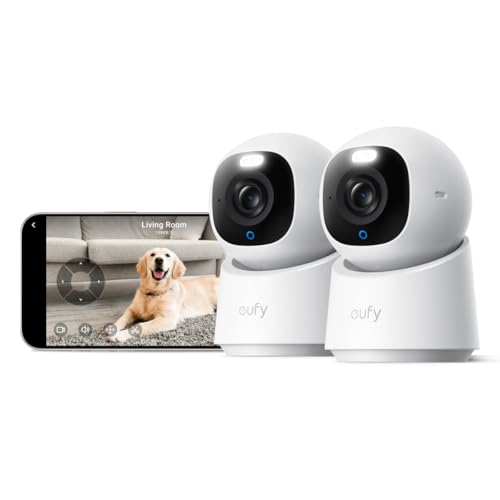
A first time buyer guide to indoor home cameras: field of view, night vision, storage, privacy rules and account safety explained in plain English.
Your first indoor camera does not need to be complicated. The best cameras for inside home share a few simple strengths: a wide view of one room, clear alerts when something moves, and an app you can understand within minutes. This guide walks you from the basic terms to the specs that actually matter, in plain English.
Set one expectation before you shop. An indoor camera is a monitoring aid: it records events and sends notifications, but it prevents nothing by itself. Placement, account safety, and respect for the privacy of everyone in the house matter as much as picture quality. The comparison table below lines up the main indoor types side by side.
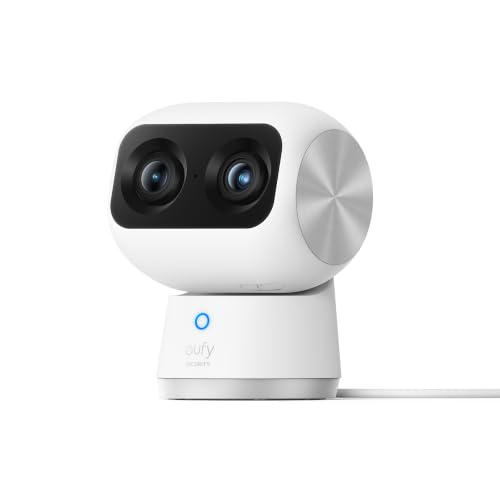
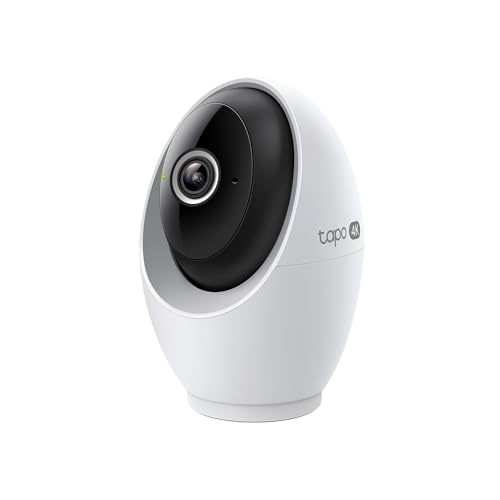


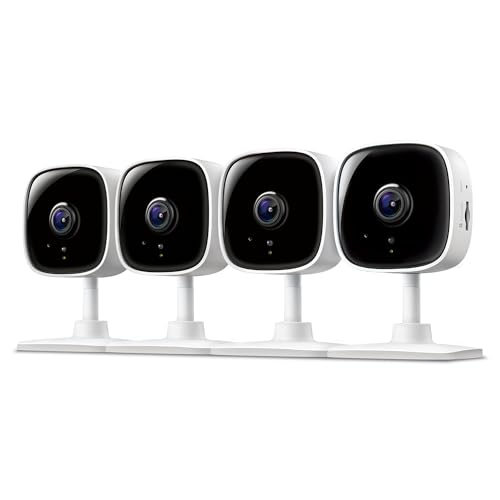

Cameras 101: The Basics
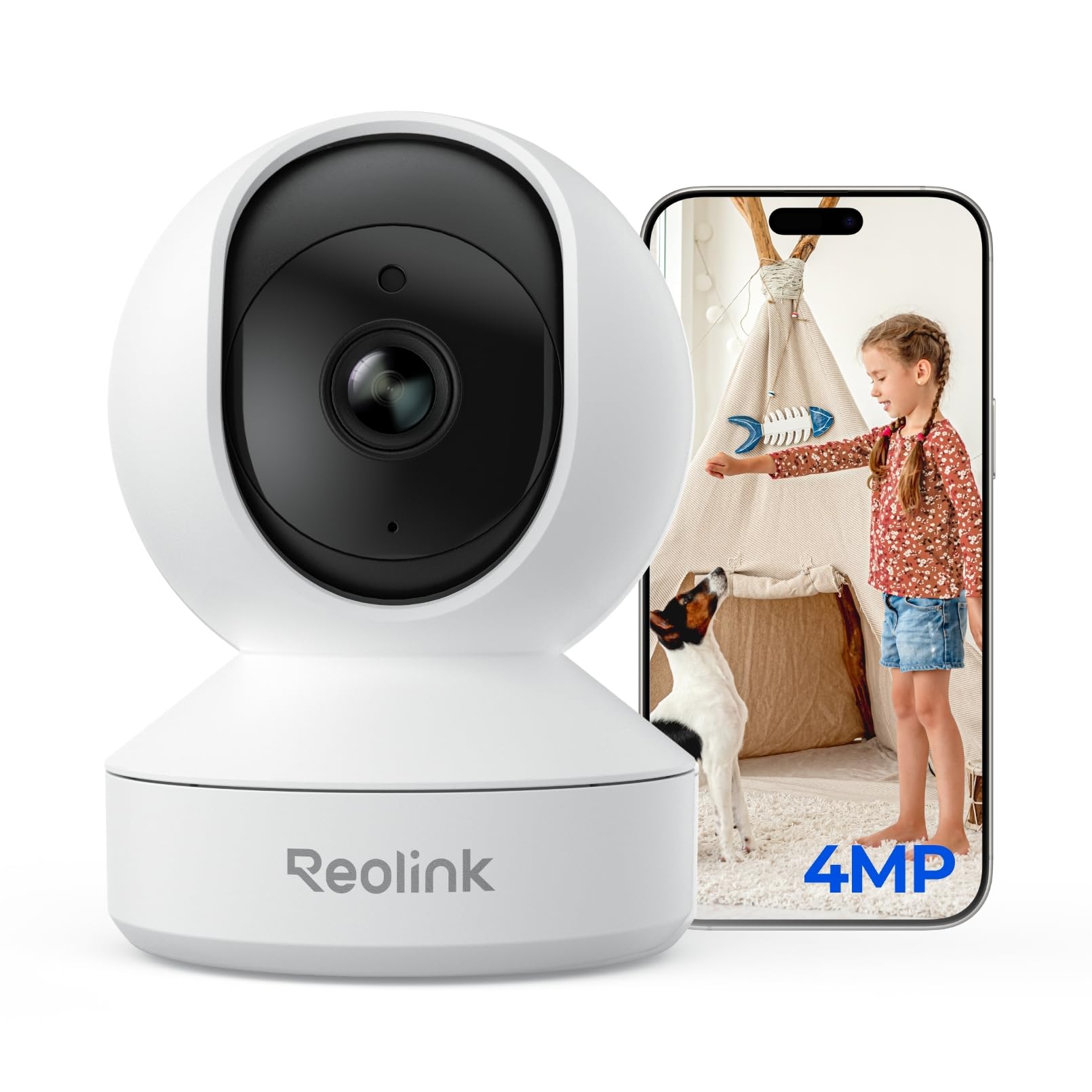
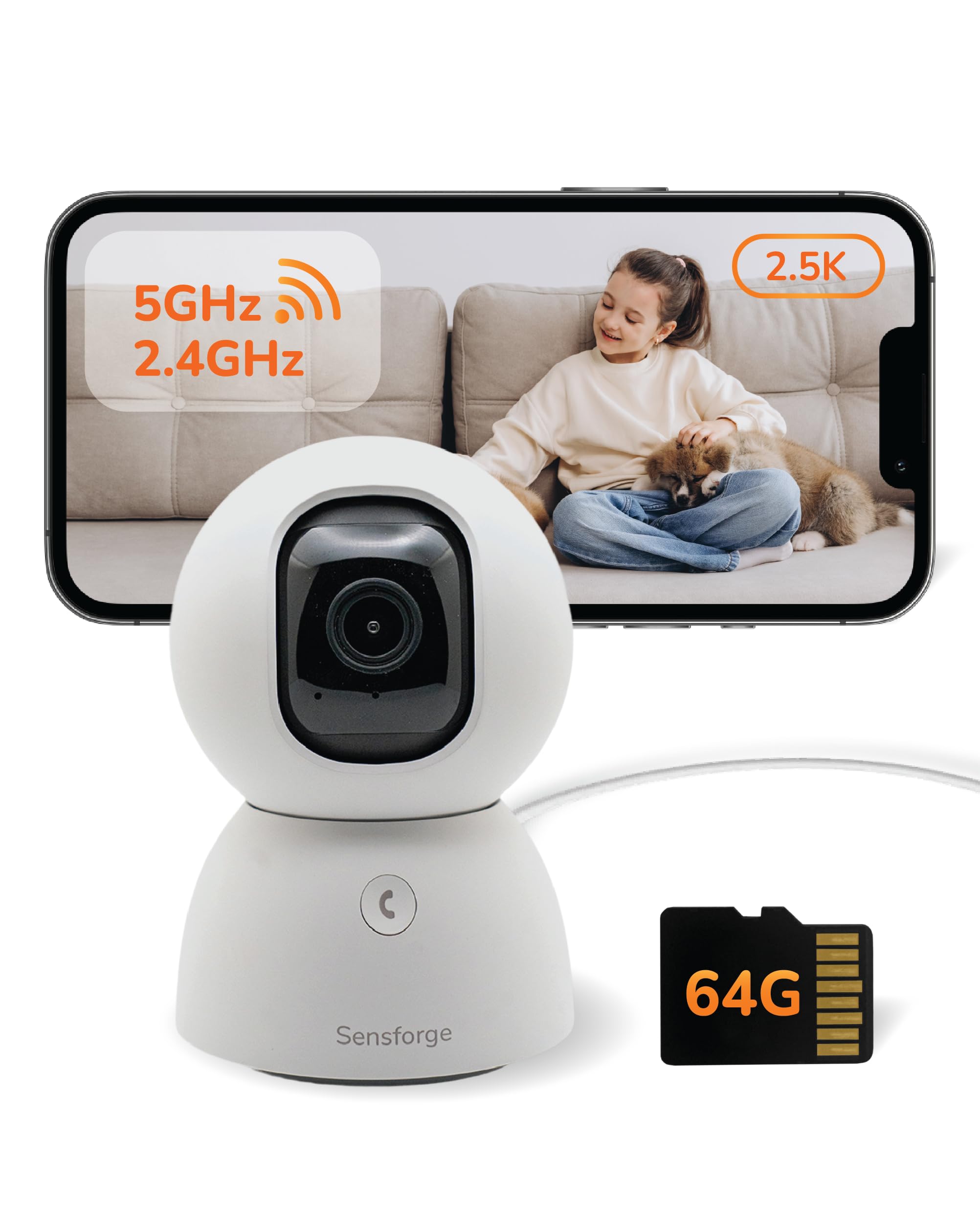
An indoor camera is a small networked camera that streams live video to an app on your phone. It watches a room while you are out, records short clips when it detects motion, and lets you look in at any moment. Roundups of best home cameras cover this same family, from simple plug in units to models with pan and tilt heads that follow movement across a room.
Most people buy one for everyday check ins: a pet alone during work hours, a child arriving home from school, or an older parent living across town. If protection is your main goal rather than check ins, compare the best security cameras for inside home as well, because that class leans harder on loud alerts and event recording. Either way, the camera is a witness and a notifier, not a guard.
Key Specs Explained in Plain English
Spec sheets mix helpful numbers with decoration. The six points below are the ones that change daily use inside a home.
Features That Matter for Inside Home
Indoor filming is its own job. Distances are short, usually about 6 to 20 feet, light swings between bright windows and dim hallways, and the camera runs in rooms where people live. Start with a field of view of about 110 to 140 degrees, resolution of at least 1080p, and motion alerts you can tune. Those three choices decide most of your experience.
Resolution and Image Quality
For a single room, 1080p is enough to recognize faces and read the scene clearly. A 2K or 4K model helps when you zoom in digitally on a doorway across a large room, since the extra pixels hold detail. Frame rates of about 15 to 30 frames per second keep movement smooth. A wide dynamic range setting also helps when a bright window sits behind your subject.
Motion Detection and Alerts
Detection decides how useful the alerts feel after the first week. Basic models react to any pixel change, so curtains and shadows trigger pings all day. Better models add person detection, and some add pet detection, so a cat on the sofa stays quiet while a person at the door does not. Look for adjustable sensitivity and a short alert delay, so notifications arrive while they still matter.
Ease of Use for Your Skill Level
Setup should take minutes, not an afternoon. Most indoor cameras pair through a QR code shown in the app, then join your home WiFi with a guided walkthrough. Shared accounts let a partner or family member view the same feed without sharing a password. If you own a smart display, many models can show the live view by voice, which suits quick glances.
Field of View and Placement
Placement is a privacy decision as much as a picture decision. Living rooms, entry halls, and kitchens are the normal spots, aimed across the paths people actually walk. A bedroom or a bathroom is never a camera spot, and guests or household help should be told a camera is running. Set the camera near eye level where it covers a doorway, because a high corner angle mostly records the tops of heads.
Video Capabilities and Storage
Beyond live view, check two way talk for speaking to kids or pets, and night vision range of about 15 to 30 feet for dark rooms. Storage splits into local recording on a memory card and cloud plans that run about $3 to $15 per month, with clips kept about 7 to 60 days depending on the plan. Homes that record around the clock lean toward best home surveillance cameras, which are built for longer retention.
Choosing Cameras for Your Situation
Count rooms before you count features. A studio flat may need one wide view unit, while a house with two entries and a nursery usually needs several smaller ones. Larger homes often move to best home cameras system bundles that manage every feed in one app, and readers who rank protection first compare best home cameras for security before they settle on a type.
Small and Discreet Cameras for Inside Home
Small cameras that blend into a shelf are fine in the shared rooms of your own home, as long as everyone knows they are there. Never place any camera in a bedroom, a bathroom, or any space where a person might change clothes, no matter who owns the house, and never conceal a camera to watch people without their knowledge.
Consent and notice govern everything else. Tell guests, cleaners, and sitters that a camera is running in the shared rooms, and keep audio recording off, because audio carries the highest legal risk and many areas restrict it even inside a home. Recording laws vary widely, so check your local rules before recording anyone. In practice, a small visible camera on a living room shelf does the same job with none of the legal exposure.
Rookie Mistakes to Avoid
- Putting a camera in a private room. Bedrooms and bathrooms are off limits, and footage from them can create legal trouble instead of safety.
- Leaving the default password in place. A camera account with a weak password hands strangers a view into your home.
- Mounting high in a corner. A steep angle shows the tops of heads, while faces at a doorway are what you actually need.
- Paying for cloud storage on day one. Many cameras record to a memory card for free, so test that route before subscribing.
- Expecting one camera to cover every room. Walls block views, so a wide lens in the hall cannot watch the kitchen too.
Getting Started: Setup and First Use
Account safety comes before the first recording. Create the app account with a unique password you use nowhere else, turn on two factor authentication, and install any firmware update the app offers before you mount the camera. Those three steps govern the account more than any camera feature, because updates close known holes and a second factor blocks most sign in attacks.
Then place the camera at its final spot and check the WiFi signal there before drilling anything, since a weak signal causes the freezes new owners blame on the camera. Run the live view, walk the room to test alerts, and clean the lens with a soft cloth rather than a sleeve. Spend the first week tuning sensitivity instead of judging the camera on day one alerts.
FAQs: Indoor Camera Questions Answered
What features matter most in cameras for inside home?
Field of view, alert quality, and placement matter most for indoor cameras. One setting worth finding on day one is activity zones, which let you mark the doorway and ignore the sofa, so pet movement stops triggering pings. Zones are rarely explained on the box, yet they decide whether alerts stay useful after the novelty fades.
Is a smartphone enough instead of an indoor camera?
An old smartphone works as a short trial but falls short as a permanent indoor camera. It lacks proper night vision, needs constant power, and its motion alerts are generic app features rather than tuned detection. It also ties up a device you may need later. Try one for a weekend to learn your placement, then buy a purpose built camera.
What specs matter most for beginners?
Beginners should rank app clarity above raw resolution when choosing a first indoor camera. A guided setup, plain menus, and a magnetic or simple stand mount remove most early frustration. Start with 1080p, a field of view near 120 degrees, and free local recording. Extra resolution and paid plans can wait until you know which room needs watching most.
Which indoor camera features matter most in a dark room?
Infrared night vision matters most in a dark room, and its useful range is about 15 to 30 feet on typical indoor models. Beyond that range faces soften into shapes, so place the camera closer to the doorway it watches. A small status light you can switch off also helps, since some cameras glow visibly at night and disturb sleep in a guest room.
Do indoor cameras keep working during a power or internet outage?
Most indoor cameras stop sending alerts during an outage, even when they keep some local function. Plug in models die with the power unless they carry a battery, and cloud recording pauses when the internet drops. A few models keep recording to a memory card offline and upload later. If outage coverage matters, choose battery backup and local storage together.
Final Thoughts
Choose in this order: a field of view that covers the room, alerts smart enough to stay useful, placement that respects every person in the house, and an account locked down with a strong password and two factor sign in. Match those four points to your rooms and the best cameras for inside home choice becomes straightforward. Compare the finalists in the product table above before you order. Use these points each time you weigh best cameras for inside home for your own situation.