
Best Cad Printers Made Simple: A Clear Buying Guide for 2026
Disclosure: We may earn a commission when you buy through links on this page, at no extra cost to you. As an Amazon Associate I earn from qualifying purchases. Learn more
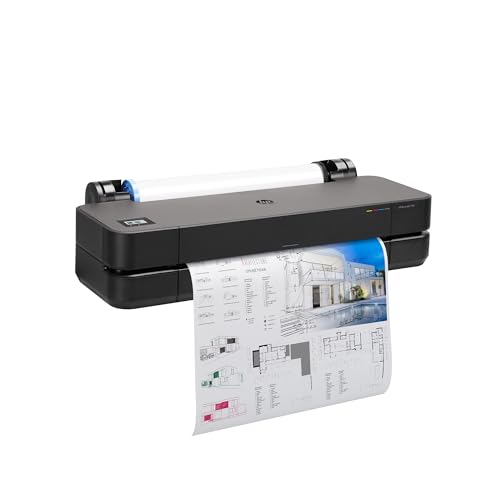
New to buying CAD printers? This simple guide to the best cad printers explains the basics, key specs, and smart tips so your first purchase is the right one.
Buying your first printer for CAD work feels harder than it should. Listings mix paper plotters, office printers, and 3D machines together, and every spec sounds important. This guide slows the process down. It explains what the best cad printers actually do, translates the key specs into plain English, and walks you from the basics to a confident first purchase, one decision at a time.
You do not need an engineering background to follow along. You only need to know what you plan to print, how big it needs to be, and how often you will print it. Keep those three answers in mind, check them against the comparison table below, and the right type of machine usually becomes obvious.

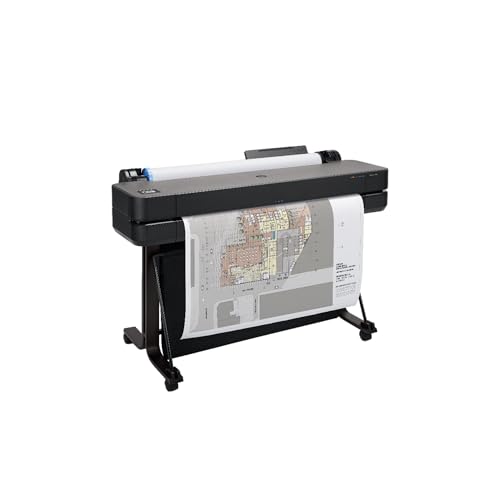


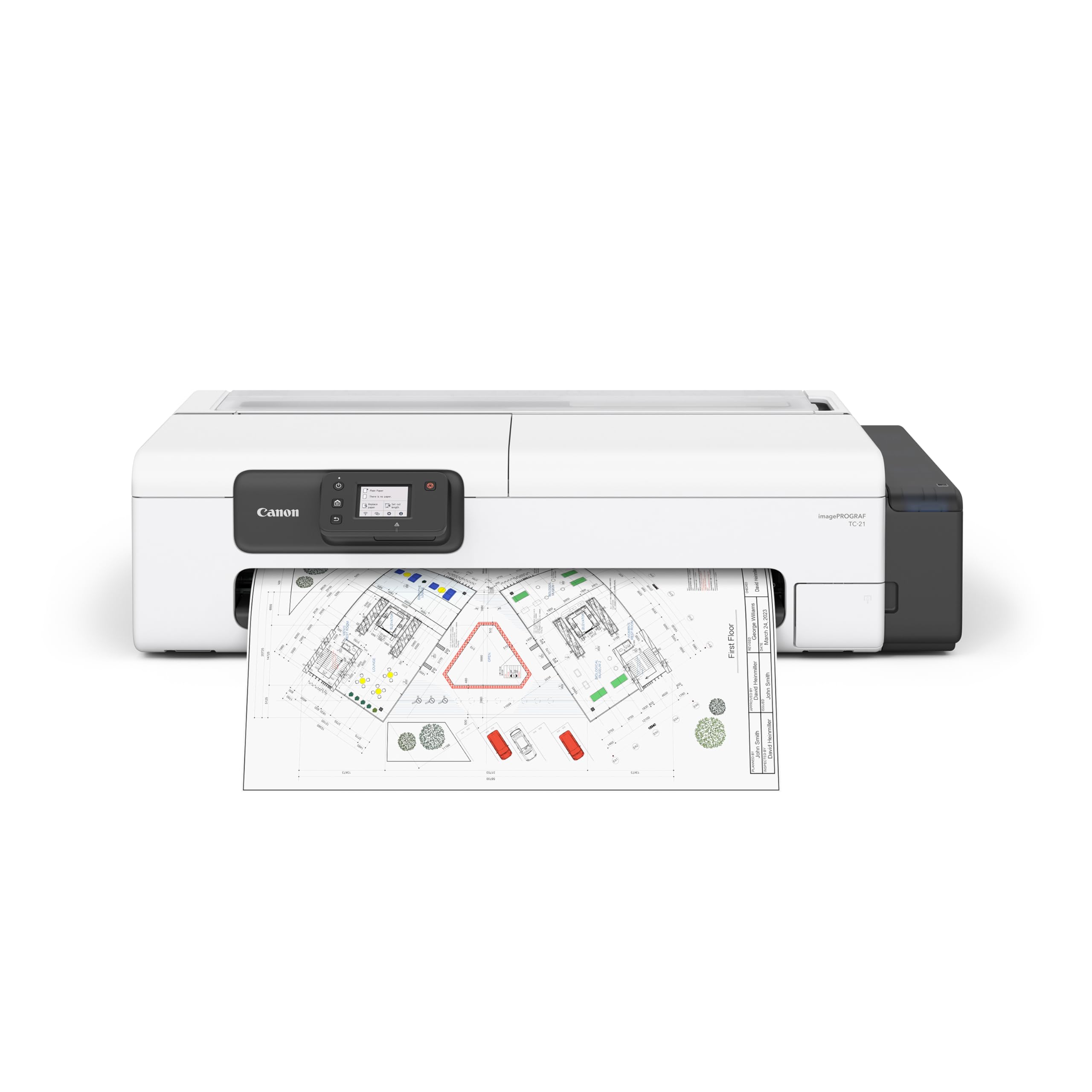
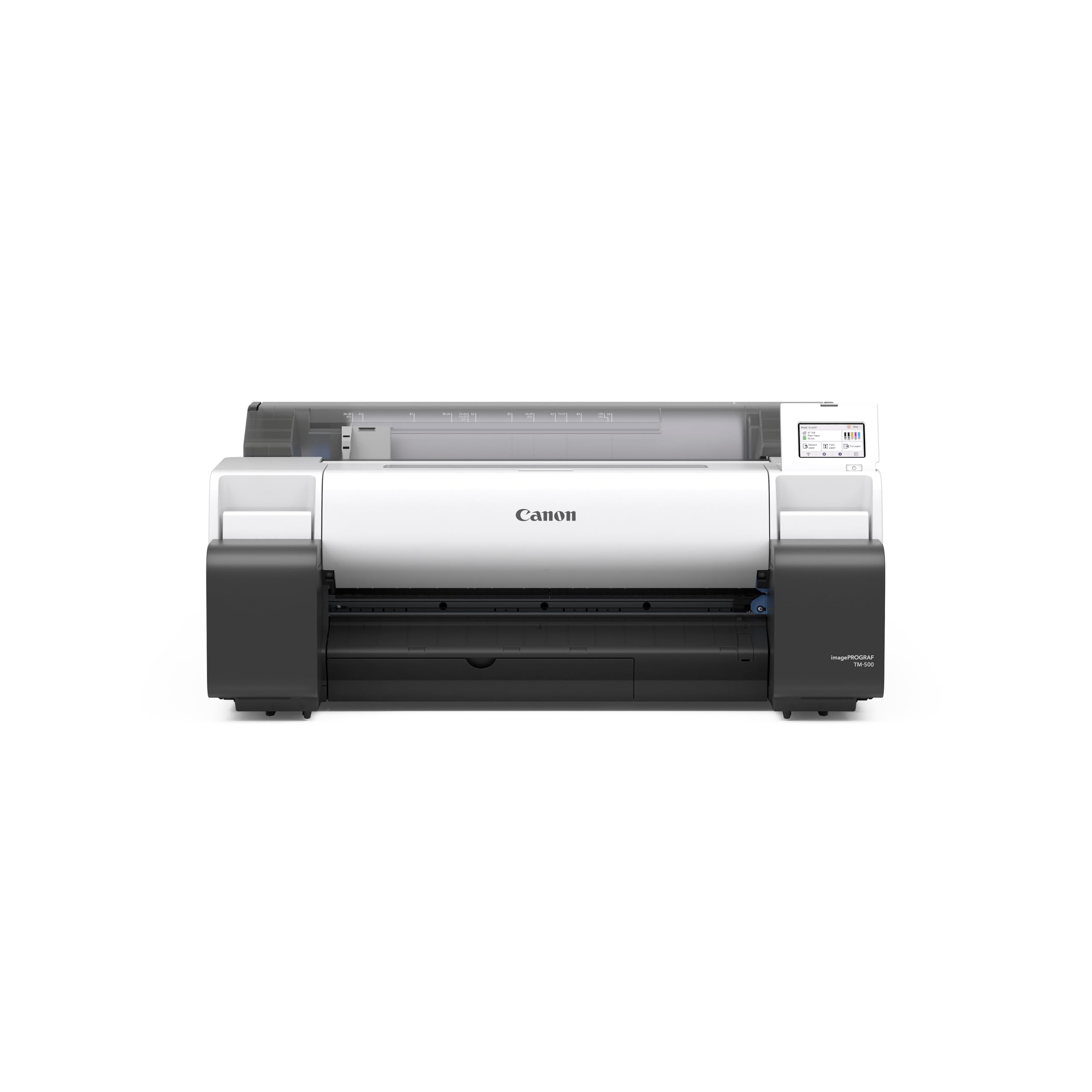

Cad Printers 101: The Basics
A CAD printer turns digital drawings into physical output. For architects, engineers, and builders, that usually means a large format inkjet printer, often called a plotter, which prints technical drawings on wide paper rolls, commonly 24 inches or 36 inches across. Crisp lines matter more than rich color here, because a contractor on site must read every dimension without guessing.
The word CAD can also point to 3D printing, where a machine builds a physical object layer by layer from a digital model. The two families solve different problems. A plotter gives you drawings on paper. A 3D printer gives you prototypes, parts, and models you can hold. Some workshops own both. Before you compare prices, decide which output you actually need, because shopping for the wrong family wastes the whole budget.
A few terms appear everywhere. DPI measures print sharpness in dots per inch. A roll is the long sheet of paper that feeds through a plotter. A printhead lays down the ink, and a driver is the software that lets your computer talk to the printer.
Key Specs Explained in Plain English
Printer Type (Inkjet, Laser, Tank, 3D FDM and Resin)
Large format inkjet plotters are the standard choice for CAD drawings, because they print wide pages, fine lines, and occasional color at a fair cost. Laser machines print fast text and office pages but rarely handle very wide paper. Ink tank designs refill from bottles and lower the cost for frequent printing. For objects, FDM 3D printers melt a plastic filament and suit sturdy prototypes, while resin printers capture finer detail for small models. Match the type to your output first, then compare models inside that family.
Connectivity and Mobile Printing
Look for WiFi and Ethernet if several people share the machine, plus USB for a direct and dependable link to one computer. Cloud and mobile printing help when clients send drawings to your phone, though AirPrint style features matter less for plotters than for office printers. The practical test is simpler: confirm the printer works with your CAD software and your operating system, and check that the maker still updates its drivers for your computer.
Print Quality and Resolution
For drawings, line accuracy matters more than a huge DPI number. A plotter rated around 1200 DPI or higher will render thin lines, small text, and hatch patterns cleanly, which is what reviewers and building officials need to read. Check the smallest line weight the maker promises, because that tells you how fine detail will look. For 3D machines, the equivalent idea is layer height: thinner layers give smoother surfaces and finer detail, at the cost of longer print times.
Reliability and Support
A printer you cannot fix becomes expensive furniture, so favor makers with clear manuals, spare parts you can actually buy, and support that answers. Read the warranty terms before you buy, especially whether the printhead, the costliest part on many inkjet machines, is covered or treated as a consumable. A large and active user community also helps, because common error codes and clog fixes are usually documented by owners long before official guides catch up.
Footprint and Noise
Wide plotters are big furniture. Measure your space, including room to load rolls from the front or back and space for finished prints to land without folding. A stand with a catch basket suits a busy office, while a desktop unit suits a home studio. Noise matters in small rooms too: plotters are fairly quiet, while some 3D printers have fans that run for hours, so a closed door or a separate corner may be part of your real setup cost.
Cost per Page and Ink and Filament Costs
The purchase price is only the first payment. Cost per page adds up the paper and ink each sheet consumes, and it decides what the machine really costs over a year. Tank and high capacity cartridge systems usually lower that cost for frequent printing, while small cartridges punish heavy users. If you also print everyday documents, our guide to the best quality printers explains how office models compare. For 3D machines, price the filament or resin per kilogram and factor in failed prints, which every beginner produces while learning.
Rookie Mistakes to Avoid
- Buying too narrow: A 24 inch plotter cannot print a 36 inch drawing set, so choose the width your projects truly need, not the cheaper size.
- Ignoring running costs: Cheap machines with pricey small cartridges often cost more within a year than a better machine with tanks.
- Skipping the software check: Confirm your CAD program can print to the machine and that drivers exist for your operating system before you pay.
- Forgetting the paper: Budget for the right roll paper and a spare set of inks from day one, because a deadline and an empty cartridge always meet.
- Placing it badly: Crowded, dusty, or wobbly spots cause misfeeds and poor prints, so plan the location as part of the purchase.
Getting Started: Setup and First Use
Unbox the printer on a stable surface, remove every piece of transit tape and packing, and load ink and paper exactly as the manual orders the steps. Connect the machine, install the current driver from the maker site rather than the disc in the box, and run the printhead alignment the setup asks for. Then print one of your own real drawings at full size and inspect the smallest text with fresh eyes.
Two habits protect a first time owner. Print a page weekly to prevent clogs in an inkjet machine that sits idle, because dried ink in the printhead is the most common early failure. Use genuine ink or ink from a reputable source, since mystery refills can leak, fade, or void your warranty. Teams that also prototype parts can compare options in our guide to the best three d printers, and home users printing mostly letters and schoolwork may be better served by the machines in the best computer printers for home guide. If your drawings include shaded renders where color quality counts, the best printers for pictures guide explains what to check.
Frequently Asked Questions
Are ink tank printers worth it for CAD printing?
Yes, if you print drawings every week, because bottled ink usually brings the cost per page well below small cartridge systems. The higher purchase price pays itself back as volume rises. If you print a few sheets a month, a standard cartridge plotter can cost less overall. Count your monthly pages honestly, include roll paper in the math, and let that total, not the shelf price, guide the choice.
What does cost per page mean for a printer?
Cost per page is the total of ink and paper consumed by one printed page. You estimate it by dividing the price of a cartridge or bottle by the number of pages the maker says it yields, then adding the paper cost. Wide CAD sheets cost more than letter pages because they use more of everything. Tracking this figure stops a cheap printer from becoming an expensive habit.
Inkjet or laser: which is cheaper long term for CAD work?
For wide CAD drawings, inkjet is almost always the practical and cheaper route, because large format laser machines are rare and costly. Laser wins for high volume black and white office text on standard paper. Most small firms end up with an inkjet plotter for drawings and, if they need one, a modest laser for documents. Compare cost per page at your real monthly volume rather than trusting headline prices.
Which type of 3D printer is easiest for beginners using CAD files?
An FDM printer is the easiest starting point, because the filament is cheap, the machines forgive mistakes, and cleanup is simple. Resin printers produce finer detail but involve gloves, ventilation, and washing chemicals that add work and safety steps. Beginners exploring models at home can see beginner friendly options in our guide to the best hobby 3d printers. Start with FDM, learn the workflow, and upgrade only if detail demands it.
The Bottom Line
Decide what you print, paper drawings or physical models, then choose the width or build size that fits, and finally compare cost per page at your real volume. Those three checks matter more than any single headline spec. Look back at the product table above, match the best cad printers to your answers, and your first purchase has a strong chance of being the right one.


