
Best BYOD Laptops for Every Need: How to Pick the Right One for 2026
Disclosure: We may earn a commission when you buy through links on this page, at no extra cost to you. As an Amazon Associate I earn from qualifying purchases. Learn more

BYOD laptops compared by security fit, screen, processor and battery, so one machine satisfies both you and your IT policy.
A BYOD laptop has two bosses: you, who carry and use it daily, and your employer or school, whose security rules and software it must satisfy. A machine that delights you but fails your IT policy on encryption or operating system edition is an expensive mistake. That is why choosing the best byod laptops starts with your organization requirements list, then moves to the screen, processor, and battery you will live with.
Use the comparison table below to shortlist machines that meet your required specifications, then read the user profiles and feature guidance that follow. The right order of decisions saves returns, restocking fees, and awkward talks with the IT help desk.
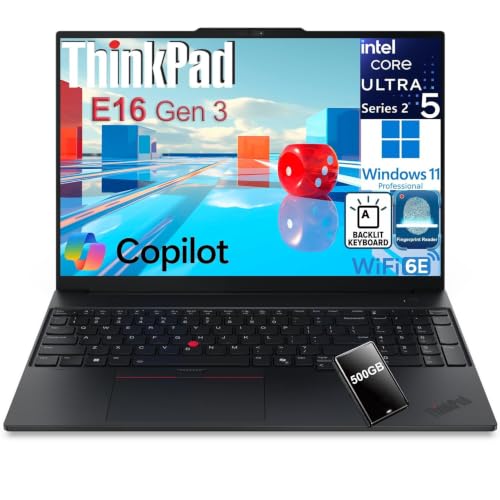
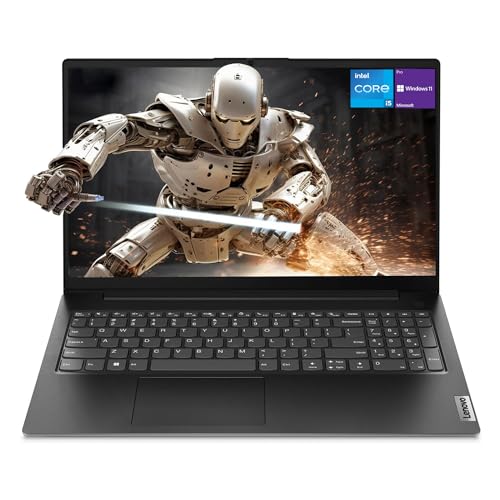
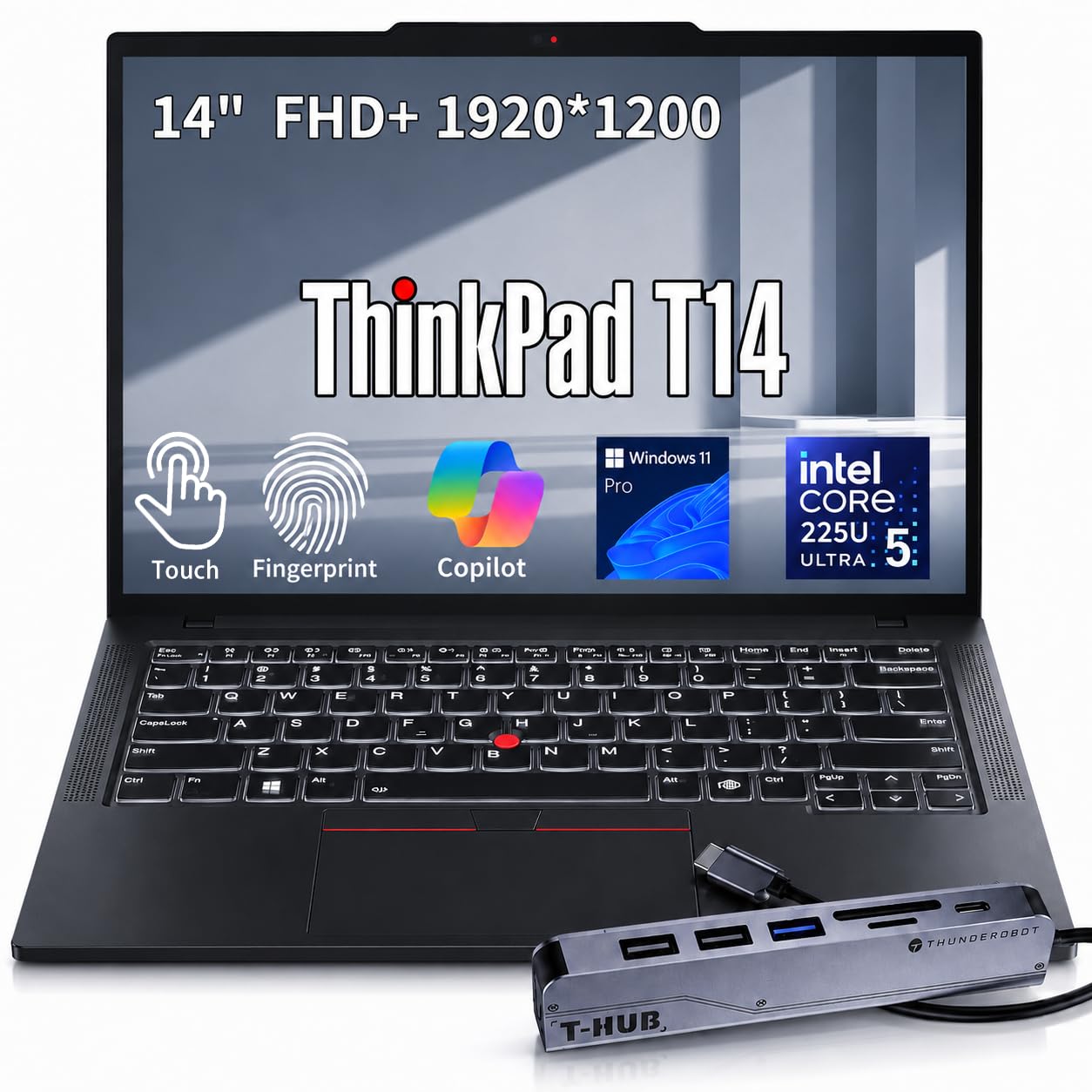


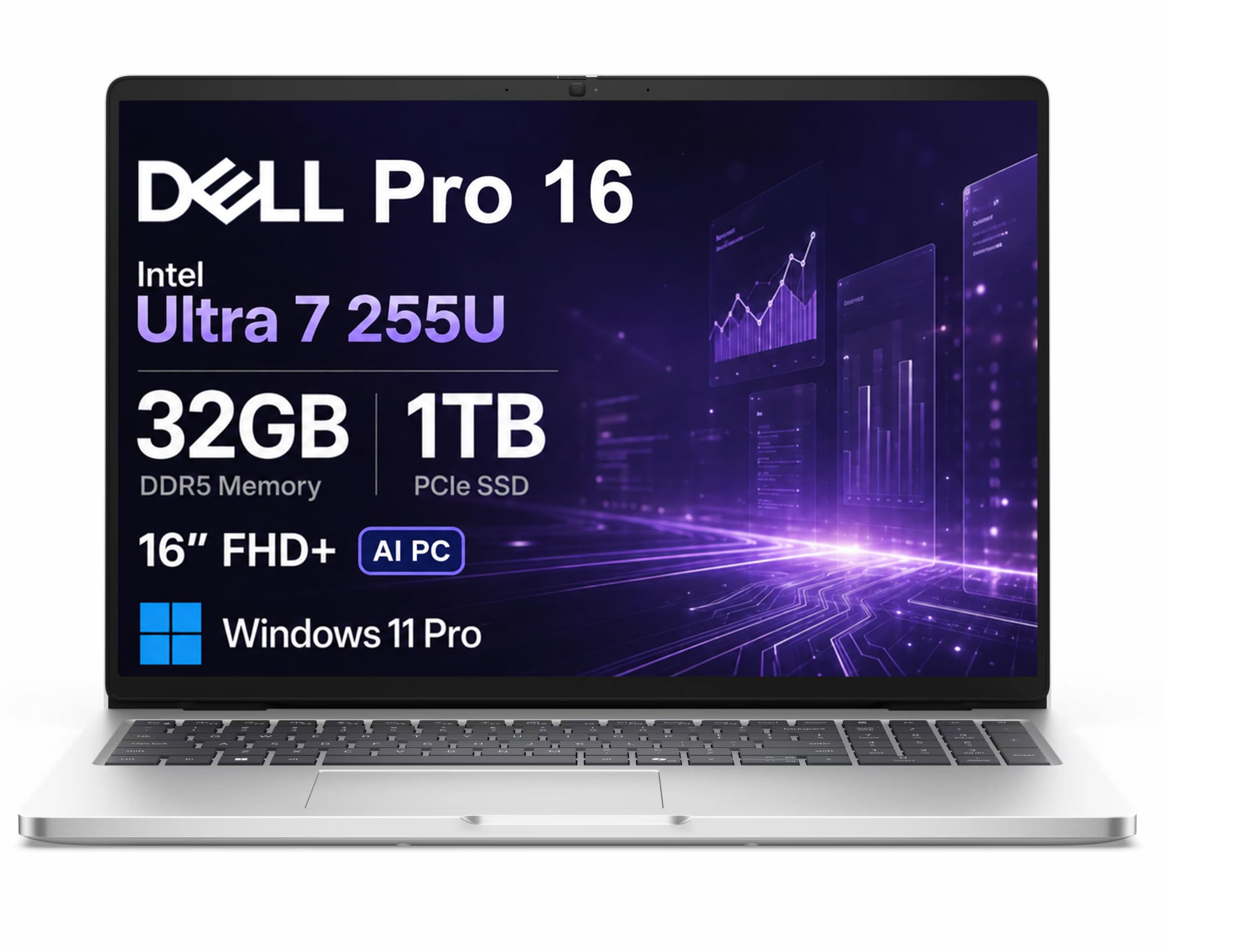
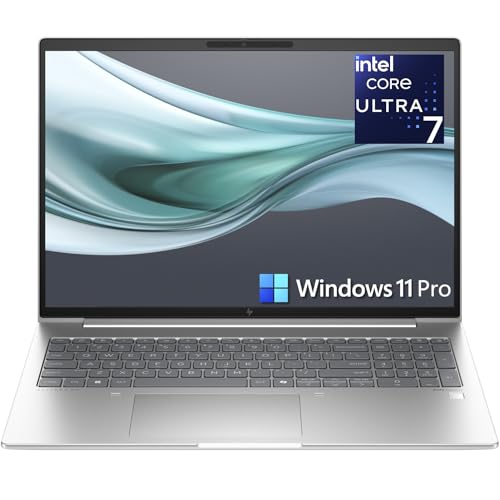
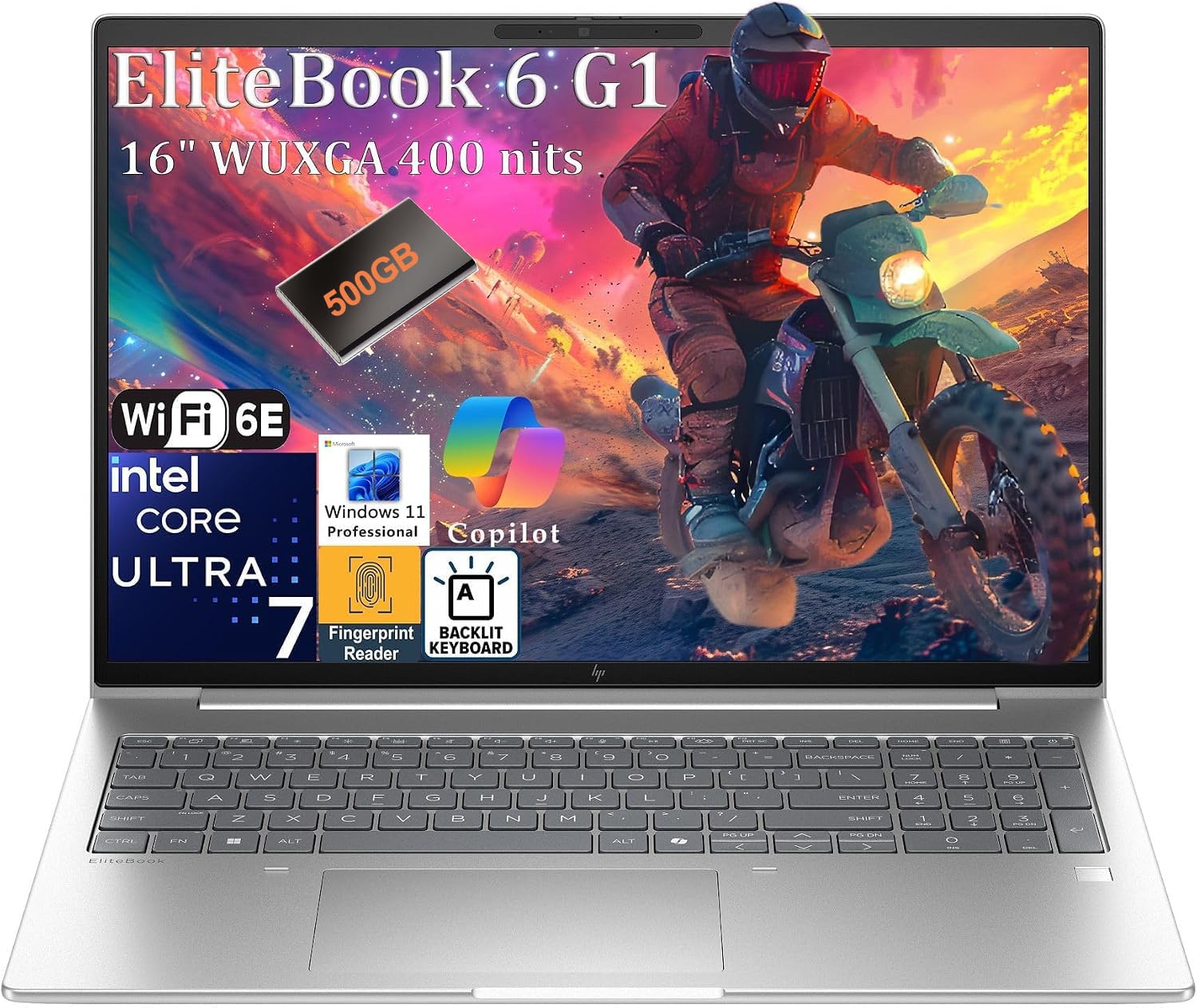
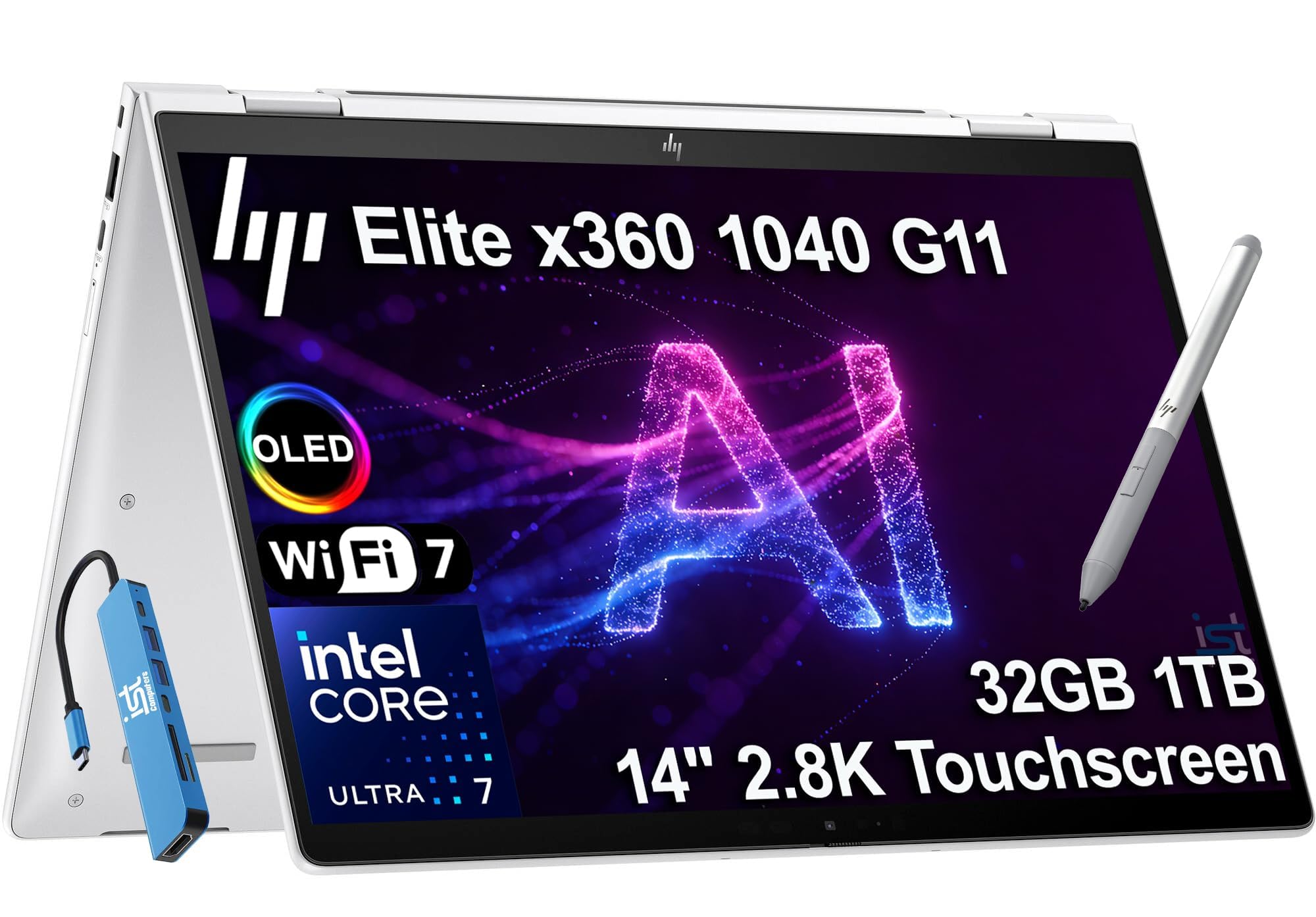

Who Should Buy Which BYOD Laptops?
For Students and Everyday Users
Students in bring your own device programs need reliability through a full school day, a keyboard that survives constant essays, and a price that does not hurt if the machine is lost or damaged. A midrange processor, 16 GB of RAM, and a 512 GB solid state drive cover coursework, research tabs, and video classes comfortably. Battery life matters more than thinness here, because classroom outlets are scarce. Confirm the school required operating system and any exam software before buying, since some testing platforms exclude certain Chromebook or tablet setups from high stakes assessments.
For Travelers and Commuters
If your laptop rides trains, planes, and client sites with you, weight and durability decide how happy you are in month six. Look for a 13 or 14 inch ultraportable under about 3 lb, a metal or reinforced chassis, and a battery that honestly lasts a working day away from outlets. Fast charging over USB C is a genuine travel feature, because one compact charger can then serve the laptop and your phone. A padded sleeve and a spill resistant keyboard are cheap insurance for a machine that earns its living in motion.
For Gamers and Power Users
Power users who split one machine between demanding work and play need a dedicated graphics card, a fast refresh rate display, and cooling that can sustain performance through long renders or gaming sessions. Expect more weight, louder fans, and shorter unplugged battery life as fair trade offs. Check that your employer security tools and VPN client are approved for the operating system build you choose, since exotic configurations occasionally clash with corporate software. A strong port selection also matters, because docks and external drives are daily tools at this level.
For Remote Workers and Creators
Remote workers live on video calls, so a clear 1080p or better webcam, dual microphones with noise reduction, and speakers you can hear without straining are core features, not luxuries. Creators add a color accurate display and enough processor and graphics headroom for photo and video editing. Reliability counts double when the nearest IT support is a shipping label. If your work involves confidential material, prioritize a fingerprint reader or face sign in and hardware encryption support so the machine passes security review without add on accessories.
Choosing BYOD Laptops for Your Situation
Best BYOD Laptops for Work
The best byod laptops for work share three traits your employer cares about even if the listings never mention them. First, the right operating system edition, because many companies require the professional edition for domain access, encryption management, and remote wipe. Second, modern security hardware such as TPM 2.0 and biometric sign in. Third, a warranty with accidental damage cover or next business day service, since a personally owned work machine has no IT spare pool behind it. Confirm all three with your IT team in writing before you order, and keep that confirmation with your receipts for reimbursement.
Beyond policy, work use rewards a comfortable keyboard, a matte or low glare screen for long documents, and ports that match your desk setup so you are not living on adapters. Shoppers comparing slimmer traditional designs may also find our guide to the best notebook laptops useful, since many notebook class machines meet BYOD rules while staying easy to carry.
Key Features to Compare
Display Size, Resolution, and Brightness
A 13 to 14 inch screen is the portability sweet spot, while 15 to 16 inch panels give spreadsheet and editing work real breathing room. Resolution of 1920 by 1080 is the practical minimum for crisp text; higher resolutions help creators but drain battery faster. Brightness around 300 nits or more keeps the screen readable near windows and in bright classrooms. A refresh rate above 60 Hz mainly benefits gaming and smooth scrolling, so everyday buyers can trade it away for battery life. Matte finishes cut glare in offices with overhead lighting, which matters over an eight hour day.
Processor and Performance Tier
Current Intel Core Ultra, AMD Ryzen, and Apple M series processors all handle office work, browsing, and video calls with ease. The differences appear in efficiency and heavy workloads: newer chips generally deliver more battery life at the same speed. For general BYOD use, a midrange processor with 16 GB of RAM is the balanced choice, and 32 GB suits developers, data analysts, and heavy multitaskers. Storage of 512 GB fills slower than most people expect once cloud drives sync locally, so treat 256 GB as a minimum only if your files truly live online.
Graphics (Integrated vs Dedicated GPU)
Integrated graphics now handle everyday work, external monitors, light photo editing, and casual games without trouble, while sipping power and keeping the chassis thin. A dedicated GPU earns its cost and weight if you edit video regularly, work in 3D or CAD, or play demanding games. It also shortens unplugged battery life and adds fan noise in meetings. If your job software lists a certified graphics requirement, follow that list exactly rather than guessing, because professional applications can refuse unsupported hardware for specific rendering features.
Battery Life in Real World Use
Manufacturer battery claims assume light brightness and gentle tasks, so expect real mixed use to land at roughly two thirds of the advertised figure. For a full day away from outlets, look for claims of 12 hours or more and a battery around 50 watt hours or larger in a thin machine. USB C fast charging that restores about half the battery in half an hour rescues short layovers and classroom breaks. Remember that employer security software and constant video calls are heavy loads, so build margin into your target rather than buying the minimum.
Common Mistakes to Avoid When Buying BYOD Laptops
- Buying on price alone, then discovering the operating system edition fails your employer policy.
- Ignoring display brightness and keyboard quality, the two things you notice every single hour.
- Oversizing with a heavy 16 inch gaming machine for a commute, or undersizing storage that fills within a year.
- Skipping the warranty and accidental damage check on a machine your income depends on.
- Assuming a tablet or Chromebook qualifies without confirming your required software list first.
Most of these mistakes are free to avoid. One email to IT with the exact configuration you plan to buy, sent before checkout, catches policy problems while they still cost nothing. If budget is the tightest constraint, our guide to the best economical laptops shows where lower priced machines cut corners safely and where they cut into policy compliance.
How to Make Your BYOD Laptop Last Longer
Keep the operating system and firmware updated, because updates carry the security patches your employer policy assumes you have. Avoid running at 100 percent charge all the time if your machine offers a battery limit setting around 80 percent for desk use, since constant full charge ages lithium cells faster. Use a padded sleeve when commuting and keep vents clear on soft surfaces. Back up weekly to cloud or an external drive, because a personal device has no IT backup safety net, and clean the keyboard and ports gently every few months to keep connections reliable.
FAQs
How long should a byod laptop last?
A well chosen BYOD laptop should serve four to five years. Midrange processors and 16 GB of RAM age gracefully for office and school work, while storage and battery health usually set the end of life. The battery will likely need replacement around year three or four in heavy daily use. Buying one tier above your current needs, especially in RAM that cannot be upgraded later, is the simplest way to reach that lifespan without a midlife replacement.
Is a dedicated GPU worth it?
It is worth it if your work or play genuinely uses it: regular video editing, 3D modeling, CAD, or demanding games. For documents, browsing, coding in most environments, and video calls, integrated graphics are enough and give you a lighter, quieter machine with longer battery life. Check whether your key applications list GPU acceleration as a requirement or merely a preference, because that distinction decides whether the extra cost and weight buy you anything real.
Should I buy a laptop or a tablet?
Buy a laptop if your work involves long documents, multiple windows, file management, or software that expects a desktop operating system. Tablets shine for reading, note taking with a pen, and media, but keyboard covers and limited ports make full workdays awkward, and some employer or exam systems do not support them. A two in one laptop bridges the gap for people who annotate documents often. When in doubt, choose the device your required software list names first.
Is a Chromebook enough for school?
For many younger students, yes: Chromebooks are affordable, quick to start, easy for schools to manage, and fine for browser based assignments and writing. The limits appear with specialized software, offline work, and some exam platforms that require Windows or macOS applications. Check the school published device requirements rather than assuming, and remember that older students in science, design, or programming courses outgrow browser only machines sooner than schools sometimes admit.
How much RAM do I need?
Sixteen gigabytes is the right default for BYOD use today. It handles dozens of browser tabs, office applications, and a video call at once without slowdowns, and it keeps the machine comfortable for years. Eight gigabytes survives light school use but shows its limits quickly with modern software updates. Choose 32 GB if you run virtual machines, large datasets, or professional creative tools. Since many thin laptops have soldered memory, decide generously at purchase, because there is no later upgrade.
Our Verdict
Get written confirmation of your organization requirements, then spend on the screen, keyboard, and battery you will feel every day, in that order. Following that sequence, the best byod laptops narrow to a few machines that satisfy both your IT policy and your own comfort. Compare your finalists in the product table above, double check the warranty terms, and buy with confidence. Students weighing budget options for the school year can also browse our guide to the best laptops for college for campus specific advice.


