
Best Business Class Laptops for 2026: What the Premium Buys
Disclosure: We may earn a commission when you buy through links on this page, at no extra cost to you. As an Amazon Associate I earn from qualifying purchases. Learn more

See what makes the best business class laptops worth paying for: build, security, keyboard, battery, and support, and who needs them.
Business class laptops cost more than ordinary laptops, and the extra money only makes sense if it buys things you will notice: a sturdier chassis, a keyboard you can type on for hours, security hardware that protects company data, and support that keeps you working when something breaks. The best business class laptops deliver those traits in a body light enough to carry all day.
This guide explains what "business class" really means, which features justify a premium, and how to choose between the main families, so you can read the product table above with a clear idea of what you need.
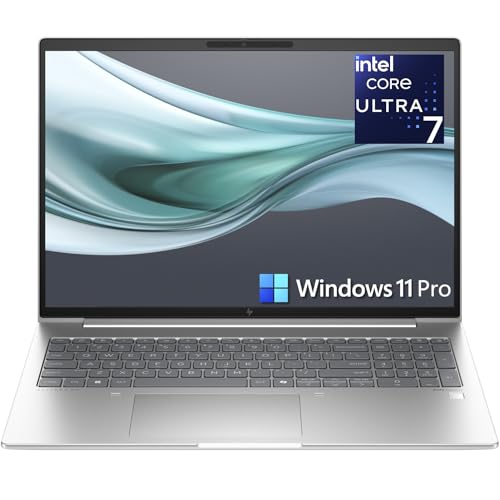
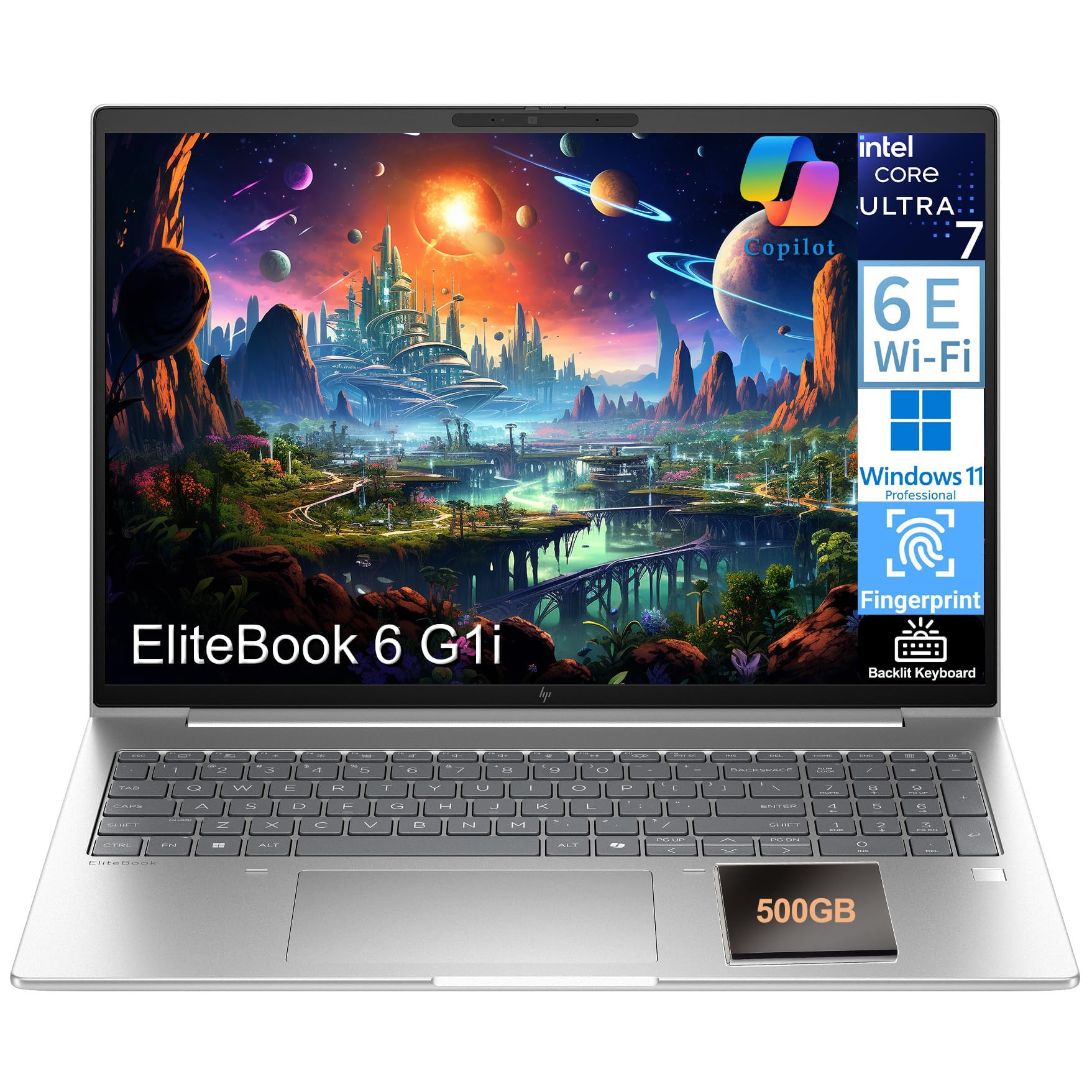
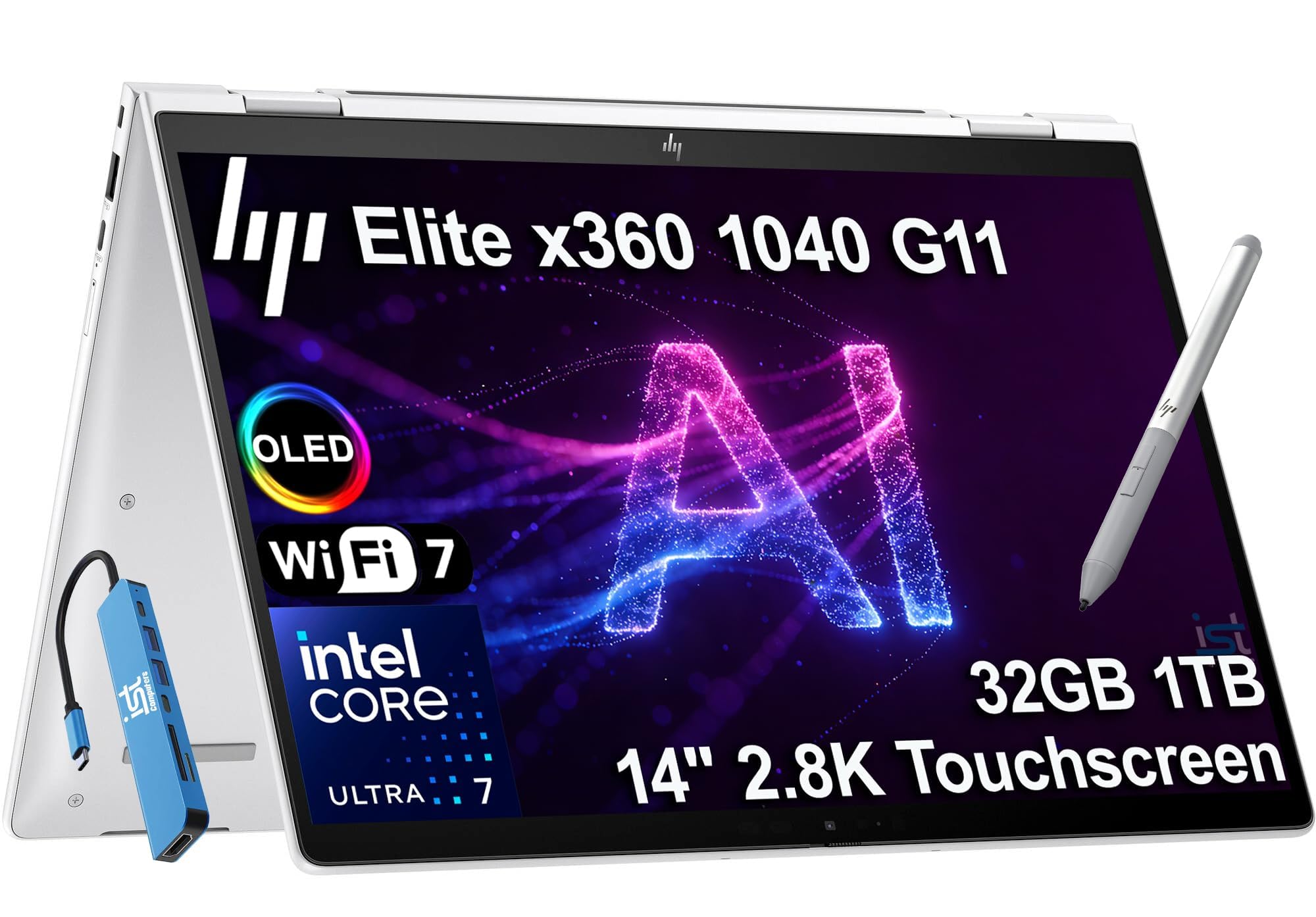

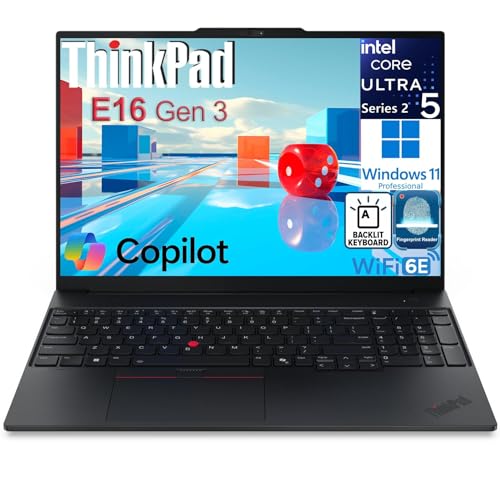
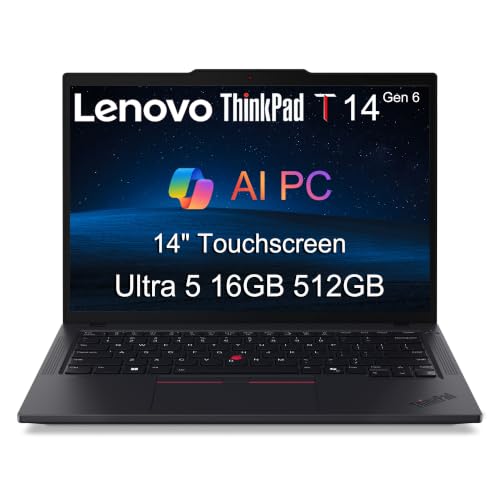


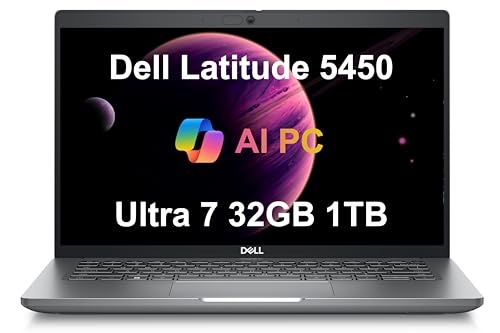
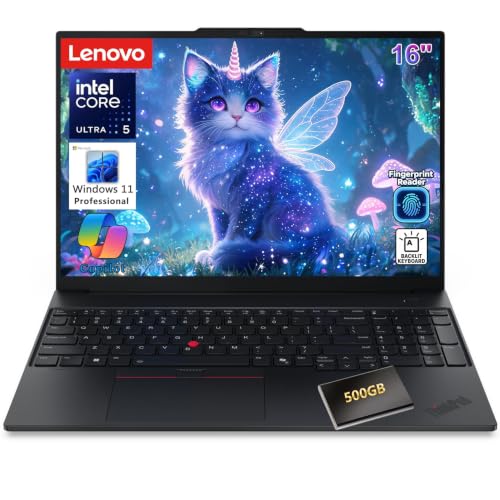
What Business Class Laptops Offer
Business class is a market label, not a standard, but the best models share a recognizable list of traits. They use metal or reinforced materials rather than thin plastic, pass durability checks for drops and vibration, include fingerprint readers or face login, offer a TPM security chip for encryption, and come with warranty and support options aimed at companies. They also tend to include better ports, a more comfortable keyboard, and longer software support than budget laptops.
You will often see the same internal hardware sold in a consumer model for less. The business version typically adds the build quality, security tools, and support, which is what you pay for.
Who Should Buy Business Class
Frequent Travelers
If your laptop lives in a bag, a stiff lid, solid hinges, and a light chassis matter. Look for a weight near three pounds, a charger that fits in a pocket, and battery life that survives a long day of meetings.
Managers and Executives
Video calls, presentations, and long email threads reward a sharp, bright screen, a quality webcam, and a quiet fan. A comfortable keyboard and a precise trackpad matter more than raw speed.
Small Business Owners
When there is no IT department, security features and warranty cover protect you. A fingerprint reader, a webcam shutter, disk encryption, and onsite repair options are worth a premium.
Teams Buying for Staff
Companies value consistency. Choosing one or two models simplifies chargers, docks, and spare parts, and a business line offers longer availability of the same configuration.
Key Features to Compare
Build and Durability
Aluminum, magnesium, or carbon fiber shells resist flex better than thin plastic. Check for a spill-resistant keyboard and hinges that feel firm through the whole range of motion. Durability claims based on drop and vibration checks suggest a robust design, though they do not make a laptop indestructible.
Keyboard and Trackpad
You will touch these more than any other part. Look for comfortable key travel, a sensible layout, a backlight, and a trackpad that clicks evenly. If you can, type on the exact model before ordering.
Screen
A 14 or 16 inch screen with at least 300 nits of brightness, a matte finish, and a taller aspect ratio suits documents and spreadsheets. OLED panels look vivid but can reflect more light and cost more.
Performance
For office work, a recent midrange processor, 16 GB of memory, and a fast solid state drive are enough. Pay for more memory before you pay for a faster chip if you run many apps and browser tabs together.
Security and Management
Fingerprint sign-in, face recognition, a webcam shutter, a TPM chip, and support for device management tools protect data. Check that features such as remote management and firmware updates are available on the model you choose.
Battery and Weight
Real battery life is shorter than the number on the box, particularly with video calls and a bright screen. Aim for a model that lasts a working day in typical use, and weigh it with the charger.
Ports and Docking
Thunderbolt or full-function USB-C ports let one cable charge the laptop, drive monitors, and connect accessories. A headphone jack, HDMI, and at least one USB-A port reduce dongle dependence.
Main Families Compared
- Thin-and-light premium models: the lightest, with long battery life and top screens. They cost the most and have fewer ports.
- Mainstream business lines: balanced weight, ports, and price. The best choice for most offices.
- Two-in-one convertibles: touch screens and fold-over hinges suit presentations and note taking, at the cost of weight and price.
- Large 16 inch models: more screen and often a numeric keypad, but heavier to carry.
Budget Ranges
The best business class laptops start around the price of a good consumer model and climb with weight savings and warranty.
Entry-level business class laptops start around $700 and cover documents, calls, and web apps well. From roughly $1,000 to $1,500 you gain lighter bodies, better screens, stronger security hardware, and longer warranties. Above that, the extras are mostly weight, display quality, and prestige, which matter if you travel constantly or present to clients every week.
Warranty and Support
Business support differs from consumer support in speed and coverage. Look for next-business-day repair, accidental damage cover, and clear warranty length. A slightly pricier laptop with better support often costs less over three years than a cheaper model that needs frequent repairs.
Mistakes to Avoid
- Buying on processor speed alone while ignoring the keyboard, screen, and battery.
- Skipping the check on ports and dock compatibility.
- Ignoring memory, since upgrading later is often impossible on thin models.
- Forgetting weight, which you feel every day on the commute.
- Accepting a short warranty on a machine the business depends on.
Setting Up for the Long Run
A few steps on day one make a business class laptop last. Install all system and firmware updates, turn on disk encryption, set up fingerprint or face login, and enroll the device in your company management tool if you have one. Connect automatic backups to cloud or network storage so a lost or damaged laptop never costs you work. Keep the vents clear, use a padded sleeve when you travel, and limit charging to a moderate level if your laptop offers a battery care setting. These habits protect both the data and the hardware, and they cost nothing.
Related Guides
For slim everyday models, see notebook laptops. If you run a company, read laptops for business owners. Brand-focused shoppers can compare HP business laptops and Dell business laptops.
Frequently Asked Questions
Are business laptops worth the extra cost?
They are worth it when you travel, rely on the laptop for income, or need security and support features. For light home use, a standard laptop is usually enough.
How much memory do I need?
Sixteen gigabytes suits most office users. Choose more if you run virtual machines or large data files.
How long should a business laptop last?
Plan on three to five years with normal care. Keep the system updated and budget for a battery replacement on heavily used machines.
Do I need a docking station?
If you work at a desk with monitors, a single-cable dock saves time every day. Check that your laptop supports the connector and power level.
Is a touch screen useful?
It helps for presentations and handwritten notes but adds cost and weight. If you mostly type, you can skip it.
Final Thoughts
The best business class laptops earn their price through durability, comfort, security, and support rather than headline speed. Decide how much you travel, how long you type each day, and how much downtime you can afford, then compare the models in the product table above on those points. A well-chosen business class laptop should disappear into your workday and last for years.


