
Best Burner Smartphones 2026: A Practical Buying Guide
Disclosure: We may earn a commission when you buy through links on this page, at no extra cost to you. As an Amazon Associate I earn from qualifying purchases. Learn more

Learn how to choose a burner smartphone by prepaid support, battery life, durability, privacy habits, and honest costs for short term or backup use.
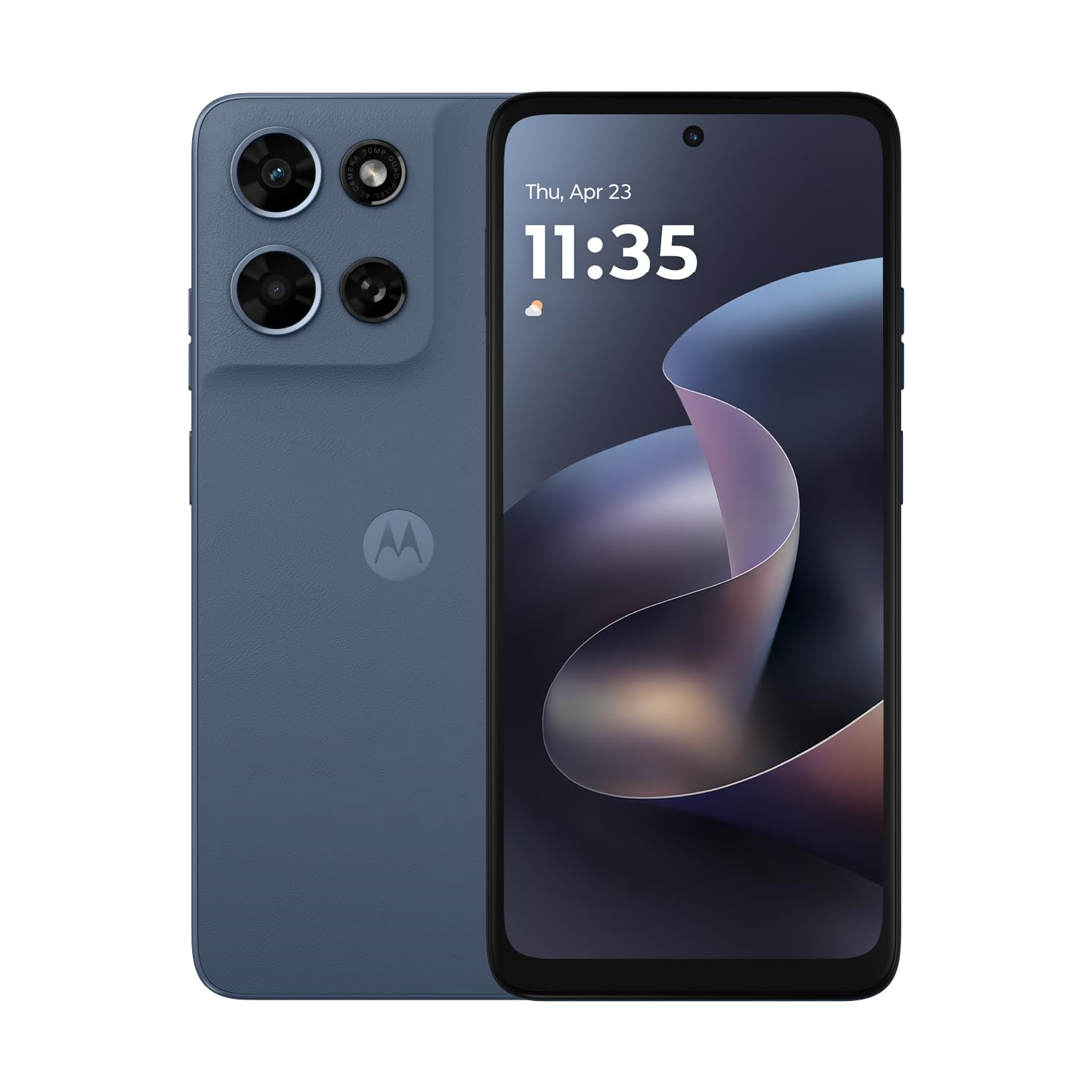
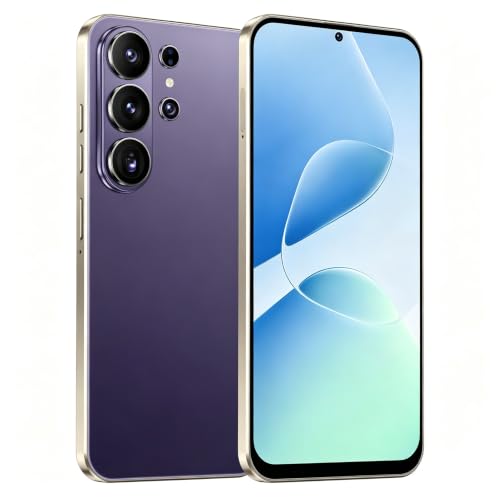
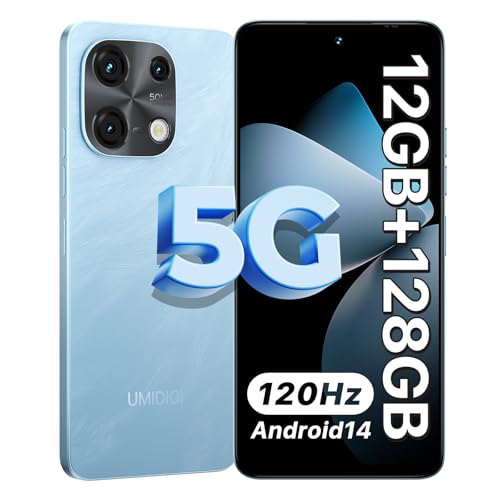
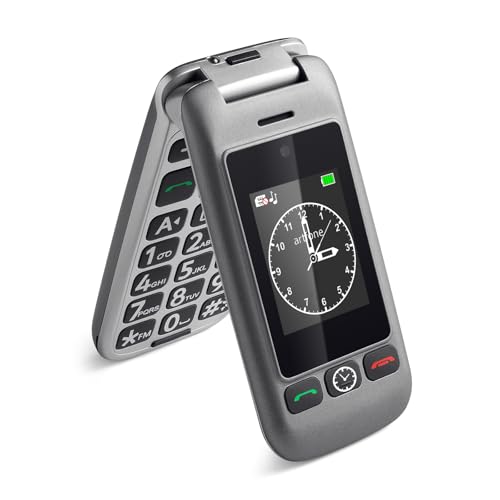
A best burner smartphones guide should start with purpose, because people buy a second or temporary phone for travel, festivals, work separation, or as a backup. The comparison table below helps you compare prepaid support, battery life, and durability, so you pay only for what that temporary role actually needs.
Keep expectations realistic: a burner phone is usually a tool for calls, messages, maps, and light apps, not a flagship replacement. When you accept that scope, you can choose a sturdy, affordable model and avoid overspending on cameras or storage you will barely use.




Define the Job Before You Buy
Travel use calls for dual SIM support or easy prepaid SIM swaps, good battery life, and a size that fits a pocket or a money belt comfortably. Work separation calls for a clean second number, reliable messaging, and a device you can leave in a drawer between projects. Backup use calls for a phone that holds charge well in storage and starts reliably after weeks unused, which favours simple software and a replaceable approach to charging.
Festival or outdoor use adds durability and weather resistance to the list, while a phone for children or older relatives adds large text, simple menus, and loud speakers. Write down the top three jobs before shopping, because a phone that does one job well and the rest adequately beats a phone that tries to do everything at a higher price.
Prepaid, SIM, and Network Compatibility
Check network bands and prepaid carrier support before buying, because an unlocked phone that lacks your carrier bands will frustrate you with weak signal. Prepaid SIMs vary in activation steps, top up methods, and data expiry, so confirm that the phone accepts standard SIM sizes or eSIM if your plan requires it. Also check whether the phone is truly unlocked, since carrier locked models limit your choice of temporary plans.
Data needs for a burner phone are usually modest, covering maps, messages, and occasional browsing, so a small data plan often suffices. Avoid signing long contracts for a temporary phone, and keep the SIM and account details separate from your main number where privacy matters. Test calls, texts, and data on day one, while returns are still easy.
Battery, Durability, and Storage
Battery life matters more than processor speed for most burner roles, since a phone that lasts two days beats a faster phone that dies by afternoon. Look for a large battery relative to screen size, efficient software, and a charging port that matches cables you already own. If the phone will sit unused as a backup, charge it periodically and store it partly charged rather than fully flat.
Durability means a case friendly design, a screen that tolerates pockets with keys, and reasonable water resistance if outdoor use is likely. Storage needs are modest for calls and maps, but photos and offline maps fill space fast, so a microSD slot or at least 64 GB helps for travel. Do not pay for flagship storage on a phone whose job is temporary.
Privacy Habits That Matter More Than Hardware
Privacy depends more on habits than on hardware, so set up a burner phone with only the accounts and apps its job requires. Avoid signing into your main email, banking, or social accounts unless truly needed, and use a separate account for temporary use where possible. Turn off location history, ad personalisation, and unnecessary permissions, and remove apps you do not use.
Also think about what happens when the role ends: back up needed photos and contacts, sign out of accounts, remove the SIM, and factory reset before passing the phone on or recycling it. A clean handover protects your data far more than any single privacy feature on the box. Keep the phone updated while in use, since security patches matter even for short term devices.
Camera, Screen, and Everyday Usability
Camera quality on a burner phone only needs to handle documents, maps screenshots, and casual snapshots, so judge it on daylight clarity rather than low light artistry. Screen size is a trade off between readability and pocketability, with a mid size screen suiting most temporary roles. Check brightness outdoors, because a dim screen frustrates map use in sunlight far more than a slightly lower resolution does.
Usability also covers speaker volume for calls in noisy places, fingerprint or face unlock reliability, and software simplicity for the person who will use it. If the phone is for an older relative, large text and simple menus matter more than extra cameras. Test a real call and a real map route before the trip or event, not after you arrive.
Costs, Risks, and Honest Limits
Total cost includes the phone, case, screen protector, SIM, and top ups, so add those before comparing prices, since accessories can add a noticeable share to a cheap phone. Avoid models with no security updates, because an unpatched phone is a poor choice even for short use. Also avoid grey market imports without warranty support, since a dead burner phone with no return path is wasted money.
Honest limits include weaker cameras, slower charging, and less storage than flagships, and accepting them keeps the purchase sensible. If you need flagship photos, heavy gaming, or long term daily use, a burner phone is the wrong tool, and a mid range main phone serves better. Match the tool to the job, and the burner role stays cheap and useful.
Related Guides for Your Shortlist
If a compact folding design suits pocket carry, the guide to best flip smartphones covers hinge durability and battery trade offs.
When photos matter more than usual, the guide to best smartphones with good camera explains daylight and low light differences.
For the lowest sensible spend, the guide to best bargain smartphones compares running costs and update support.
If small size is the priority, the guide to best compact smartphones covers one hand use and battery compromises.
A Final Check Before You Order
Before you rely on a burner phone, test it exactly as you will use it, including calls, texts, maps, and any app central to its job, preferably in the location where it matters most. A test in a strong signal area at home does not predict performance at a festival, abroad, or in a rural workplace, so simulate real conditions when possible. Note battery drain, speaker volume, and screen brightness outdoors, since those factors decide usefulness under stress.
Also prepare a small kit around the phone, including the right charger, a case, a screen protector, and a spare SIM tool, all kept together so the phone is grab ready. A burner phone without its charger or SIM tool at the crucial moment is merely a paperweight, so kit discipline matters as much as model choice. Label the kit clearly if several people in a household share backup gear.
Finally, decide in advance how you will retire the phone, including backing up needed contacts and photos, signing out of accounts, and resetting the device before reuse or recycling. A planned retirement protects privacy and prevents old devices lingering with live accounts and personal data. Write the steps down once, and future burner roles become routine rather than risky.
Frequently Asked Questions
What is a burner smartphone actually for?
A burner smartphone is a second or temporary phone for travel, work separation, festivals, or backup use, where a separate number or a low cost device makes sense. It handles calls, messages, maps, and light apps, but it is not meant as a flagship replacement. Defining the job first keeps the purchase cheap and prevents overspending on features you will not use.
Should I buy unlocked or carrier locked?
Buy unlocked when you want freedom to use prepaid SIMs from different carriers, which is the main point of most burner phones. Carrier locked models can be cheaper, but they limit plan choice and may complicate travel. Check network bands too, because an unlocked phone without your carrier bands will still suffer weak signal.
How much storage and battery do I need?
For most burner roles, a large battery matters more than a fast processor, and modest storage with room for offline maps and photos is enough. A phone that lasts two days and holds your maps beats a faster phone that dies by afternoon. If travel photos matter, choose a microSD slot or at least 64 GB so storage does not become the limit.
How do I keep a burner phone private?
Keep privacy practical by signing into only the accounts its job requires, turning off location history and ad personalisation, and removing apps you do not use. Avoid banking and main email on a temporary phone unless truly needed. When the role ends, sign out, remove the SIM, and factory reset before passing the phone on.
Is a cheap burner phone safe to use?
A cheap burner phone is safe when it receives security updates, comes from a reputable seller with warranty support, and is set up with sensible permissions. Avoid models with no updates and grey market imports without support, because those risks outweigh savings. Keep software updated during use, even for short term devices.
Final Thoughts
When purpose, network support, battery, and privacy habits are clear, best burner smartphones become a simple, low cost decision, and the product table above helps you compare the sensible options. Choose the phone that does its temporary job reliably, not the one with the longest feature list.
Set it up cleanly, test calls and maps before you need them, and plan a tidy reset when the role ends. That short discipline turns a second phone from a clutter risk into a genuinely useful tool.


