
Best Built Laptops: Frame, Hinge, and Keyboard Guide for 2026
Disclosure: We may earn a commission when you buy through links on this page, at no extra cost to you. As an Amazon Associate I earn from qualifying purchases. Learn more

Frame, hinge, keyboard, and display decide how long a laptop lasts. This guide shows how to pick the best built laptops.
A laptop gets opened hundreds of times, carried in bags, and rested on knees and kitchen tables, so how it is made matters as much as its processor. The best built laptops keep a rigid frame, a smooth hinge, and a keyboard that feels the same in year three as in week one. This guide shows how to judge construction, which specs deserve your money, and how to match a laptop to your daily routine.
Use the product table for a quick look at current options, then use the checks below on any model you are considering. They work in a store, on a product page, and on a used laptop you are inspecting.
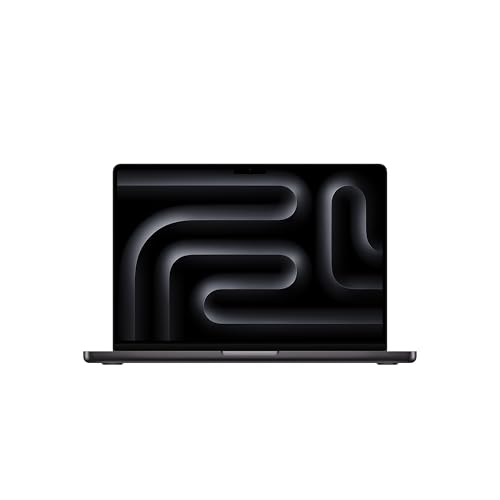
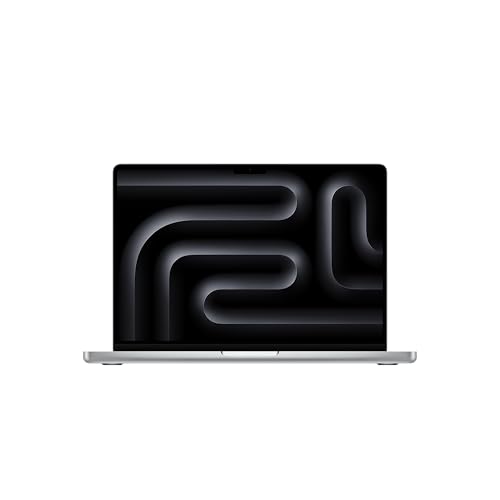
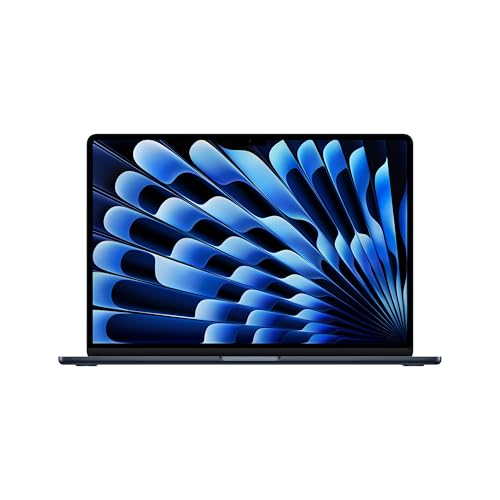


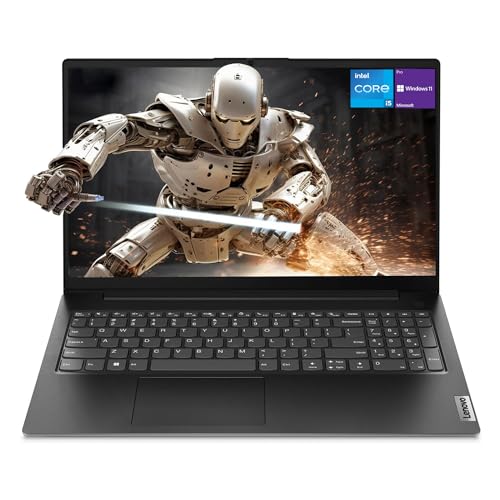
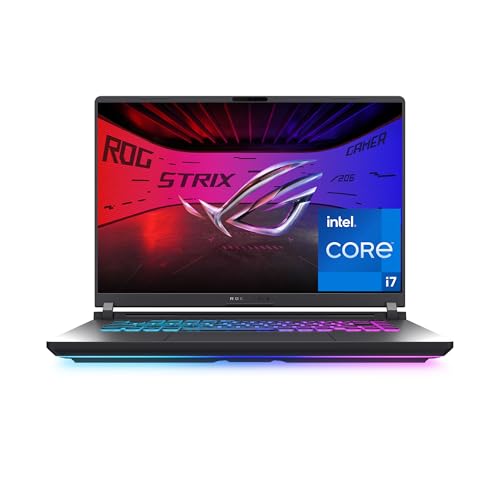
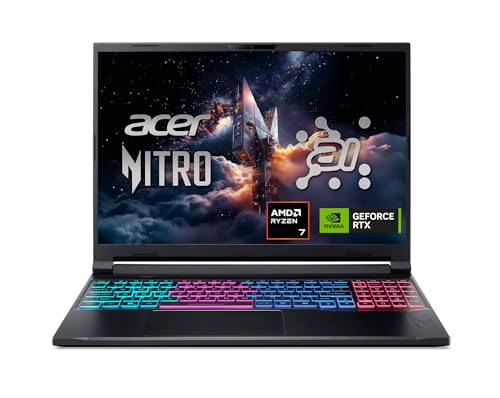
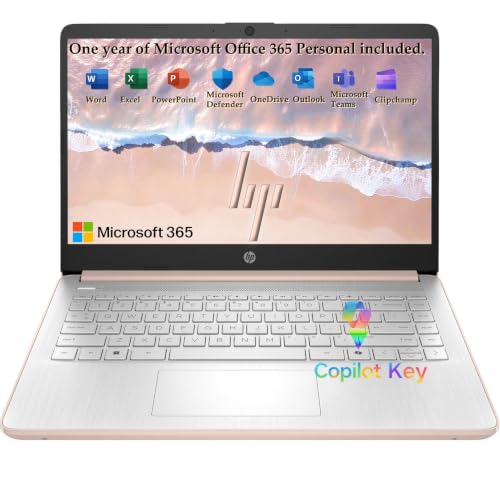
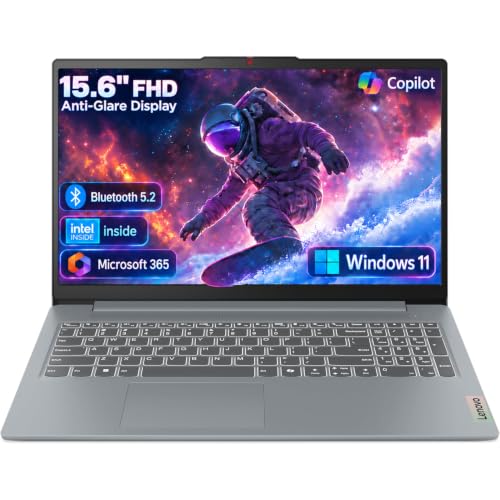
What Well Built Means on a Laptop
Build quality is the part of a laptop you feel rather than read on a spec sheet. A solid chassis does not flex when you pick it up by one corner, the lid does not twist when you open it with one hand, and the keyboard deck stays firm under your fingers. Metal bodies in aluminum or magnesium alloy usually resist flex best, but a well braced plastic frame can be tougher than a thin metal one, so press and twist before you trust the material.
Check the hinge first. It should open smoothly, hold any angle, and show almost no wobble when you tap the desk. Loose or stiff hinges are the most common age-related failure and are expensive to repair. Look at the seams and the ports too: even gaps, firm USB sockets, and a charging port that does not rock are signs of careful assembly.
Who Should Buy Which Type
Students and Daily Commuters
You carry your laptop every day, so weight and toughness matter most. Look for a body under about 3.5 lb, a spill-resistant keyboard if the maker states one, and a padded sleeve for the bag. Battery life of 8 to 12 hours of mixed use saves you from carrying a charger everywhere.
Office and Remote Workers
You type for hours, so keyboard travel, trackpad accuracy, and screen quality matter more than raw speed. A bright, matte or low-glare 14 to 16 inch display, a quiet cooling system, and a good webcam and microphone for calls cover most of the working day. A strong business-class frame is worth paying for if the laptop will last five years.
Gamers and Creators
Heavy workloads put heat and stress on the frame, so cooling and chassis stiffness matter. Gaming and creator laptops are heavier, and a well braced body keeps the screen and keyboard stable under load. If gaming is the main goal, see our guide to the best built gaming laptops for cooling, ports, and display checks specific to that job.
Light Home Use
For email, streaming, and homework, a mid-priced laptop with a sturdy frame is plenty. Do not pay for power you will not use, and put the savings into a longer warranty and a protective case.
Key Features to Compare
Chassis and Hinge
Choose a rigid body with a hinge that supports the lid at any angle. Prefer designs where the hinge anchors to the metal frame rather than into thin plastic, and look for reinforced corners that take knocks in a bag.
Keyboard and Trackpad
Good keys have firm travel, even spacing, and a deck that does not bounce when you type. The trackpad should be large, smooth, and click cleanly across its whole surface. These two parts decide whether a laptop feels premium after months of use.
Display Quality
A full HD or higher panel with decent brightness (about 300 nits or more) suits most users. Color accuracy matters for photo and video work, while low glare helps near windows. A sturdy lid protects the panel, and screens with thin, bendy lids are more likely to show pressure marks.
Cooling and Ports
Clear vents, two fans on powerful models, and room for hot air to escape keep the laptop quiet and fast. Count the ports you use daily: at least one USB-C with charging, a couple of USB-A, and HDMI or a dock-friendly port save you from carrying adapters.
Memory, Storage, and Upgrades
Sixteen gigabytes of memory is a comfortable standard, and a solid state drive of 512 GB or more keeps the system quick. Models with a removable bottom panel, a free storage slot, or replaceable memory last longer because you can upgrade them later.
Thin and Light or Sturdy Workhorse
Thin and light laptops are easy to carry but have fewer ports and less cooling, and their slim frames can flex more under pressure. Sturdy work laptops are slightly heavier but offer stronger hinges, better cooling, and more repair access. If you move daily, a light model with a firm deck is a smart middle ground. If the laptop mostly sits on a desk, favor the sturdier design. For a lighter everyday option, our guide to the best notebook laptops compares slim models.
Custom Built Versus Ready Made
Some shoppers prefer to specify the exact parts. Custom configured laptops offer tailored memory, storage, and graphics, but support and warranty depend on the seller, so confirm who repairs the machine. Our guides to custom built laptops and custom built gaming laptops explain what to check on that route.
Price and Value
Laptops with good frames start around $600 to $800, with strong business and creator models between about $1,000 and $1,800. Spending more buys better materials, displays, and ports rather than basic reliability. A longer warranty and a repairable design often add more value than extra performance, because a laptop that can be fixed stays in use longer.
Care Tips
- Lift the laptop by the base, not the screen corner, and open the lid from the center.
- Use a padded sleeve and avoid stacking books on a closed lid.
- Keep vents clear of fabric, and clean them with compressed air every few months.
- Install system updates, which often improve battery care and fan control.
- Avoid leaving the laptop in a hot car or on a soft bed while it runs.
Common Mistakes
- Choosing the thinnest model without checking ports and hinge strength.
- Paying for graphics power that a daily routine never uses.
- Ignoring the keyboard, which you touch every minute you work.
- Skipping the warranty terms and return window.
Frequently Asked Questions
How long should a well built laptop last?
Four to six years is a reasonable expectation. Hinge and chassis often outlast the battery, which may need replacing after three to four years of daily use.
Is a metal laptop always better built?
No. Metal resists flex well, but a plastic body with a strong internal frame can be just as sturdy. Judge by how the laptop feels when you twist and press it.
How much memory do I need?
Sixteen gigabytes suits most people, and 32 GB helps with video editing, large spreadsheets, and heavy multitasking.
Does screen size affect durability?
Larger screens put more leverage on the hinge, so check that bigger models feel firmer. A 14 to 15 inch laptop is a good balance of space and strength.
What should I check on a used laptop?
Test the hinge, keyboard, ports, battery health, and any dents or cracks near corners. Ask about the return window before you buy.
Final Thoughts
Judge the frame, hinge, keyboard, and display before the processor, and match the size to how far you carry the laptop. Compare your shortlist in the product table with these checks, and the best built laptops for you will be the ones that feel solid every day for years.


