
Best Budget Projector Guide for 2026: How to Choose for Your Home
Disclosure: We may earn a commission when you buy through links on this page, at no extra cost to you. As an Amazon Associate I earn from qualifying purchases. Learn more

Learn how to choose the best budget projector for a living room, bedroom, or family room, with clear advice on brightness, throw, screen size, and costs.
Movie night in a real home rarely looks like a showroom. A lamp stays on and someone sits off to the side. Choosing the best budget projector for that kind of room is less about chasing the biggest spec sheet and more about matching brightness, throw, and screen size to your space.
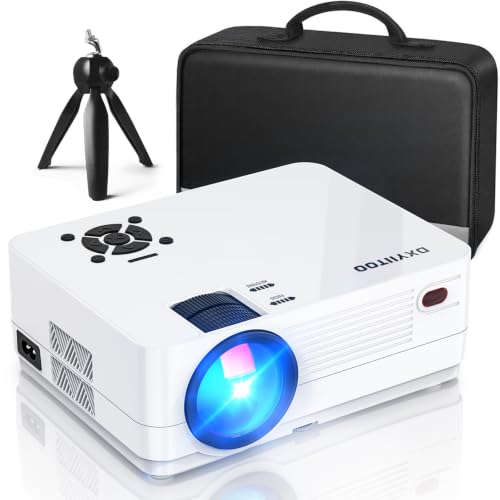
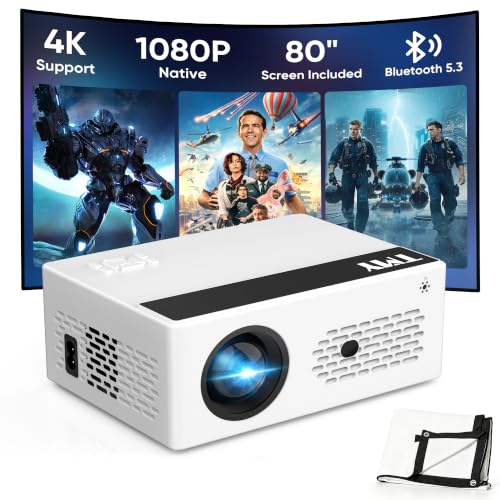
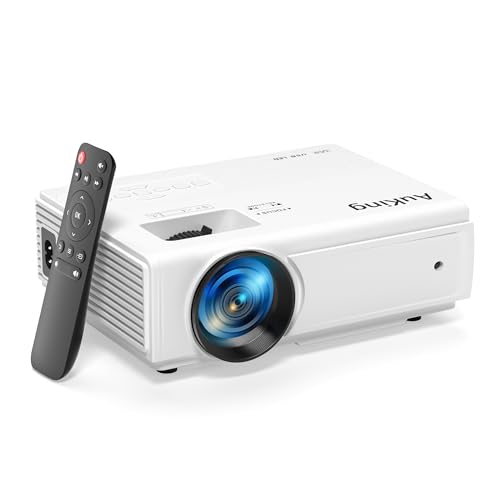
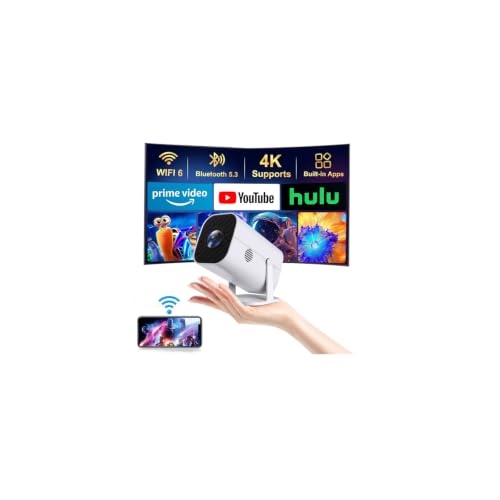
This guide walks you through the checks that matter for living rooms, bedrooms, and small family rooms, including light, seating, sound, and later costs. Use the comparison table below to line up the key specs side by side, then use the profiles and checklist here to decide which type fits your home.

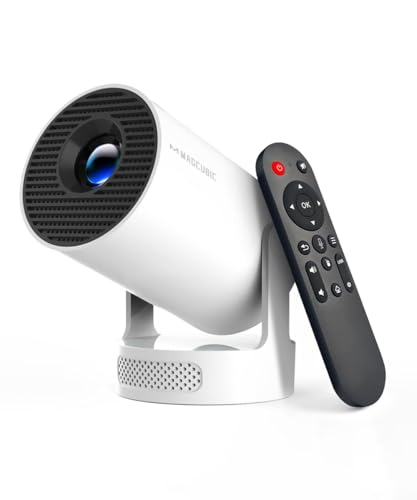
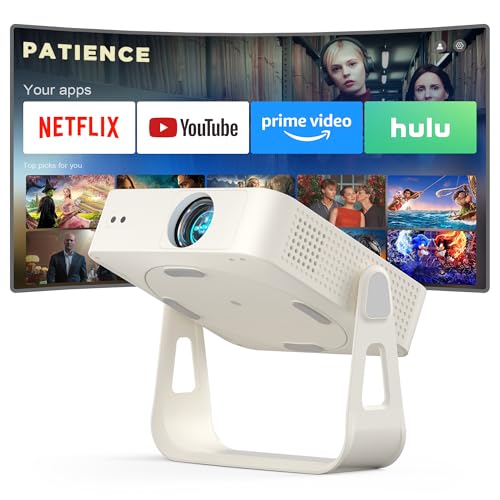

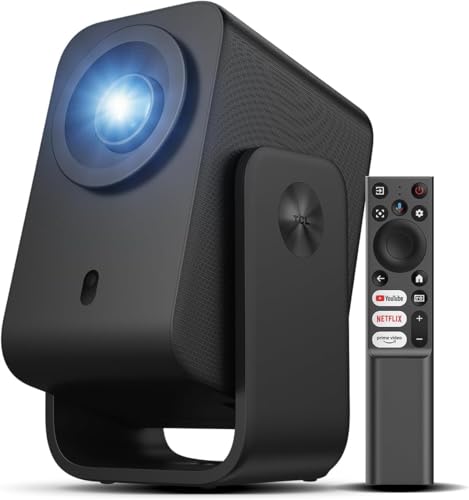
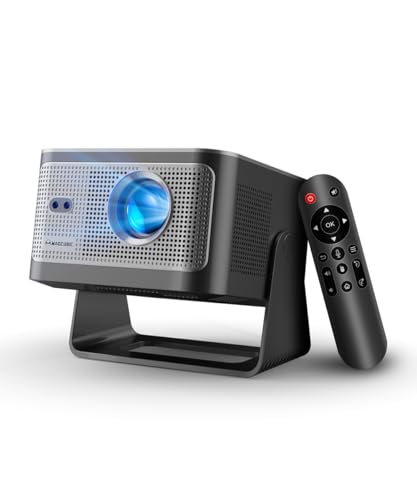
Quick Answer: How to Choose in a Few Minutes
Start with three decisions: choose native 1080p if movies are the main use, match brightness to the light in your room, and confirm the throw distance fits the shelf, table, or mount you actually have. A dark bedroom needs far less output than a living room with windows, so brightness is a room decision. If you are still weighing a screen against a panel, our projector vs tv guide explains the space and cost differences in plain terms.
Before You Buy: A Quick Checklist for Choosing a Projector
Budget models cut corners somewhere, and the goal is to make sure the corner they cut is one you will not miss. Work through the points below in order, because room fit and light come first.
Size and Throw: Match the Projector to Your Space
Projectors come in mini, portable, standard, short throw, and ultra short throw forms, and each one asks something different from your room. A standard model usually needs roughly 8 to 11 feet to fill a 100 inch image, while a short throw model can sit much closer to the wall. Ultra short throw units live on a low cabinet just inches from the screen, which needs a flat wall and careful alignment. Portable models trade brightness and lens quality for easy storage, so they suit occasional use best.
Resolution and Type: Match the Picture to Your Routine
For most homes, native 1080p is the sensible floor for a budget pick, because text stays readable and movies hold detail on a 90 to 120 inch image. Some budget models accept a 4K signal but still display 1080p, which is fine for streaming. A 720p model can work for cartoons for kids or a spare room, yet it softens quickly as the image grows. If games join movie night, also look for a game mode with low input lag so button presses feel responsive.
Features Worth Paying For and Ones to Skip
Pay for useful basics first: focus that holds its setting, keystone correction for slight angle errors, and at least one HDMI port plus WiFi for streaming. Built in speakers are handy in a bedroom, but plan on a soundbar or Bluetooth speaker for a living room. A smart platform with the apps your family already uses saves you from adding a streaming stick later. Skip paying extra for inflated lumen claims and novelty extras that add cost without improving the picture.
Screen Size for Your Room and Seating Distance
A bigger image is only better if your seats sit at a comfortable distance from it. A 100 inch image suits viewers sitting about 10 to 13 feet back, while an 80 inch image feels right at about 8 to 10 feet. Measure your wall before you buy, and leave room for speakers below the image. If you plan a dedicated dark room later, our guide to the best projector for home theater covers screens and seating in more depth.
Brightness for Bright Rooms and Dark Rooms
Brightness decides whether a budget model looks punchy or washed out, and the honest measure is ANSI lumens. A dark bedroom or a room with blackout curtains can look great at about 800 to 1200 ANSI lumens. A living room with lamps and some daylight usually needs about 1500 to 2500 ANSI lumens to keep color and contrast believable. Be skeptical of models that advertise many thousands of LED lumens, because that figure uses a looser method than the ANSI standard.
Display Technology and Light Source
Most budget models use DLP or LCD technology, with LED or lamp light sources and a few using laser. DLP tends to give compact bodies and strong contrast, while LCD designs often show rich color and no rainbow artifacts for sensitive viewers. LED and laser sources last for many years of regular use, while lamp models can start brighter for the money but need a replacement lamp in time. For a deeper look at the picture differences, see our dlp vs lcd projector comparison.
Smart Platform, Sound and Ports
Check the port list before the app list, because hardware lasts longer than software. You want at least one HDMI port for a streaming stick, game console, or Blu ray player, plus USB for power or media and an audio output for external sound. ARC or eARC support helps if you plan to send sound back to a soundbar through the same cable. Built in sound is usually fine for dialogue in a small room, but family room movies will sound thin without help.
Realistic Budget Ranges
Expect clear steps as you spend more. Under $100, you get a basic 720p or soft 1080p image for a dark room and casual use only. About $100 to $300 is where honest native 1080p and usable brightness begin for bedrooms and small living rooms. About $300 to $500 usually adds stronger brightness, better focus, and a smarter platform, while about $500 to $800 buys contrast and quieter fans rather than a new category.
A screen, mount, and cables can add about $50 to $150 on top of the projector price, so hold a little budget back for them.
Three Buying Profiles and What to Prioritize
Instead of naming specific models, it helps to match your home to one of these profiles. Each profile points to the specs that matter most, so you can judge any listing against the same yardstick.
Profile One: A Shared Living Room With Everyday Light
Your room has windows, lamps, and people moving around, and the projector shares duty between movies, sports, and shows. Prioritize brightness in the 1500 to 2500 ANSI lumen range, a standard or short throw lens that clears your furniture, and an easy path to external sound. A simple smart platform matters here because several people will use the remote. Accept that black levels will look gray under light, and judge the picture under your normal evening lighting.
Profile Two: A Small Bedroom or Rental With a Tight Budget
Space is limited, walls cannot take screws, and the projector may move between rooms. Prioritize a compact body, flexible placement, and quiet fan noise because you will sit close to the unit. Brightness can stay modest since the room is dark at night, and a shelf or tripod avoids any drilling. Our guide to the best mini projector is worth a look if portability matters more than a fixed setup.
Profile Three: A Dark Room Devoted to Movies
You can control the light, sit at a fixed distance, and leave the projector in place. Prioritize contrast and color accuracy over raw brightness, since a very bright budget model can look harsh in the dark and wash out shadow detail. A ceiling mount or rear shelf keeps the lens centered, which reduces keystone correction and keeps the image sharp from edge to edge. Spend on a proper screen before extra smart features, because the screen shapes contrast every night.
How to Judge Value in a Budget Projector
Read spec sheets with a checklist mindset. Confirm that resolution is native rather than supported, that brightness is stated in ANSI lumens, and that the throw ratio matches your measured distance. Then read verified buyer comments for issues spec sheets hide, such as fan noise, focus drift after warm up, and weak built in sound. A fair return policy matters at this price, because a quick swap can solve a soft corner or a loud fan.
Budget Projectors Compared With Pricier Models
Spending more mainly buys light control and refinement. Higher priced models add stronger contrast, better lenses, lens shift for flexible placement, and fans you barely hear during quiet scenes. Budget models keep the core experience, a large and enjoyable image, but they ask you to help them with a darker room and a careful setup. If your room and habits outgrow a starter unit, our guide to the best projector shows what the next tier adds and where the money goes.
Common Mistakes to Avoid
Most regrets at this price come from fit and light, not from the brand on the box.
- Shoppers often buy by advertised lumens alone and end up with a washed out picture once real room light hits the wall.
- Placing the projector before you measure throw distance can leave the image too large or too small for your wall.
- Leaning on keystone correction for a badly angled setup softens the picture and wastes resolution.
- Skipping a sound plan leaves movie dialogue thin and hard to follow in a family room.
- Using a textured or colored wall dulls color and shows every bump, no matter how good the projector is.
Cost of Ownership and Care
Running costs stay modest if you plan for them. Lamp based models may need a replacement lamp after a few thousand hours, and a genuine lamp often costs about $80 to $150, while LED and laser models avoid that bill. Clean or replace the air filter on the schedule in the manual, keep vents clear, and store a portable unit in a case so dust stays out of the lens. A ceiling or shelf mount also protects the unit from knocks, pets, and curious small hands.
Most budget units draw about as much power as a bright lamp. Let the fan finish its cool down cycle before you unplug the unit, because trapped heat shortens lamp and electronics life.
FAQ
These answers cover the setup and buying questions budget shoppers ask most often.
How do you mount a budget projector at home?
You can mount a budget projector on a ceiling mount, a high rear shelf, or a wall bracket, as long as the lens sits level with the image as the manual directs. Find a stud or use proper anchors, because a falling unit is a safety risk. Measure your HDMI and power cable runs before you drill, since short cables are the most common reason a neat mount ends up redone.
How many lumens does a budget projector need?
A budget projector needs about 800 to 1200 ANSI lumens for a dark room and about 1500 to 2500 ANSI lumens for a living room with some light. Screen material changes the result too, since a matte white screen with a gain near 1.0 spreads light evenly to side seats. If your room sits between those cases, choose the brighter option and run eco mode at night to cut fan noise.
How can you connect a phone to a budget projector?
You can connect a phone to a budget projector with a wired USB C to HDMI adapter or by casting over WiFi when both devices share the same network. Wired connections are steadier and avoid the pauses casting can add during fast scenes. Some streaming apps limit casting from phones, so try your main app early while returns are still easy.
How do you set up a budget projector for the first time?
To set up a budget projector, place it square to the wall at the distance your screen size needs, level it, focus on a scene with fine text, and use keystone only for tiny fixes. Set the picture mode to a movie or cinema preset, since vivid modes often push color and noise too far. Finish by saving your focus and picture settings, because some units reset them after a full power cut.
Are budget projectors worth buying for family movie nights?
Budget projectors are worth buying for family movie nights when your room can go fairly dark and your screen stays near 100 inches or smaller. The shared experience of a large image often matters more to kids than perfect contrast. When a household later upgrades, the budget unit still earns its keep in a bedroom or for outdoor nights on a portable screen.
What is the best budget projector for a typical home?
The best budget projector for a typical home is a native 1080p model with honest ANSI brightness for your light, a throw that fits your seating, and sound you can upgrade later. Typical homes differ most in light and distance, so those two measurements beat any headline spec. Start with the profile above that matches your room, then confirm the return window so you can judge the picture on your own wall.
Final Thoughts
A good budget purchase is a room decision first and a gadget decision second. Measure your distance, judge your light honestly, and pick the profile that matches how your family actually watches. Then use the product table above to compare finalists and choose the best budget projector that fits your space and your total budget. Prices and availability can change, so check the product page before ordering.


