
Best Budget 4K TV for Gaming 2026: Matching the Right Model to Your Routine
Disclosure: We may earn a commission when you buy through links on this page, at no extra cost to you. As an Amazon Associate I earn from qualifying purchases. Learn more

A budget 4K TV for gaming needs low input lag, the right refresh rate, and enough HDMI capacity. Compare panel types, sizes, and costs before you buy.
There is no single set of specs that suits every player, because a living room console setup and a desk based PC setup ask for different things. A best budget 4k tv for gaming choice should start with how you play, where you sit, and which console or PC you connect. The comparison table below gives a quick view of the main trade offs, while the sections that follow explain each one in plain terms.
This guide compares TV types and features rather than naming single products. It explains refresh rate, input lag, panel type, and HDMI capacity, and it shows where a budget TV can meet a real gaming need and where it will fall short. Use it to set realistic expectations before you spend, so you avoid paying for features your games will not use.
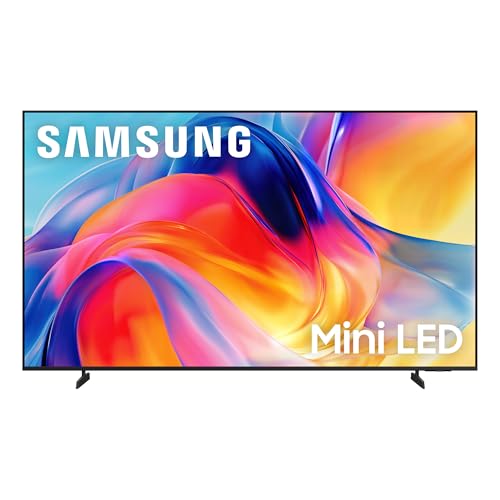
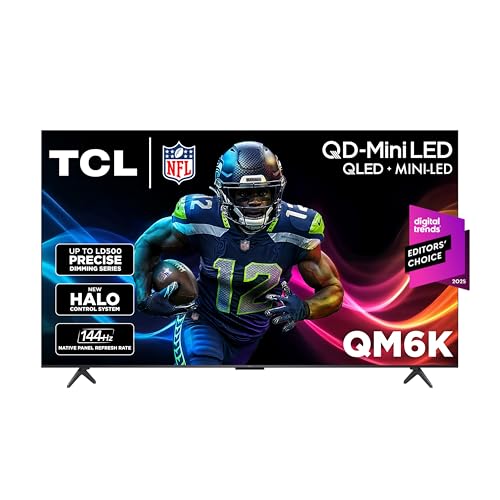
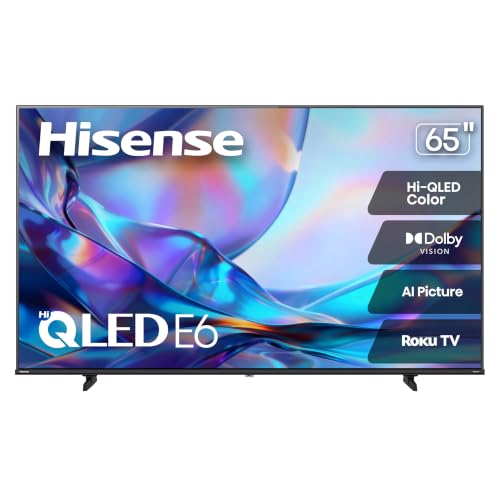
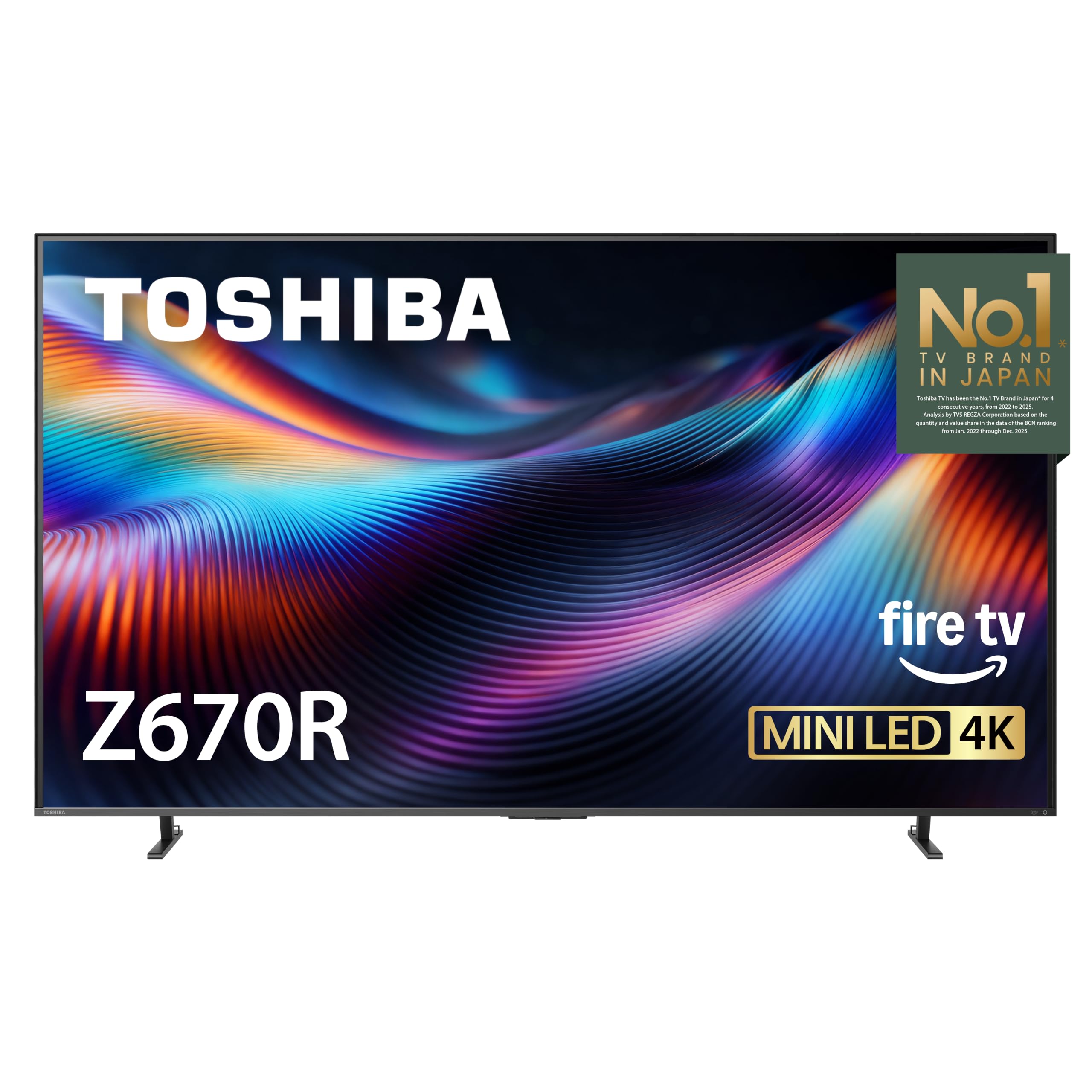
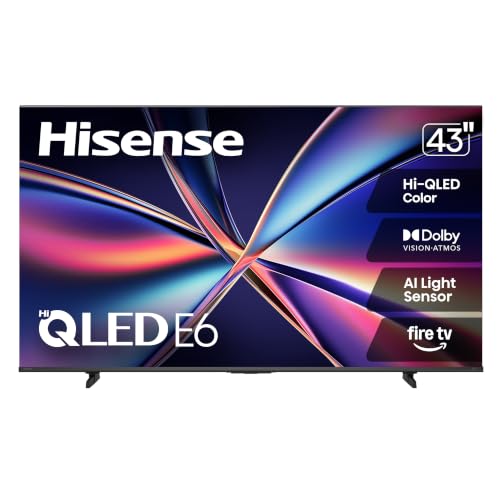
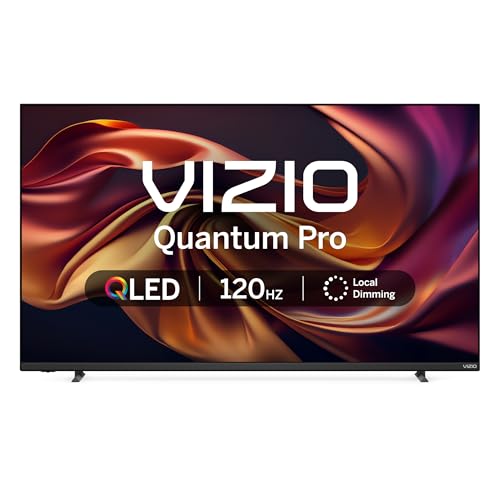
Who Should Buy Which 4K TVs?
Player groups differ in seating distance, screen size, and the kind of games they play most. A fast paced shooter rewards low input lag and a high refresh rate, while a slow story game rewards contrast and colour more than raw speed. Start by naming your main group, then check the features that group needs first.
For Living Room Console Players
Living room players usually sit farther from the screen and play on a console connected by HDMI. A larger screen, a clear game mode, and low input lag matter more than a very high refresh rate, since most consoles target 60 frames per second or 120 frames per second. Check that the TV supports the refresh rate and resolution your console can output, and that game mode stays on without dimming the picture too much.
For Desk Based PC Gamers
Desk based players sit close to the screen, so size, pixel density, and text clarity matter as much as gaming speed. A smaller 4K screen can look sharper at desk distance than a very large screen, and a TV that handles PC text well will also serve for browsing and work between games. Check the HDMI version and bandwidth, because some budget TVs limit 4K at 120 frames per second to one port or to a lower colour setting.
For Shared Households
A shared TV must serve games, shows, and everyday viewing, often for people with different tastes. In that case, a balanced picture, simple menus, and a reliable game mode matter more than a single extreme spec. Look for a TV that switches into game mode quickly, returns to a pleasant movie setting without a long menu hunt, and keeps sound clear at low volume for late night play.
For Students and Everyday Players
Students and everyday players often play in a bedroom or a small flat, where space and budget set firm limits. A mid sized screen, a stable stand, and a low price matter more than a premium panel, and a TV that also works well for study videos and streaming adds value. Check the weight and the stand footprint, since a small desk or a narrow TV unit may not suit a wide legged stand.
Key Features to Compare
Gaming features sound technical, but each one answers a simple question about how a game feels on screen. Refresh rate sets how many frames the screen can show each second, input lag sets how quickly your button press appears on screen, and panel type sets how contrast and colour look in your room. Compare those three first, then check ports, size, and sound.
Features That Matter for Gaming
Gaming needs a low input lag, a clear game mode, and a refresh rate that matches your console or PC output. Input lag below about 20 milliseconds feels responsive for most players, while higher lag can make aiming and timing feel sluggish even when the picture looks sharp. Game mode usually cuts extra picture processing to lower lag, so check whether game mode stays active across ports and whether it dims the picture in a way you dislike.
What You Can Realistically Get on a Budget
At a budget price, expect solid 4K resolution, a usable game mode, and good everyday picture quality, with some limits on brightness, local dimming, and port count. You may get 120 frames per second support on one or two ports, but full HDMI 2.1 capacity on every port is less common at this level. Brightness in a bright room and contrast in a dark room are the two areas where budget panels most often show their limits.
Stand, Mounting, and Ergonomics
Stand width, stand depth, and VESA mount support decide where a TV can actually live in your room. Measure your TV unit or desk, and compare it with the stand footprint in the maker specs, not just with the screen size. A wide legged stand can overhang a narrow unit, while a centre pedestal stand may suit a smaller surface better.
Panel Technology
Panel type shapes contrast, viewing angle, and the risk of image retention. VA panels often offer stronger contrast in a dark room, which suits story games and movies, while IPS panels often offer wider viewing angles, which suits a living room with side seats. OLED panels offer very strong contrast and fast pixel response, but they cost more and need care to avoid image retention on static game menus. See our guide to best gaming tvs 4k for a wider view of panel choices in gaming sets.
Refresh Rate and Response Time
Refresh rate, measured in hertz, sets the maximum frames per second the screen can display, while response time sets how quickly pixels change colour. A 60 hertz screen shows up to 60 frames per second, and a 120 hertz screen shows up to 120 frames per second when the source can output that rate. For console play, 120 hertz is useful when your console and game support it, but many games still run at 60 frames per second. For PC gaming context, see our guide to best 4k tvs for pc gaming, which covers port and sync points in more depth.
Common Mistakes to Avoid When Buying 4K TVs
- Judging by price alone, without checking input lag and game mode behaviour, which affect every game you play.
- Ignoring the HDMI port specs, and finding too late that 4K at 120 frames per second works on only one port.
- Buying a screen that is too large for the seating distance, which forces constant head movement and eye strain.
- Buying a screen that is too small for the room, which wastes the detail that 4K resolution can offer.
- Skipping the warranty and return terms, which matter when a panel fault or a dead pixel appears after delivery.
Each of these mistakes is easy to avoid with a tape measure and a careful read of the port specs. Measure distance, count ports, and confirm game mode behaviour before you order, rather than after the TV is on the wall. That short check saves the cost and hassle of a return.
Care and Maintenance Tips
Calibrate the picture settings after setup, and turn off vivid mode, which often oversaturates colour and crushes shadow detail. A movie or game preset, with brightness set for your room light, usually gives a more natural result. Save the game preset separately if the TV allows it, so you do not need to redo settings each time you switch from a show to a game. For broader TV buying context, see our guide to best tvs of all time and our guide to best quality 4k tvs.
Frequently Asked Questions
What features matter most in 4k tvs for gaming?
Low input lag, a reliable game mode, and a refresh rate that matches your console or PC matter most, followed by HDMI capacity and panel contrast. A TV that nails those points will feel responsive even if its peak brightness is modest. Check the port specs for each HDMI input, since a single fast port may not cover every device you own. Also confirm that game mode does not dim the picture to a level you dislike in your room light.
How long do 4k gaming TVs last?
A TV used for daily gaming and viewing can last many years, with panel life depending on use, brightness settings, and care. OLED models need extra attention to static images, since long sessions on a fixed menu can raise the risk of image retention over time. LCD models avoid that specific risk but can still lose brightness slowly with age. Keep brightness at a level that suits your room, follow maker care guidance, and vary content when you play for very long stretches.
IPS vs OLED: which is better for gaming?
IPS suits wide seating and bright rooms, since it keeps colour steadier from side angles, while OLED suits dark rooms and story games, since it offers stronger contrast and faster pixel response. The better choice depends on your room and your games, not on a single spec. If you play many hours of games with static menus, an IPS or VA panel may need less care than an OLED panel. If contrast and motion clarity matter most, OLED is hard to beat at a higher price.
Does refresh rate matter for non gamers?
Refresh rate matters less for shows and movies, which usually run at lower frame rates, but a 120 hertz panel can still smooth sports and fast camera movement. For everyday viewing, picture quality, sound, and ease of use often matter more than a higher refresh rate. If the TV will serve both games and family viewing, choose a balanced set rather than paying a large premium for refresh rate alone. That balance usually gives better value for a shared household.
What size should I get for my room or desk?
For a living room, a common guide is a screen that fills 30 to 40 degrees of your view from your usual seat, which often means a larger screen than a desk setup needs. For a desk, a smaller screen at close distance gives sharper text and less head movement. Measure your seating distance, check the stand footprint, and sit at that distance from a similar sized screen in a shop if you can.
Is 4K worth it for gaming?
4K is worth it when your console or PC can output 4K at a smooth frame rate and you sit close enough to see the extra detail. At a long living room distance on a small screen, the gain over a lower resolution is harder to notice, and a lower resolution with a higher frame rate may feel smoother. Weigh resolution against frame rate for your own games, since both affect how a game looks and feels.
Final Thoughts
The best budget choice is the TV that matches your seating distance, your console or PC output, and your room light, without forcing you to swap cables or fight game mode settings. Low input lag, the right refresh rate, and enough HDMI capacity matter more than a single headline spec. The product table above can help you compare those points side by side once you know your size and your main games.
Measure your space, check the port specs, and pick a panel type that suits your room before you compare prices. A best budget 4k tv for gaming pick that fits your routine will feel fast, look clear, and serve both games and everyday viewing. Use the product table above for a final check, and let your seating distance and your main games lead the decision.


