
Best Bookshelf Monitors in 2026: Types Compared and How to Choose
Disclosure: We may earn a commission when you buy through links on this page, at no extra cost to you. As an Amazon Associate I earn from qualifying purchases. Learn more

Bookshelf monitors give clear, accurate sound from a shelf or desk. Compare powered and passive types, woofer sizes, inputs and placement to pick the right pair.
Bookshelf monitors are compact studio-style speakers that sit on a shelf, stand or desk and aim for a clear, even sound instead of a flattering one. The best bookshelf monitors suit mixing, casual hi-fi listening and desk setups, and the right pair depends on your room size, your source and how much accuracy you want. This guide explains the types, the specs that matter and how to place a pair so it sounds its best.
Use the product table to scan the options, then read the choices below before you buy.


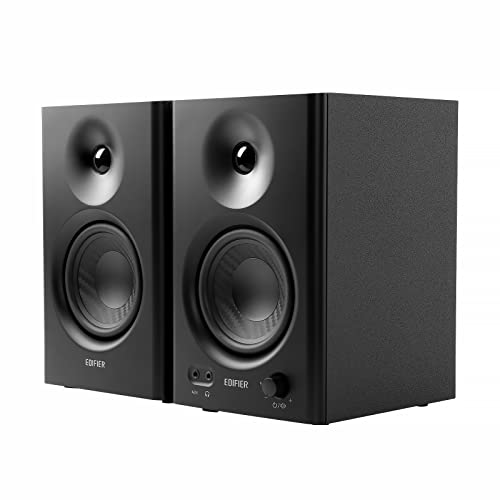

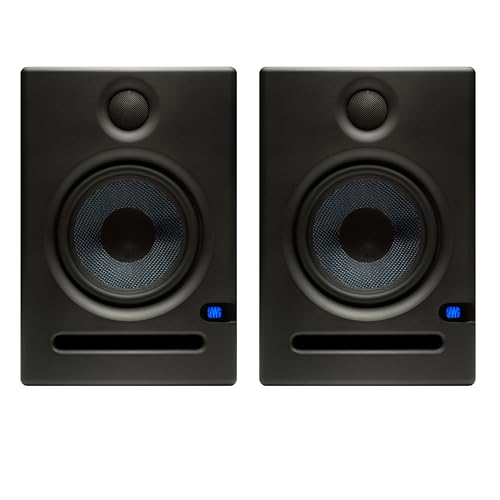

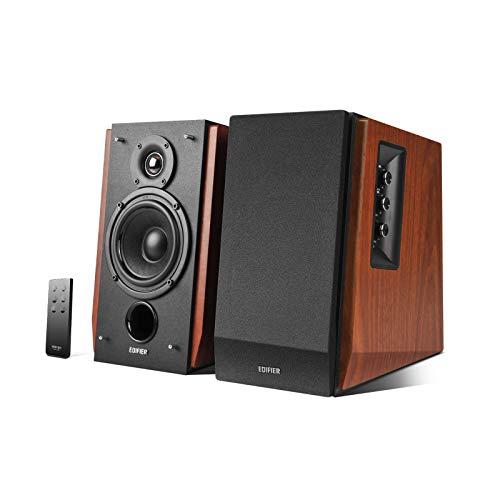
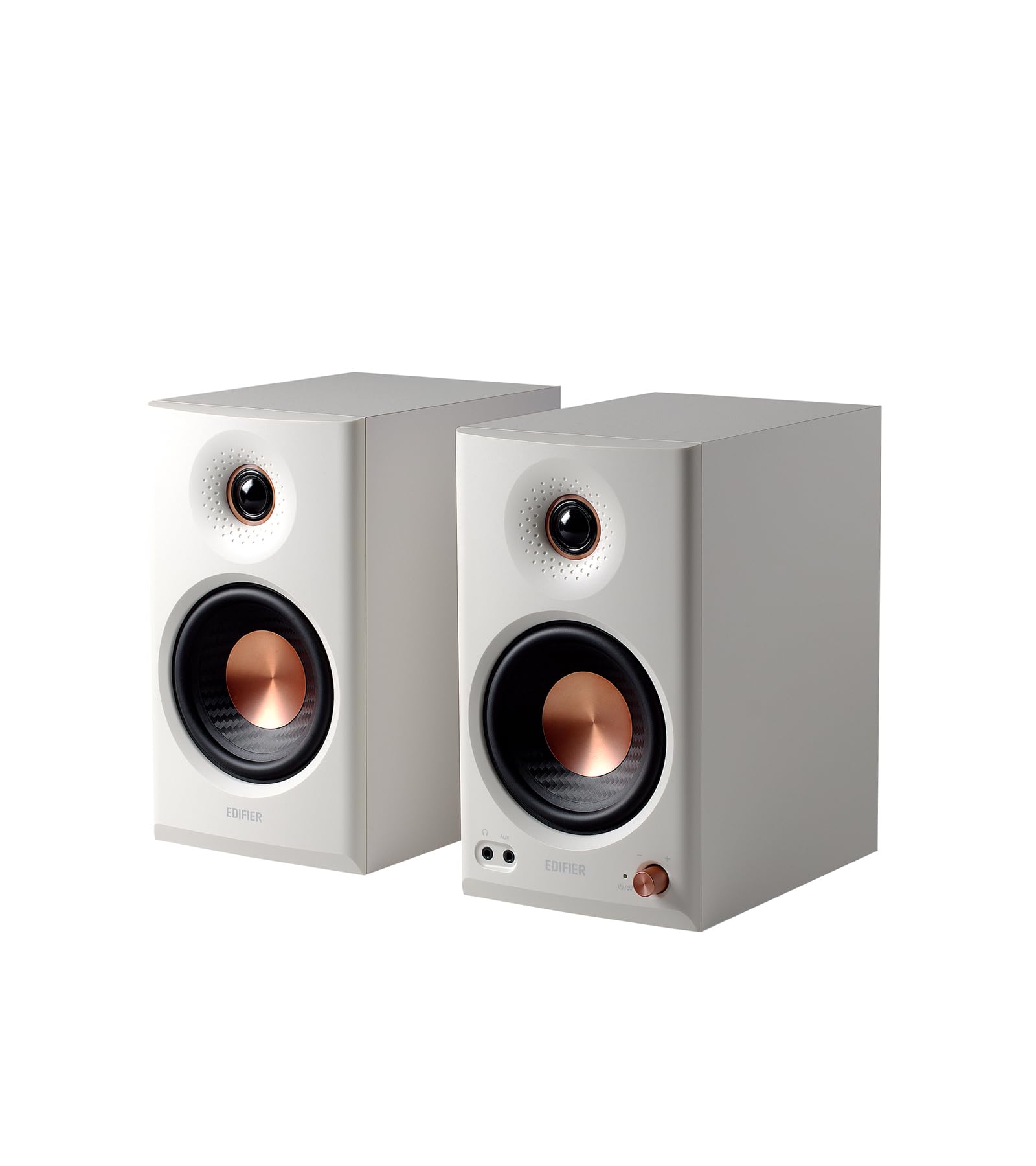

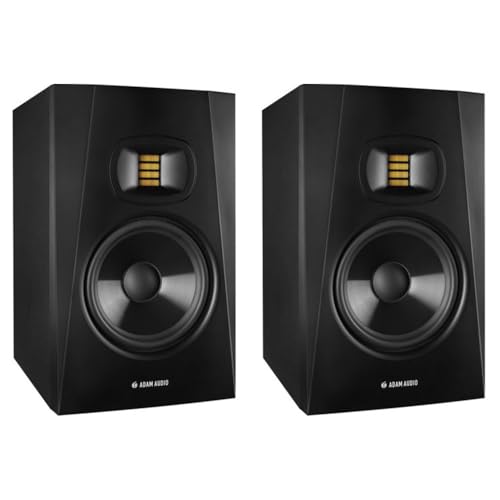

Types of Bookshelf Monitors Compared
Powered Studio Monitors
Powered monitors have an amplifier built into each cabinet, tuned to the drivers. They connect directly to an audio interface, computer or mixer with balanced or RCA inputs. They are the usual choice for home studios and desks, and the simplest way to get accurate sound without extra boxes.
Powered Bookshelf Monitors With Bluetooth and Streaming
These add Bluetooth, optical or USB inputs, so one pair serves music, video and a computer. They suit listeners who want clean sound and convenience more than studio-grade connections.
Passive Bookshelf Monitors
Passive monitors need a separate amplifier or receiver. They suit people who already own an amplifier or want to upgrade parts over time.
How to Choose Bookshelf Monitors
Woofer Size and Room Size
Woofers of 3 to 4 inches suit a small desk, 5 inches suit most bedrooms and home studios, and 6.5 to 8 inches fill a larger room with more bass. A bigger woofer in a small room can sound boomy, so match the pair to the space.
Frequency Response and Accuracy
Look for a response figure with a tolerance, such as plus or minus 3 dB. Flat, honest tuning shows what is in a recording, which is the point of a monitor. A warmer tuning is easier to enjoy but less revealing.
Inputs and Connectivity
Balanced XLR or TRS inputs suit an audio interface, RCA suits consumer gear, and Bluetooth or optical suit casual listening. Check that the inputs match the equipment you own.
Room Correction Controls
Many monitors include boundary or low-frequency controls that tame bass buildup near a wall. These are useful on a shelf, where the wall behind the speaker boosts bass.
Placement on a Shelf or Desk
Place the pair so the tweeters sit near ear height and form a rough triangle with your head. Leave a few inches behind rear-ported models, and use isolation pads or stands to keep the cabinets from vibrating the furniture. Angle the monitors toward your seat for a stable stereo image.
Common Mistakes to Avoid
- Buying too large for the room. Big woofers in a small room produce boom, not accuracy.
- Ignoring inputs. A pair without the input your gear needs will need an adapter or interface.
- Putting monitors in a corner. Corners boost bass and blur the sound.
- Skipping isolation. Speakers sitting directly on a desk or shelf pass vibration into the furniture.
Frequently Asked Questions
What size bookshelf monitor is best for a small room?
A 4 to 5 inch woofer suits most small rooms and desks. Larger woofers need more space to sound balanced.
Are bookshelf monitors the same as bookshelf speakers?
They overlap. Monitors aim for flat, accurate sound and often have studio inputs, while consumer bookshelf speakers may add a warmer tuning and extras such as Bluetooth.
Do I need a subwoofer with bookshelf monitors?
Not for most music. A subwoofer helps with movies and very low notes, and some monitors have a subwoofer output.
Can I use bookshelf monitors for casual listening?
Yes. Their clear, honest sound suits music, and many pairs handle video and computer audio well.
How far from the wall should bookshelf monitors sit?
Leave a few inches for front-ported models and more for rear-ported ones. Use a boundary control if the speakers must sit close to the wall.
Final Thoughts
Match the woofer size to your room, check the inputs against your gear and place the pair at ear height away from corners. Compare the options in the product table, and the best bookshelf monitors for you will sound clear and balanced where you actually listen.


