
Best Boardroom Projectors by Budget: Smart Picks for 2026
Disclosure: We may earn a commission when you buy through links on this page, at no extra cost to you. As an Amazon Associate I earn from qualifying purchases. Learn more

Compare boardroom projector options at every price point, with brightness, throw, and sharing checks that help you choose the right tier for your room.
Boardroom projectors range from about $400 portable models to about $3,500 installed units, and that gap is hard to judge from a spec sheet. The best boardroom projectors for your team stay clear with the lights on, show small text without strain, and connect to a guest laptop in seconds.
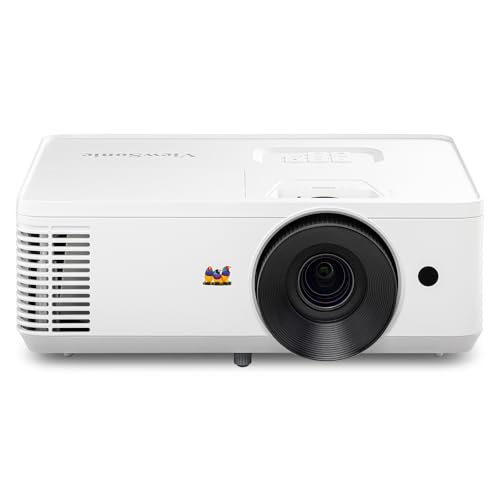
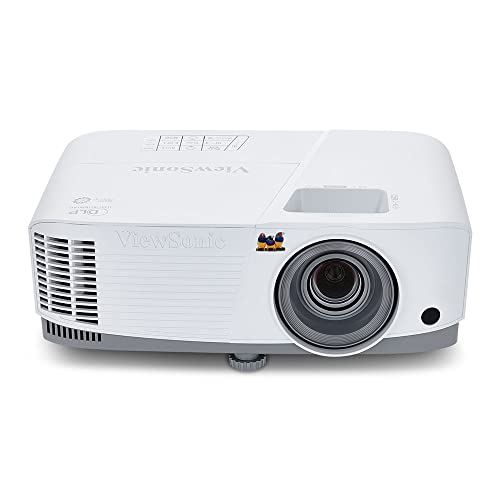
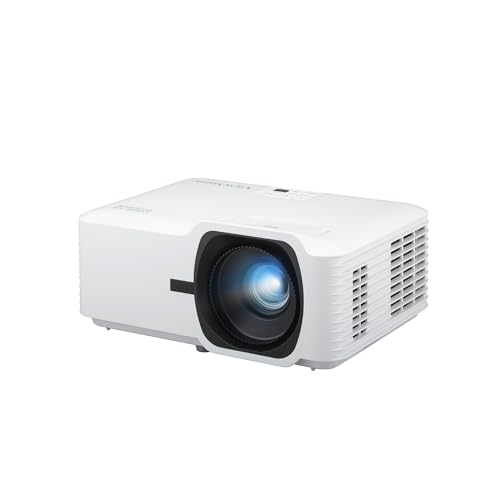
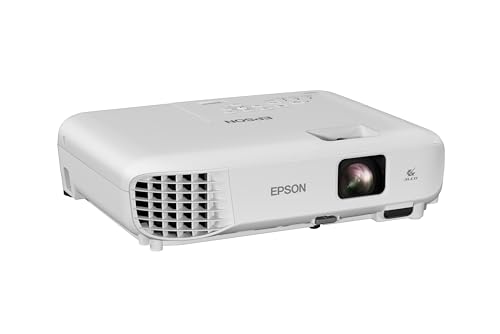
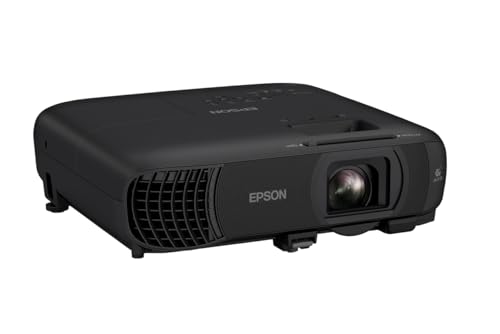
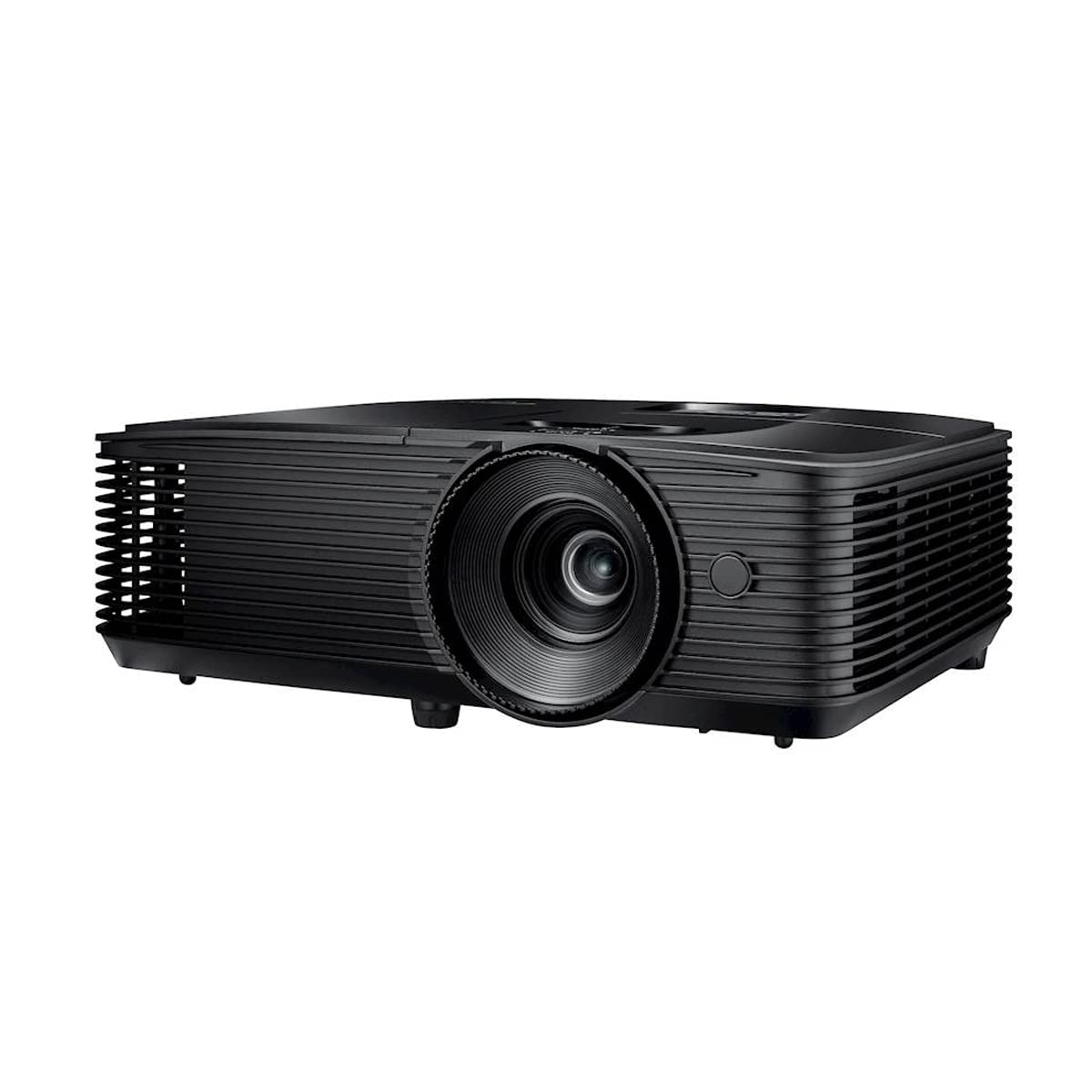
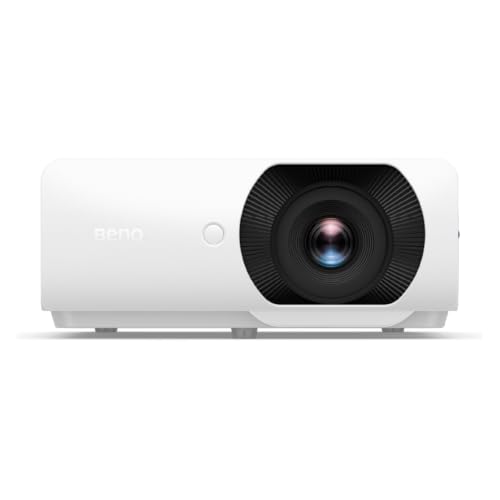
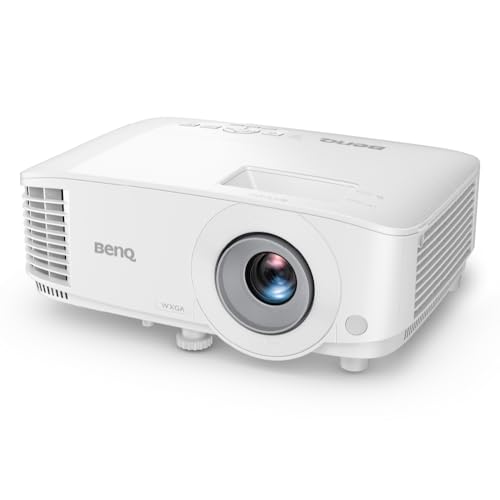
This guide compares types by budget instead of naming individual models, so you can match a tier to your room size, window light, and meeting style. Use the product table below to shortlist options, then check throw distance and connections against the room you actually use.


Who Should Buy a Boardroom Projector?
Start with how the room is used, because a projector that suits a fixed presentation space can frustrate a team that moves between offices.
Teams Holding Daily Meetings in One Fixed Room
You present slides, budgets, and dashboards in the same room, often with ceiling lights on and blinds partly open. Prioritize a brighter ceiling mounted model with lens shift, because a fixed install can be aligned once and then left alone. Portability matters little here, so put the budget toward brightness and a larger, sharper image.
Consultants and Trainers Who Move Between Rooms
You carry your gear, set up on unfamiliar tables, and present in rooms you cannot control. A compact model with a short throw lens fits that routine, because it can fill a screen from a short distance and pack away quickly. Presenters who visit client sites can see our guide to the best pocket projectors for the smallest options.
Hybrid Teams Presenting to People In the Room and Online
Your meetings mix staff at the table with colleagues on a video call, so the projected image and the shared screen both need to stay readable. Choose wireless sharing plus enough brightness that nobody has to dim the lights and disappear on camera. Fan noise matters more for you, because table microphones pick up a loud fan during calls.
Key Features to Compare
When you compare the best boardroom projectors for a shortlist, judge each model against the room first and the spec sheet second. The factors below explain what each spec changes in a meeting and which option suits which space.
Brightness for Lights On Presenting
Brightness is rated in ANSI lumens and decides whether slides stay readable under ceiling lights and daylight. A small room with controlled light can work well at about 2,500 to 3,500 lumens, while a larger room with windows often needs about 3,500 to 5,000 lumens for clear charts. Rated output also falls as lamps age, so a model that only just copes on day one will look washed out later. Choose the brighter option when your room has glass walls or no blinds. Contrast matters less in a bright room than raw output, because ambient light lifts the darkest parts of the image.
Resolution and Text Clarity for Slides and Sheets
Resolution controls how crisp small spreadsheet figures, code, and drawing details look from the back row. Full HD at 1920 by 1080 suits most slide decks, while WUXGA at 1920 by 1200 adds vertical space that helps tall documents and split screen work. A 4K model sharpens dense data on large screens, but only viewers seated fairly close will notice the full gain. Match resolution to your content.
Throw Distance, Zoom, and Lens Shift
Throw ratio tells you how far the projector must sit from the screen to fill it, so measure that distance before you buy. Short throw models fill a wide image from a few feet away, which helps small rooms and presenters standing near the screen. Optical zoom, often about 1.1x to 1.6x, lets you fine tune image size without moving the mount. Lens shift moves the image without tilting, and it beats digital keystone correction because shifting keeps the picture sharp and rectangular.
Connections and Wireless Sharing
Look for at least two HDMI inputs, a USB C input that carries video, and a USB port for a wireless adapter or media files. Wireless sharing through common casting standards lets guests present without hunting for a cable, which saves the first minutes of every meeting. Wired inputs still matter, because a direct cable is the most reliable fallback when the office network blocks guest devices. Test both routes with the laptops your visitors actually bring.
Light Source Life and Running Costs
Lamp models cost less up front but need a replacement lamp after about 3,000 to 5,000 hours, and brightness fades as the lamp ages. Laser and LED models commonly run about 20,000 hours or more with steadier brightness and no lamp changes, which suits installed rooms where access is awkward. For a small meeting space, see our guide to the best small projectors for compact long life options.
What Each Projector Price Band Buys Your Room
Each step up in price should buy a specific gain for your room, not just a longer feature list.
Budget Tier, About $400 to $800: Covers Small Rooms and Simple Decks
Expect Full HD resolution, about 2,500 to 3,500 lumens, a lamp light source, and basic keystone correction at this level. These models suit small rooms with blinds, groups of about six or fewer, and mostly slide based content. Trade offs include modest built in sound, limited zoom, and placement that needs care because there is rarely any lens shift.
Midrange Tier, About $800 to $1,500: Brighter Images and Easier Sharing
This tier adds brightness closer to 3,500 to 4,500 lumens, wider zoom, better built in speakers, and wireless sharing on many models. Laser light sources start to appear, cutting lamp costs for busy rooms. It fits most standard boardrooms seating about eight to twelve people, where lights stay partly on and guests present often.
Premium Tier, About $1,500 to $3,500: Large Rooms, 4K Detail, and Flexible Installs
Premium models bring about 4,500 to 6,000 lumens or more, 4K resolution on some models, generous lens shift, and quieter cooling for large spaces. They suit long rooms, screens of about 120 inches or more, and detailed content such as design reviews or financial models. Readers weighing that step up can see our guide to the best quality projectors for the wider premium picture.
Common Mistakes to Avoid
- Buying for a dark demo room, so slides wash out under your normal ceiling lights and window daylight.
- Skipping the throw distance measurement, so the image cannot fill the screen from the only mount position available.
- Relying on digital keystone correction for a badly placed unit, so text edges lose sharpness across the whole image.
- Forgetting guest laptops and network rules, so visitors cannot connect and meetings start late while adapters are found.
- Choosing a lamp model for a high ceiling mount, so every lamp change needs a ladder, tools, and downtime.
- Ignoring fan noise ratings for a tabletop setup, so call microphones carry a constant hum to remote attendees.
Care and Maintenance for Boardroom Projectors
Clean or replace the air filter on the schedule in the manual, because a clogged filter raises internal heat and can trigger shutdowns during meetings. Wipe the lens only with a dry microfiber cloth made for optics, and never use household glass cleaner, which can damage lens coatings. Keep vents clear of papers and cups on tabletop setups.
Check ceiling mount fixings and cable connections about twice a year, and tighten anything that vibration has loosened. Store a portable unit in its case with the lens cap on, and let a lamp model cool fully before you move it, because moving a hot lamp can shorten its life.
FAQ
How long does a boardroom projector light source last?
A boardroom projector lamp typically lasts about 3,000 to 5,000 hours, while laser and LED sources often run about 20,000 hours or more. Stated life is usually measured until brightness falls to about half, so the image looks tired well before the source fails outright. If your room hosts meetings all day, that fade arrives sooner in calendar terms, so plan replacements by hours used rather than by age.
Is 4K resolution worth it for a boardroom projector?
4K is worth it for a boardroom projector mainly when the screen is large and viewers sit close enough to read fine detail. For standard slide decks viewed from a long table, the extra cost often buys little that the back row can see. A useful check is your smallest regular content, such as spreadsheet footnotes, rather than a dramatic photo or video clip.
How bright should a boardroom projector be for a room with windows?
A boardroom projector for a windowed room should generally offer about 3,500 to 5,000 ANSI lumens, with the higher end for larger screens. Blinds that cut direct sun onto the screen can matter as much as extra lumens, because sunlight on the image defeats even bright models. Judge any demo with the lights and blinds set as your meetings normally run.
What screen size suits a boardroom projector in a typical meeting room?
A screen of about 100 to 120 inches suits most boardrooms seating eight to twelve people at a long table. Longer rooms push the choice toward the larger end of that range. Ceiling height can limit you before width does, since the screen bottom should stay above seated eye level so heads do not block the lower rows of a slide.
Can a boardroom projector connect wirelessly to a laptop?
Yes, most current boardroom projectors can connect wirelessly through built in casting, a supplied adapter, or your room system. The practical catch is network policy, because many office networks isolate guest devices from the room display for security. Ask your IT team to confirm the guest route before relying on wireless for client meetings. A short test using a guest account reveals most problems before a real presentation.
Final Thoughts
Choose by room, not by headline specs. Confirm brightness for your light, measure throw distance to your screen, and make sharing simple for guests, then pick the lowest tier that clears all three checks. The best boardroom projectors for your team will feel almost invisible in use, starting fast and staying readable through every meeting. Compare your shortlist in the product table before you commit the budget.


