
Best Bluetooth Watches for iPhone: A First Time Buyer's Guide for 2026
Disclosure: We may earn a commission when you buy through links on this page, at no extra cost to you. As an Amazon Associate I earn from qualifying purchases. Learn more

Shopping for the best bluetooth watches for iphone for the first time? Learn the terms, compare options, and avoid rookie mistakes with this easy guide.
Buying your first watch to pair with an iPhone can feel like learning a new language. Screens, sensors, battery claims, and water ratings all compete for your attention, and the differences are not obvious from a photo. If you are looking at best bluetooth watches for iphone options for the first time, this guide starts with the basics and builds up in plain steps.
By the end, you will know which specs deserve your money, which ones you can ignore, and how to set up your watch on day one. Use the product table below as you read, and check each model against the short list of needs you build here.

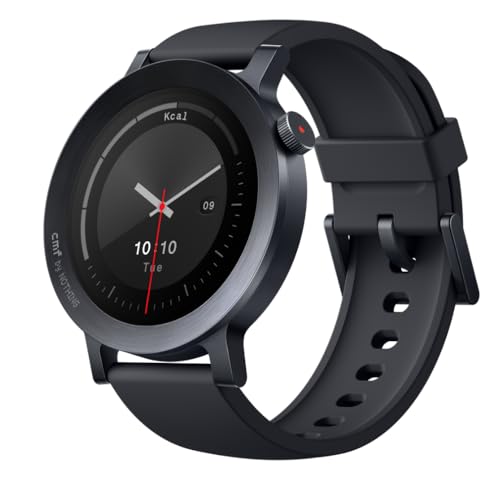


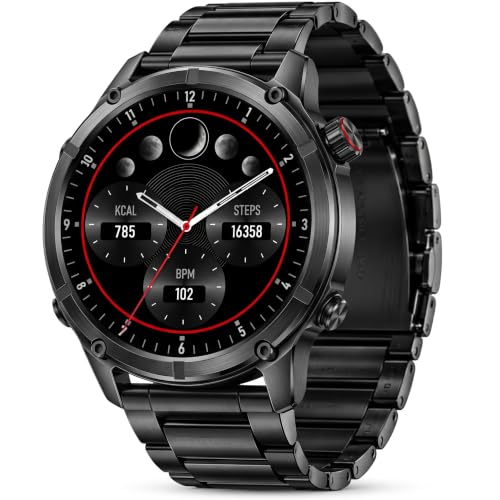


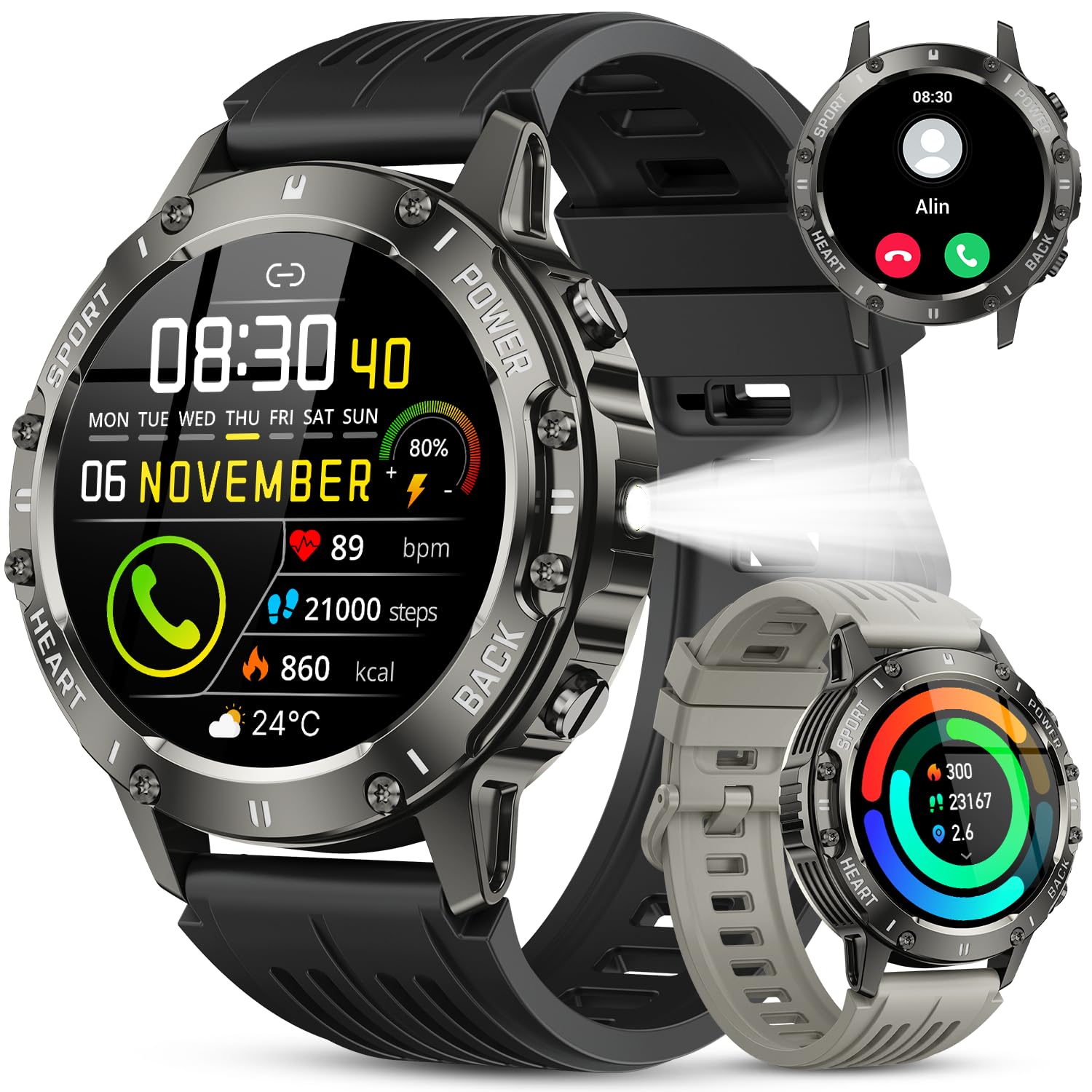
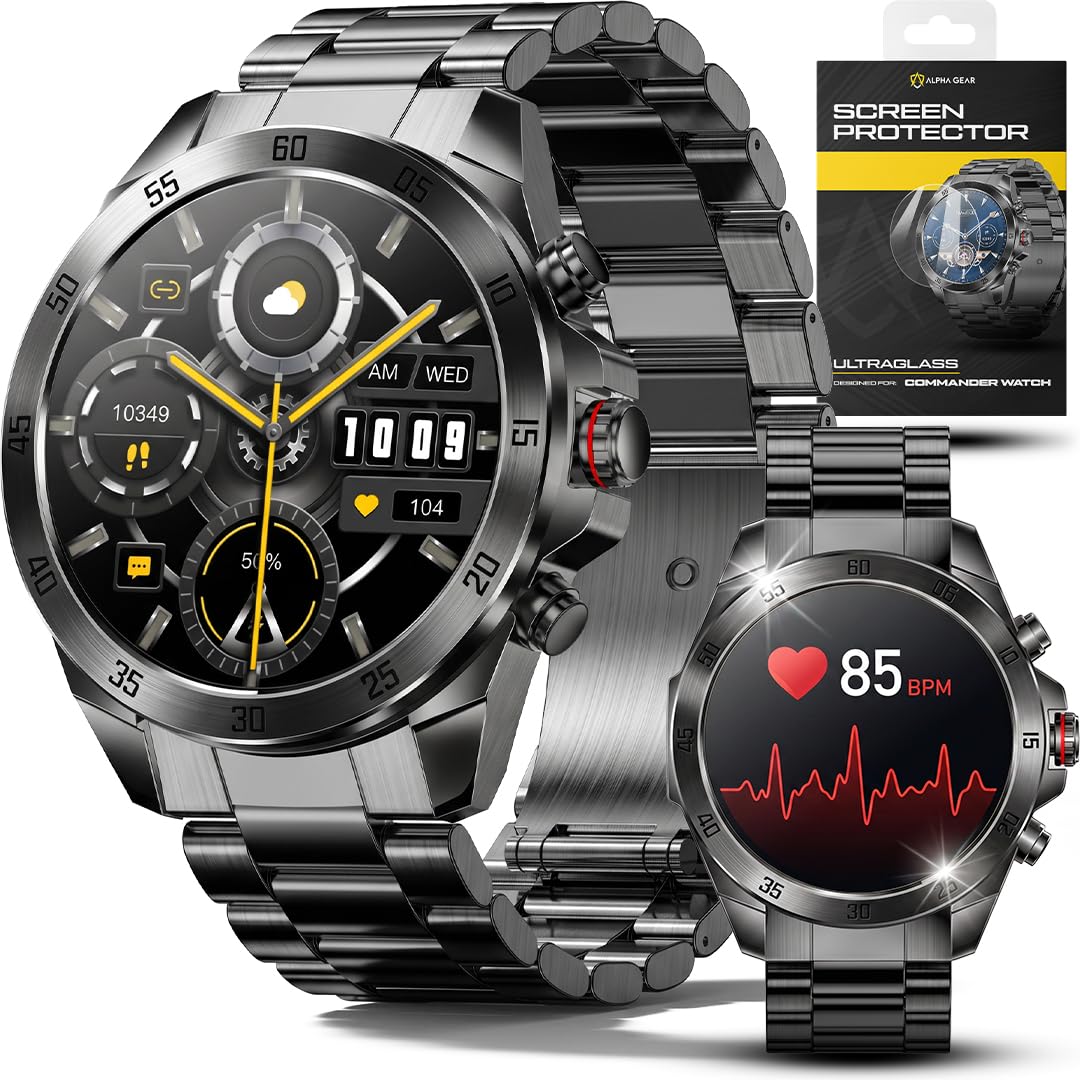
Bluetooth Watches 101: The Basics
A Bluetooth watch is a wrist device that links to your phone over a short range wireless connection. Once paired through the iPhone Bluetooth settings and the maker app, it mirrors alerts, tracks activity and sleep, and lets you answer calls, control music, or glance at the weather without taking your phone out of your pocket.
The connection stays live as long as the watch and phone stay within roughly 30 feet of each other, though walls shorten that range. When the phone is farther away, a watch without its own cellular service can still track workouts and show the time, then sync everything when you come back into range. That simple fact shapes the biggest choice you will make: Bluetooth only, or Bluetooth plus cellular at a higher price with a monthly plan.
Terms you will see often include OLED for the screen type, IP68 for dust and water protection, and software updates for the new features and security fixes a maker sends over time. The next section explains each of these in plain English, with the level a first time buyer should aim for. If you want a broader view of the category while you learn, our guide to the best bluetooth watches covers pairing basics that apply across phone brands.
Key Specs Explained in Plain English
Features That Matter for iPhone
iPhone pairing is stricter than Android pairing, so compatibility comes first. Confirm the watch and its app support your iPhone model and its current iOS version, and check that notifications, reply options, and call handling work with iPhone, because some watches limit replies or app access on iOS. A watch made for the Apple ecosystem will always offer the smoothest alerts and the deepest app support.
Next, look at the daily features you will actually touch. Contactless pay, voice assistant access, and music storage vary a lot between brands when paired with an iPhone. Write down your top three uses, such as workout tracking, sleep tracking, and quick replies, and let that list rank the models. Our overview of the best iphone watches shows how iPhone focused lineups differ on exactly these points.
Display Size and Quality
The display is what you look at hundreds of times a day, so it deserves real attention. OLED screens give deep blacks and strong contrast, and they sip power when the watch face uses dark backgrounds. Case size, usually about 40 to 46 mm for most wrists, controls both screen size and comfort, so try to match case size to your wrist rather than chasing the largest screen.
Brightness matters outdoors. A rating around 1,000 nits or higher stays readable in sunlight, while dimmer screens wash out on a run. A refresh rate near 60 Hz is standard on watches and keeps scrolling smooth enough; higher rates matter far less here than on a phone. Also check whether the glass is strengthened, because the watch face takes knocks from door frames and gym gear.
Processor and Everyday Performance
The processor decides how snappy the watch feels. A current chip opens apps quickly, keeps workout tracking steady while music plays, and handles voice commands without long pauses. Older or very cheap chips tend to stutter when you stack tasks, like starting a run while a podcast downloads, and that lag shows up every single day.
You do not need the fastest chip for basic alerts and step counts. You do want enough memory for smooth maps and music if you plan to leave your phone at home on workouts. A practical test when shopping: look for recent models in a maker lineup rather than stock from several years back, because performance and app support age together.
Software Updates and Support Window
Software updates deliver new health features, bug fixes, and security patches. Makers differ widely here. Some support a watch with major updates for four or more years, while budget models may get one year or less. For a device that holds your health data and notifications, that window matters more than a small price gap.
Ask two questions before you buy. How many years of updates does the maker promise in writing, and does the watch still pair if you update your iPhone to the next iOS version? A clear written promise is a good sign. Vague language about updates is a reason to move on, especially if you plan to keep the watch for three years or longer.
Build, Durability, and Water Resistance
Build quality decides how the watch survives daily wear. Look for a case that feels solid, buttons that press with a clean click, and straps you can swap without special tools. Screen glass with a known strengthening treatment resists scratches better than plain glass, and a metal case usually shrugs off knocks better than a thin plastic one.
For water, IP68 means the watch resists dust and can handle immersion in shallow water for a limited time, which covers showers and rain with ease. Swimmers should look for a stated swim rating, often shown as 5 ATM, plus a water lock mode that ejects water from the speaker. Rinse the watch in fresh water after pool or sea use and dry it before charging.
Choosing Bluetooth Watches for Your Situation
Best Waterproof Bluetooth Watches for iPhone
If swimming, surfing, or daily showers are part of your routine, start your search with best waterproof bluetooth watches for iphone models that carry a real swim rating rather than splash resistance alone. Check three things: a 5 ATM or higher rating, a water lock or eject feature, and straps made of silicone or nylon that dry fast and do not hold odor.
Also confirm that the maker warranty covers water damage under the stated rating, because some brands rate a watch for swimming but exclude water damage in the fine print. A slightly higher price for a swim ready model is money well spent if the watch will live in the pool, since one water failure ends the watch entirely.
Rookie Mistakes to Avoid
- Buying on looks alone. A pretty case with weak iPhone support will frustrate you daily, so confirm compatibility and app quality before style.
- Ignoring battery life. Some feature rich watches need charging every night, while simpler models run a week or more. Match the rhythm to your habits.
- Skipping the update window. A cheap watch with one year of support can become a poor deal fast when apps stop working.
- Overbuying cellular. A cellular plan adds a monthly fee forever. Skip it unless you truly need calls and data away from your phone.
- Forgetting strap comfort. You wear this all day and maybe all night for sleep tracking, so an itchy or stiff strap is a real problem, not a detail.
Getting Started: Setup and First Use
Charge the watch fully before pairing, then update your iPhone to its latest iOS version. Open the maker app, follow the pairing prompts, and allow only the notifications you truly want, because a watch that buzzes for every app trains you to ignore it. Set your health details honestly in the app so calorie and heart rate zones start in a sensible place.
In the first week, wear the watch snugly for workouts and a finger width looser for sleep if that feels better. Keep software updated by turning on automatic updates in the app, and add a light case or screen protector only if your work or sport puts the face at real risk, since protectors can dull touch response. Clean the strap weekly with mild soap and water.
One health note matters for every new owner. A watch can flag an unusual heart rhythm or a hard fall, but it is not a medical device and it can miss events or raise false alarms. If you notice racing, fluttering, chest pain, or repeated alerts, see a doctor promptly rather than waiting for the watch to confirm it, and talk with your clinician about which readings matter for your personal health.
Bluetooth Watches: Your Questions Answered
What features matter most in bluetooth watches for iphone?
Reliable notifications, call handling, and health tracking matter most for iPhone owners. After those, battery life and screen brightness shape daily satisfaction more than extra sport modes. One feature many buyers miss is offline music or podcast storage, which lets you run without your phone. Check it before you buy if phone free workouts are part of your plan, because not every model offers it on iPhone.
Should I buy unlocked?
For a watch, unlocked mainly applies to cellular models, and it means the watch is not tied to one carrier. An unlocked cellular watch gives you freedom to change carriers, but your iPhone carrier still needs to support watch plans. If you choose a Bluetooth only model, unlocking does not apply at all, so do not pay extra for the word. Compare a related shortlist in our guide to the best iphone smart watches if cellular choices are your main question.
How much storage do I need?
Most people need less than they think. Around 8 to 16 GB holds the system, your apps, and a few playlists with room to spare. Heavy music listeners who store many offline playlists should look for 32 GB. Keep in mind that photos and maps also draw on the same space, and a nearly full watch can slow updates, so leave some headroom rather than filling it completely.
How many years of updates should a phone get?
Your phone and watch age as a pair, so both support windows matter. A good target is at least four years of major updates for the watch and five or more for the iPhone it pairs with. If either device falls out of support, pairing features can break even though the hardware still works. When in doubt, buy the watch with the longer written promise, and note the promise in your records.
Do I need 5G?
No, you do not need 5G in a watch. Watch data use is tiny, covering messages, music streaming, and map lookups, and LTE handles all of it well. What matters more is that the watch supports your carrier watch plan and holds a signal during runs. Save the money a 5G badge would cost and put it toward battery life or a better screen, which you will notice every day.
Is a mid range phone good enough?
Yes, a recent mid range iPhone pairs perfectly well, and the same logic applies to mid range watches. You give up extras like the newest sensors or premium case materials, but alerts, tracking, and pay features work the same. Spend first on fit, battery, and update support. Shoppers comparing wider shortlists may also find our guide to the best smartphone watches for iphone useful for sorting tiers before they buy.
Our Verdict
For a first purchase, rank compatibility, battery life, and update support above every headline feature. Get those three right and almost any well made watch will please you; get them wrong and no screen can save the experience. Now compare the best bluetooth watches for iphone in the product table against your top three daily uses, and pick the model that fits your wrist, your routine, and your budget.


