
Best Bluetooth Speakers for PS5 2026: Connections and Latency
Disclosure: We may earn a commission when you buy through links on this page, at no extra cost to you. As an Amazon Associate I earn from qualifying purchases. Learn more

How to pick the best bluetooth speakers for ps5: how to connect, latency and sound for gaming.
A PlayStation 5 can output rich audio, but many players use a TV with weak speakers or a headset that blocks the room. A Bluetooth speaker can help for casual play, though it comes with a catch: the PS5 does not support Bluetooth audio for speakers directly. The best bluetooth speakers for ps5 therefore depend on how you connect them, through the TV, a USB adapter or a wired link.
This guide explains how to connect a speaker to a PS5, what to expect from latency and which features matter for gaming. Use the product table to compare options once you know your connection.



How a PS5 Connects to Speakers
The PS5 outputs audio through HDMI to your TV or monitor, and it can send sound to headsets through USB or the controller jack. It does not support Bluetooth audio devices natively. That means the best route is to connect the speaker to your TV or monitor, then let the console send sound there.
If your TV has a Bluetooth output or an HDMI ARC port, use it. A USB Bluetooth transmitter can also add Bluetooth to the console, but it can add delay.
Latency in Games
Games need low delay. A speaker that adds more than a few tens of milliseconds can make shots feel late. Wired connections through optical, HDMI ARC or aux are the safest. If you use Bluetooth, look for a low latency mode.
Casual games and slower titles are more forgiving than shooters and fighters.
Sound for Gaming
Games reward good dialogue, directional cues and strong bass. A speaker with clear midrange and a stereo image makes footsteps and voices easier to place. A pair or a soundbar gives a wider image than a single speaker.
Avoid very bass heavy tuning, which can drown subtle cues.
Soundbars, Pairs and Desktop Speakers
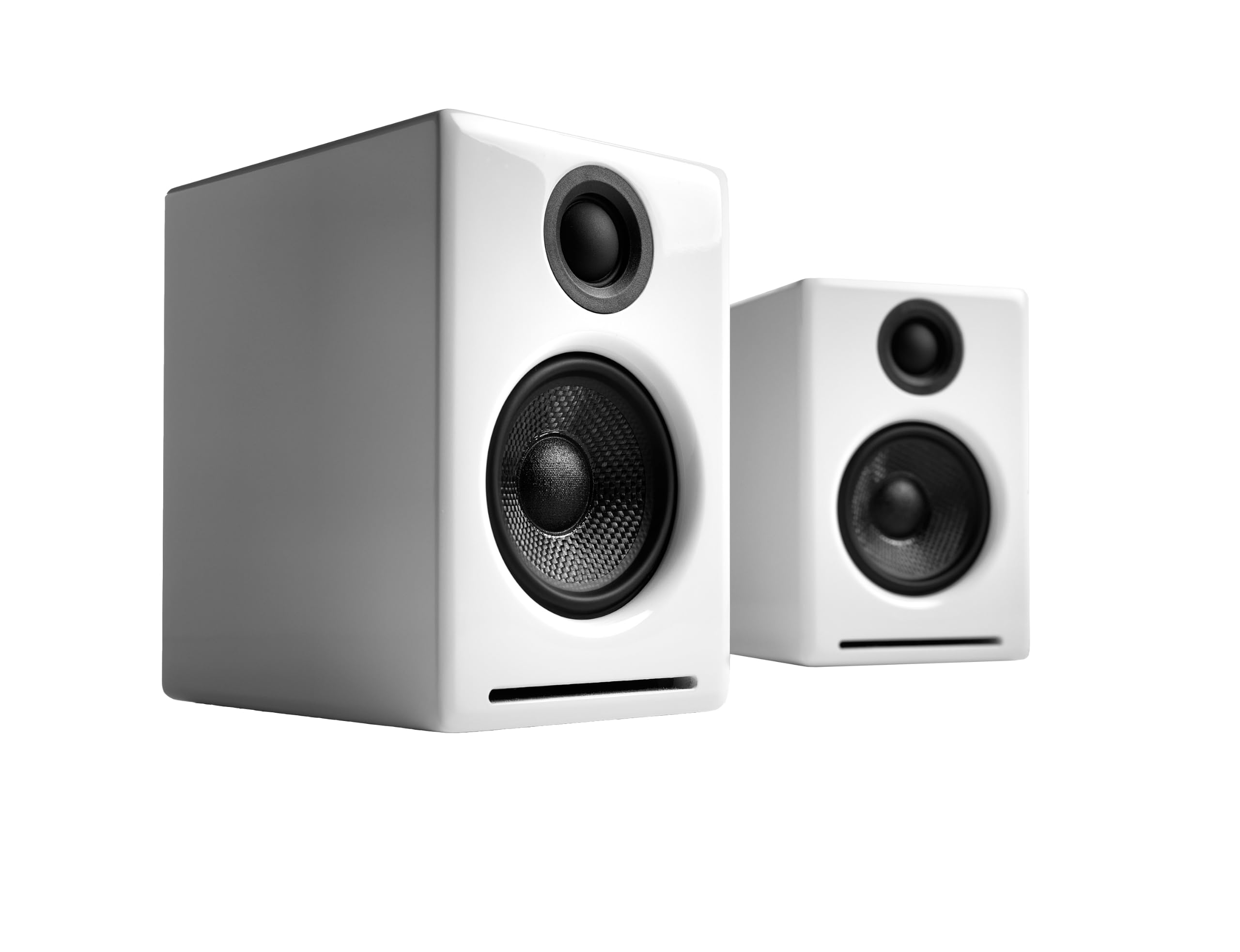
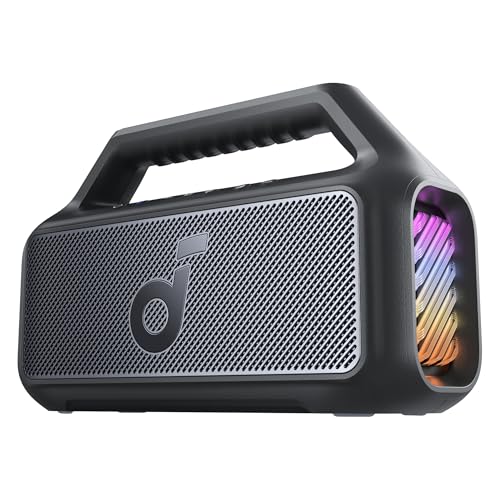
A soundbar suits a living room setup. A desktop pair suits a monitor and a desk. A single portable speaker works for casual play, with limited stereo. Choose by the way you play.
For related options, see our guide to the best bluetooth speakers for tv.
Placement and Room Layout
Place speakers at ear height on either side of the screen. Keep them away from corners. If you use a soundbar, centre it below the screen.
Check that cables reach and that nothing blocks the front.
Volume and Late Night Play
Night modes and bass controls keep sound polite late at night. Headphones remain the best option for quiet play.
A speaker that is clear at low volume is more comfortable for long sessions.
Using a USB Bluetooth Adapter and Other Workarounds
If your TV lacks a Bluetooth output and your speaker lacks wired inputs, a USB Bluetooth transmitter can add wireless audio to the console. Choose one with low latency support, and check that both the transmitter and the speaker support the same low latency codec. Without that match, the delay will fall back to normal Bluetooth levels.
A cleaner alternative is an optical or aux adapter between the TV and the speaker. Many TVs have an optical output that sends the same signal as the HDMI audio, and a speaker with an optical input will receive it with almost no delay. This is the route most competitive players choose.
If you use a headset for voice chat, many setups let you keep chat on the headset and game sound on the speaker. This depends on the console settings, so check the audio output menu to route chat and game audio separately.
Everyday Gaming Scenarios
For a living room game night with friends, a soundbar or a loud party speaker keeps everyone in the mix without headphones. Choose one with a strong midrange for voices and effects, and a bass control for explosions. For a desk and monitor setup, a pair of bookshelf speakers gives a wide image that helps with directional audio.
For late night play, a small speaker at low volume with a night mode keeps the household happy. For travel, a portable speaker lets you plug into a hotel TV for a quick session. Think about which of these situations is most common for you and choose accordingly.
Remember that game volume varies between titles. Some games have quiet dialogue and loud effects, and a speaker with a night mode or dynamic range control makes them easier to live with.
Comparing the Best Bluetooth Speakers for Ps5 in the Product Table
Start with your connection, then compare latency, sound and price. Read return terms and check that the speaker has the inputs you need.
A speaker that works with your TV and console without fuss is the winner.
Frequently Asked Questions
Can the PS5 connect to a Bluetooth speaker directly?
Not natively. Connect through the TV, a transmitter or a wired link.
Will Bluetooth cause lag in games?
It can. Use low latency modes or a wired connection.
Is a soundbar better for gaming?
It usually has more inputs and a wider sound.
Can I use a speaker and a headset at the same time?
Some setups allow it. Check your TV and speaker.
How loud should game audio be?
Comfortable for you and polite to others. Use night mode if available.
Final Thoughts
Choosing the best bluetooth speakers for ps5 means planning the connection first. A wired link through the TV or a soundbar with HDMI ARC is the most reliable for gaming. Use the product table to compare options and read return terms.


