
Best Bluetooth Soundbars (2026): Setups, Connections and Buying Tips
Disclosure: We may earn a commission when you buy through links on this page, at no extra cost to you. As an Amazon Associate I earn from qualifying purchases. Learn more

Dialog clarity, TV ports and room size decide the best bluetooth soundbar. Here is how to choose the right setup for your home.
Your TV speakers face the room, yet voices still sound thin during a family movie night. A bar under the screen can fix that without turning your living room into a project. Choosing the best bluetooth soundbar starts with your room, your seating, and how your household actually watches and listens each day.
This guide walks through size, channel layouts, connections, and budget ranges, then compares three common setups. Use the comparison table below to see how they differ at a glance, then read on for the details that matter in bedrooms, living rooms, and home offices.
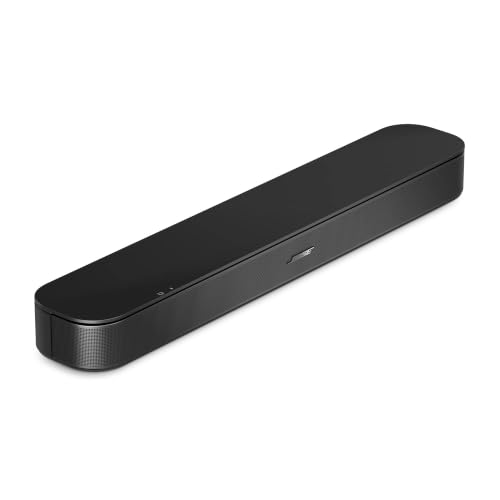
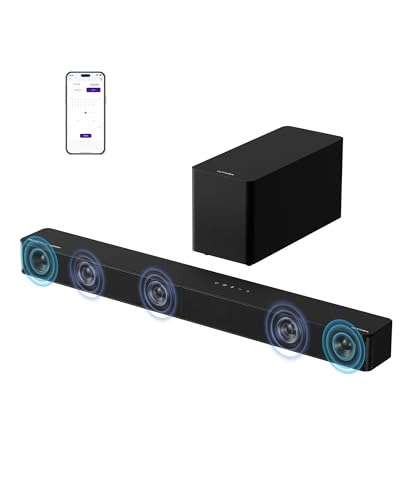
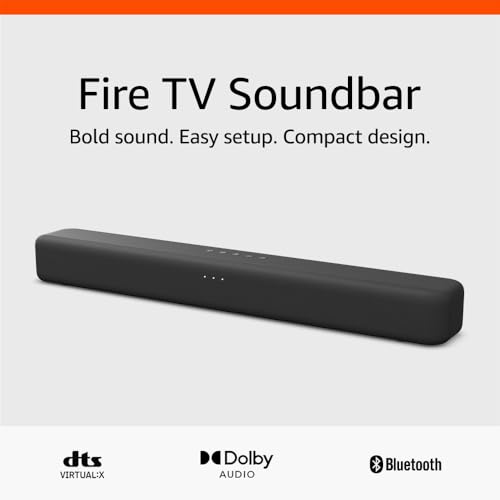
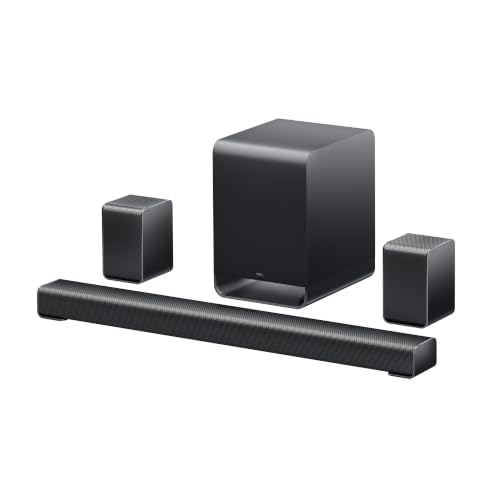
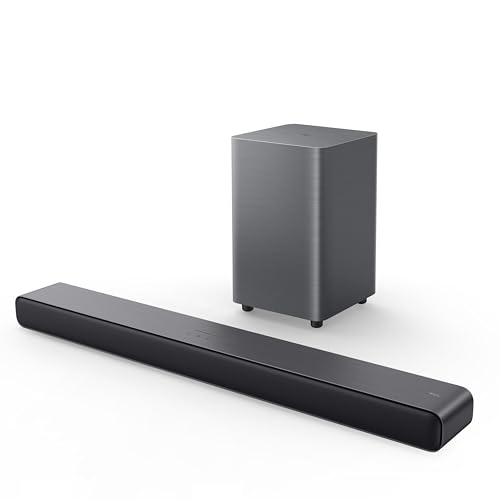

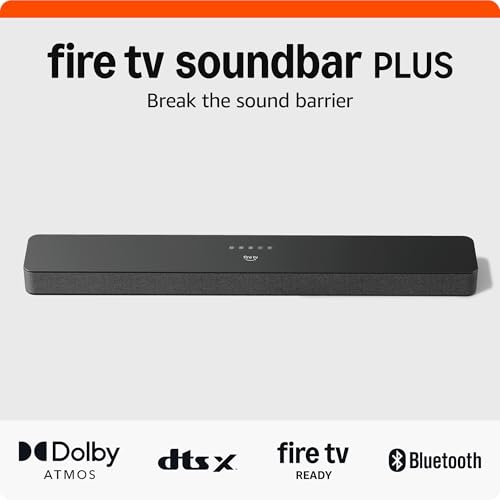
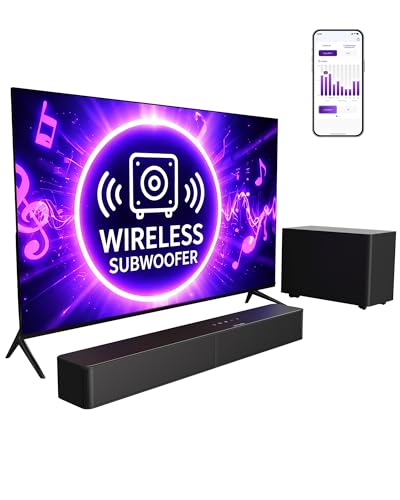
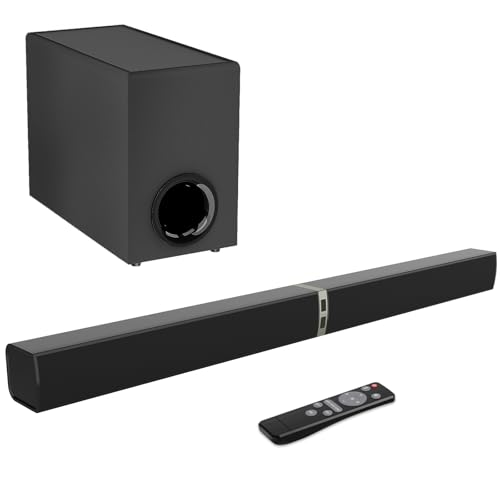
Quick Answer: Three Setups in 30 Seconds
Most homes land on one of three setups. A single compact bar suits a bedroom or office. A bar with a separate subwoofer suits an open living room where movie bass matters. An expandable bar suits a family planning to add rear speakers later.
- Single bar: the clearest dialog lift for the money, with no extra boxes on the floor.
- Bar plus subwoofer: fuller movie sound and music with weight, at the cost of floor space.
- Expandable bar: starts simple and can grow with wireless rear speakers when the budget allows.
Before You Buy: A Quick Checklist for Choosing a Soundbar
Work through the points below in order. Size and connections rule out more models than any spec sheet does, so settle those first. If your search centers on the TV alone, our guide to the best soundbar for tv covers screen pairings in more depth.
Size: Match It to Your Space
Measure the width of your TV stand and the space below the screen before you shop. A bar wider than the stand can overhang, while a very short bar under a large TV may struggle to spread sound across the seating area. Compact bars around 20 to 30 inches suit desks and small TVs. Bars around 35 to 45 inches suit most living room TVs, and taller models need clearance so they do not block the screen.
Which Type Fits Your Routine
Think about a normal week in your home. If the bar mostly plays news, sports, and streaming shows, a simple stereo bar covers the job. Households that watch action films often prefer a center channel layout, often sold as 3.1, because voices sit in their own channel. Music lovers who stream from a phone each evening should value a stable Bluetooth connection and a music mode that tames boomy bass. Gamers need a wired path with low delay for the console, even if music arrives by Bluetooth.
Features Worth Paying For and Ones to Skip
Pay for a clear voice mode, a remote you can use in the dark, and automatic volume leveling if your household jumps between apps and ads. Wall mounting hardware in the box saves a separate purchase. Skip a voice assistant built into the bar if your phone or smart speaker already handles that job, and skip extra audio formats your streaming apps never send. A long list of preset modes adds little when the basic movie and music modes sound balanced.
Room Size and Placement
Sound reflects off walls, so a small room needs less output than an open plan space with a kitchen behind the seating. Place the bar at ear level when seated, centered under the TV, with its front edge near the front of the stand. If placement still feels unclear, our guide on how to set up a soundbar walks through position and cabling step by step.
Dialogue Clarity and Night Mode
Voices live in the midrange, and many bars bury them under bass and effects. A dedicated center channel or a voice enhancement setting lifts speech without raising overall volume. Night mode compresses loud peaks and lifts quiet speech, so you can follow a late show while others sleep nearby. Try any voice setting with a talk heavy scene, because pushing it too far can make speech sound thin.
Connections: HDMI eARC, Optical, and Bluetooth
For the TV itself, HDMI eARC is the first choice, since one cable carries sound and lets the TV remote control bar volume. Optical works well on older TVs but cannot pass some newer surround formats. Bluetooth serves phones and tablets for music and podcasts, and some bars also accept a Bluetooth signal from the TV. Samsung owners can read our guide to the best soundbar for samsung tv choices, while everyone else should confirm the TV has one free HDMI port before ordering.
Subwoofer and Surround Options
A separate subwoofer adds the low rumble that a slim bar cannot move on its own, and a wireless model gives you freedom to place it near a corner or beside a sofa. Bars with the subwoofer built in keep a room tidy and suit renters who cannot run cables. True rear speakers widen the sound for films, but they need power outlets behind the seating, so treat them as an upgrade path rather than a day one need.
Realistic Budget Ranges
Expect about $100 or less to buy a basic stereo bar that mainly improves dialog over TV speakers. Spending about $100 to $250 usually adds a separate subwoofer, a better remote, and eARC. A budget of about $250 to $500 brings stronger center channel clarity and expansion options. Above that level you pay for Atmos height effects and multi room audio. Readers focused only on price can compare the current best budget soundbar lineup after setting a firm ceiling.
Three Setups Worth Your Money
The checklist above points most households toward one of three setups. Each trades size, bass, and expansion room in a different way, so match the description to your space rather than chasing the longest feature list.
Best for Most Homes: A Single Compact Bar
A single bar with no separate bass box fits a shared living room where several people watch at different times of day. It lifts dialog, keeps the stand clear, and pairs with a phone for background music while you cook. Setup takes minutes, guests can run it with the TV remote, and there is no subwoofer placement puzzle. Choose this route when floor space is tight and movie nights rarely call for deep bass.
Best Value on a Tight Budget: A Small Bar for a Bedroom or Office
In a bedroom, dorm, or home office, a short stereo bar earns its place by fixing the two faults of small TV and monitor speakers, weak voices and tinny music. It sits under a screen without crowding a desk, draws little power, and doubles as a Bluetooth speaker for calls and playlists. You give up room filling bass and surround effects, a fair trade at this size and price.
Best Long Term Investment: A Bar Built to Expand
A larger bar with a wireless subwoofer and the option to add rear speakers later suits a family settling into a home for years. Start with the bar and subwoofer for films, then add rears only if the seating sits away from the back wall. This path costs more at the start, yet it avoids replacing the whole system later. Confirm the maker still sells the matching rear kit before you commit.
How We Compare Bluetooth Soundbars
We rank setups by dialog clarity first, because unclear speech is the complaint that sends most bars back. Next we weigh connection fit, since a bar that fights your TV remote frustrates the whole household daily. We also weigh footprint against room size, Bluetooth stability for music, and total cost once mounts and cables are counted. Comparisons rest on maker specifications and verified buyer feedback.
What We Like and What We Do Not Like About Bluetooth
Bluetooth makes a soundbar feel shared. Anyone in the house can send a playlist, a podcast, or a video call to the bar without hunting for a cable, and the bar keeps working as a room speaker when the TV is off.
- Pairing a phone takes seconds, and guests can share music without an app or an account.
- The bar doubles as a kitchen or living room speaker, so it earns its space every day.
- Fewer cords reach the TV stand, which helps where spare outlets sit far from the screen.
- On the downside, a Bluetooth feed can drift slightly out of step with lips on screen, so a cable suits TV duty better.
- Bluetooth range drops through walls, so a phone in another room may stutter or disconnect.
If you are still weighing the upgrade itself, our explainer on is a soundbar worth it covers the TV speaker comparison in full.
Common Buying Mistakes to Avoid
Most returns trace back to a short list of avoidable errors.
- Buying a bar wider than the stand, which leaves it overhanging the edge and blocking part of the screen on low stands.
- Paying for height effects in a room with very high or slanted ceilings, where reflected sound rarely reaches the seating cleanly.
- Skipping the port check and finding on delivery day that the TV has no free HDMI socket and no optical output.
- Placing a wireless subwoofer inside a closed cabinet, which muffles its output and can rattle the doors.
- Judging a bar only by the watt figures on the box, which say little about dialog clarity at normal listening volume.
Cost of Ownership and Care
Running costs stay low. A soundbar draws modest power, sips less in standby, and asks only for remote batteries now and then. A wall mount, a longer HDMI cable, or a surge protector may add a small one time cost at setup. There are no lamps, filters, or other consumable parts to replace on a schedule.
Keep vents clear so the amplifier stays cool, and update the firmware when the maker offers one, since updates often fix pairing quirks. Store the remote in one spot, because a lost remote is the most common small expense owners report.
Your Questions, Answered
How do you clean a soundbar?
Unplug the bar first, then wipe the cabinet with a dry or barely damp cloth. Run a soft vacuum brush along the grille to lift dust from the mesh, and never spray cleaner straight onto the bar, since liquid can reach the drivers behind the fabric. Clean the remote buttons too, because sticky keys are often grime rather than a fault.
Is a soundbar worth it?
Yes, if your main complaint is unclear dialog or thin music from TV speakers. Even a compact bar aims sound toward the seating instead of letting it spill from small TV drivers, and it needs no extra furniture. It is less worthwhile if you mostly watch on a tablet or already own a good stereo system in the same room.
How long does a soundbar last?
There is no fixed expiry date. The drivers and amplifier have few moving parts, so the hardware often keeps working for many years. What usually ages first is the software side, such as app support, streaming features, and connection standards on newer TVs. A bar with standard wired inputs stays useful longest, because HDMI and optical ports change slowly.
Are Bluetooth soundbars worth it?
They are worth it when music and podcasts share equal time with TV in your home. One caution is range: Bluetooth holds up best within about 30 feet with a clear path, and switching between two phones can mean a fresh pairing step. If the bar will only ever serve the TV, a wired only model may cost less for the same sound.
What is the best bluetooth soundbar?
The honest answer is the model that fits your stand width, offers a voice mode your household likes, and connects to your TV by eARC or optical. Shoppers who start from room size and seating, rather than award labels, report fewer returns. Measure first, confirm your ports, and let those checks narrow the field.
Final Thoughts
Start with your stand width and your TV ports, then pick the setup that matches how your household listens. A compact bar fixes dialog for most rooms, a subwoofer adds movie weight, and an expandable system grows with you. Compare your shortlist against the product table above, and for the wider category view, read our guide to the best soundbar range next. Chosen well, the best bluetooth soundbar becomes the speaker your family uses without thinking about it.


