Best Bluetooth Smart Locks (2026): Types, Entry and Power
Disclosure: We may earn a commission when you buy through links on this page, at no extra cost to you. As an Amazon Associate I earn from qualifying purchases. Learn more

Door fit, backup entry and battery advice for choosing the best bluetooth smart lock, with Bluetooth compared against WiFi locks.
A Bluetooth lock sounds simple until you stand at your door with a phone that will not connect, a guest waiting outside, and no clear plan B. The best bluetooth smart lock for your home depends on how close your phone needs to be, what happens when the internet drops, and whether the lock fits the door you already have. This guide walks through the main types, the features that change daily use, and the tradeoffs against WiFi models so you can choose with confidence.
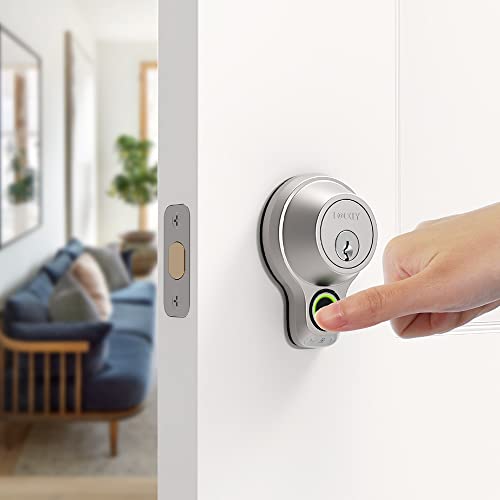
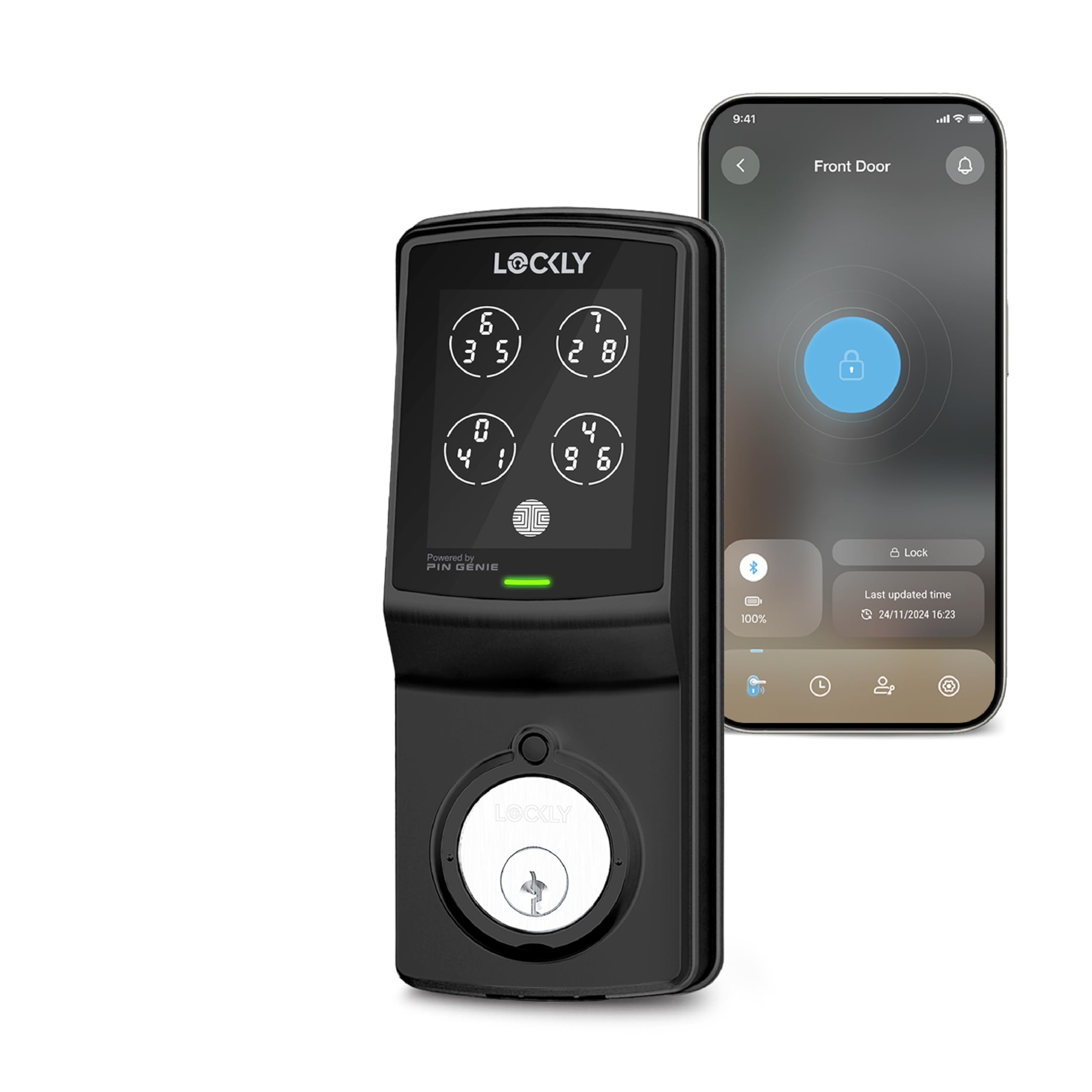
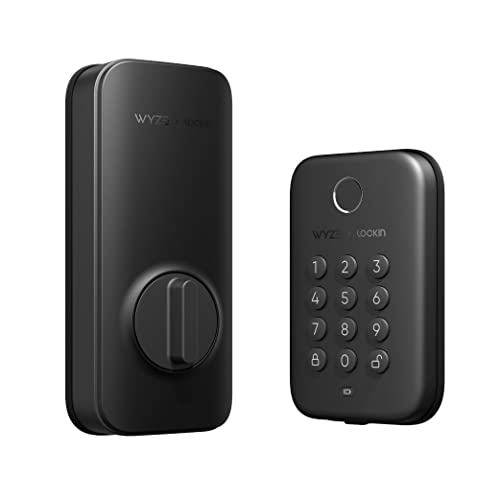
Start with the product table below, which lines up real locks by fit, entry methods, and remote access needs. Then use the sections that follow to match a type to your door, your household, and the phone system your family already uses every day.



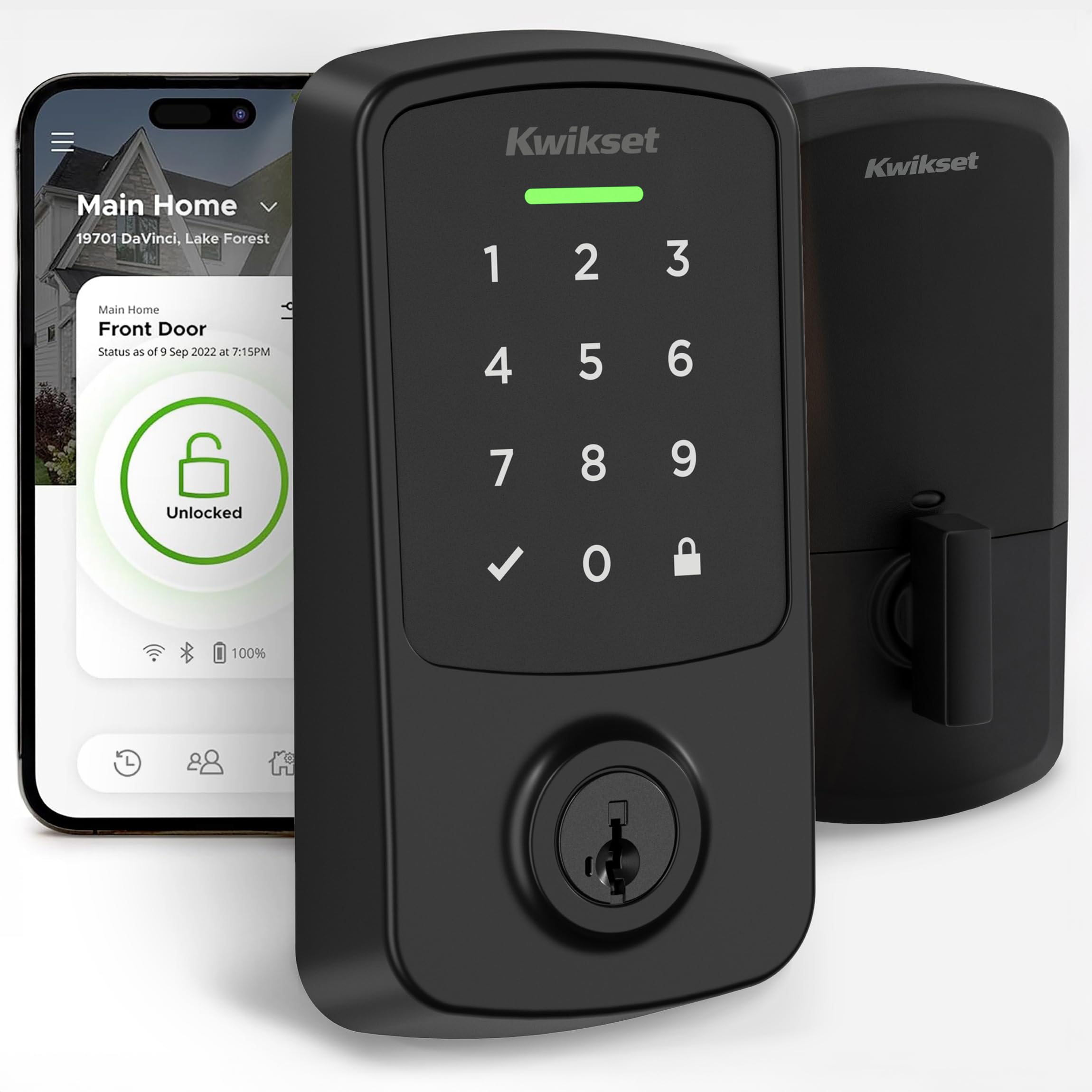
Types of Bluetooth Smart Locks Compared
Bluetooth locks come in three main forms, and the form decides how much hardware you change and how the door looks afterward. If you are still weighing smart locks in general, our guide to the best smart lock covers the wider category. Here, the focus stays on models that talk to your phone over Bluetooth when you are near the door.
Retrofit Locks That Keep Your Current Deadbolt
A retrofit lock replaces only the inside thumb turn and leaves your current deadbolt and keys in place. That matters if you rent, if your building controls the outside hardware, or if you like the look of your door as it is. Installation is usually the quickest of the three types because the bolt and strike stay put. The tradeoff is size, since the inside unit needs room for a motor and batteries, so measure the space around your thumb turn before you order.
Full Replacement Deadbolt Locks
A full replacement model swaps the whole deadbolt, inside and out, and often adds a keypad or fingerprint reader on the outside face. This is the most common choice for a main entry, and our roundup of the best deadbolt smart lock options explains deadbolt grades in more depth. If this lock will guard your main entry, compare it with the advice in our guide to the best smart lock for front door before you commit. Check that the new bolt matches your door thickness and backset.
Lever and Handle Locks for Doors Without a Deadbolt
Some doors, such as a side door, office door, or interior door, have a lever or knob and no deadbolt at all. Lever style smart locks replace that handle and lock the latch itself, which suits rooms where the goal is controlled access rather than maximum forced entry resistance. They are handy for a home office, a supply closet, or a short term rental room. Because a latch bolt is shorter than a deadbolt, pair this type with a separate deadbolt on any exterior door that needs stronger protection.
How to Evaluate Bluetooth Smart Locks Before You Buy
Spec sheets for these locks list plenty of features, but a few checks predict how a lock will behave after the first week. Look for a clear statement of what still works when your home internet is down, since Bluetooth entry should continue while app extras may pause. Confirm there is a backup entry method you trust, such as a physical key or a code, for the day your phone is lost or empty. Finally, read how the maker handles account sign in and visit our walkthrough on how to install a smart lock to judge whether the fitting steps match your comfort level and your toolbox.
How to Choose the Right Smart Lock
Choosing the best bluetooth smart lock is less about the longest feature list and more about matching a few decisions to your household. Work through the points below in order, because an early choice, such as your phone ecosystem, can rule whole models in or out before price even enters the picture.
Entry Methods: Keypad, Fingerprint, and Key
Bluetooth entry through your phone is the headline feature, but the backup methods decide how forgiving the lock feels. A keypad lets kids, cleaners, and guests enter with a code when no phone is present, and codes can be changed in seconds. A fingerprint reader is fast for the people who live in the home, though wet or cold fingers can slow it down. A physical key cylinder is the slowest option, yet it still works during a power or phone failure, so many buyers refuse to give it up.
Features Worth Paying For
Auto lock is the feature owners praise most, because the door secures itself after a set delay and removes the nightly doubt about whether anyone locked up. Auto unlock, which opens the door as your phone comes near, is pleasant but less vital, and some households turn it off for peace of mind. Guest codes with schedules are worth paying for if you host often, a point we return to in our guide to the best smart lock for airbnb. Door position sensing, which reports a door left ajar rather than merely locked, also earns its keep.
Ecosystem Compatibility
Check which platforms the lock speaks to before you buy, because a lock that ignores your system forces you into a second app for daily control. Alexa and Google Home support usually arrives through a WiFi bridge or a hub, while Apple HomeKit and Matter can offer local control that responds quickly at home. Matter over Thread is worth attention if you are building a new smart home, since it lets different brands share one network. Whatever you choose, confirm the exact lock version supports it, as support can differ between versions of the same model.
Wired vs Battery Power
Almost every Bluetooth lock runs on batteries, and that is a strength, because Bluetooth sips power compared with WiFi and a set of cells can last for months. A small number of locks for commercial doors use wired power, which removes battery changes but needs an electrician and a door wired for it, so most homes skip it. What matters more is the warning system: pick a lock that alerts you in the app and at the door well before the batteries fade, and keep a spare set in a drawer.
Subscriptions and Local Storage
Many Bluetooth locks charge nothing for core entry, codes, and a basic activity log, which is one of their quiet advantages. Paid plans, where they exist, usually add longer activity history, richer alerts, or storage for events when a camera is bundled nearby. Ask where the activity log lives and how long it is kept, since a lock that stores history only in the cloud loses that record if the account closes. If a fee is required just to create guest codes, factor that cost into the price from day one.
Privacy and Security
A lock guards both your door and a record of your routine, so treat the data side as seriously as the bolt. Look for encryption between phone and lock, an account that supports a strong password plus a second sign in step, and a clear way to remove a lost phone from the trusted list at once. Inside the app, check who can see entry history and whether you can delete it. At the door, a solid bolt and a well fitted strike plate still matter more than any app feature.
How Much Should You Spend?
Simple retrofit and keypad models often sit under $100, and they cover basic phone entry and auto lock well. Spending about $100 to $200 usually adds a fingerprint reader, better build quality, and broader ecosystem support. Above about $200 to $300, you are mostly paying for premium finishes, Matter or Home Key support, and stronger hardware ratings rather than basic function. Set your budget after you list your must have entry methods, because paying for a reader nobody in the house will use adds cost without adding convenience.
Bluetooth vs Other Smart Locks: Pros and Cons
Bluetooth is a deliberate tradeoff, and knowing both sides helps you pick the right radio for your door. On the plus side, Bluetooth locks keep working during an internet outage, use far less battery than WiFi locks, and respond quickly when you are standing at the door with your phone. They also tend to cost less, since there is no WiFi radio to build in.
On the minus side, Bluetooth range is short by design, so you cannot lock up from another city unless the lock also has a WiFi bridge, a hub, or a Matter border router nearby. Remote guest management, real time alerts while you travel, and voice control from another room all depend on that extra link. If remote control is your main reason for buying, a native WiFi lock may suit you better. If most use happens at the door by people who live there, Bluetooth covers it with less charging stress and fewer dropouts.
- Choose Bluetooth if most entry is by household members at the door and you value battery life.
- Add a bridge or hub if you want remote locking, travel alerts, and voice assistant control.
- Choose native WiFi if you manage a distant property daily and accept shorter battery life.
FAQ
Can a bluetooth smart lock work when the power goes out?
Yes. The lock runs on its own batteries, so a mains outage does not stop phone, code, or key entry at the door. What you lose during an outage is the remote side, since your router and any bridge go dark with the house power. One detail worth knowing is that scheduled codes created in advance are stored in the lock on many models, so planned guest access can still work while the house is offline.
What happens if your phone dies while using a bluetooth smart lock?
You fall back on the second entry method you set up, which is why choosing that backup matters before you need it. A keypad code is the calmest option, followed by a spare physical key kept with a trusted neighbor or in a lock box. Signing in on a borrowed phone can work on some systems, but it often triggers a security check sent to your own number, which is hard to complete with a dead handset in your pocket.
How do you clean a bluetooth smart lock?
Wipe the outside housing with a soft cloth that is slightly damp with water, then dry it at once so moisture does not sit in the seams. Skip spray cleaners aimed straight at the keypad or fingerprint reader, because liquid can creep behind the panel and fog the sensor. For a fingerprint reader, a dry cloth usually restores quick reads better than any solution. Clean the bolt face and strike area too, since grit there can make the motor work harder on every cycle.
How long does a bluetooth smart lock last?
The electronics and motor often serve for many years, and the parts that age first are the finish, the keypad surface, and the battery contacts. Watch for slower bolt movement, grinding sounds, or a lock that needs a second attempt to throw the bolt, because those signs suggest wear or a door that has shifted out of line. Correcting door alignment early can add years of service, since a motor fighting a tight frame wears far faster than the radio or circuit board inside.
Does a bluetooth smart lock need a hub placed near the door?
If you add a bridge or hub for remote access, its position matters more than most setup guides admit. Bluetooth signals weaken through walls, metal doors, and brick, so a bridge plugged in two rooms away may drop its link to the lock even though your home WiFi looks strong. Place the bridge in the same room as the door where you can, and check remote locking from outside the home before you rely on it for a guest arrival or a trip away.
Final Thoughts
Start with your door, not the feature list. Pick the form that fits it, insist on a backup entry method you trust, and decide early whether you need remote access or whether entry at the door is enough. Compare your shortlist against the product table near the top, weigh battery life and ecosystem fit alongside price, and you will land on the best bluetooth smart lock for how your household actually comes and goes each day.