
Best Bluetooth Printers for iPhone 2026: A Practical Guide
Disclosure: We may earn a commission when you buy through links on this page, at no extra cost to you. As an Amazon Associate I earn from qualifying purchases. Learn more
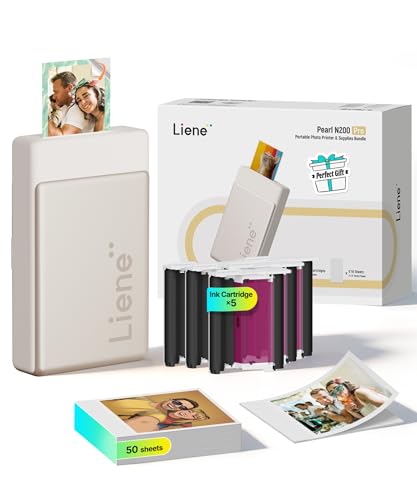
Compare the best bluetooth printers for iphone by type, app quality, print size and refill cost.
The best bluetooth printers for iphone let you print photos, documents, tickets and labels straight from your phone without a cable or a computer. The right choice depends on what you print most, because a pocket photo printer, a portable document printer and a label printer solve very different jobs. The product table below gives a quick overview of current options.
Start with the job, then check how the printer connects to an iPhone, what the app does and what the paper or refills cost.
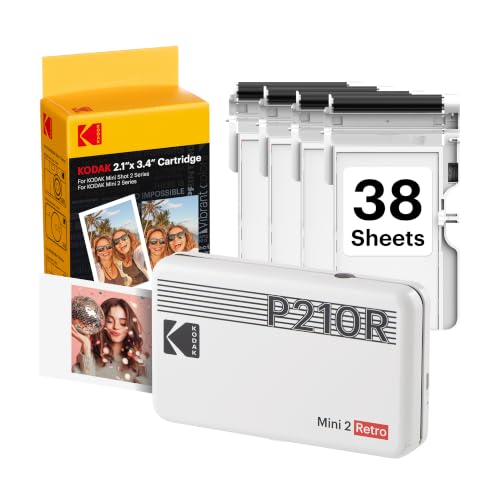
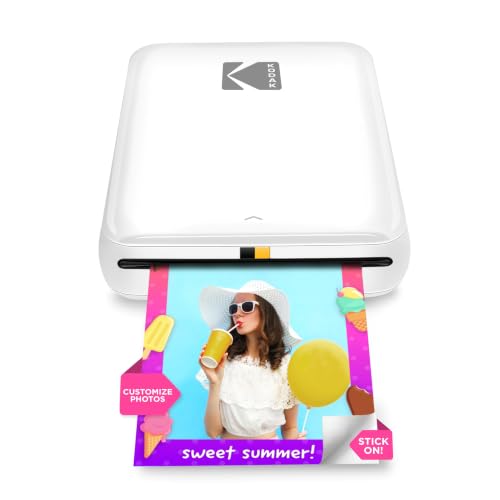
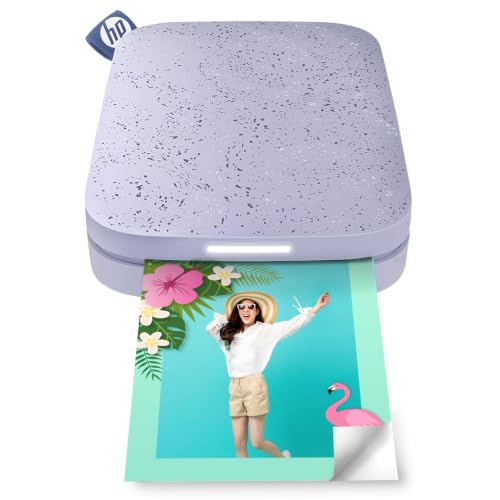
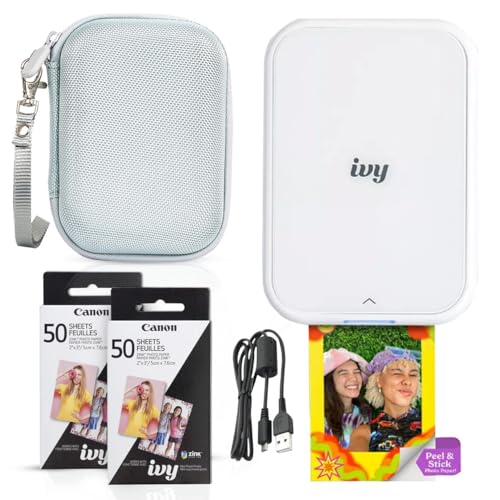
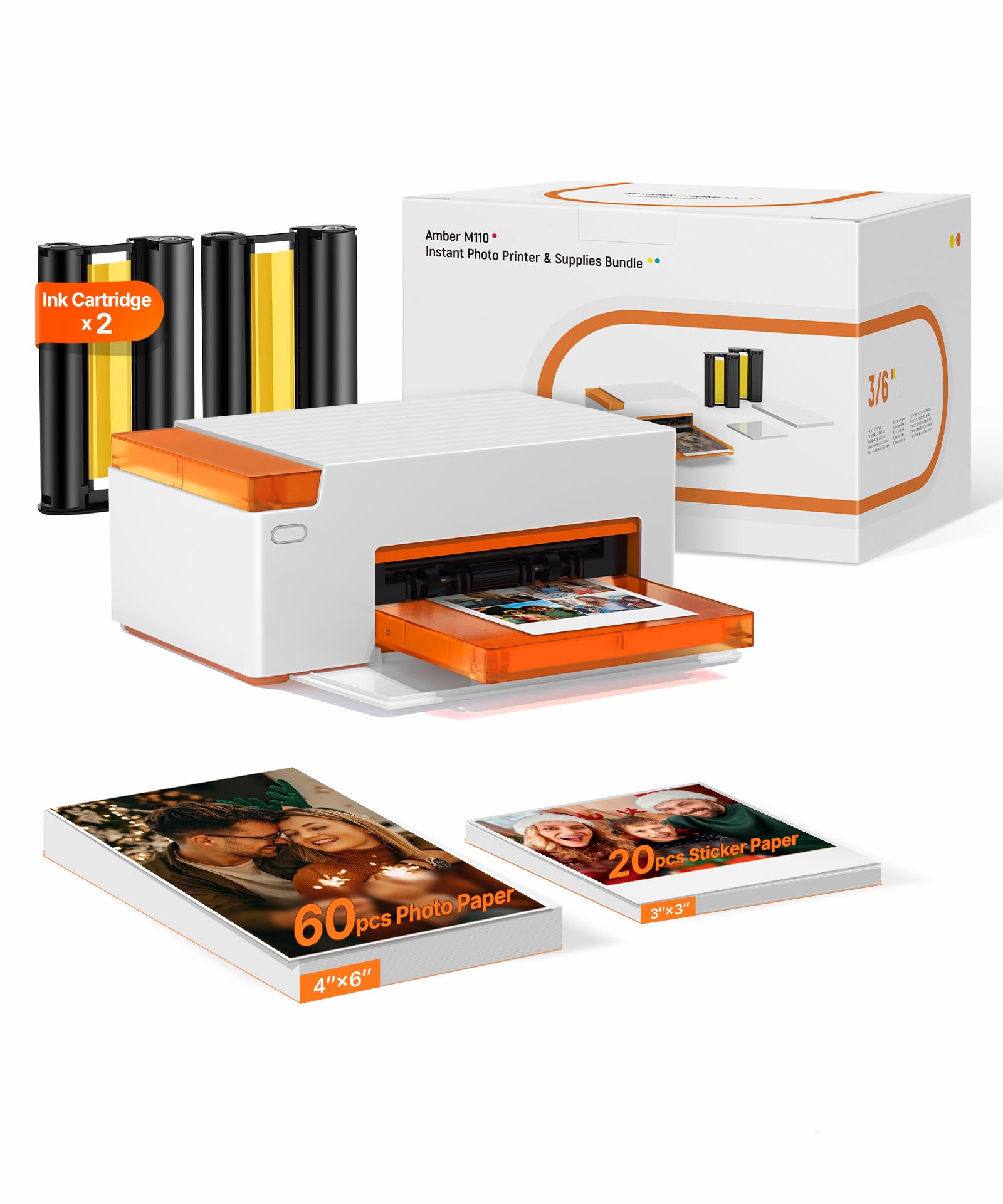
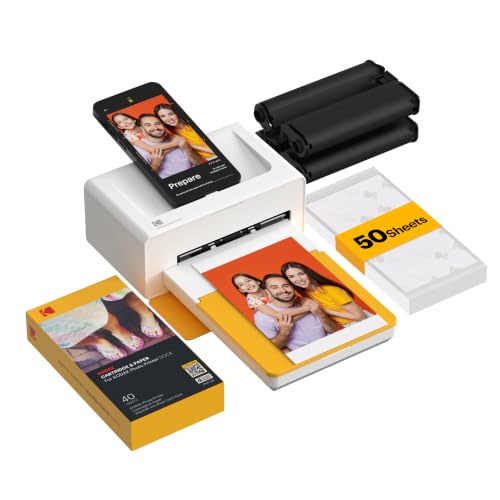
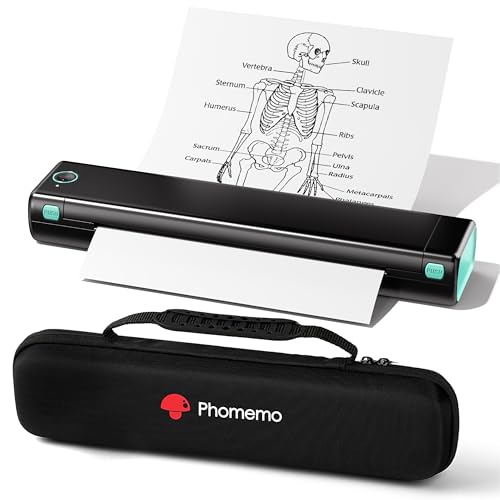
Who Should Buy a Bluetooth Printer for iPhone
Photo lovers who want instant prints of phone pictures should look at compact photo printers. Students, travellers and remote workers who need pages away from a desk should look at portable thermal document printers. Sellers and organisers who print shipping or storage labels need a label printer. Choosing by job avoids paying for a feature you will not use.
Types of Bluetooth Printers for iPhone
Pocket Photo Printers
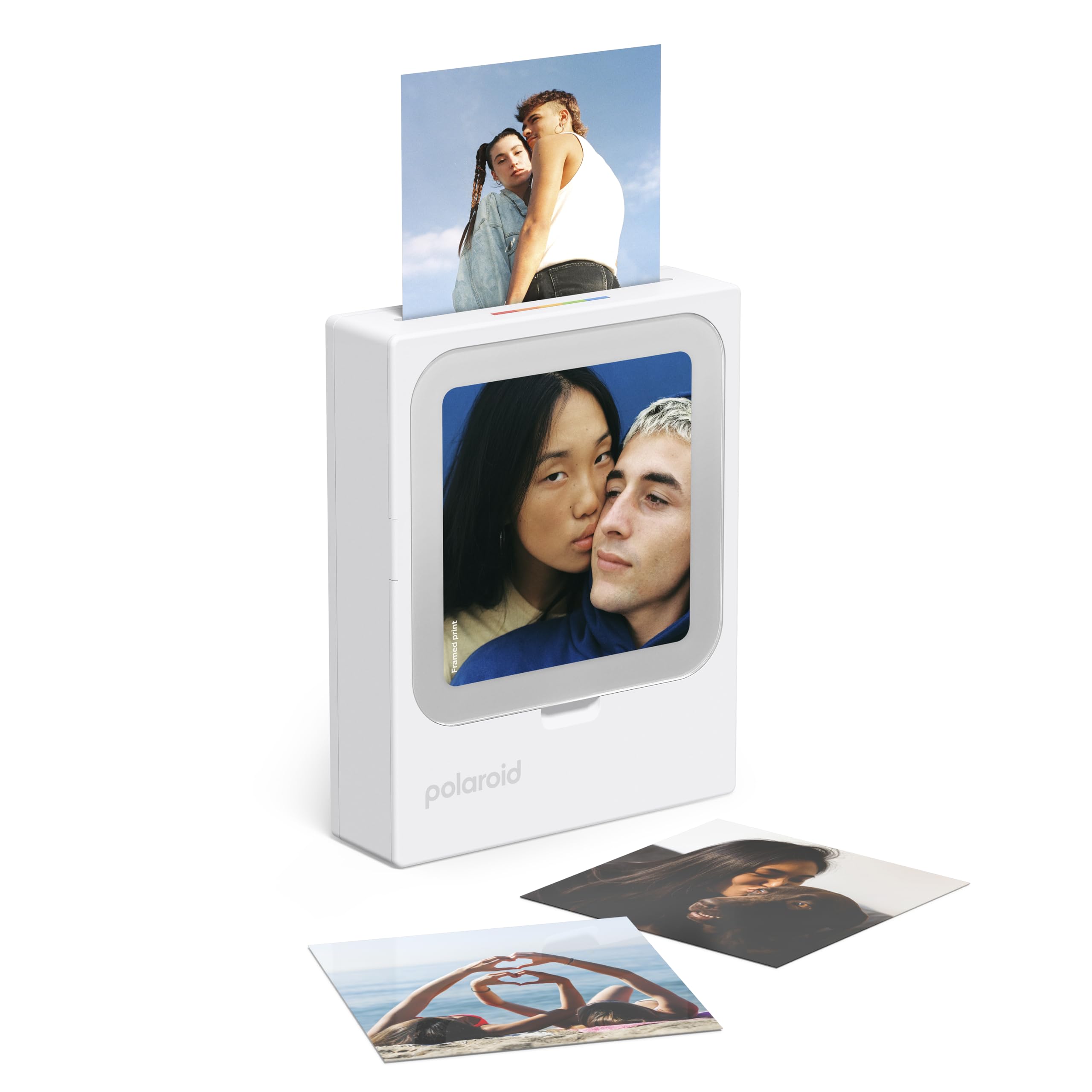
These small printers make 2 by 3 inch to 4 by 6 inch photos from your phone in a minute or two. Some use zero ink paper, others use dye sublimation cartridges that give smooth color. They suit scrapbooks, gifts and party prints, and they fit in a bag. The limit is print size and the running cost of the special paper.
Portable Document Printers
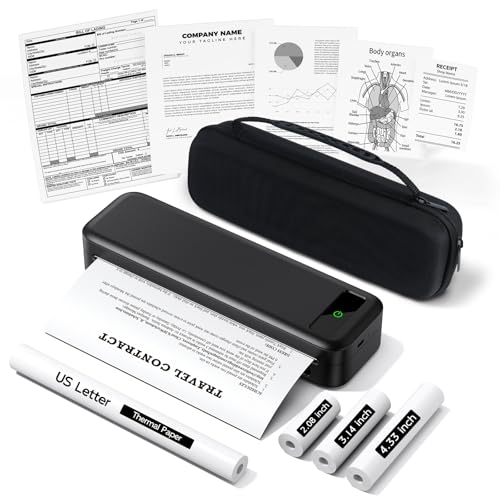
Portable thermal printers print letter size pages on heat sensitive paper, so they need no ink or toner. They connect to an iPhone by Bluetooth through a maker app and are handy for tickets, forms and short documents. Thermal print fades with heat and sunlight, so it suits temporary pages rather than archives.
Label and Receipt Printers
Bluetooth label printers print shipping labels, barcodes and storage labels from an iPhone app. They are fast, cheap to run and quiet. See our guide to the best bluetooth label printers if labels are your main job.
Key Features to Compare
iPhone Compatibility and App Quality
Confirm that the printer lists iPhone support and that its app is current for your iOS version. The app is where you crop photos, adjust color and send documents, so read recent reviews. Some printers also support AirPrint, which lets you print from the iPhone share menu without a special app.
Print Quality and Paper Cost
Check the print size, the resolution and the finish. Photo printers differ in color depth and durability, so look at what the paper is made of and how much a refill pack costs per print. For document printers, check the paper width and the cost of thermal rolls or sheets.
Battery and Size
A built in battery lets you print away from an outlet. Look at prints per charge, charging port type and weight. A slim printer that fits a bag will go with you more often than a bulky one.
Speed and Pairing
Bluetooth pairing should take a minute and reconnect on its own. Print speed matters for documents, while photo printers take longer per print. Look for a printer that keeps its link when the phone locks.
Price Ranges and What They Buy
Pocket photo printers often cost about $70 to $180, with paper packs extra. Portable thermal document printers often cost about $40 to $130 and include a roll or a few sheets of paper. Label printers usually sit between $35 and $90. Premium photo printers with larger prints and better color cost more, but the gain is mostly in print size and color range.
Whatever you choose, remember that the paper is the real running cost. A printer that looks cheap can cost more per print than a pricier one with cheaper refills, so compare the full cost over a year of printing.
Print Quality by Type
Dye sublimation photo printers lay down smooth, dry, smudge resistant color and suit portraits and keepsakes. Zero ink printers are simpler and cheaper but can look less sharp. Thermal document printers print black and white pages, with crisp text but limited photo quality.
If you print photos, check whether the printer adds an overcoat for fingerprint and water resistance. If you print documents, check the paper width, because a narrow roll cannot hold a full letter page.
Setup Tips
Charge the printer, load the paper as the maker shows and install the official app. Turn on Bluetooth, open the app and pick the printer. Print one sample page or photo before a big job so you can adjust brightness and cropping. Keep the app updated, since iOS updates can change how Bluetooth devices connect.
Printing From the iPhone Share Menu
Printers that support AirPrint appear in the iPhone share menu, so you can print a photo, a PDF or a web page without opening a special app. Bluetooth only printers work through their own app, which is fine for photos and labels but adds a step for documents. Check the listing so you know which route your printer uses.
Care and Common Mistakes
Store paper flat, dry and away from sunlight, and keep the printer clean and free of dust. A common mistake is buying the cheapest printer without checking the cost of refills. Another is choosing a printer whose app is old or poorly reviewed. A third is expecting inkless thermal prints to last for years.
Frequently Asked Questions
Do I need Wi-Fi to print from an iPhone over Bluetooth?
No. Bluetooth printers connect directly to the phone. Some models also offer Wi-Fi or AirPrint as an extra path.
Can an iPhone print documents over Bluetooth?
Yes, through the maker app or the share menu, if the printer supports documents. Photo only printers may not.
How far can I be from the printer?
Bluetooth usually works within a room or two. Walls shorten the range, so keep the phone close while printing.
Are these printers good for photos?
Dedicated photo printers give the best results. Thermal document printers print photos in black and white or low color only.
How much do refills cost?
Photo paper packs cost about 30 to 70 cents per print, and thermal paper rolls are cheaper per page. Compare refill price per print before you buy.
Final Thoughts
Pick the printer type for your job, confirm iPhone support and app quality, and check refill costs. Compare the shortlist in the product table above, and the best bluetooth printers for iphone for you should be easy to spot.


