
Best Bluetooth Obd Scanner: A First Time Buyer's Guide for 2026
Disclosure: We may earn a commission when you buy through links on this page, at no extra cost to you. As an Amazon Associate I earn from qualifying purchases. Learn more

Shopping for the best bluetooth obd scanner for the first time? Learn the terms, compare options, and avoid rookie mistakes with this easy guide.
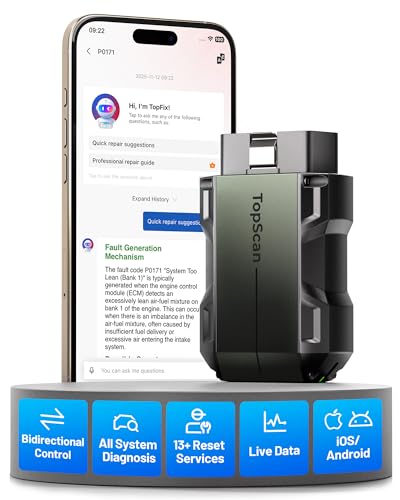
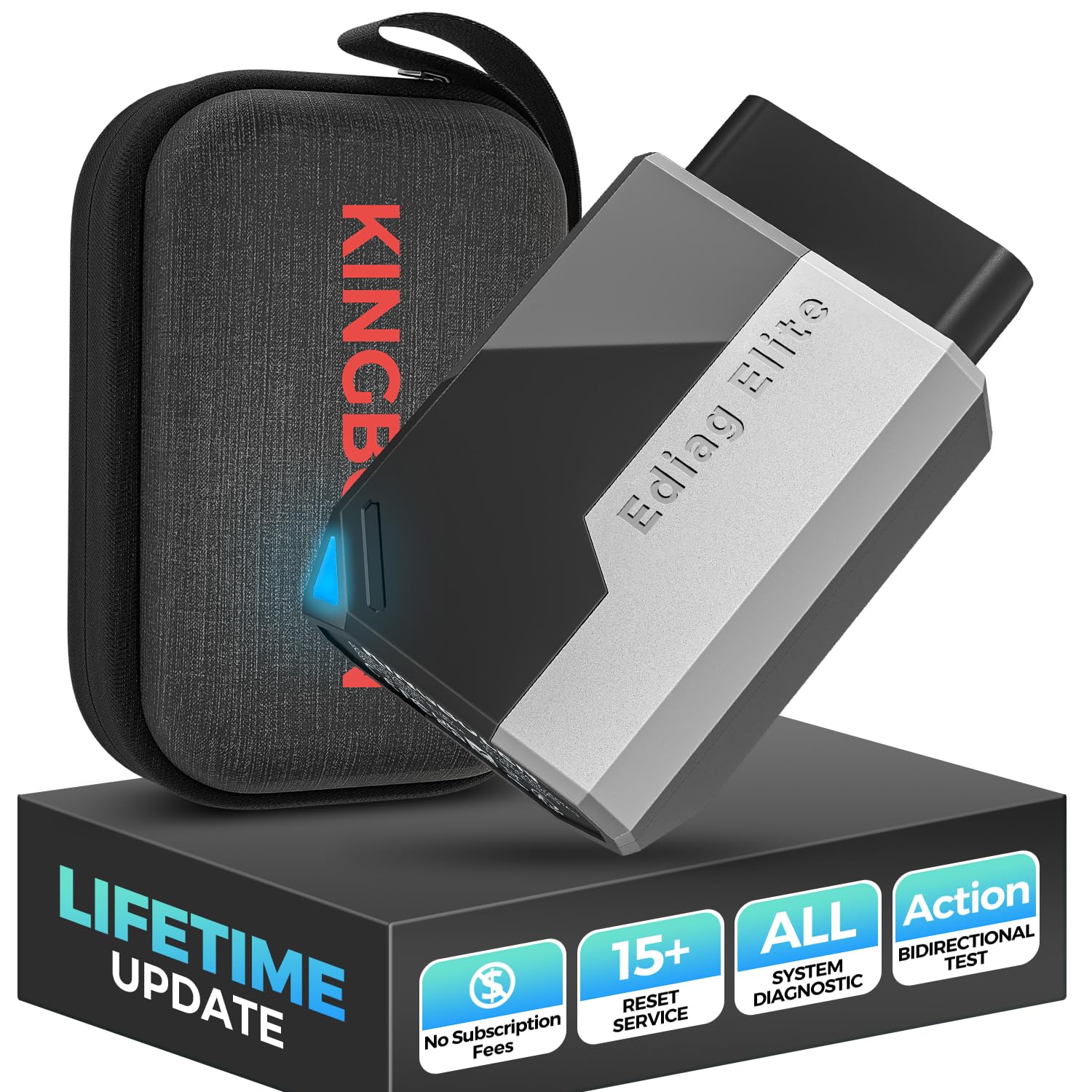
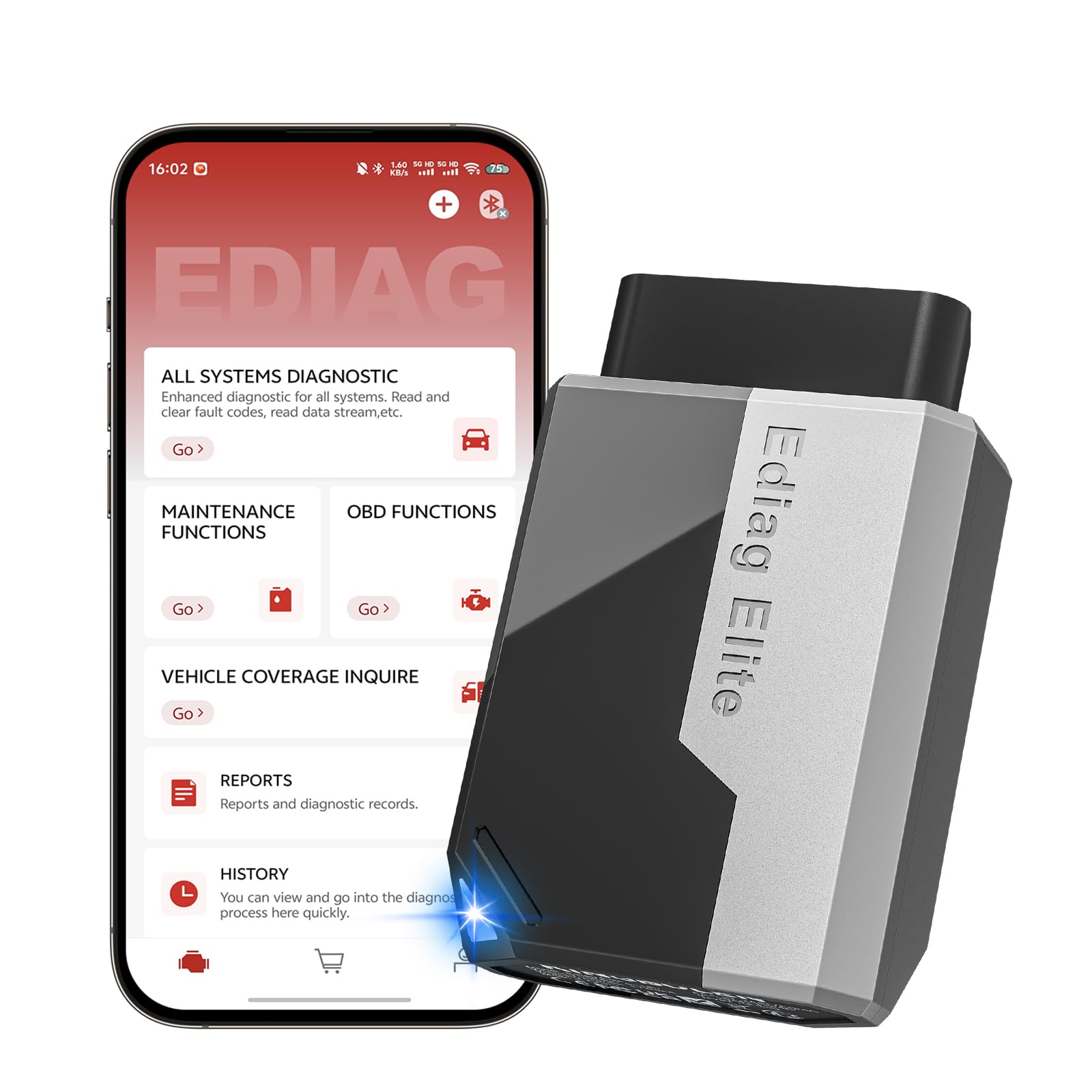
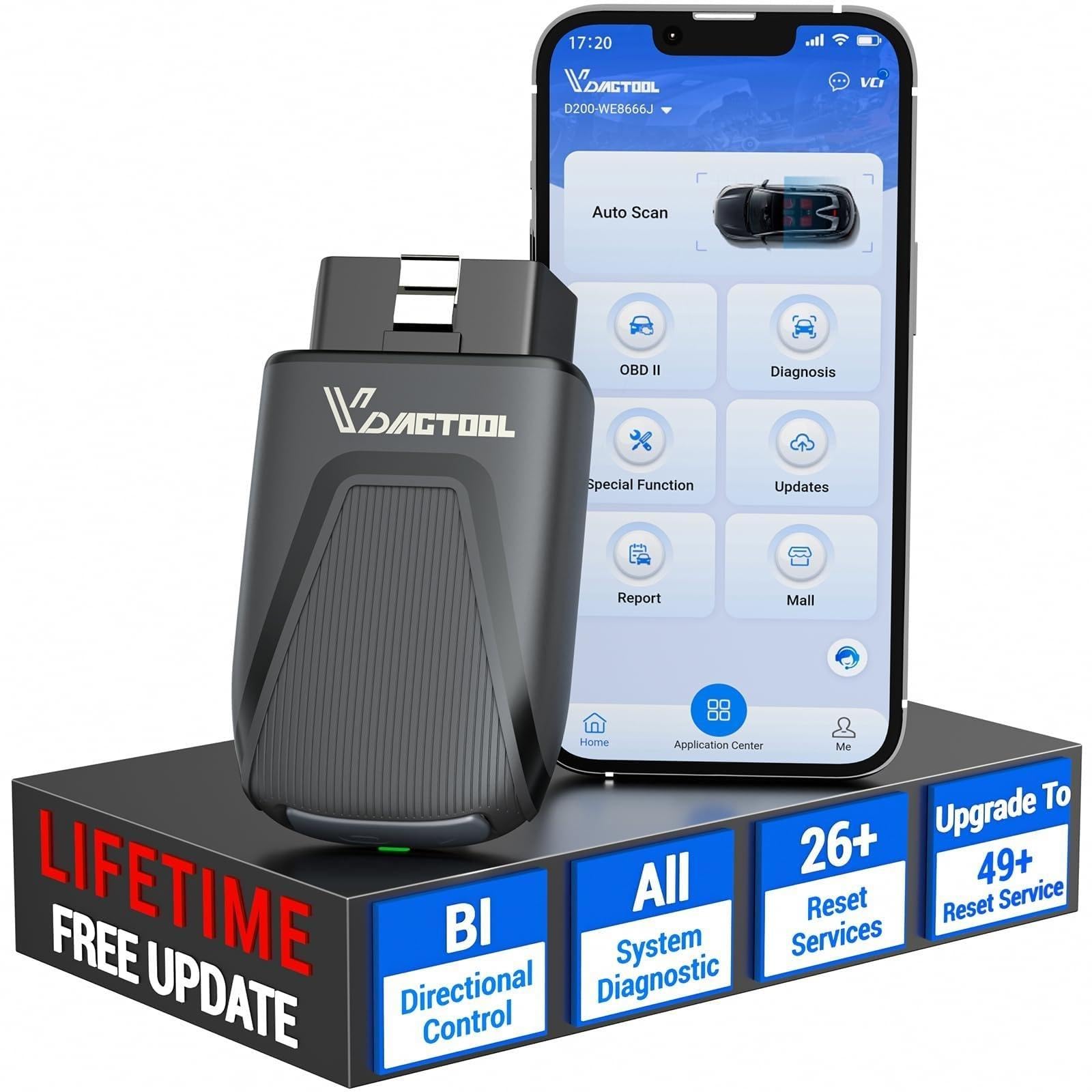
A Bluetooth scanner turns your phone into a diagnostic tool that reads trouble codes, shows live engine data and can run extra tests on some cars. This guide to the best bluetooth obd scanner options explains the differences between simple code readers and fuller scan tools, so you pay only for what you will use. The comparison table below lists models to compare.
All of these scanners plug into the OBD2 port under the dash and talk to an app. The scanner is the hardware, but the app decides what you can see and do.




Code Readers or Full Scan Tools
A basic scanner reads and clears engine codes and shows live data for emissions related sensors. A fuller scan tool adds access to ABS, airbag, transmission and body modules on supported cars, and some offer bidirectional tests and service resets such as oil light, electric parking brake and battery registration. The extra access is useful for owners who do their own maintenance, but it often depends on the brand of the car and may need a subscription.
Key Features to Compare
Vehicle and System Coverage
Check the maker's coverage list for your make and year. Basic engine coverage is nearly universal, while enhanced systems vary. Some scanners focus on one group of brands, for example BMW or Volkswagen group cars.
App Quality and Updates
A scanner is only as good as its app. Look for a clear interface, saved reports and regular updates. Third party apps such as Torque or Car Scanner work with many generic adapters.
Live Data Speed
Fast refresh makes graphs useful for tracking a fault. Better adapters update more often than cheap ones.
Bluetooth Type and Phone Support
Bluetooth Low Energy adapters work with iPhone and Android. Older classic Bluetooth adapters often work only with Android.
Fees and Updates
Some tools include free lifetime updates, others charge yearly for new vehicle coverage. Read the fine print.
Types of Bluetooth OBD Scanners
Compact Adapters
Small dongles that stay in the car and work with a free or paid app. They are inexpensive and good for engine codes and live data.
Mid Range Scanners
These add enhanced systems and better apps. They suit owners who want to read ABS or airbag codes without a shop visit.
Bidirectional Scan Tools
Higher priced tools can command components to run tests, perform resets and sometimes code modules. They suit enthusiasts and small shops, and they require more knowledge.
Brand Specific Adapters
Adapters made for a car brand can read and change hidden settings in apps designed for that brand. Check that your exact model is supported.
How to Use a Scanner Safely
Plug the scanner in with the ignition off, then turn the ignition on and connect through the app. Do not watch live data while driving. Treat codes for brakes, airbags and steering as a reason to consult a qualified mechanic. Save a report before clearing codes so you have a record.
Rookie Mistakes to Avoid
Buying a scanner that does not support your phone, ignoring app reviews, assuming it will read every system on every car, and clearing codes before an emissions test. Clearing codes also resets readiness monitors, so the car may need several drive cycles before it can pass.
Setup and First Use
Charge your phone, install the app first and pair the scanner as the app instructs. Read codes and save them. Then explore live data with the engine running while parked. Register the product if the maker offers a warranty.
Using Live Data Well
Live data is the most powerful feature of a scanner, but only if you know what to look at. Coolant temperature should rise to about the middle of its range and stay there. Short and long term fuel trims show whether the engine is adding or removing fuel to compensate for a problem, and values far from zero suggest a leak or a faulty sensor. Oxygen sensor readings should switch back and forth, not stay flat.
Record a log during a drive and look at it afterward instead of watching the screen while driving. Compare readings with a normal reference for your car, since values vary by engine.
Apps Worth Knowing
Many scanners work with free or low cost third party apps for Android and iPhone. Look for apps that support custom dashboards, logs and code lookups. Check that your scanner uses a protocol the app supports, since some adapters only work with their own software.
Choosing for Your Skill Level
Beginners are best served by a scanner with a friendly app that explains codes in plain language and suggests likely causes. Intermediate owners who change their own oil and brakes benefit from enhanced system coverage and service reset functions. Advanced users and small shops need bidirectional controls and fast data, and they should be comfortable reading wiring diagrams and service manuals.
Buy for the next year of use, not for every job you can imagine. A midrange scanner that you understand is more useful than an advanced tool you never open.
Related Guides
For related choices, see our guides to the best bluetooth scanner, best bluetooth obd reader, best odb2 scanner bluetooth, best bluetooth obd2 scanner and best obd scanner for bmw.
Frequently Asked Questions
What specs matter most in a Bluetooth OBD scanner?
Vehicle coverage, app quality and connection stability matter most. Live data speed and enhanced system access come next.
How long does a Bluetooth OBD scanner last?
The hardware can last for years. The practical lifespan depends on app support, since an abandoned app can stop working with new phones.
Will it fit my vehicle?
If your car has an OBD2 port it will fit. Check the coverage list for enhanced systems on your make and year.
Do I need professional installation?
No. It plugs into the port in seconds. A shop is useful only for the repair a code points to.
Can a scanner damage my car?
Reading codes is safe. Be careful with any function that writes data or runs tests, and follow the instructions.
Our Verdict
Decide whether you want a simple code reader or a fuller scan tool, check coverage for your car and read the app reviews. Use the table above to compare, and choose the best bluetooth obd scanner that matches your skills and your vehicles. Prices and stock change, so check the product page before ordering.


