
Best Bluetooth Keyboards for PC: What Actually Matters Before You Buy for 2026
Disclosure: We may earn a commission when you buy through links on this page, at no extra cost to you. As an Amazon Associate I earn from qualifying purchases. Learn more

A clear buying guide to the best bluetooth keyboards for pc, covering switch feel, layout, battery life, latency, and the checks to run before you pay.
Most keyboard listings lead with flashy extras while the details that decide daily comfort sit buried in fine print. This guide flips that order and gives you a simple scoring checklist for the best bluetooth keyboards for pc, so you can judge any model in a few minutes. You will learn which specs deserve weight, which ones are mostly decoration, and where shoppers waste money most often.
Start with how you actually type, game, and move around your desk, then match the board to that routine. The comparison table below pulls the shortlist together once you know what you are looking for.

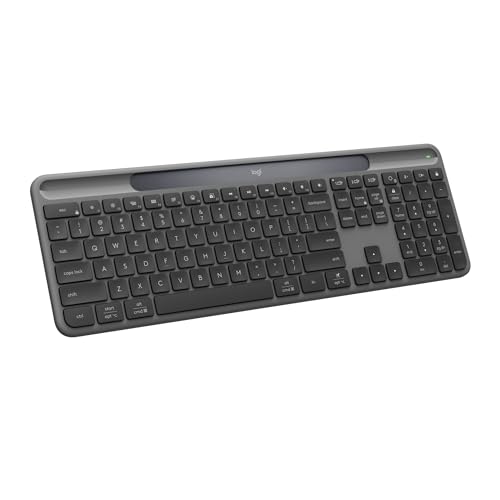

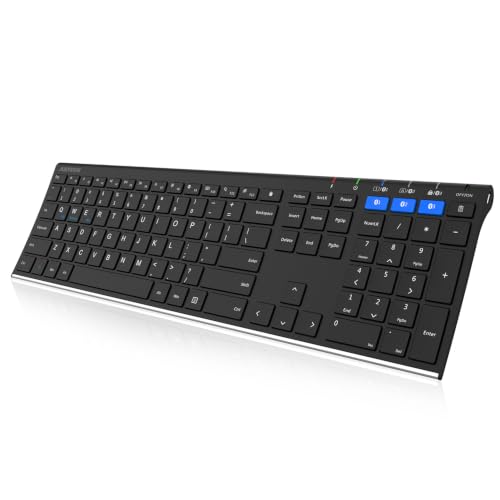


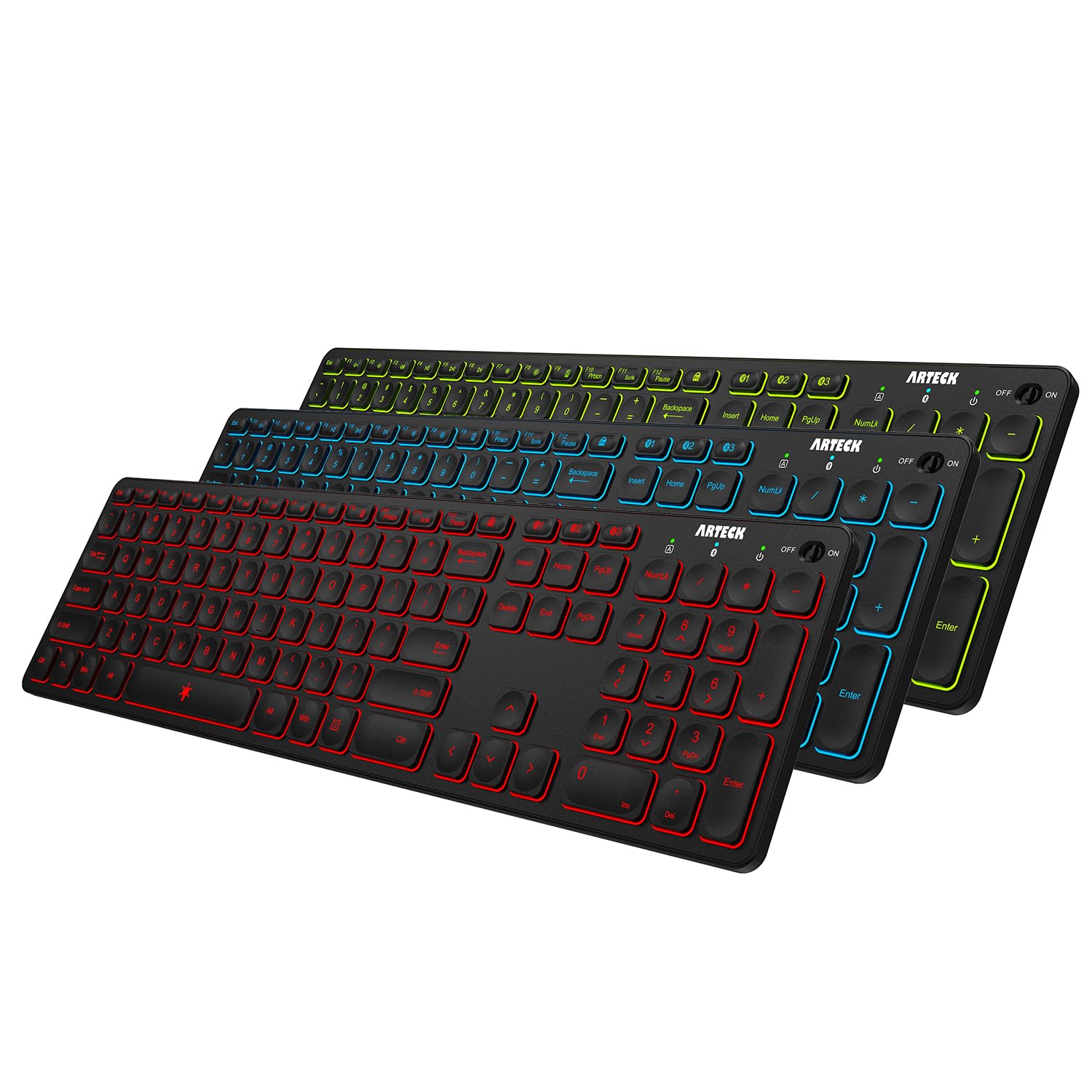


How to Evaluate Bluetooth Keyboards for PC
Think of the checklist below as seven filters. A board that passes most of them will feel right for years, while a board that fails two or three will annoy you no matter how good its lighting looks. Work through each filter in order, because connection quality and switch feel matter more than any bonus feature.
Features That Matter for PC
A PC board needs a full Windows friendly layout, a proper function row, and keys your fingers can find without looking down. Check that the board offers a Windows mode or a printed Windows key, since some boards ship in a Mac layout by default. Multi device pairing helps if you switch between a desktop and a laptop. Look for at least three Bluetooth channels plus a wired fallback for setup screens and BIOS menus, where Bluetooth sometimes fails to connect.
Wired vs Wireless (2.4GHz, Bluetooth)
Bluetooth keeps your desk clear and pairs with several devices, but it can add a small delay and it sleeps to save power. A 2.4GHz dongle connection usually responds faster and wakes instantly, which suits gaming and fast typing. A wired mode removes delay entirely and charges the battery at the same time. The strongest setup offers all three modes, so you can pick per task. Expect Bluetooth battery life to run far longer than dongle mode on the same charge.
Durability and Warranty
Switch ratings tell you how long the board should last. Ratings around 50 million presses per key are common for mechanical switches and far exceed what most people type in a decade. Hot swappable sockets add real value because you can replace one faulty switch with a puller instead of replacing the whole board. Check the warranty length and whether it covers switches and battery. One year is a bare minimum, and two years suggests the maker trusts its build.
Customization and Software
Good software lets you remap keys, record macros, and save profiles to onboard memory so your settings travel with the board. Onboard memory matters because Bluetooth connections often cannot run the full companion app on every machine. Ask whether lighting and macros work without an account or a constant internet connection. If you type on a work PC where installs are blocked, onboard controls and simple key shortcuts beat a fancy app you will never open.
Ergonomics and Size
Layout size shapes your posture more than any wrist rest. Full size boards include a number pad but push your mouse far to the right. Tenkeyless and 75 percent layouts bring the mouse closer and ease shoulder strain during long sessions. Your typing style matters too. If you rest your palms and type with flat fingers, a low profile board with a gentle tilt usually feels best.
If wrist pain or tingling shows up during typing, stop and adjust your setup, and talk with a clinician if the discomfort keeps coming back. Small changes in chair height, board angle, and break habits often help more than a new board alone.
Switch Type and Key Rollover
Linear switches press smoothly, tactile switches add a small bump you can feel, and clicky switches add sound along with that bump. Office mates usually prefer tactile or linear switches. Full key rollover and anti ghosting mean fast key combinations register correctly, which matters for gaming and for very fast typists alike.
Weight and Build Quality
A heavier board with a metal top plate stays planted on the desk and feels solid under hard typing. A lighter plastic board suits a bag or a shared desk where you pack up daily. Flex is the tell. Press the corners and type hard in the center, and a good board should not creak or bounce. PBT keycaps resist shine and keep their texture far longer than basic ABS caps, so check the cap material before you pay for extras like lighting.
As a broader reference point, our guide to the best pc keyboards covers wired boards in the same detail, which helps if you are still deciding between a cable and a wireless setup.
Price Tiers That Pass This Checklist
Instead of chasing named models, use price tiers to set expectations. Each tier below describes what a board at that level should deliver, so you can judge the product table above against a fair standard.
Upper Midrange Tier
Boards around $100 to $180 should pass nearly every filter on this checklist. Expect mechanical switches with hot swappable sockets, PBT keycaps, three connection modes, and a battery that lasts weeks with lighting off. The case should feel dense with no flex, and the software should save profiles on the board itself. If a board at this price lacks a wired mode or uses thin ABS caps, it is charging for looks rather than substance, and a cheaper board may serve you better.
Value Tier
Boards around $50 to $100 give up polish, not essentials. You may lose the metal plate, the carry case, or advanced software, but switch feel, rollover, and Bluetooth stability should stay strong. Battery life is often excellent at this tier because lighting is simpler. This is the sweet spot for students, home offices, and anyone buying a second board. Check the warranty carefully here, since value boards sometimes cut coverage to a few months, and confirm that replacement keycaps in the right profile are easy to find.
Premium Tier
Boards above about $180 should justify the jump with feel and finish. Expect a gasket mounted plate that softens each press, finely tuned stabilizers that keep large keys quiet, and premium caps with crisp legends. Extras like a volume knob, a small screen, or rapid trigger switches for gaming can add real value for the right user. Skip this tier if you only type documents, because the gains are about pleasure and precision rather than basic function. Premium boards also tend to hold resale value better.
Quick Buyer Checklist
Run through these questions before you pay. A board that earns a yes on most lines is a safe buy for your setup.
- Does it offer Bluetooth plus a wired mode for setup and low battery days?
- Does the layout match your work, including a number pad if you enter data often?
- Are the switches the feel you want, linear, tactile, or clicky?
- Are the keycaps PBT rather than thin ABS?
- Can it pair with every device you plan to use, in the right operating mode?
- Does the battery last at least a few weeks in your normal lighting setup?
- Is the warranty at least one year, with clear coverage for switches and battery?
- Can you return it after a real typing trial at your own desk?
If you are still comparing the wider category first, start with our overview of the best bluetooth keyboards and then come back to this PC focused checklist.
Red Flags to Watch For
Vague spec sheets are the biggest warning sign. A listing that shouts about a huge battery but never states capacity in milliamp hours is hiding a weak number. Be wary of boards with no stated switch brand or rating, since unrated switches fail early and feel uneven. Short warranties under six months suggest low confidence from the maker. Sudden clusters of glowing reviews with similar wording are another concern. Finally, skip boards that need a phone app just to change basic settings you should control from the board itself.
How to Make Your Bluetooth Keyboard Last Longer
Blow out dust and crumbs weekly with compressed air, and lift caps a few times a year for a deeper clean. Update firmware through the companion app when a fix is offered, since updates often solve pairing drops. Type on a stable desk surface and avoid eating over the board. Charge before the battery runs fully flat, and store the board dry and out of direct sun to protect caps and battery alike.
For a tidier desk overall, pairing your board with the right audio helps too, and our guide to the best bluetooth pc speakers covers compact options that share the same clutter free idea.
Bluetooth Keyboards: Your Questions Answered
What features matter most in bluetooth keyboards for pc?
Stable pairing, the right layout, and switch feel matter most. After that, look at battery life, a wired fallback mode, and PBT keycaps. One extra point many buyers miss is the print quality of the legends on shortcut keys. Clear legends save real time when you use media and function shortcuts daily, and they cost nothing once you know to check for them.
Does it work with Mac and console?
Most boards work with Mac and with consoles for basic typing, but the printed legends and some shortcuts follow Windows. Many boards include a Mac mode switch and spare keycaps in the box. Console support varies by system and by game, so check the console maker list before you rely on a board for chat or menu use. Our guide to the best bluetooth keyboards for mac explains the layout differences in detail.
Wired or wireless: which is better for gaming?
A wired or 2.4GHz connection is better for fast paced gaming because it wakes instantly and holds a steady, low delay link. Bluetooth is fine for slower games, menus, and everyday play. One detail worth knowing is that many boards let you plug in the cable mid game without dropping the session, so you can switch the moment a match gets serious and keep your exact key settings.
What is key rollover and do I need it?
Key rollover is how many keys the board can register at the same time. Full key rollover, often listed as N key rollover, means fast typing and gaming combinations all register. If you game, also look for a polling rate of 1000Hz in wired or dongle mode, which describes how often the board reports your presses.
Are mechanical keyboards worth it?
Yes, for most heavy typists they are worth it, because each press feels consistent and worn switches can be replaced one at a time. Membrane boards cost less and feel softer and quieter. A useful middle test is your typing volume. If you type for several hours a day, mechanical feel pays you back daily. If the board is for a living room PC you use twice a week, a good membrane board is a sensible saving.
Verdict on the Best Bluetooth Keyboards for PC
Judge every board by connection stability, switch feel, and build quality first, and let lighting and extras come last. Gamers should favor dongle or wired modes, while shared desks favor multi device Bluetooth and a compact layout. When you compare the product table above with those three filters in mind, the best bluetooth keyboards for pc for your desk should stand out quickly.


