
Best Bluetooth Keyboards for Mac 2026: Buying Guide
Disclosure: We may earn a commission when you buy through links on this page, at no extra cost to you. As an Amazon Associate I earn from qualifying purchases. Learn more

Pick the best bluetooth keyboards for mac by layout, key feel, pairing and battery life, with simple advice on size, type and budget.
The best bluetooth keyboards for mac keep the familiar Command, Option and Control layout, pair in seconds and last weeks between charges. Many keyboards sold as universal work on a Mac but hide the shortcuts you use every day, so this guide shows what to compare before you buy.
Start with how you work: a writer needs a comfortable full size board, a traveller needs a slim one that fits a bag, and someone who swaps between a MacBook, an iPad and a phone needs reliable multi device switching. The product table below gives a quick overview once you know which of these describes you.


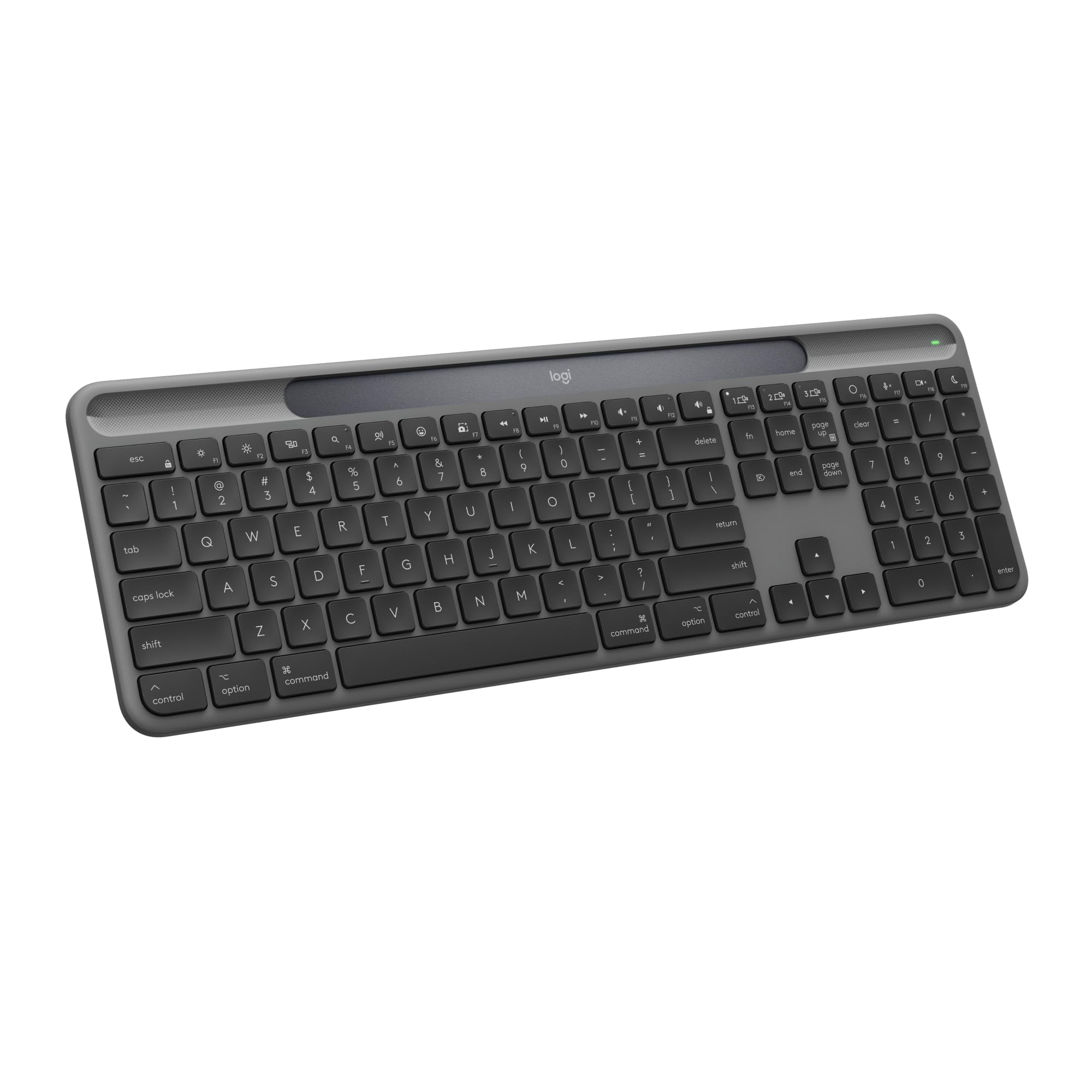


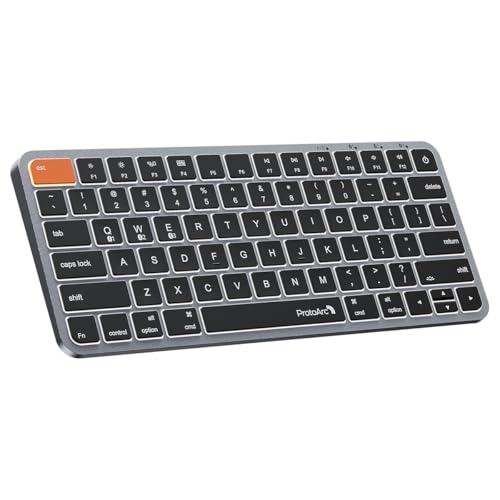
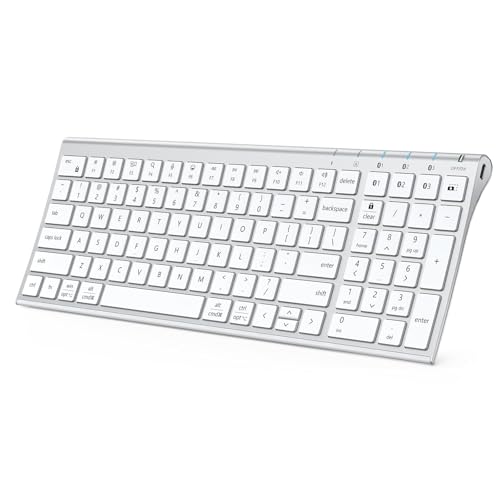


Who Should Buy a Bluetooth Keyboard for Mac
A Bluetooth keyboard suits anyone who wants a cleaner desk, a better typing feel than a laptop keyboard, or one board that follows them between devices. Desktop Mac users need one because a Mac mini or iMac has no built in keys, and MacBook owners often add one to type at a more comfortable height with a laptop stand.
If you only type short messages now and then, a simple compact board is enough. If you write or code for hours, spend more on key feel, backlighting and a layout with a full number pad.
Key Features to Compare
Mac Layout and Shortcut Keys
Look for a board labelled for Mac, with Command and Option keys in the Apple order and function keys that control brightness, volume, media and Mission Control. A Windows layout works, but you may need to remap Alt and Windows keys in System Settings, and the printed legends will not match what the keys do.
Key Feel and Size
Low profile scissor keys feel close to a MacBook and stay quiet. Mechanical Mac keyboards give deeper, more tactile keys and suit heavy typists, but they are louder and taller. Full size boards add a number pad for spreadsheets, while tenkeyless and compact boards save desk space and keep the mouse closer.
Pairing and Device Switching
Multi device boards store two or three Bluetooth connections and switch with one key. This helps if the same keyboard serves a Mac, an iPad and an iPhone. Check that the board reconnects quickly after your Mac wakes from sleep, since slow reconnection is the most common daily annoyance.
Battery and Charging
Most current boards charge over USB C and run for weeks or months, depending on backlight use. Some models use solar or ambient light charging. A backlit board drains faster, so check the stated battery life with lighting on and off.
Types of Mac Keyboards
- Apple style full size: familiar layout with a number pad, steady and quiet for office work.
- Slim compact boards: light, portable and easy to leave in a bag.
- Mechanical Mac boards: tactile switches, hot swappable parts and longer lasting keys.
- Ergonomic boards: split or curved layouts with a palm rest for comfort over long sessions.
Match the type to your main use first, then compare features inside that type. For more options, see our guides to the best keyboards for mac, the best bluetooth keyboards and the best mechanical keyboards for mac.
How to Choose the Best Bluetooth Keyboards for Mac
List the devices the keyboard must serve, how many hours you type each day and whether it stays on a desk or travels. These three answers narrow the field faster than any spec sheet. A desk based writer should favour a full size board with a firm base and a comfortable palm rest. A traveller should favour weight, a slim profile and a battery that lasts a long trip.
Next, compare three details between close options: how the keys feel, how fast the board switches between devices, and how it handles Mac specific shortcuts. Read the full description for the supported systems, since some boards sold as universal list Mac support only in the fine print. A clear return window is also worth having, because key feel is personal and only shows after a few days.
Finally, think about what you already own. A laptop stand raises the screen but leaves the built in keys too low, which is a common reason to add a separate board. A wrist rest, a compact trackpad or a mouse beside the keyboard also affects how much space you need and which size works best.
Budget and Value
Expect to pay roughly $35 to $60 for a solid basic board, $60 to $130 for a well built backlit or mechanical model, and more for custom or premium options. Paying extra mainly buys build quality, backlighting and better switching, so only pay for features you will use.
Setup and Care
Turn the keyboard on, hold the pairing button and select it in Bluetooth settings on your Mac. Then check the special keys and adjust the repeat speed and layout in System Settings. Wipe the keys with a slightly damp cloth, keep drinks away and recharge before the battery runs fully flat. If a key sticks, look for crumbs before assuming a fault.
Common Mistakes to Avoid
Buying on price alone often leaves you with a Windows layout and mislabelled keys. Ignoring size is another mistake, because a full size board needs more desk room than many people expect. Skipping the return terms can also cost you, since comfort only shows after a few days of real use.
Frequently Asked Questions
Do I need a keyboard made for Mac?
Not strictly, but a Mac keyboard places Command and Option where Mac shortcuts expect them and prints the right legends. A universal board works if you are willing to remap a few keys.
Can one keyboard work with my Mac and iPad?
Yes. Choose a multi device board that stores several Bluetooth connections and switches with a key. Check that its media and function keys also work on the iPad.
Are mechanical keyboards good for Mac?
They are a good fit for heavy typists who want a tactile feel. Look for a model with a Mac mode and Mac keycaps in the box, and expect more key noise than a scissor board.
How long does the battery last?
Most rechargeable boards last several weeks to several months with normal use. Backlighting shortens that time, so turn it down or off if battery life matters most.
How much should I spend?
A reliable board starts around $35. Spend more if you type many hours a day and want better key feel, backlighting and quick switching.
Should I choose a keyboard with a number pad?
Choose a full size board if you enter figures often or work in spreadsheets. If you mostly write and browse, a tenkeyless or compact board gives you more room for the mouse and a more relaxed shoulder position, and it travels better in a bag.
Is backlighting worth paying for?
Backlighting helps if you type in dim rooms or at night, and many boards adjust it automatically. It shortens battery life, so look for a model that lets you turn it down or off, and check the stated runtime with lighting on.
Final Thoughts
Choose the layout and size that fit your desk, make sure the shortcut keys match your Mac, and pick a board that switches devices without fuss. Compare the shortlist in the product table above and choose a board you will enjoy typing on every day. The best bluetooth keyboards for mac for your routine will stand out quickly once you match layout, size and battery to how you work.


