
Best Bluetooth Headsets for Conference Calls in 2026: A Checklist for Clear Meetings
Disclosure: We may earn a commission when you buy through links on this page, at no extra cost to you. As an Amazon Associate I earn from qualifying purchases. Learn more

Compare bluetooth headsets for conference calls by microphone clarity, comfort, battery and multipoint, with a simple checklist for clear daily meetings.
A conference call headset earns its place when others hear you clearly, even with a fan running or children in the next room. The best bluetooth headsets for conference calls put voice pickup first, then comfort, battery and simple controls. Use the comparison table below to match those points to your meeting day.
Start by counting your call hours, where you take them and what you connect to. A quiet home office, a shared workspace and a car each reward a different style and level of noise control. The sections below turn those differences into a practical checklist.


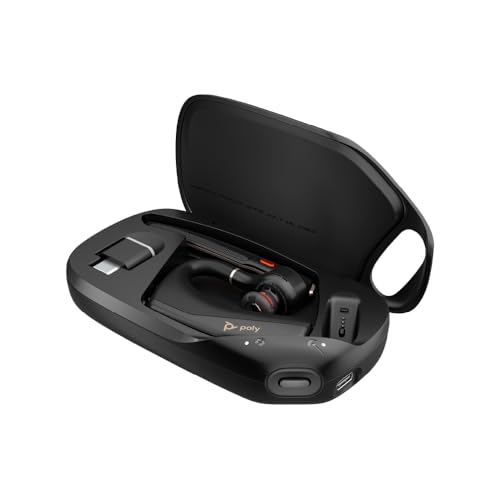
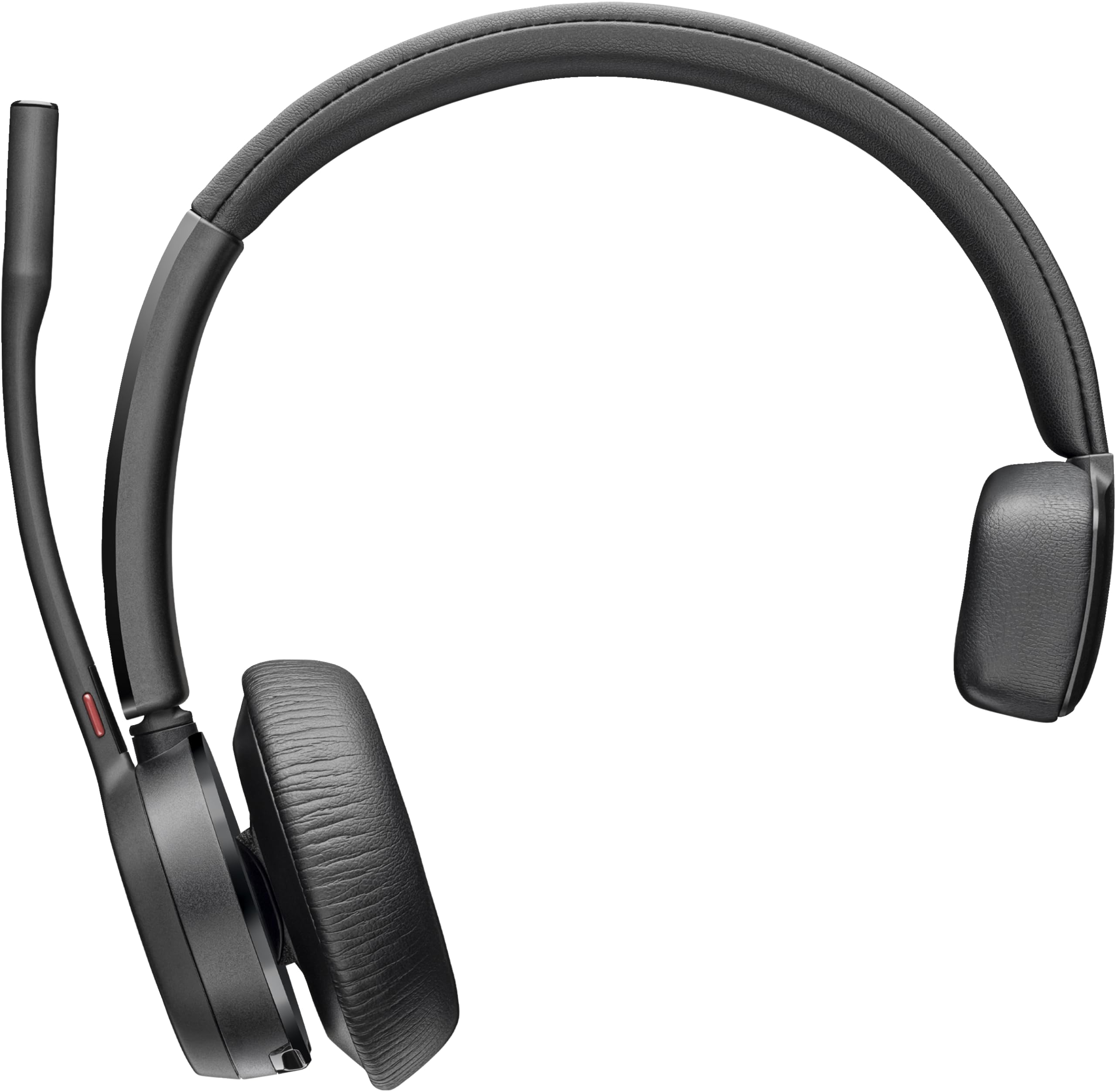


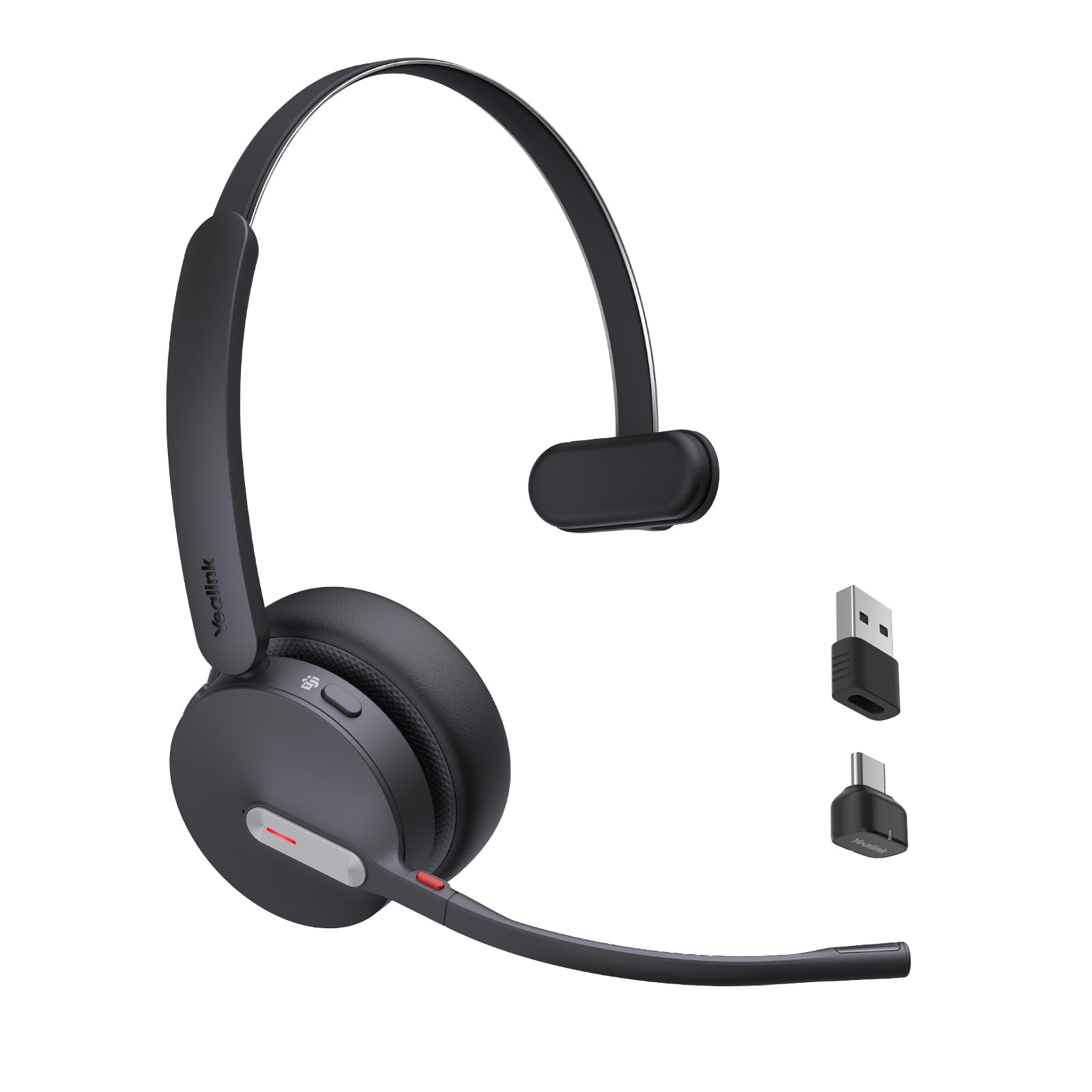
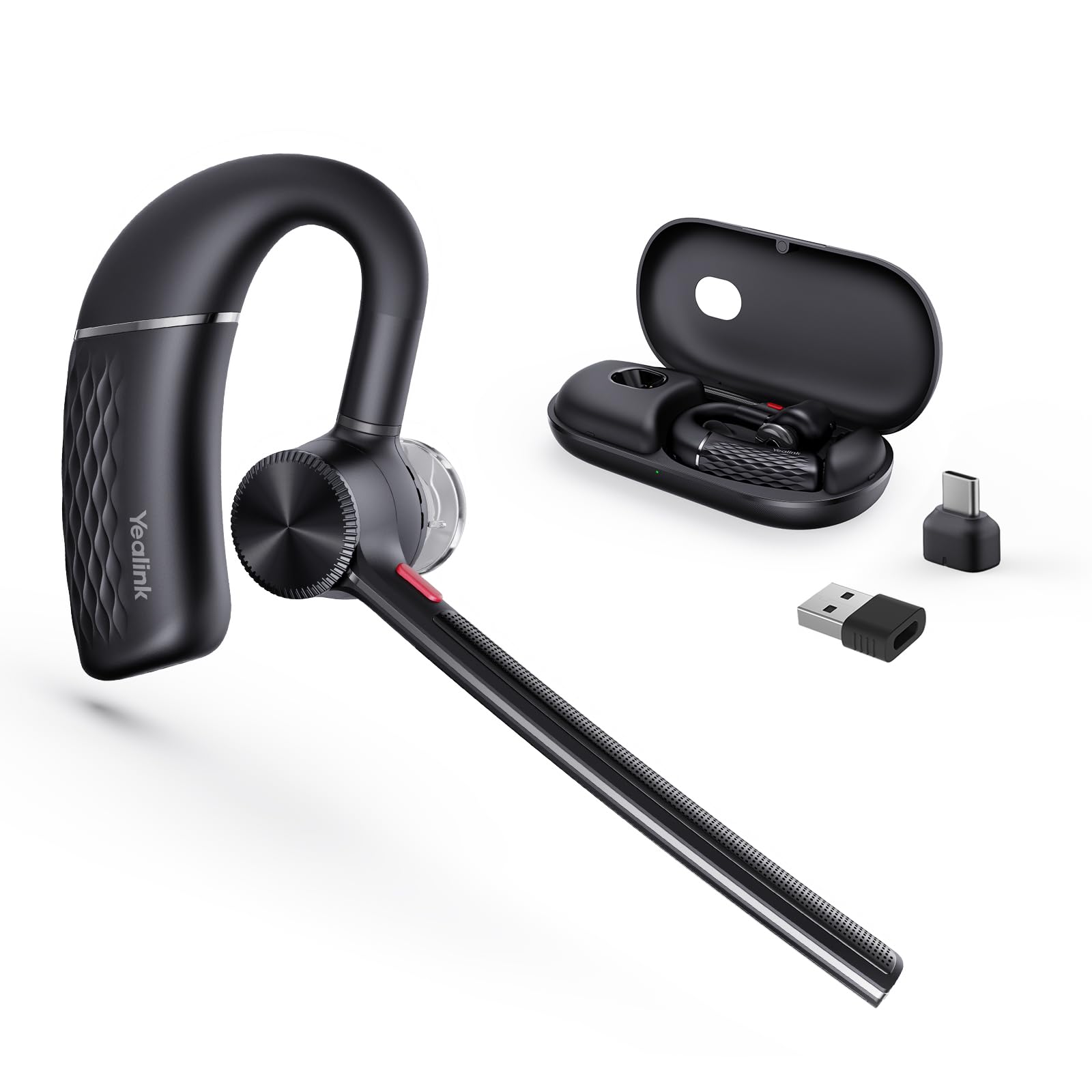

Who Should Buy Which Bluetooth Headset for Conference Calls?
Your call pattern should decide the style before prices. Think about wearing time, room noise and hearing the room between calls.
Remote Workers With Long Meeting Days
You move from team calls to focused work and back again, often for six hours or more. Choose a double ear model with soft pads and a padded band, since even pressure matters more than low weight alone. Strong noise control helps you follow quiet speakers, and a boom keeps your voice steady when you turn toward a second screen.
Support and Sales Staff Who Talk All Day
You answer frequent calls, type while you listen and need controls you can reach without looking. Choose a light single ear or double ear headset with a clear mute button and a voice prompt that confirms mute status. A desk charging base helps too, since you start shifts with a full battery.
Managers Who Switch Between Desk and Phone
You start a call on a laptop, continue on a phone and sometimes finish in another room. Choose multipoint pairing, a USB dongle for the computer and a protective case for your bag. If you also join calls away from your desk, see our guide to the best bluetooth headsets for phone calls for the phone side of that setup.
Key Features to Compare
When you shortlist the best bluetooth headsets for conference calls, compare the microphone before the music specs. A headset can sound pleasant for songs and still make your voice thin in a meeting. Work through the factors below in order.
Microphone Clarity and Background Noise Control
The microphone decides how professional you sound to everyone else. A boom places the pickup close to your mouth, holds a steady distance and usually rejects more room noise than small microphones built into earbuds. Multiple microphones with voice processing can soften keyboard taps and fan hum. Choose a boom if your room is rarely quiet.
Speaker Sound and Voice Tuning
Speakers tuned for voice make meetings less tiring than speakers tuned for heavy bass. A balanced frequency response keeps voices natural, so low voices stay full without booming and higher voices stay clear without sharp edges. Larger drivers can help at low volume, but tuning matters more than size alone. A neutral profile also handles training videos between calls without constant volume changes.
Comfort, Fit and Weight for Long Calls
Comfort decides whether a headset stays on for the last call of the day. On ear pads cost less and feel cooler, while over ear pads spread pressure and block more room sound. A smooth adjusting band and balanced weight reduce jaw and ear ache. Wear your glasses during a trial if you can, since pads that press the arms of glasses cause pain that only appears after an hour.
Connectivity, Multipoint and Codecs
Bluetooth 5.3 and later versions generally hold a steadier link and use power well. Multipoint lets you stay paired with a laptop and a phone at once, so a mobile call does not force a new pairing routine. Common codecs such as SBC and AAC carry voice well, while aptX can lower delay on gear that supports it. A USB dongle often gives a computer a steadier link than its built in radio.
Talk Time That Covers a Full Meeting Week
Judge battery life by talk time, not standby time, since standby figures say little about a meeting day. About 15 to 30 hours of talk time covers a work week for many people, while heavy callers may want more. Fast charging that adds several hours from a short charge helps before a surprise call. A USB C port also lets one cable serve your headset, phone and laptop.
Call Controls, Platform Fit and Build Quality
Controls should let you mute, adjust volume and answer by touch alone. Headsets made for Microsoft Teams or Zoom may add a dedicated button and status lights that match the app, so check your main platform. A busy light can warn others that you are speaking. For build, look for a rating such as IPX4 for sweat and light splashes, while IP67 is uncommon here and matters mainly outdoors.
Which Headset Style Fits Your Conference Calls?
Single ear models leave one ear open, so you hear a doorbell, a child or a coworker without removing the headset. They suit desks and homes where awareness matters, but they give the least isolation when a room gets loud. Their small size also travels well.
Double ear over ear models close out more of the room and present voices in both ears, which helps focus in shared spaces. They cost and weigh more, and pads can feel warm in summer. If most calls happen at a computer, see our guide to the best headsets for computer conference calls for desk based options and connection notes.
In ear models with a short boom or a strong microphone array pack small and suit travel days. Fit varies widely, so tips that seal well matter more than headline features. Wired models remain a useful backup when a battery runs low, and a room that needs sound for several people calls for a different tool, so see our guide to the best bluetooth speakers for conference calls for that shared setup. For solo desk calls, see our guide to the best bluetooth headsets for calls for a broader view.
Questions to Answer Before You Order a Conference Headset
Answer these questions before you order, and let any no answer steer you to a different model.
- Does the microphone use a boom or a proven array for voice pickup in noise?
- Can you wear this style for your longest normal meeting without ear pain?
- Does the headset offer multipoint if you use both a computer and a phone?
- Is talk time long enough for your heaviest call day, with margin to spare?
- Can you mute and change volume by touch, without opening an app?
- Does the model match your main meeting platform and your computer ports?
- Is the warranty at least one year, with replacement pads or tips available?
Common Mistakes to Avoid
- Choosing by music reviews alone leaves you with strong bass and a weak meeting microphone.
- Buying noise cancelling models for a loud room but ignoring microphone noise control still sends room noise to your listeners.
- Trusting standby time instead of talk time leads to a battery that fades before a long meeting day ends.
- Skipping multipoint when you use two devices wastes minutes on pairing before urgent calls.
- Ordering the first fit you see without checking glasses or earrings leads to pressure pain within an hour.
- Ignoring vague spec pages with no talk time, codec or rating listed makes returns more likely.
How to Make Your Bluetooth Headset Last Longer
Keep firmware current through the maker app, since updates often improve pairing stability and call handling. Charge before the battery sits empty for weeks, and store the headset in its case rather than loose in a bag. Keep it away from steam and car heat, because both age batteries and pads faster.
Clean pads and tips with a dry or slightly damp cloth, and let them dry fully before the next call. Wipe the boom gently and keep the microphone opening free of dust. Replace pads when they crack or flatten, since worn pads change both comfort and how much room sound reaches your ears.
Frequently Asked Questions
What features matter most in bluetooth headsets for conference calls?
Microphone pickup matters most, followed by comfort and talk time. One extra check is how the headset behaves when you walk away from your laptop, since real range in a home with walls is shorter than the open space figure on a box. Test that walk early in the return window if calls from the kitchen matter.
Do bluetooth headsets for conference calls need a special codec?
No, a special codec is not required for clear conference calls. Standard codecs carry the narrow range of the human voice well, so microphone quality and a stable link matter far more. A low delay codec helps mainly when you watch video while you listen, since late sound makes lips and words drift apart.
Do wired headsets sound better than bluetooth headsets for conference calls?
Wired headsets can sound slightly steadier, because a cable avoids radio compression and dropouts. In practice, a good bluetooth model with a boom sounds just as clear to your listeners, and you gain the freedom to stand and move. Keep a wired headset nearby as a backup for long sessions when the battery runs low.
How long should the battery in a bluetooth conference headset last?
The battery should cover your longest call day without a midday charge. For most people that means at least a full workday of talk time, plus reserve for the next morning. Check the talk time figure at a stated volume where a maker gives one, since louder listening drains a battery faster.
Is active noise cancelling worth the cost for conference calls?
Active noise cancelling is worth the cost if you work in a shared or noisy room and struggle to follow speakers. It lowers steady sounds such as air conditioning for your ears, but it does not clean your voice for listeners, since that job belongs to the microphone system. Quiet home callers can skip it and spend on a better boom and softer pads.
The Bottom Line
Put microphone clarity first, then choose the fit you can wear for your longest meeting and the battery that covers your heaviest day. Use the product table above to confirm talk time and controls. Compared with that short list, the best bluetooth headsets for conference calls are easy to spot.


