
Best Bluetooth Adapter for Speakers: The Buyer Checklist for 2026
Disclosure: We may earn a commission when you buy through links on this page, at no extra cost to you. As an Amazon Associate I earn from qualifying purchases. Learn more
Match outputs, codecs, latency, range, and power to find the best bluetooth adapter for speakers without guesswork.
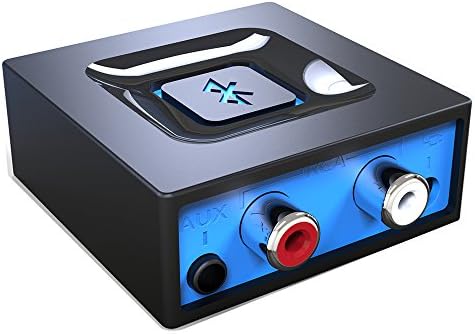
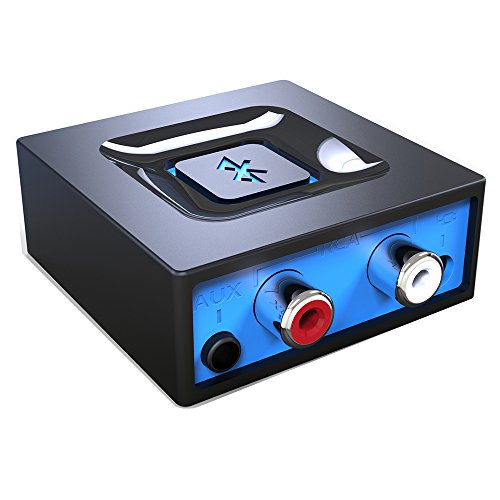
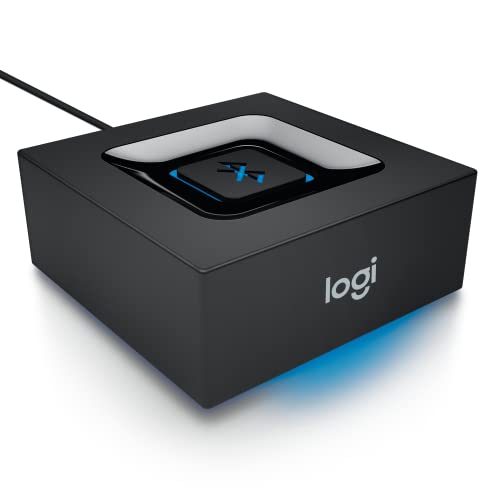
A best bluetooth adapter for speakers adds wireless audio to speakers that have no Bluetooth of their own, or to speakers with weak wireless range. This guide gives you a practical checklist for outputs, codecs, latency, range, and power, so you can match an adapter to your speaker instead of buying on specs alone. Use the product table to keep the main choices side by side as you read.
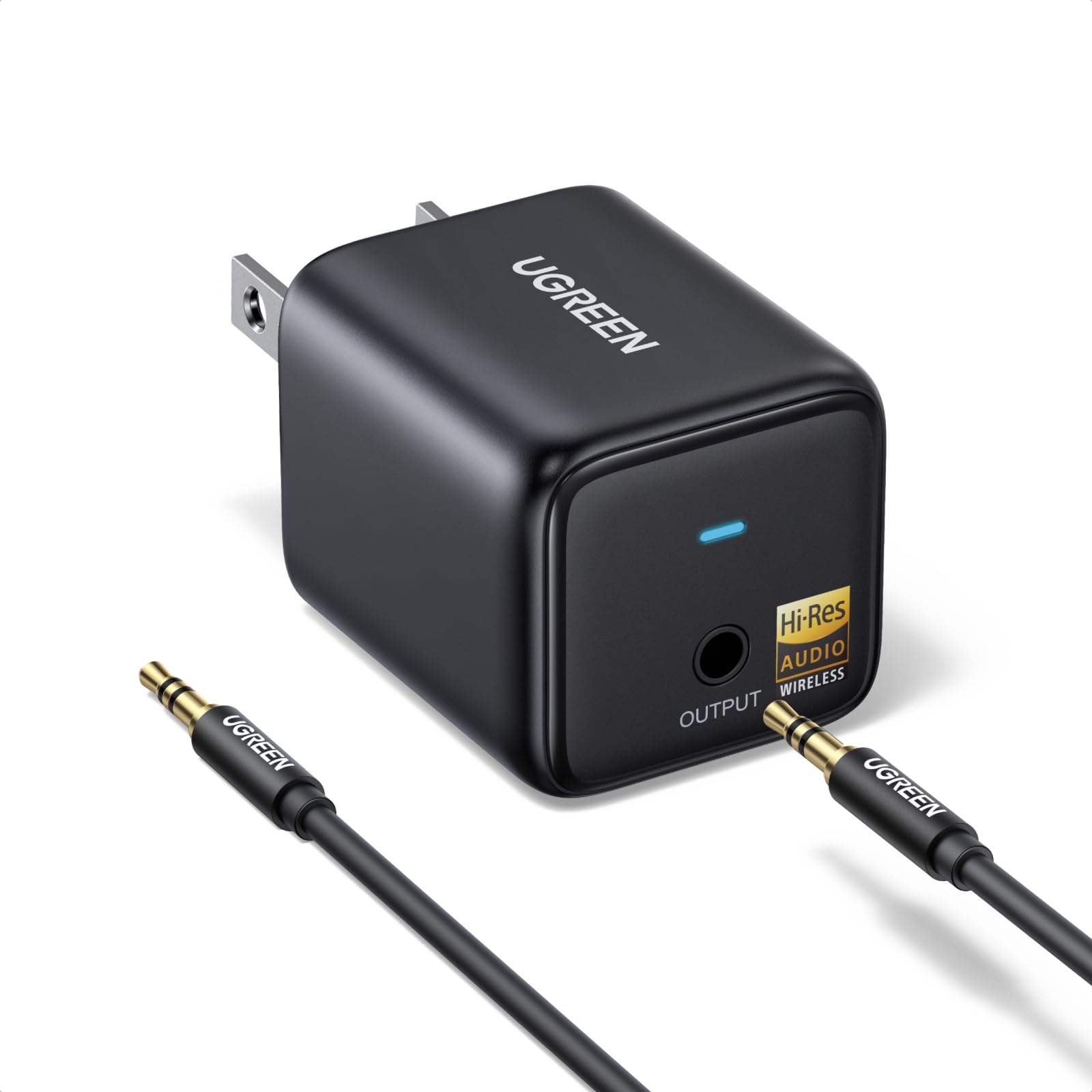
Adapters differ more than they first appear. Some plug into a 3.5 mm aux input, some use RCA inputs, and some use an optical input for a cleaner digital path. Some draw power from USB, some need a wall outlet, and some can pair with two devices at once. Start with your speaker inputs and your listening distance, then check sound quality features that fit your use.


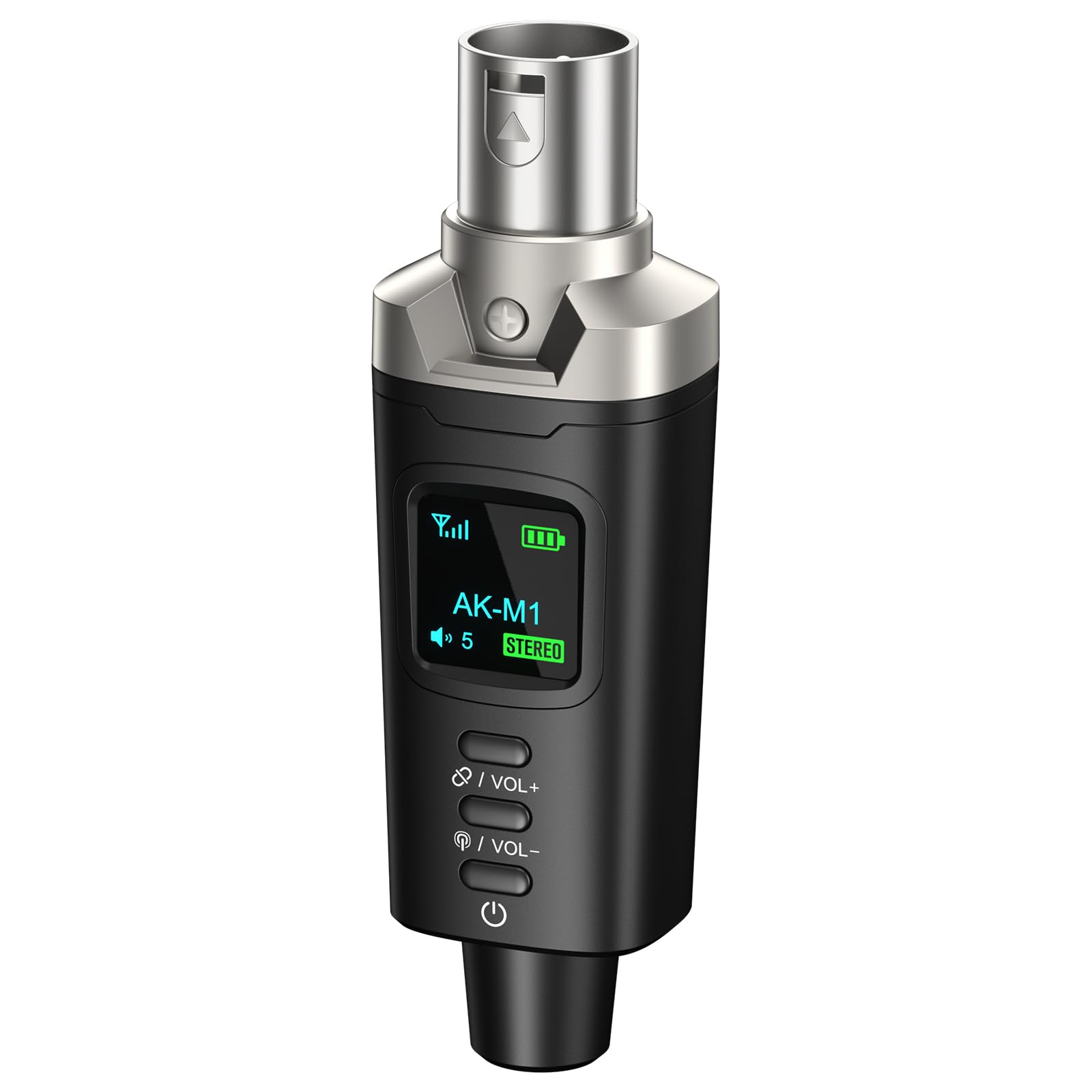
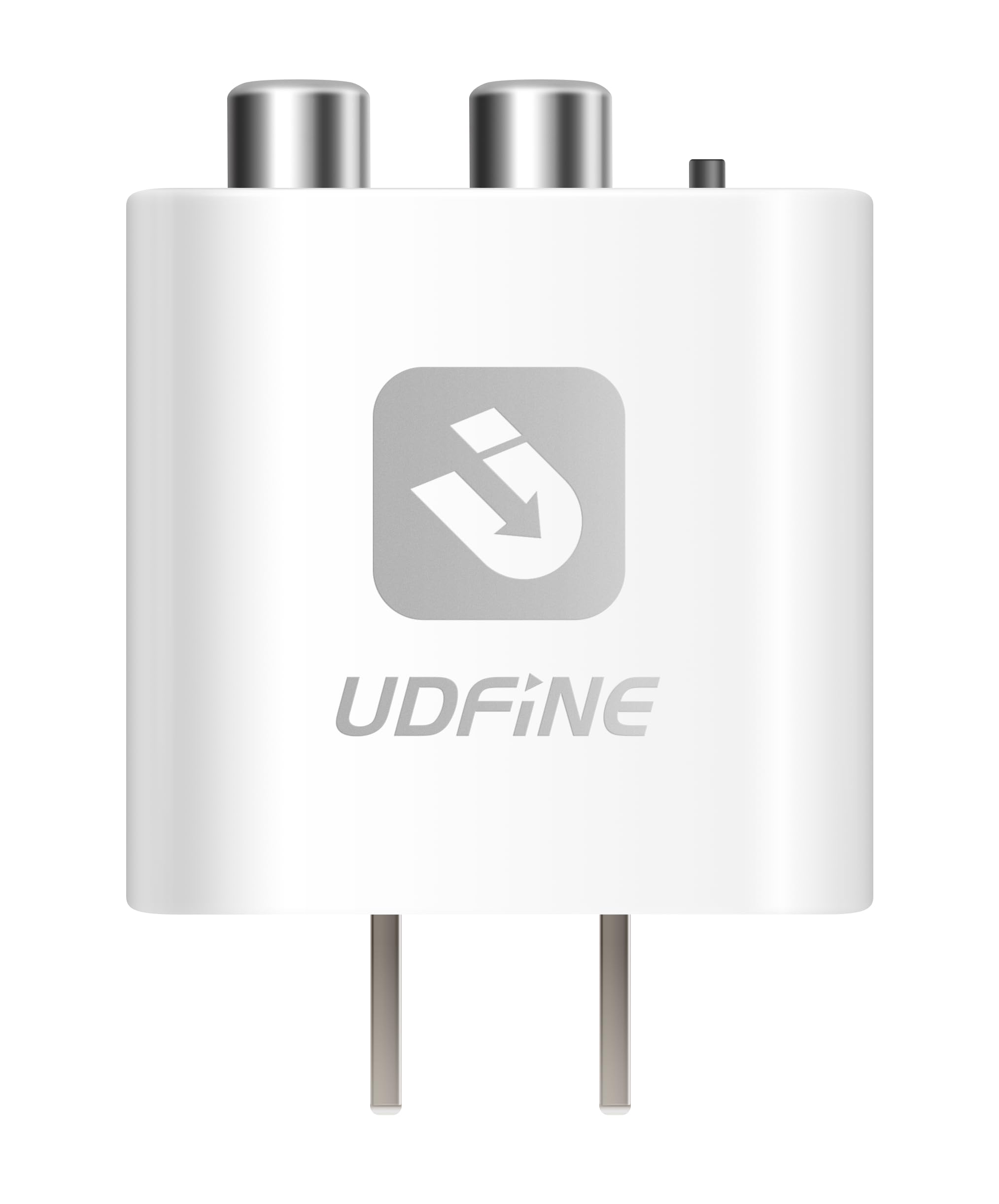
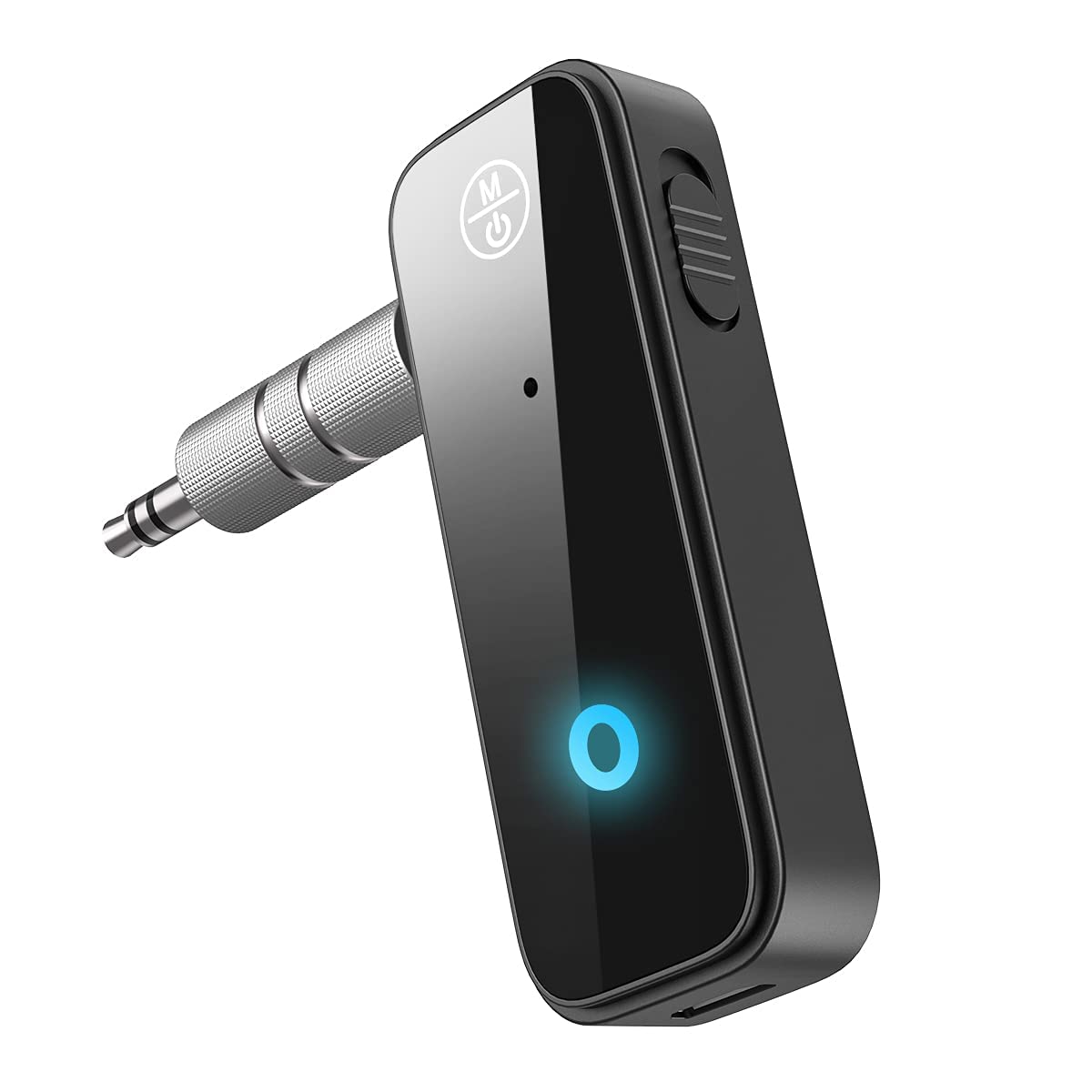
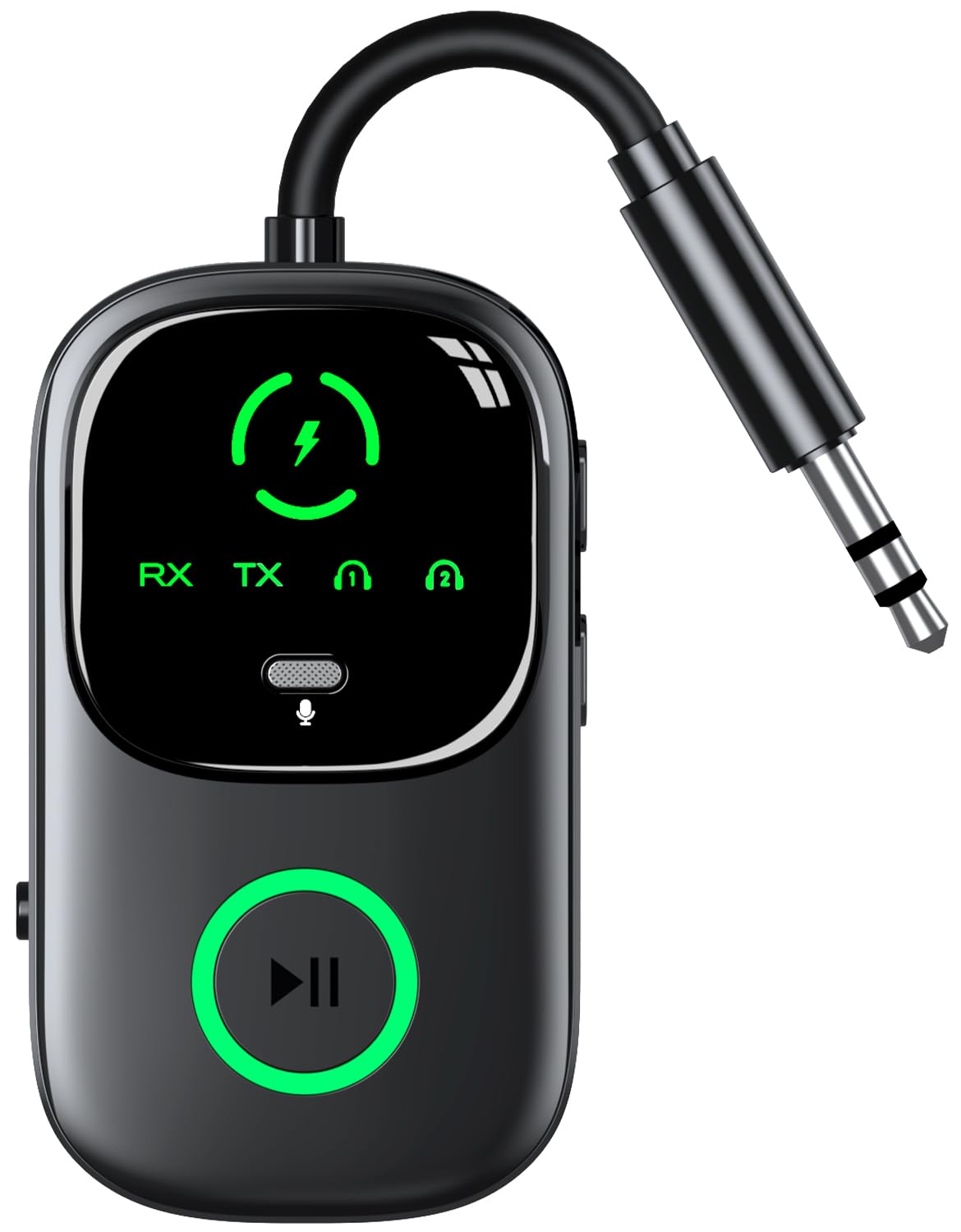
What Makes the Best Bluetooth Adapter for Speakers
Speaker use creates needs that headphone use does not. A speaker often sits across a room, plays for hours, and serves more than one listener. That means range, stable pairing, and a clean output matter more than pocket size or a mic. Use the checklist in this guide as a feature list, since this guide compares types and features rather than reviewing single products.
Start with the input on your speaker. If your speaker has only an aux input, choose an adapter with a 3.5 mm output and a short, well shielded cable. If your speaker has RCA inputs, an RCA output can give a firm connection and easy left and right routing. If your speaker has an optical input, an optical output can keep the signal digital until the speaker converts it, which can reduce hiss in some setups.
Sound Quality and Tuning
Sound quality depends on the codec, the output stage, and your speaker, not on one spec alone. A codec is the method used to compress audio for wireless transfer. Common codecs include SBC, AAC, aptX, and LDAC, and both the phone and the adapter must support the same codec for it to work. If they do not match, the connection falls back to SBC, which still works but may sound less detailed. See our guide to best quality sound bluetooth speakers for sound focused speaker choices.
Do not judge an adapter by driver size or frequency response claims, because those specs describe speakers and headphones, not a small receiver. Instead, look for a clean output level, low background hiss, and stable volume. If you hear hiss at low volume, try a different output, a shorter cable, or a lower adapter volume with a higher speaker volume. Keep volume at a moderate level to protect your hearing during long sessions. See our guide to best quality bluetooth speakers for speaker quality factors.
Placement and Room Size
Placement affects range more than the headline range number. Walls, metal shelves, microwaves, and crowded wireless networks can shorten real world range. Put the adapter in open air, near the speaker input, and away from large metal objects. Keep the cable short and avoid running audio cables beside power cables when you can.
For a small room, a standard range adapter is usually enough if the phone stays in the same room. For a large room or an outdoor patio, look for a longer range claim and a clear line of sight. For stereo pairing, check whether the adapter supports two speakers as a pair or only one speaker at a time. Some adapters pair with one speaker only, so read that detail before you plan a stereo setup. See our guide to best exterior bluetooth speakers for outdoor speaker needs.
Connectivity: Bluetooth Version, Codecs, and Wired Options
Newer Bluetooth versions often bring better range, more stable pairing, and lower power use. Bluetooth 5.0 and later versions are a good baseline for speaker use. Bluetooth 5.3 can add further stability in crowded areas, but the phone, the adapter, and the environment all affect the result. Do not pay extra for a version number alone if your phone and speaker use older standards.
Multipoint pairing lets an adapter stay connected to two source devices, such as a phone and a laptop, and switch between them. That feature helps in a shared room or a home office. Latency matters for video, because a delay between lips and sound can distract viewers. Look for a low latency codec such as aptX Low Latency if you watch video often, and confirm that your source device supports it too.
Wired mode is a useful backup. An adapter with an aux pass through or a wired output lets you keep playing if wireless pairing fails or the battery runs low. For a powered speaker, a USB power source near the speaker is often the simplest setup. For a portable speaker, check whether the adapter needs its own USB power or can share the speaker USB port.
Spending Levels: What Extra Money Usually Buys
At a low spending level, expect basic SBC audio, a 3.5 mm output, USB power, and simple pairing. That level suits a spare room speaker, a garage speaker, or a first adapter for casual listening. At a middle level, expect better codecs, multipoint pairing, longer range, and a choice of aux, RCA, or optical outputs. That level suits a main living room speaker or daily video use. See our guide to best tiny bluetooth speakers for compact speaker options.
At a higher level, expect premium codecs, low latency support, a metal case, and stronger antennas for larger rooms. That level suits a home theater speaker, a patio setup, or a speaker used for hours each day. Higher cost does not always mean better sound on a small speaker, so match the adapter to the speaker quality and the room, not to the highest spec list.
Quick Buyer Checklist
- Does the adapter output match your speaker input: aux, RCA, or optical?
- Does your phone support the same codec as the adapter?
- Do you need low latency for video, or is music only enough?
- Will the adapter sit within clear range of your usual listening seat?
- Is USB power available near the speaker, or do you need a wall outlet?
- Do you need multipoint pairing for a phone and a laptop?
- Can the adapter pair with two speakers, if you want stereo sound?
- Does the cable length fit your speaker placement without strain?
Red Flags to Watch For
- Vague codec claims with no list of supported codecs.
- No clear output type, so you cannot confirm it fits your speaker.
- Range claims with no note about walls or interference.
- Very short warranty or no maker support contact.
- Reviews that mention constant dropouts, hiss, or pairing failure.
Tips to Get the Most From Your Bluetooth Adapter
Keep firmware updated when the maker offers an update, because updates can fix pairing and stability issues. Store the adapter in a dry place and avoid pulling it by the cable. Clean the plugs and ports gently with a dry cloth if dust builds up. If pairing fails, forget the device on your phone, restart both devices, and pair again from a short distance.
Set volume in two stages for the cleanest sound. Start with the adapter near 80 percent volume, then adjust the speaker to your listening level. If you hear distortion, lower the adapter volume first. If you hear hiss, try another output or cable before you assume the adapter is faulty. Keep the adapter away from heat, water, and direct sun for longer life.
Bluetooth Adapter FAQs
What features matter most in bluetooth adapters for speakers?
Output type, codec support, latency, range, and power matter most for speaker use. Start with the speaker input, because an adapter that does not fit that input cannot work well no matter how good its specs look. Next, match codecs with your phone, check latency if you watch video, and confirm range for your room. Power matters too, since a speaker adapter often stays plugged in for hours each day.
Do I need a special codec for a bluetooth adapter?
You need a special codec only if you want better detail or lower latency than SBC provides. AAC suits many Apple devices, aptX suits many Android devices, and LDAC suits high resolution audio on supported devices. Both the source and the adapter must support the same codec, or the link falls back to SBC. For casual listening on a small speaker, SBC is often fine, so do not pay extra for a codec your phone cannot use.
How do I power a bluetooth adapter for speakers?
Most speaker adapters draw power from USB, either from a wall charger, a TV USB port, or a speaker USB port. Check the power need before you buy, because a weak USB port can cause dropouts or restarts. Use a stable 5 volt USB source near the speaker and a short USB cable. If the adapter has no battery, it will stop when power stops, so plan for a permanent power spot in a main room.
Does a bluetooth adapter add noise cancellation to speakers?
No, a bluetooth adapter does not add noise cancellation to speakers. Noise cancellation is a headphone feature that uses mics and processing inside the headphone to reduce outside sound. An adapter only receives wireless audio and sends it to the speaker output. If you want less room noise, move the speaker closer, lower background noise, or choose a speaker with better direction and volume control for your room.
Wired or wireless: which sounds better for speakers?
Wired usually sounds more stable, because it avoids wireless compression, interference, and pairing drops. Wireless sounds better for convenience, because you can control music from across the room without a long cable. For critical listening or video, a wired link is often the safer choice. For daily music in a living room or patio, a good wireless adapter with a matched codec can sound close enough that convenience wins.
Final Thoughts
Choose output first, then codec, latency, range, and power. A simple adapter that fits your speaker and your phone will beat a premium adapter with the wrong output or an unsupported codec. Use the product table to compare outputs, codecs, and power needs side by side before you order.
If you listen mainly to music in one room, a middle level adapter with a matched codec and a firm output is a practical choice. If you watch video or use a large room, add low latency support and stronger range to your checklist. Either way, the best bluetooth adapter for speakers is the one that pairs reliably, sounds clean at moderate volume, and fits your speaker without extra adapters or long cables.


