
Best Blue Switch Keyboards 2026: A Practical Buying Guide
Disclosure: We may earn a commission when you buy through links on this page, at no extra cost to you. As an Amazon Associate I earn from qualifying purchases. Learn more

How to choose best blue switch keyboards: compare a clicky tactile switch that gives clear feedback, keycaps that feel steady under the fingers and value,.
Blue switches give a loud, crisp click and a clear bump on every key press, which many typists love and many roommates do not. This guide to the best blue switch keyboards explains what the switch feels like, which layouts and connections to consider, and what to check before you buy. The comparison table below lists keyboards you can compare.
Blue style switches are tactile and clicky: you feel a bump as the key actuates and hear a click. That feedback helps accuracy for typing and coding, but the sound carries, so think about where you will use the keyboard.




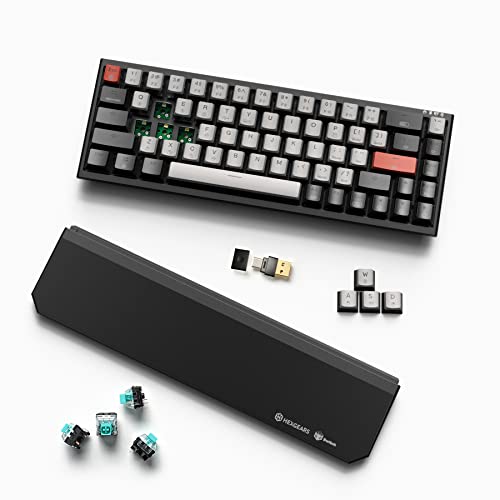

Who Should Buy a Blue Switch Keyboard
Blue switches suit typists, writers and programmers who like clear feedback, and gamers who enjoy a satisfying click. They are less suitable for shared offices, late night use next to a sleeping partner, or video calls, because the microphone will pick up the clicking. If noise is a concern, brown or red switches are quieter.
Types of Blue Switch Keyboards Compared
Full Size Keyboards
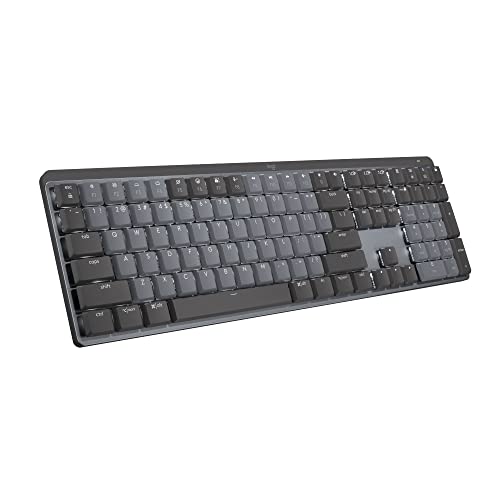
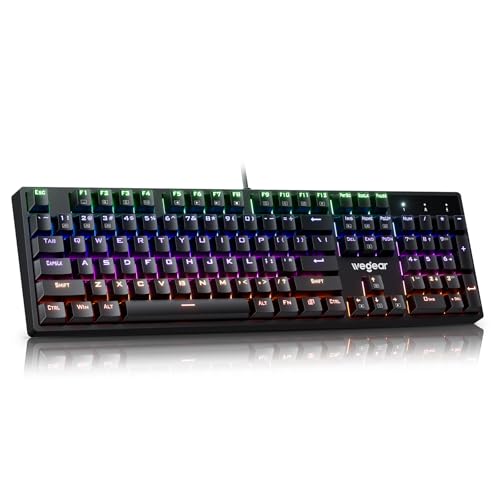
These include a number pad and suit spreadsheets and data entry. They take more desk space but are the easiest to find in blue switch versions.
Tenkeyless and 75 Percent Layouts
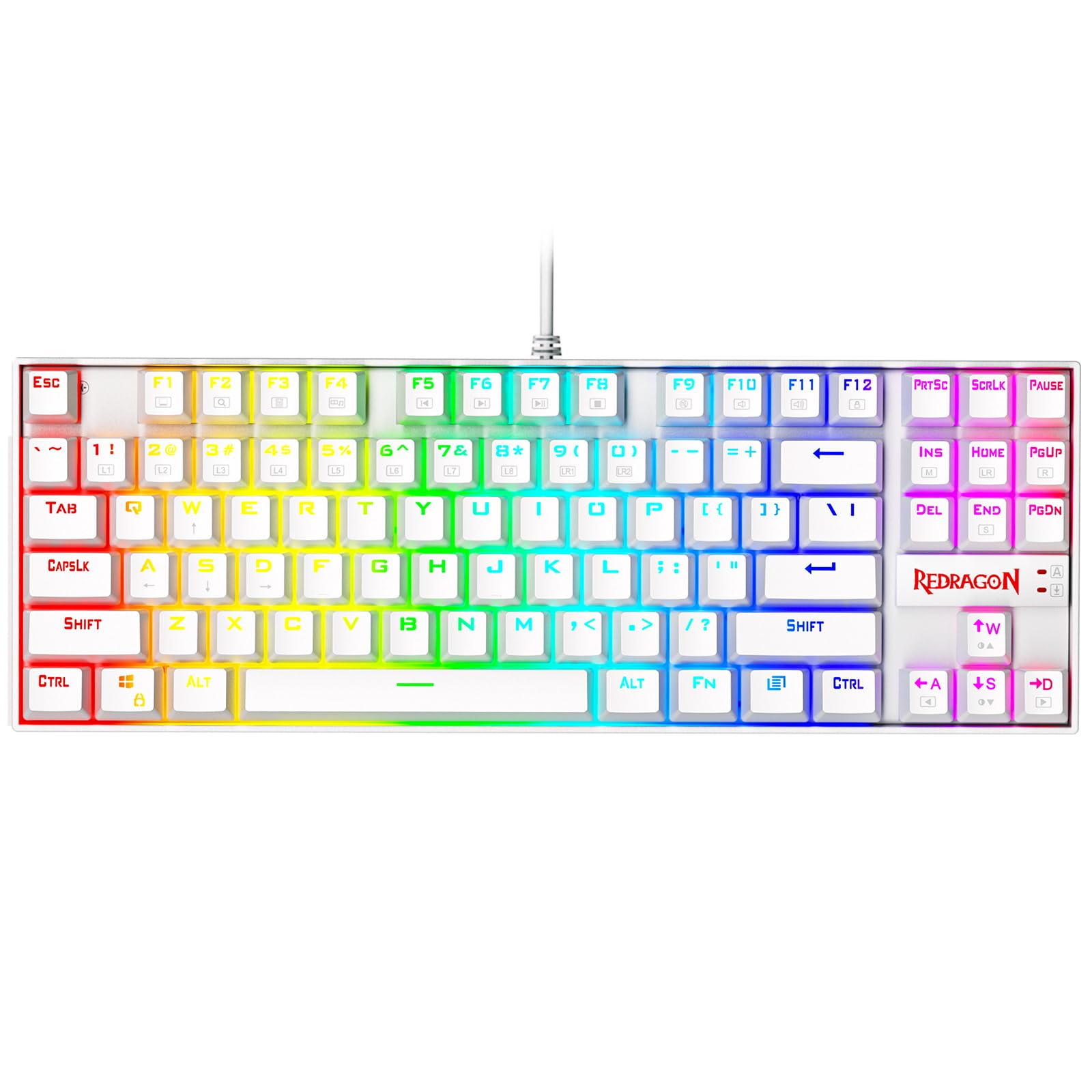
Dropping the number pad frees space for your mouse and keeps the arrow and function keys. This is a popular balance of size and function.
60 Percent Keyboards
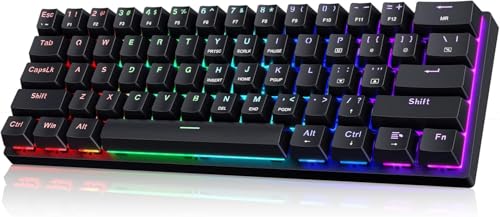
Very compact boards move arrows and function keys to layers. They are portable and tidy but take time to learn.
Wireless and Hot Swappable Boards
Some models connect over Bluetooth or a 2.4 GHz receiver, and hot swappable sockets let you change switches without soldering.
Key Features to Compare
Switch Type and Feel
Blue switches vary slightly by maker, so check reviews for how heavy the key feels and how loud the click is. Some keyboards offer other switch options if you are not sure.
Build Quality and Weight
A metal or sturdy plastic plate reduces flex and rattle. A heavier board stays still during fast typing.
Keycaps and Legends
Double shot or PBT keycaps resist shine and wear. Backlit legends are useful if you type at night.
Connection and Battery
Wired boards have no lag and no charging. Wireless boards add flexibility, so check the battery life and whether the backlight drains it quickly.
Ergonomics
Tall keyboards may need a wrist rest. A tilt adjustment and a comfortable layout help during long sessions.
Compatibility With Mac, PC and Consoles
Most wired keyboards work with Windows, Mac and many consoles, but key labels and media shortcuts may differ. Check that the listing mentions Mac support if you use a Mac.
Common Mistakes to Avoid
Do not buy blue switches for an open office or a shared bedroom without testing the noise. Do not assume every board with a blue accent is clicky, since colors in the name do not always mean blue switches. Do not ignore the layout: a 60 percent board is frustrating if you need arrow keys all day.
Care and Maintenance
Turn the keyboard upside down and shake out crumbs, brush between keys and wipe the keycaps with a lightly damp cloth. A keycap puller helps for deeper cleaning. Keep drinks away from the board.
What Blue Switches Feel and Sound Like
A blue switch has a small bump halfway down the key travel and a click sound when the key actuates. You do not need to press the key all the way down, which can help you type faster once you learn the feel. The click is a design feature, not a defect. It is louder than brown or red switches, and a desk mat or a keyboard with foam inside can soften the sound a little.
Typing Tips for Clicky Keyboards
Do not bottom out every key. Light presses reduce noise and finger fatigue. Use a wrist rest if the board is tall, and adjust the angle so your wrists stay straight. If you share a room, a quieter switch type is a thoughtful alternative, and some hot swappable boards let you try other switches later.
Price and Value
Budget blue switch boards start around $25 and use basic plastic cases. Midrange boards at about $50 to $100 add better keycaps, sturdier frames and wireless options. Higher priced boards add metal plates, hot swap sockets and premium keycaps. For most typists, a midrange board gives the best balance.
Choosing Between Blue and Other Switch Colors
Switch colors are a loose shorthand. Blue is clicky and tactile, brown is tactile without the click, red is smooth and quiet, and black is smooth and heavy. If you like feedback but need to be quiet, try brown. If you like speed and smooth keys for gaming, red is common. If you want the audible click, blue is the choice, and many makers let you pick a switch type when you buy.
Because feel is personal, buy from a seller with a return policy, and give the board a few days of real typing before you decide.
Related Guides
For related choices, see our guides to the best blue switch mechanical keyboards, best keyboards with blue switches, best keyboards with cherry mx blue switches and best sounding switches for keyboards.
Frequently Asked Questions
Are blue switches too loud for the office?
In a quiet shared office they can be distracting. They are fine at home, in a private office or with headphones on.
Do blue switch keyboards work with Mac and consoles?
Most do, but confirm Mac or console support on the listing, since some boards label keys for Windows only.
Is wired or wireless better for gaming?
Wired boards avoid battery and latency issues. Many wireless boards with a 2.4 GHz receiver are also fast enough for casual gaming.
Are mechanical keyboards worth it?
If you type or play a lot, the feel, durability and ability to replace switches and keycaps make them worth it for many people.
Can I replace the switches later?
Only on hot swappable models. Others need soldering, so check this feature if you want to experiment.
Final Thoughts
Decide on layout and connection first, then check build quality and noise. Use the table above to compare, and pick among the best blue switch keyboards the one that suits your desk and the people around it. Prices and stock change, so check the product page before ordering.


