
Best Blue Switch Mechanical Keyboards: Matching the Right Model to Your Routine for 2026
Disclosure: We may earn a commission when you buy through links on this page, at no extra cost to you. As an Amazon Associate I earn from qualifying purchases. Learn more

Compare the best blue switch mechanical keyboards by sound, layout, and connection with a simple checklist for typing, work, and gaming setups.
There is no single keyboard that suits every desk, every roommate, and every workday. Blue switches are loved for their crisp click and clear tactile bump, but that same sound can be a problem in a shared office or a late night apartment. The best blue switch mechanical keyboards for you depend on where you type, how much space you have, and how much noise the people around you will accept.
This guide matches layouts, build choices, and connection types to real routines instead of chasing one universal winner. Use the comparison table below to spot the basic specs, then read the sections that match your situation before you spend money.


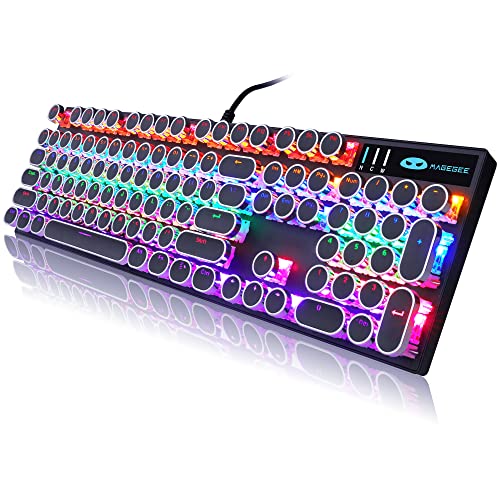
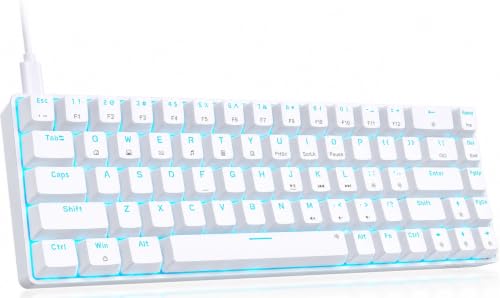
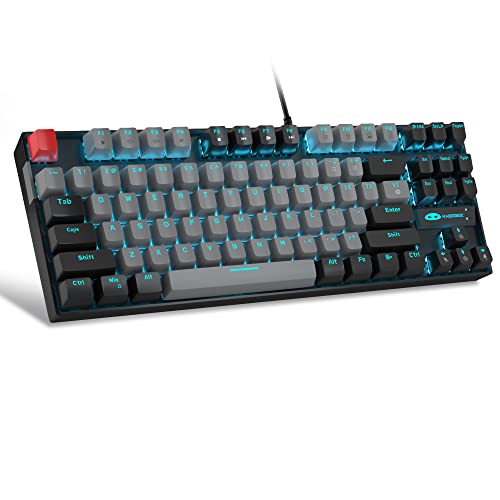
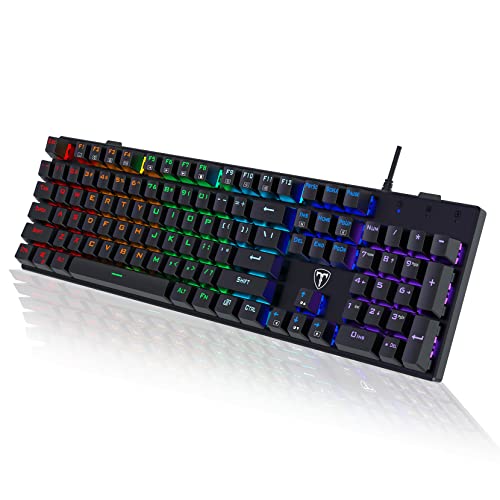
Who Should Buy Which Blue Switch Keyboards?
Start with your daily routine, because it decides almost everything else. A student in a dorm, a remote worker on calls all day, and a gamer who plays late have very different limits on noise, size, and budget. The groups below help you narrow the field before you compare smaller details.
For Students and Everyday Users
You need a board that works the day it arrives, survives a backpack or a crowded desk, and does not drain your budget. Look for a compact layout that still keeps the keys you use for essays and spreadsheets, solid PBT keycaps that resist shine, and a wired connection if you want zero charging worries. A simple board with hot swappable sockets is a smart bonus, since you can replace one faulty switch later instead of replacing the whole keyboard.
For Remote Workers and Creators
Your keyboard sits at the center of long writing sessions, video calls, and content work, so consistency matters more than flashy extras. Prioritize a stable connection, easy switching between a laptop and a tablet, and a layout that keeps navigation keys within reach. Think carefully about the click volume before you commit, because blue switches carry clearly through most microphones. If your calls are frequent, plan to type notes on a quieter backup board or mute discipline during meetings.
For a deeper look at sound alone, see our guide to the best sounding mechanical keyboards and compare how switch type changes the whole typing experience.
For Gamers and Power Users
You care about fast response, a high polling rate, and keys that register exactly when you press them during long sessions. A wired model or a low latency 2.4 GHz wireless model usually serves you better than standard Bluetooth, which can feel a step behind in fast games. Look for full key rollover, a sturdy frame that does not flex under hard presses, and software that lets you save macros and lighting profiles without constant tweaking.
Key Features to Compare
Once your routine is clear, compare the features that change daily comfort and long term value. Sound and feel come first with blue switches, but build, layout, and connection decide whether you still enjoy the board six months later. Work through each point below with your own desk in mind.
Weight and Build Quality
A heavier frame with a metal plate tends to stay planted and sound deeper and more controlled, while a light plastic board is easier to carry between rooms or classes. Neither is automatically better, so match the build to how often the keyboard moves. Check the keycaps as closely as the case. PBT keycaps hold their texture longer and resist the shiny, slippery surface that thin caps develop, which matters when you type for hours every day.
Battery Life and Charging
Wireless freedom costs you charging time, so read battery claims with your lighting habits in mind. Bright backlighting can cut runtime dramatically, and a board that lasts weeks with lights off may need a charge every few days with effects running. USB C charging is the practical standard to look for, since one cable can serve your keyboard, phone, and earbuds case. If you hate interruptions, choose a model you can keep using while it charges over the cable.
Durability and Warranty
Blue switches are usually rated for tens of millions of presses, but the rating only helps if the rest of the board keeps up. Hot swappable sockets let you pull a chattering or dead switch and press in a new one in minutes, which extends the life of the whole keyboard. Check warranty length and how easy the claim process looks before you buy. Keep your receipt and the serial number photo in one folder so a future claim takes minutes, not an evening of searching.
If you already know you prefer one classic switch family, our guide to the best keyboards with cherry mx blue switches explains how that original design compares with newer alternatives.
Ergonomics, Size, and Layout
Layout is a comfort decision, not just a space decision. A full size board keeps a number pad for data entry, a TKL board frees mouse room while keeping arrow and navigation keys, and a 75 percent board packs nearly everything into a tight footprint that takes a week to learn. Keep your wrists neutral and your shoulders relaxed, and consider a simple wrist rest if the front edge sits high. If your hands ache, stop and adjust your desk height and chair before blaming the switches alone.
Wired vs Wireless Connections
Wired models give you the simplest setup, no battery anxiety, and consistently low latency at the lowest cost. Wireless models clean up your desk and make it easy to move between a couch, a desk, and a second computer. Bluetooth suits typing and casual use across several devices, while a 2.4 GHz dongle suits gaming and fast work because it polls more often. Many boards offer all three modes, and that flexibility is worth paying for if your setup changes often.
To compare switch focused options side by side, see our guide to the best blue switch keyboards for a narrower look at clicky boards.
Common Mistakes to Avoid When Buying Blue Switch Keyboards
- Ignoring the noise. The click is the whole appeal and the biggest risk, so listen to sound samples at realistic volume and think about roommates, partners, and open plan offices before ordering.
- Choosing by price alone. A cheap board with thin keycaps and a hollow case can make even good switches sound harsh and feel tiring within a month.
- Picking the wrong size. Dropping the number pad or arrow keys you use daily creates friction that no switch quality can fix.
- Skipping the return policy. Switch feel is personal, so buy from a seller that allows returns after real typing, not just unboxing.
- Forgetting your operating system. Confirm Mac or Windows keycaps and layout support if you switch between platforms.
Care and Maintenance Tips
A few small habits keep a clicky board sounding crisp instead of gritty. Pull the keycaps every few months, shake out crumbs, and wipe the case with a slightly damp cloth while the board is unplugged. Use a keycap puller rather than your fingers so you do not stress the switch stems. Update firmware through the companion app when the maker releases fixes, and store spare switches in a closed box so dust stays out of the contacts. If one key starts to chatter, swap that switch first before assuming the whole board is failing.
Sound focused buyers can also read our guide to the best sounding switches for keyboards to hear how case foam and plate material change the click.
FAQs
Does a blue switch keyboard work with Mac and console?
Yes, most models work with Mac and with consoles that accept USB keyboards, but you should confirm the details before buying. Many boards include a Mac mode switch and extra keycaps with Mac legends, which saves daily annoyance. Console support varies by game rather than by keyboard, since some titles block keyboard input entirely. Check the game list you actually play, and expect to use the board mainly for menus, chat, and supported titles.
Wired or wireless: which is better for gaming?
Wired is still the safest choice for gaming because it removes battery and interference worries completely. A good 2.4 GHz wireless board is close enough in latency that most players cannot feel a difference in real matches. Standard Bluetooth is the weak option for fast games, since its polling is slower and connections can pause after idle time. If you compete or play rhythm and fighting games, plug in. If you play casually, wireless convenience usually wins.
What polling rate do I need on a blue switch keyboard?
A polling rate of 1000 Hz is plenty for almost everyone, including most competitive players. It means the board reports key presses about one thousand times per second, which already outpaces human reaction by a wide margin. Higher rates exist on gaming focused models, but the real world gain is tiny compared with choosing a stable connection and a layout you type on accurately. Spend your budget on build and keycaps first.
Are mechanical keyboards worth it?
Yes, a mechanical keyboard is worth it if you type for hours, enjoy clear feedback, or want a board you can repair instead of replace. Individual switches make each press feel distinct, hot swap sockets make fixes cheap, and solid keycaps age slowly. The honest downside is cost and, with blue switches, noise. If you type in a quiet shared space all day, a quieter switch type may serve you better even if the click itself delights you.
The Bottom Line
Match the board to your routine first, then compare build, layout, and connection in that order. Students can save with a simple wired model, remote workers should weigh call noise honestly, and gamers should favor wired or dongle connections. When you are ready, look back at the product table above and shortlist the best blue switch mechanical keyboards that fit your space, your noise limits, and your budget.


