
Best Blank Cds for Burning Music: A First Time Buyer's Guide for 2026
Disclosure: We may earn a commission when you buy through links on this page, at no extra cost to you. As an Amazon Associate I earn from qualifying purchases. Learn more
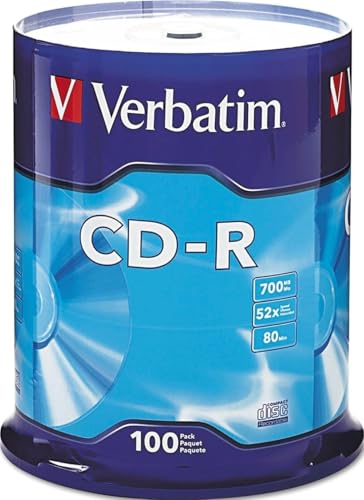
A first time buyer's guide to the best blank cds for burning music, with disc types, burn speeds and storage tips for clean playback.
If you have never burned a music disc before, the best blank cds for burning music are simply the discs that match your burner, your player and the way you plan to listen. You do not need a deep technical background to get a good result. You need the right disc type, a sensible burn speed and a player that can read the finished disc. Use the comparison table below to compare the main disc types before you buy a pack.
This guide starts with the basics, explains the specs in plain English, lists the rookie mistakes to avoid and walks through setup and first use. It ends with answers to the questions first time buyers ask most. By the end you will know how to pick a disc, burn a clean copy and store it so it plays well for years.
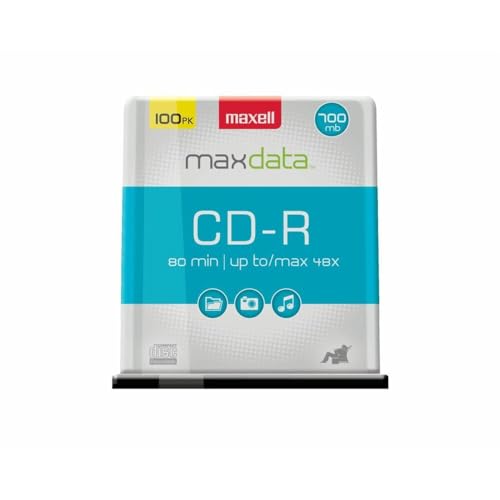
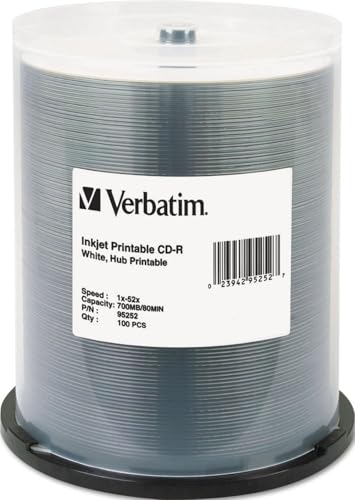

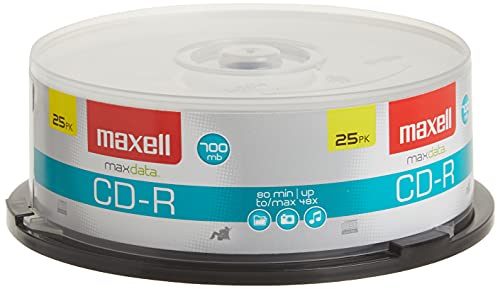

Blank Cds 101: The Basics
A blank compact disc is a recordable disc with a dye layer that a burner changes with a laser to store digital music. Once the music is written, a standard player reads those changes back as sound. A write once disc can be written a single time, while a rewritable disc can be erased and written again. For most music mixes, a write once disc is the simpler and more widely compatible choice.
Music discs are usually burned as audio discs, which most home and car players can read, rather than as data discs, which suit computers. An audio disc holds about 80 minutes of music on a standard disc, while a data disc holds files that only a computer or a compatible player can open. Check your player manual before you burn, since an older car player may reject a data disc even when it plays audio discs well. If you are building a collection to keep, see our guide to the best classical music cd box sets for ideas on how finished collections are stored and enjoyed.
Key Specs Explained in Plain English
The specs below sound technical, but each one answers a simple question about your music. Read them as a checklist for your burner and your player, not as a race for the highest number. A disc that matches your setup will beat a faster or larger disc that your player cannot read.
Features That Matter for Burning Music
Burning music needs a disc that writes cleanly at a steady speed and reads back without skips. Look for discs rated for audio use, a clean recording surface and a pack size that fits how much music you plan to burn. A small pack suits a first project, while a larger pack suits regular mixes and gifts. Avoid discs with scratches, fingerprints or a damaged case, since surface damage before burning can cause errors later.
Intended Use and Who It Is For
First time buyers usually want one of three things: a mix for the car, a copy for home listening or a backup of music they own. Car mixes need wide player compatibility and a sturdy disc that handles heat and vibration. Home listening suits a standard audio disc burned at a moderate speed for clean playback. Backups suit a disc stored in a case away from light and heat, with a clear label written with a disc safe pen.
Size, Weight, and Fit for Your Space
Standard music discs are 120 mm across and fit most burners and players without any adapter. Smaller mini discs exist, but they hold less music and may not suit car players, so they are a poor first choice. Weight is not a useful buying factor here, since standard discs are all similar. What matters is storage space: a slim case or a disc wallet keeps a growing collection tidy and protects discs from scratches.
Build Quality and Materials
Build quality shows in the disc surface, the hub and the case. A smooth, even surface burns more reliably than a disc with visible flaws or a rough edge. A strong hub helps the disc sit flat in the burner, while a cracked case can let dust reach the surface.
Keep discs in cases when you are not using them, and handle them by the edge and the center hole only. This simple habit prevents many playback problems.
Safety and Certifications
Safety for music discs is mainly about handling and storage, plus following the manufacturer's instructions for your burner. Never force a disc into a drive, never use a cracked disc and never leave discs in a hot car for long periods. A disc that meets a stated maker standard for recording and playback gives you a useful comparison point across packs. Keep discs away from small children, since a broken disc can have sharp edges.
Ease of Use and Setup
Ease of use depends on your burner software and how clearly it guides you through an audio disc project. Choose software that lets you pick audio disc mode, set the burn speed and check the track order before you start. A trial burn at a moderate speed is worth the extra minutes on a first project. If the software offers a verify step after burning, use it to catch errors before you label the disc.
| Disc type | Best for | Limitation |
|---|---|---|
| Write once audio disc | Car and home playback | Cannot be erased |
| Rewritable disc | Practice and temporary mixes | Less widely compatible |
| Data disc | Computer playback and files | May not play in older players |
Rookie Mistakes to Avoid
Most first burns fail for simple reasons that are easy to avoid. Work through this list before you start, and you will save discs and time.
- Burning a data disc when you wanted an audio disc, which leaves the disc unreadable in many players.
- Burning at the fastest speed, which can raise errors on older players even when the disc seems to finish cleanly.
- Touching the shiny side of the disc, which leaves fingerprints that can cause skips.
- Using a scratched or dusty disc, which can fail partway through a burn.
- Forgetting to check track order and gaps, which can spoil a mix that took time to plan.
Getting Started: Setup and First Use
Start by reading the manual for your burner and your software before you open a disc pack. Choose audio disc mode, add your tracks in order and set a moderate burn speed for the first disc. If you burn with a laptop, see our guide to the best laptops for burning cds for help matching a laptop drive to this kind of project. Clean and inspect the disc, handle it by the edge, and close other heavy programs while the burn runs so the computer is not interrupted.
When the burn finishes, let the software verify the disc if that option is offered. Play the finished disc from start to finish on the player you plan to use most, and check the first and last tracks carefully. Label the disc with a disc safe pen, store it in a case and keep a note of the track list. If a track skips, try a slower burn speed or a fresh disc before you blame the player.
Best Blank Cds for Burning Music: Your Questions Answered
What features matter most in blank cds for burning music?
Audio disc mode, a clean surface and a burn speed your player handles well matter most. These three factors decide whether a finished disc plays cleanly in a car or a home player. Pack size and case quality matter next, since they affect cost and storage. A disc that writes reliably at a moderate speed is a better buy than a disc that only promises a high top speed.
How do I maintain a blank cd?
Keep blank discs in their cases, away from light, heat and dust, and handle them by the edge and the center hole. Store them upright in a cool, dry place, and avoid stacking loose discs where they can scratch each other. Use a disc safe pen for labels, since some markers can damage the surface over time. A clean, well stored disc burns more reliably than a disc left out on a desk.
Are expensive blank cds worth it?
Expensive discs are worth it when you need a long lasting archive copy or a disc for a gift that will be played often. For practice mixes and casual car listening, a standard pack at about $10 to $25 usually gives a clean result. The real check is always playback on your own player, not price alone. If a standard disc plays cleanly, there is no need to pay more.
How long does a blank cd last?
A finished disc stored in a case away from light and heat can play well for many years. Life depends more on storage and handling than on the brand on the pack. Discs left in a hot car, stacked loose or handled by the shiny side wear out faster. Keep a backup of important mixes, and replace any disc that shows cracks, deep scratches or playback errors.
Which blank cd type should I buy?
Compatibility with your burner and player matters most, followed by disc type and pack size. Check that your burner supports the disc type you plan to buy, and that your player reads audio discs. Choose write once discs for finished mixes and rewritable discs only for practice. A pack size that matches your project count avoids waste and keeps discs fresh.
Our Verdict
Pick a write once audio disc, burn at a moderate speed and check the result on the player you will use most. Clean handling, a good case and sensible storage matter as much as the disc itself. The best blank cds for burning music are the discs that play cleanly in your car and at home without fuss. Check the product table above, start with a small pack and keep your first successful mix as a reference for later burns.
