Best Blackvue Dash Cams (2026): Channels, Power and Fit
Disclosure: We may earn a commission when you buy through links on this page, at no extra cost to you. As an Amazon Associate I earn from qualifying purchases. Learn more

Channel count, power and card advice for choosing the best blackvue dash cam, from single front cameras to three channel setups.
Choosing within one brand can feel harder than choosing between brands, because the names look similar while the channel counts, resolution and cloud tools differ a lot. The best blackvue dash cam for you depends on how much of the road you need recorded, how you park, and how you want to view clips. This guide compares the main types by vehicle fit, video performance and ease of use, so you can match a setup to your driving instead of paying for tools you will never open.
Start with coverage, then look at power options for parked recording and card size. The product table below lets you compare real models side by side.


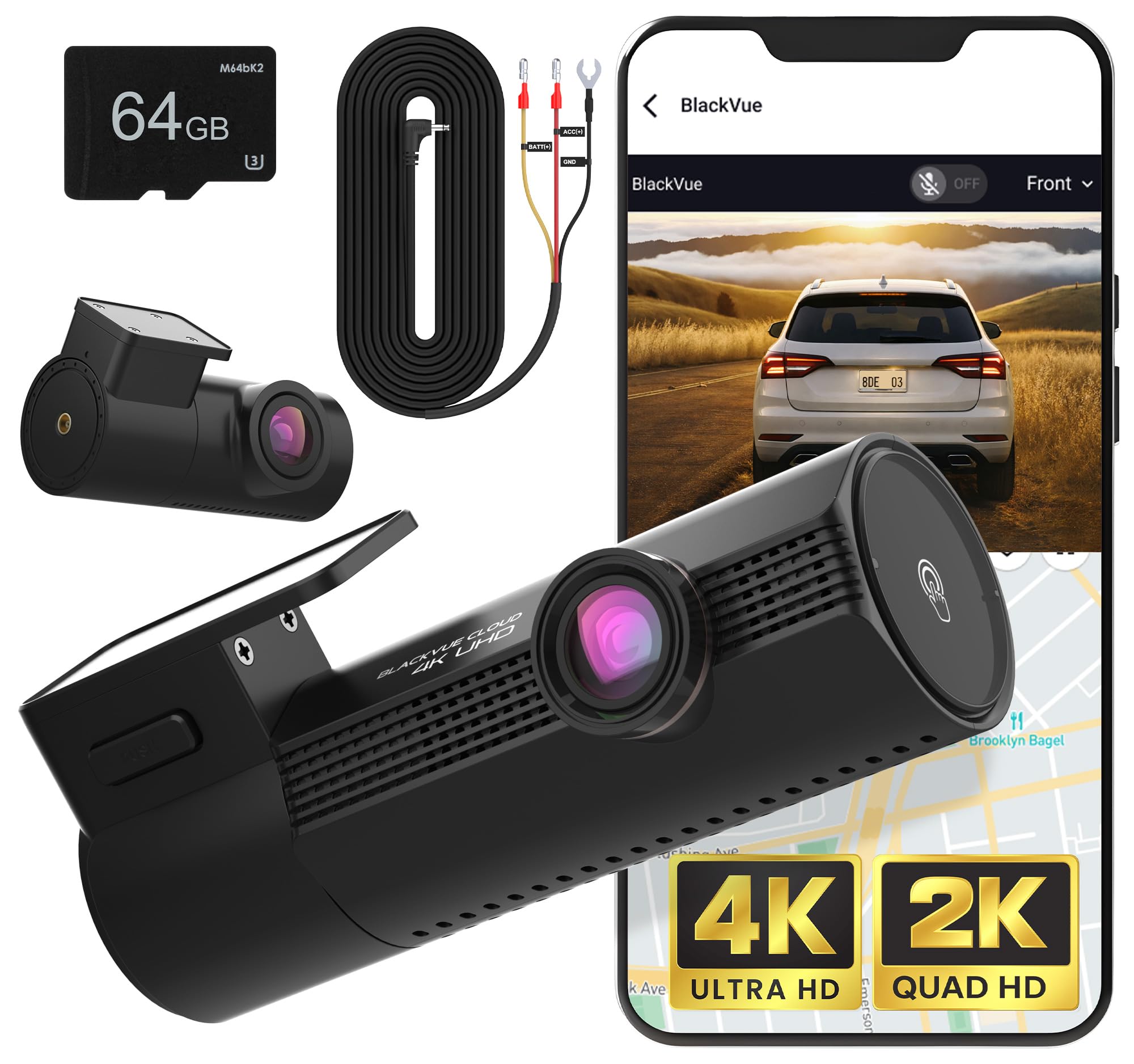
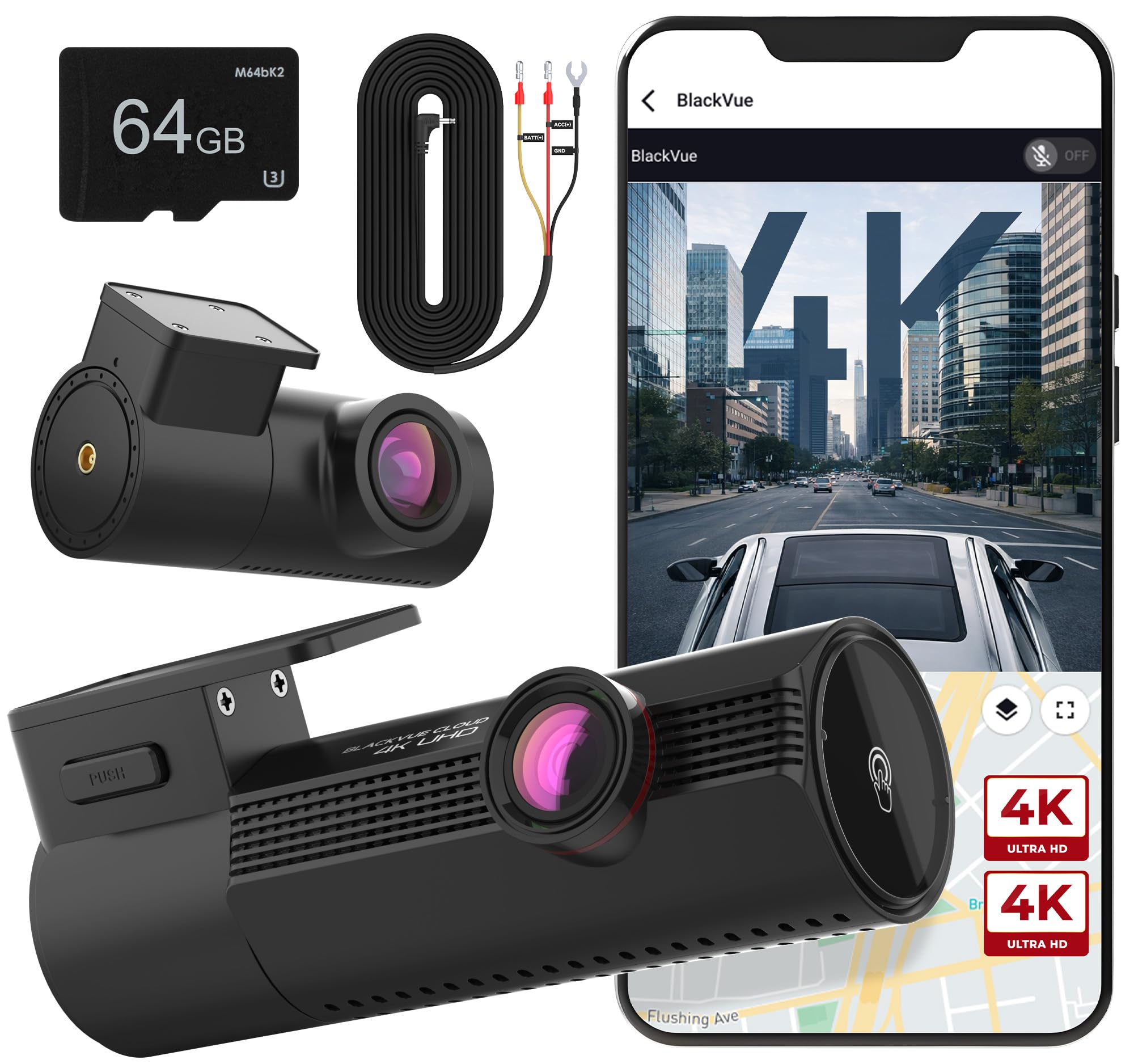


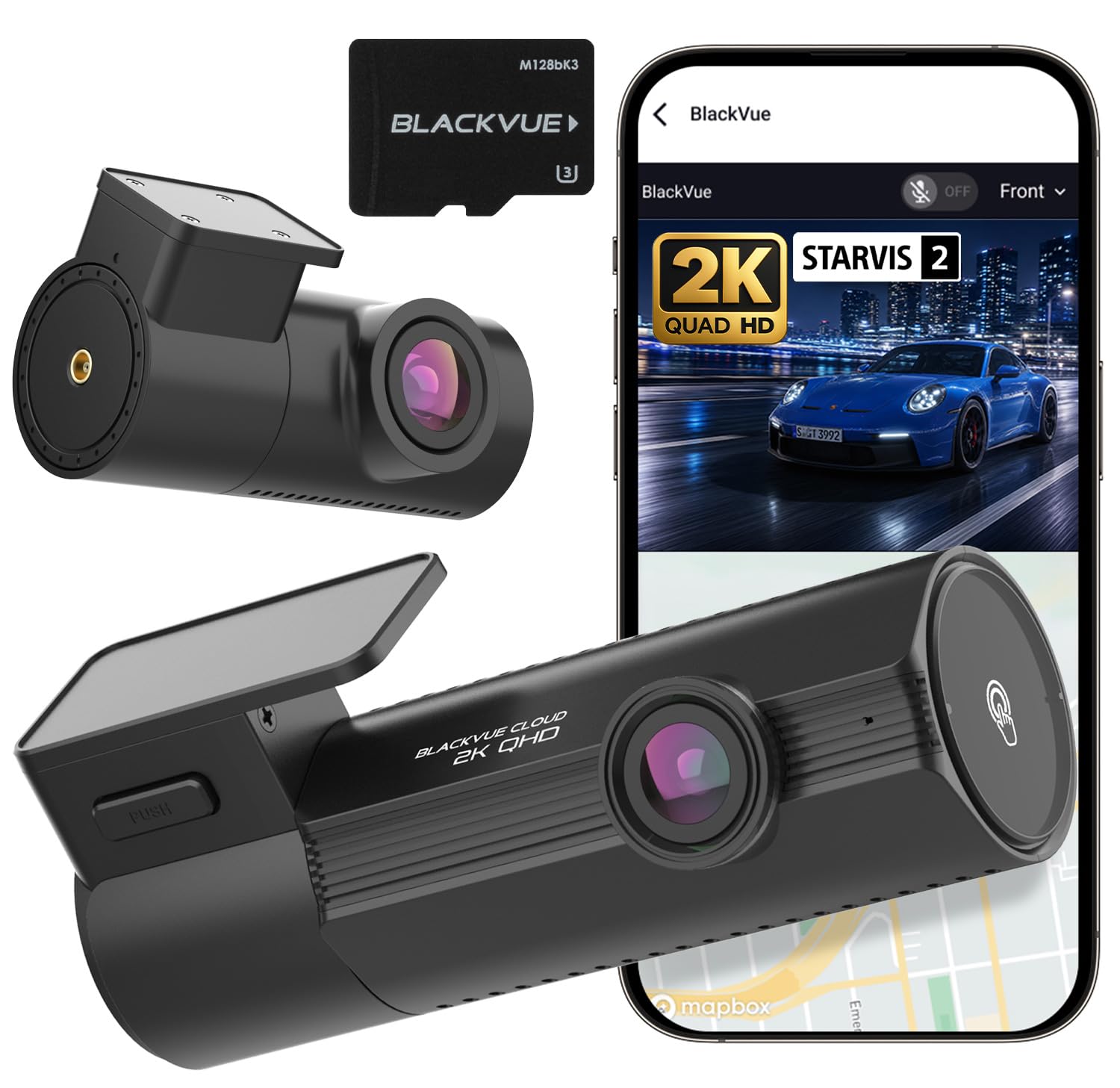
Types Compared at a Glance
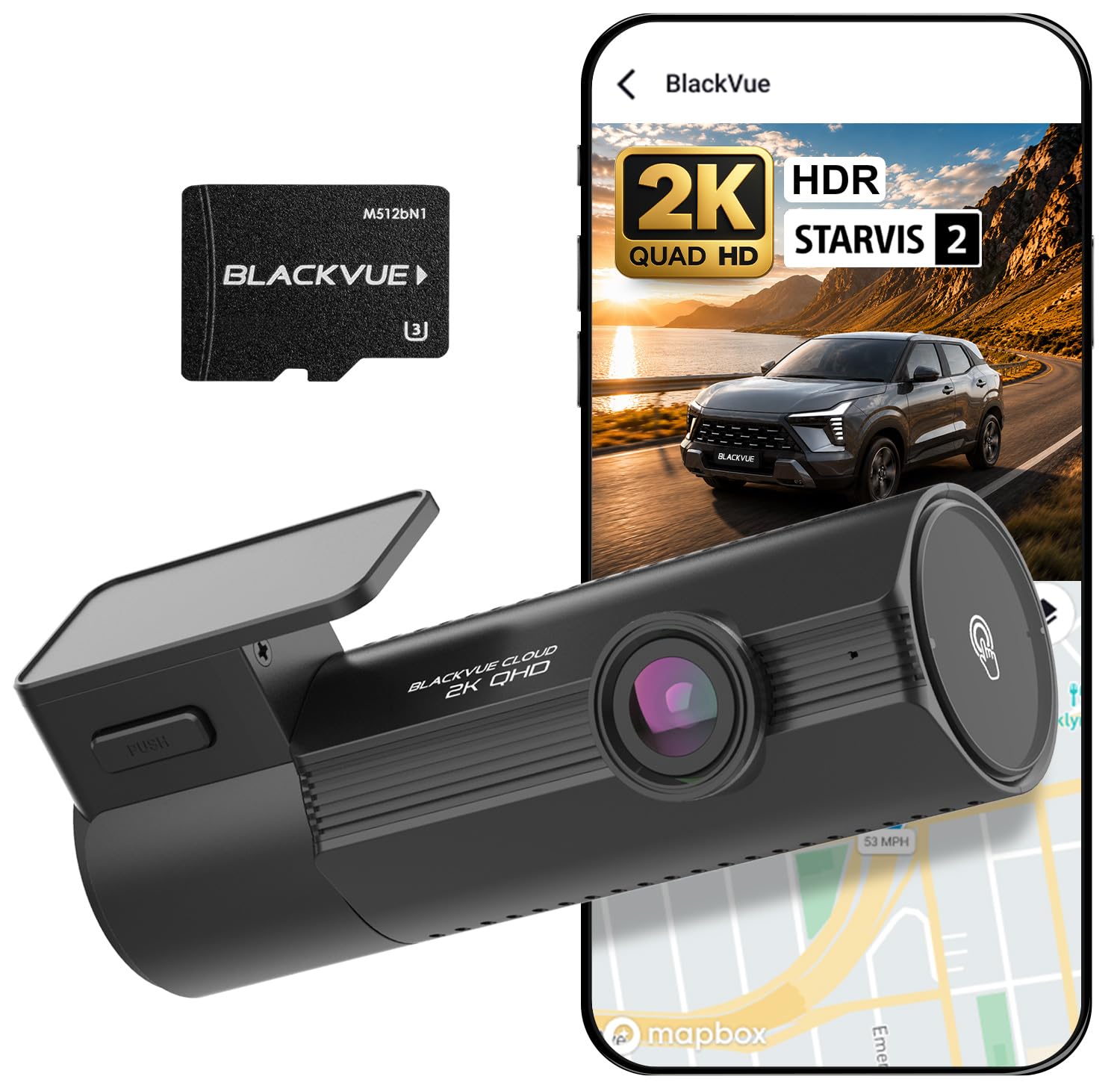
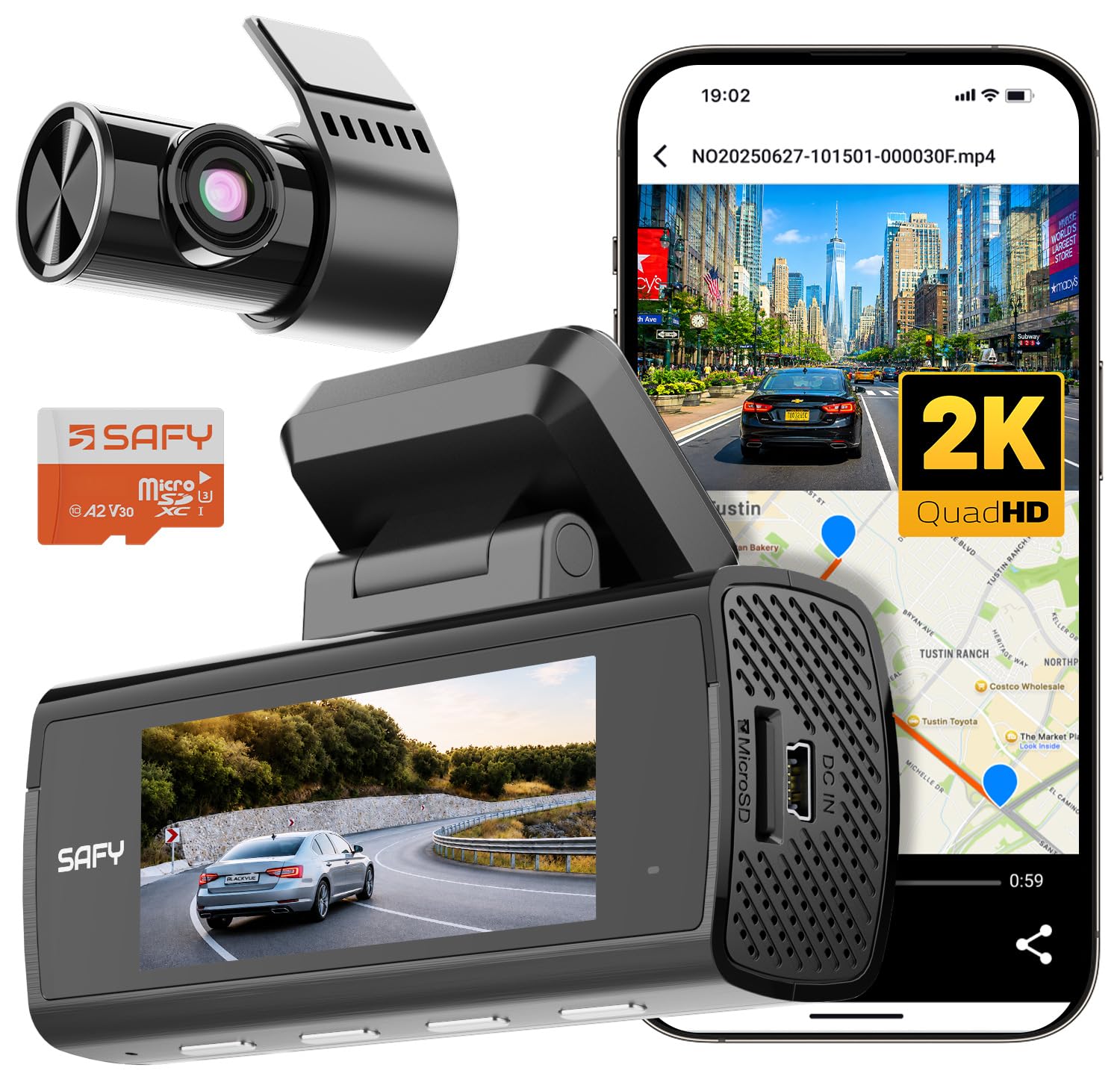
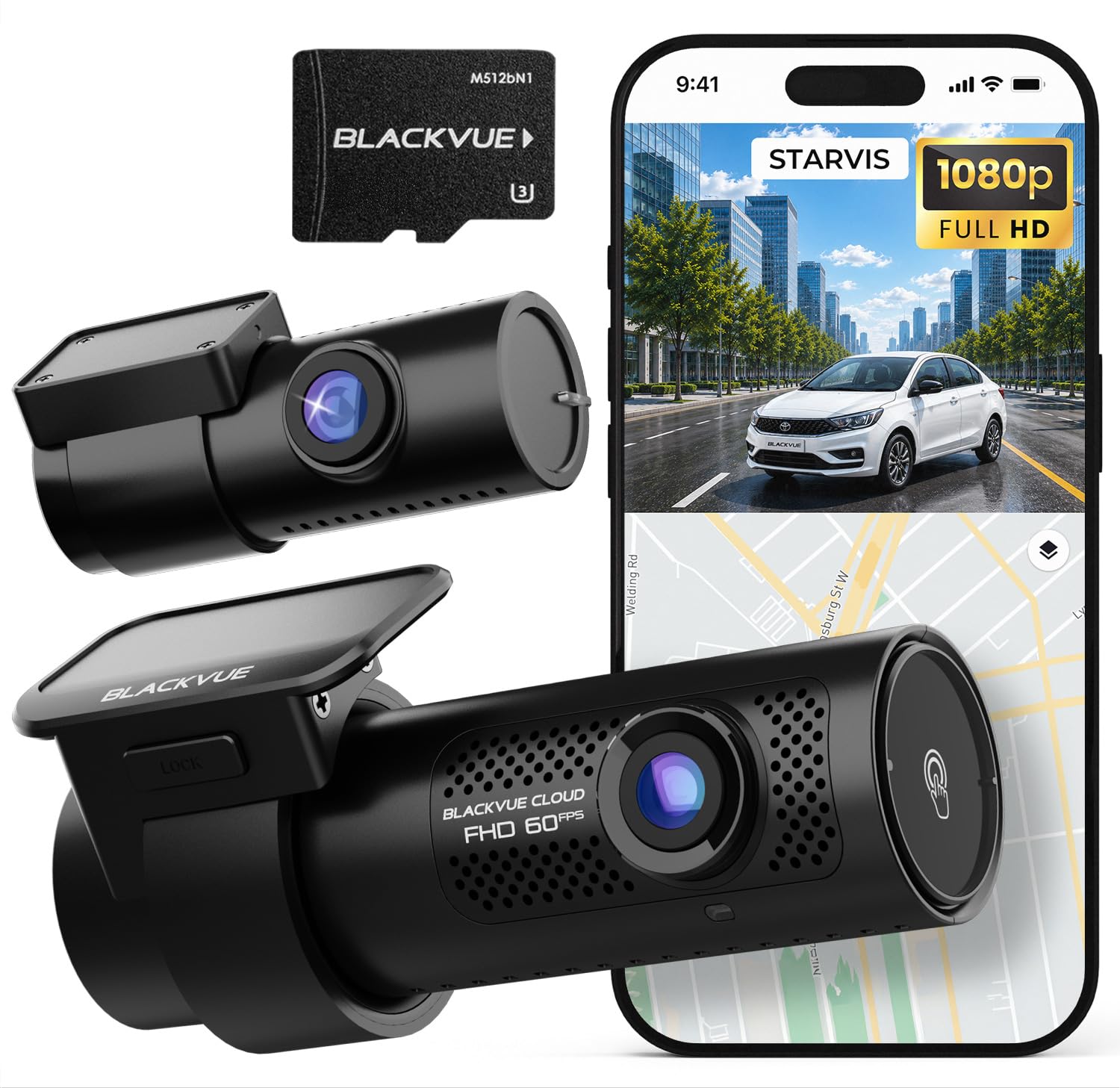
Blackvue cameras fall into three broad groups, and the group matters more than small spec gaps within it. A single front camera records the road ahead only. A dual setup adds a rear camera for the road behind you. A three channel setup adds a cabin camera that faces the driver and passengers.
Single Front Camera
A front only camera is the simplest install, with one cable run and no rear unit to align. It suits drivers who mainly want evidence of what happens ahead, such as a sudden stop or a car crossing into their lane. It cannot show a rear impact or what led up to one, so weigh that gap before you save money here.
Front and Rear Camera
Dual coverage is the choice most car owners land on, because so many disputes involve a hit from behind or a claim about who changed lanes first. If you are weighing that layout against other brands, our guide to the best front and rear dash cam options explains how rear coverage changes the evidence you capture. The rear camera needs a longer cable run to the back window, and on hatchbacks and SUVs the cable must flex with the tailgate without pinching.
Front, Rear and Cabin Camera
A cabin camera adds a view of the driver, passengers and side windows. That view helps rideshare and fleet drivers who need a record of conduct inside the car, and it can capture a side window break in while parked. The trade off is storage, since three views fill a card much faster than one. Tell passengers the cabin view is recording, and check local rules on audio recording inside a vehicle.
How to Evaluate Blackvue Dash Cams
Judge any model on five points, in this order. First, check vehicle fit, including windshield space and where the power cable can run. Second, check video performance in bright sun and at night, since plate detail matters more than a smooth looking image. Third, check ease of use, meaning app pairing and clip download speed. Fourth, consider heat tolerance, because a camera sits in direct sun for hours. Last, confirm the warranty terms before you buy.
How to Choose the Right Dash Cam
Type
Pick the channel count from the risks you actually face. City drivers who park on the street gain the most from front and rear coverage, because parked knocks often come from behind. Highway commuters may value a sharp front view above all, since closing speeds are high and plate detail fades fast. Rideshare drivers should look hard at the cabin view described above. Also note that most units in this lineup have no screen and rely on a phone app for setup and playback.
Features Worth Paying For
Night performance comes from the image sensor and lens, not from a marketing label, so look for clear low light sample footage rather than a headline resolution alone. GPS logging stamps speed and location onto your trip record, which can settle disputes about where an event happened. Cloud access and stronger wireless tools suit readers comparing a best wireless dash cam setup, since clips can upload without pulling the card. Parking mode, a cabin camera and a larger card slot are worth paying for only when your parking habits or driving work call for them.
Vehicle Compatibility
Measure the clear area behind your rear view mirror before ordering, because sensor housings and toll tags often crowd that spot. Trucks and vans with upright windshields mount a camera at a steeper angle than low sports cars, so check that the lens tilt range covers your glass. Shoppers comparing a best dash cam for cars setup should also confirm the rear camera cable is long enough for the cabin. Cars with a metal film in the windshield can weaken GPS and WiFi signals, so plan a mount position away from those zones.
Installation
Most owners mount the front unit high on the windshield, tuck the cable along the headliner and down a door pillar, then plug into a 12 volt socket for basic use. Keep the cable clear of airbag paths inside the pillar trim. Hardwired installs need fuse taps and constant power for parking mode, and a shop install is a smart call if you are unsure about fuse work. After mounting, our overview of how to use a dash cam covers the first settings to confirm.
Power and Performance
A socket powered camera records only while you drive, while a hardwire kit or a separate battery pack lets parking mode watch the car when the engine is off. Look for a voltage cut off setting, since it stops parked recording before the car battery drains too low to start the engine. Higher resolution helps with plate detail at distance, but it also creates larger files and more heat, so ventilation around the mount matters.
Warranty
Read the warranty length and note what it excludes, such as memory cards, mounts and damage from a crash. Memory cards are consumable parts, because constant writing wears them out, so most makers cover them for a shorter time than the camera body, if at all. Keep your order record and serial number somewhere you can find them later. Also check whether support asks you to ship the unit overseas, since that affects claim time and postage cost.
How Much Should You Spend?
Expect this brand to sit in the middle and upper price bands rather than the bargain shelf. Basic front only setups in the wider market start at about $100 to $200, while dual camera sets with GPS and WiFi often run about $200 to $350. Three channel and cloud focused sets can reach about $350 to $500 once you add a large card and a hardwire kit. Spend first on channel coverage and card endurance, then on extras like cloud plans, which may also carry a monthly fee after any trial ends.
The Blackvue Dash Cam Lineup Explained
The lineup is organized by resolution tier and channel count rather than by car type. Lower tiers record in Full HD, mid tiers step up to 2K, and the top tier records the front view in 4K, with rear and cabin views at lower resolution. Model names pair a series number with letters that signal the channel count and cloud ability, so a higher number with more channels is not always sharper than a lower number with one channel. Reading the name this way keeps you from paying for a cabin view when what you really wanted was a sharper front image.
Cloud ability is the other big split. Cloud ready models can connect through a phone hotspot or an add on LTE module, sending alerts and live views while the car is parked. Models without cloud rely on local WiFi and the memory card alone, which is fine for most private owners. If you are still deciding between brands, start with our guide to the best dash cam options. A focused read of how to choose a dash cam can also help you rank these tools against your own routine.
Common Mistakes to Avoid
- Buying a three channel set for a car that never carries passengers, then filling cards fast for a view you never review.
- Mounting the camera low on the windshield, where the hood fills the frame and the wipers leave the center of the view smeared.
- Using a cheap general purpose memory card, which can fail under constant writing and leave you with no clip after an incident.
- Turning on parking mode with socket power only, then wondering why nothing recorded after the engine stopped.
- Leaving audio recording on by habit, even in states or workplaces where recording conversations carries legal limits.
- Skipping a check drive after install, so a loose mount or wrong time setting goes unnoticed until you need the footage.
Care and Maintenance
Wipe the lens with a clean microfiber cloth, since a dusty lens softens plate detail even on a sharp sensor. Format the memory card in the camera about once a month, because constant loop writing fragments files over time. Check the mount adhesive after hot spells, and press it firmly back if an edge starts to lift. Update firmware only while the car can supply steady power, and save important clips first, since an update can reset settings.
FAQ
What is the best blackvue dash cam for most drivers?
For most drivers, a dual camera set with GPS, WiFi and a mid tier resolution front sensor gives the best balance of evidence, cost and install effort. It covers impacts from behind, logs speed and location, and avoids the fast card wear of a cabin view. Drivers who park in high risk areas should add a hardwire kit, while rideshare drivers are the main group who gain from stepping up to three channels.
Is Blackvue a good dash cam brand?
Yes, it is a well regarded brand known for compact tube shaped cameras, strong parking mode tools and an app centered design with no screen on most models. The strengths are discreet mounting and cloud options on higher tiers. The trade offs are price, since rival brands often include a screen or a larger card for less, and a settings menu that takes longer to learn at first.
Does a Blackvue dash cam need a special memory card?
Yes, choose a high endurance card made for constant video writing, sized within the limit the model supports. Standard cards built for phones and still cameras tend to fail early in this role, often with corrupted clips rather than a clear error message. Buy the card from a trusted seller, since counterfeit cards are common in this size range, and check it by reviewing a full drive before you rely on it for evidence.
Can a Blackvue dash cam record while the car is parked overnight?
Yes, with a hardwire kit or a dedicated battery pack supplying constant power. In motion and impact mode the camera sleeps and wakes to save a clip when it senses movement or a jolt, which uses far less power than recording nonstop all night. Set the voltage cut off and a parking timer, since a small car battery in cold weather can dip below the starting threshold sooner than you expect.
Is a dash cam worth it for a leased car?
It often is, because clear footage can show that damage came from another driver rather than from your own use, which matters when lease return charges are disputed. Use socket power and a mount that removes cleanly, and avoid hardwiring, since many lease terms limit changes to the fuse box. Remove the camera before the return inspection, and keep clips you may still need for an open claim.
How do you clean a Blackvue dash cam lens?
Park in shade first, because a hot lens can streak when cleaner dries too fast. Blow loose grit off the glass, then wipe gently with a microfiber cloth dampened with a drop of lens cleaner, working from the center outward. Never use paper towel or household glass spray, which can haze the coating. Clean the windshield area inside the car too, since the camera shoots through that glass and interior film dulls night footage.
Final Thoughts
Match the channel count to your real risks, wire the camera for the parking cover you expect, and budget for a proper high endurance card. The product table near the top pulls those choices together so you can compare models at a glance. Chosen that way, the best blackvue dash cam for your car is simply the one whose coverage, power setup and wireless tools fit the way you already drive and park each day.