
Best Biometric Laptops: A Complete Buying Guide for 2026
Disclosure: We may earn a commission when you buy through links on this page, at no extra cost to you. As an Amazon Associate I earn from qualifying purchases. Learn more

Learn how to choose the best biometric laptops by comparing fingerprint and face sign in, displays, battery life, performance, and price tiers.
Typing a long password every time you open your laptop gets old fast, and it is not even the safest option. A fingerprint reader or an infrared camera lets you sign in with a touch or a glance, which is quicker and harder for a stranger to copy. The catch is that biometric quality varies a lot between models, and a slow reader can be worse than a good password.
This guide shows you how to judge the best biometric laptops by the sign in hardware first, then by the usual laptop basics of performance, display, battery life, and price. The comparison table below gathers the main options in one place, and the sections after it explain which details on a spec sheet actually predict a smooth daily experience.

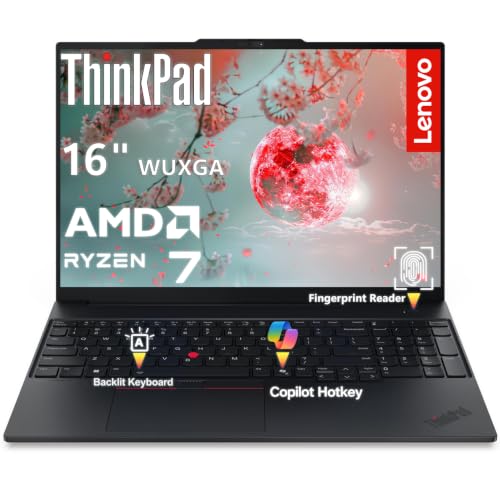

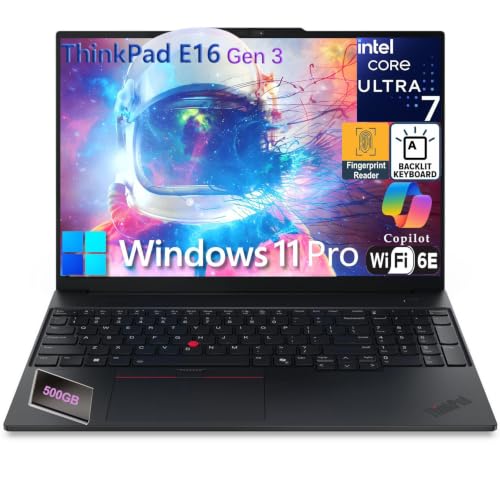
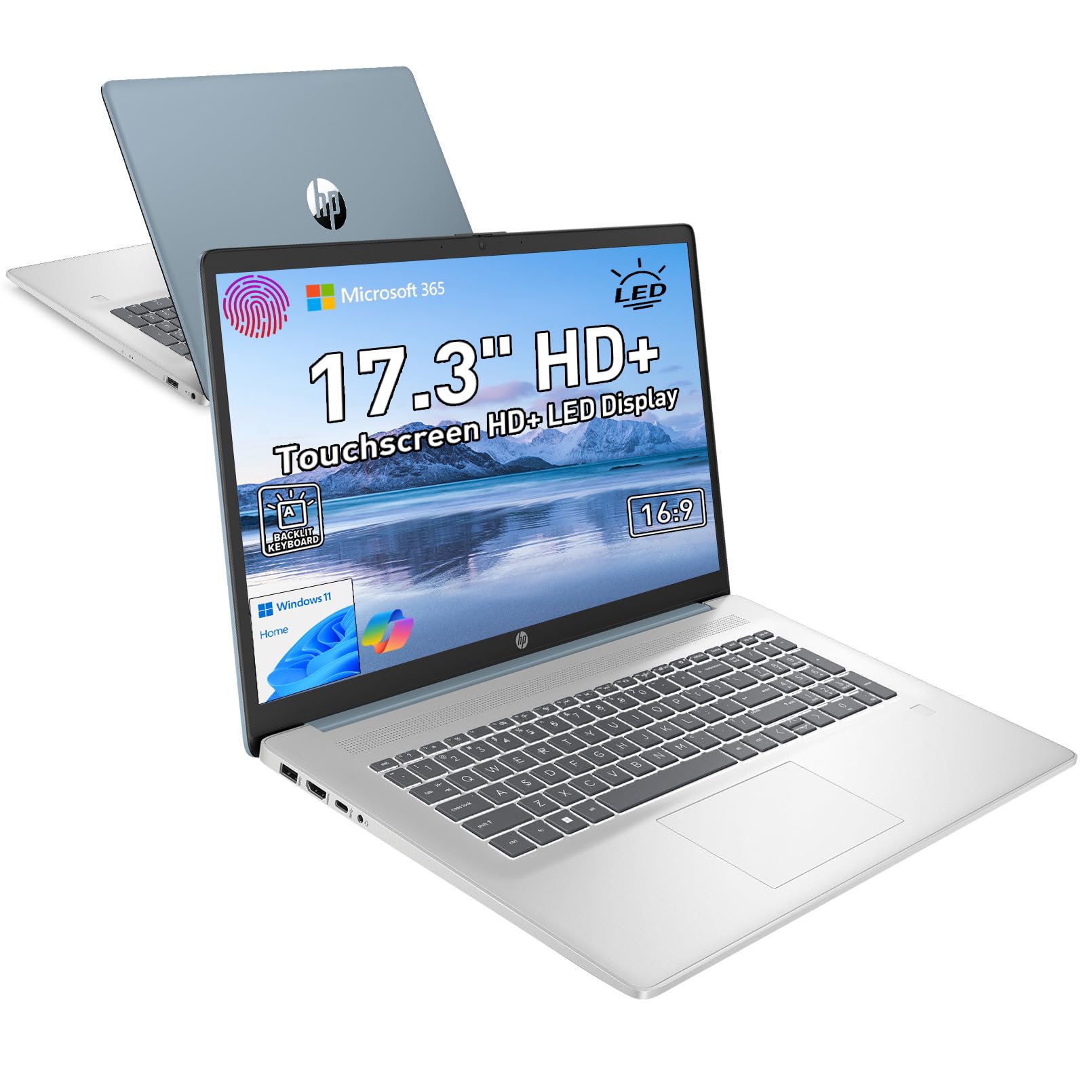


Three Profiles Worth Shortlisting
Rather than naming a single winner, it is more useful to shortlist by profile. The three profiles below describe the machines most buyers end up choosing between, what each one does well, and the compromise built into it.
Best Overall Profile
The best overall profile pairs both sign in methods, a fingerprint reader and an infrared face camera, with a modern midrange processor, 16 GB of RAM, and a bright 14 inch display. Prices usually land around $800 to $1,200. This profile suits professionals and students who open their laptop many times a day in shared spaces, where fast and private sign in matters most. The compromise is weight and cost. Dual biometrics and a metal body push these machines a little heavier and pricier than basic models.
Best Value Profile
The best value profile keeps one biometric method, usually a fingerprint reader built into the power button, and trims the display and chassis instead. Expect prices around $500 to $800 with a capable processor and 16 GB of RAM if you shop carefully. This profile suits home users and budget minded students who want secure sign in without paying for extras. The compromise is the screen, which is often dimmer at around 300 nits, and speakers and webcams that are merely adequate for calls.
Best Upgrade Profile
The upgrade profile adds an OLED display, a dedicated graphics chip, 32 GB of RAM, and the fastest processors, at prices from around $1,300 upward. Biometrics on these machines tend to be the best tuned, with large fingerprint sensors and cameras that work even in dim rooms. This suits creators, engineers, and anyone who keeps a laptop for five years or more. The compromise is battery life under heavy work and a price that only makes sense if you will truly use the extra power every week.
How to Choose the Best Biometric Laptops
Start with the sign in hardware, because that is why you are shopping this category at all. A fingerprint reader should sit where your finger lands naturally, either on the power button or beside the trackpad, and it should unlock in about a second. An infrared face camera needs a proper IR sensor, not just a webcam, so check the spec sheet for words like IR camera or face recognition support. Then work through the core specs below.
Processor and Performance Tier
For office work, study, and browsing, any current Intel Core Ultra, AMD Ryzen, or Apple M series chip is more than fast enough, and the biometric hardware does not tax the processor at all. Choose a higher tier chip if you edit video, compile code, or keep dozens of tabs and large spreadsheets open at once. A simple rule helps. Buy the processor for your heaviest weekly task, not your heaviest yearly one, and put the savings toward RAM or a better display instead.
Keyboard, Trackpad, and Build
You will touch the keyboard and trackpad far more than any other part, so prioritize them. Look for key travel around 1.3 to 1.5 mm, a backlit keyboard for dim rooms, and a large glass trackpad that clicks evenly in the corners. An aluminum chassis resists flex and protects the screen, while plastic bodies keep prices down but can creak over time. If you type for a living, try the keyboard layout in a store when you can, since a cramped arrow key cluster annoys you daily.
Battery Life in Real World Use
Maker claims assume light browsing at low brightness, so expect real world use to land at about 70 to 80 percent of the advertised figure. For a full work or school day away from an outlet, look for claims of 12 hours or more and a battery of at least 50 watt hours. Fast charging over USB C is worth having, since thirty minutes plugged in during lunch can restore several hours of use. Note that bright OLED screens and dedicated graphics chips both pull the real figure down.
Graphics: Integrated vs Dedicated GPU
Integrated graphics handle office work, streaming, photo edits, and light gaming without trouble, and they keep the laptop slim and quiet. A dedicated GPU earns its cost and weight only if you play demanding games, edit high resolution video, or run 3D and engineering software. For everyone else it mostly adds fan noise and shortens battery life. If your work is documents and calls, spend the GPU money on a better screen. Slim general purpose machines in this class overlap with the best notebook laptops, which weigh similar trade offs without the biometric focus.
Display Size, Resolution, and Brightness
A 13 to 14 inch screen suits travel and small desks, while 15 to 16 inch screens make spreadsheets and split screen work far easier. Resolution of 1920 by 1200 is the sensible floor, and brightness of 400 nits or more keeps the screen readable near windows. OLED panels give richer color and deeper blacks at a higher price, and higher refresh rates such as 120 Hz make scrolling feel smoother. Whatever panel you choose, an anti glare finish helps during video calls, since glare can also confuse face sign in cameras.
Weight and Portability
Under 3 lb is the comfort zone for students and commuters who carry a laptop all day, and under 4 lb is fine for occasional travel. Remember the charger adds weight too, so a compact USB C charger is a quiet quality of life win. Thickness matters in a full backpack more than a tenth of a pound does. Before you buy, also think about timing, because our notes on the best time to purchase laptops can save you real money around major sale seasons and new model launches.
Types of Biometric Laptops
Biometric sign in now appears across nearly every laptop family. The type you choose shapes price, battery life, and which software you can run, so match the type to your daily work first and the sign in method second.
Chromebooks
Chromebooks are light, inexpensive laptops built around a browser, and many midrange models now include fingerprint readers. They boot fast, update quietly, and shrug off most malware, which makes them a calm choice for school and family use. The limit is software. If you need full desktop programs for work, a Chromebook will frustrate you, but for documents, classes, and streaming, it covers the day with ease and often the best battery life in this guide.
Tablets
Tablets with detachable keyboards offer the strongest face sign in in the business, since their front cameras are a design priority. They are superb for notes, reading, and media, and they double as a second screen. The trade off is lap use and ports. A kickstand setup wobbles on soft surfaces, and a single USB C port means adapters for everything. Choose a tablet when mobility matters most, and a laptop when your desk work involves long typing sessions.
Ultraportables
Ultraportables are thin Windows and macOS laptops under about 3 lb that pair premium biometrics with strong everyday performance. They are the natural home of this category, aimed at professionals who move between meetings, trains, and home offices. Prices start higher than basic laptops, but the mix of build quality, battery life, and fast sign in justifies it for people who live on their machine. Students comparing options for a full degree should also weigh the best laptops for college, where durability and warranty length matter as much as specs.
Gaming Laptops
Gaming laptops add powerful graphics and fast screens, and many include fingerprint readers, though face cameras are less common because bezels favor cooling and webcams get less attention. They are the right choice if high frame rate play is a real hobby, and they double as heavy workstations. The costs are weight, fan noise, and short unplugged life. If you do not game, a gaming laptop is the most expensive way to buy performance you will never switch on.
How to Make Your Biometric Laptop Last Longer
- Keep the OS and firmware updated. Biometric drivers and security fixes arrive through system updates, and a current system keeps face and fingerprint sign in fast and reliable.
- Avoid running at 100 percent charge all the time. If the laptop lives on a desk, use the battery limit setting many makers offer, which pauses charging around 80 percent and slows battery wear.
- Use a padded sleeve when commuting. The screen and the camera array in the top bezel are fragile, and a sleeve prevents the pressure cracks that start in a crowded bag.
- Clean vents with compressed air. Dust buildup makes fans work harder and shortens the life of the processor and battery, so a quick clean every few months keeps temperatures down.
- Enroll two fingers and a backup PIN. A cut or dry skin can defeat a single fingerprint, and a second enrolled finger plus a strong PIN keeps you from being locked out at the worst moment.
FAQs
Is a Chromebook enough for school?
For most schoolwork, yes, a Chromebook handles documents, research, video classes, and learning platforms with ease, and many models now include a fingerprint reader. It falls short when a course requires specific desktop software, such as engineering tools or advanced media editors. Check your course software list before you buy. One more point in its favor is management. Schools can administer Chromebooks easily, so a school issued device and a personal one behave the same way, which reduces setup stress in the first week.
How much RAM do I need in a biometric laptop?
Sixteen gigabytes is the right target for most buyers, since it keeps many tabs, documents, and calls running smoothly for years. Eight gigabytes still works for light use such as browsing and writing, but it will feel tight sooner and can slow the whole system when memory fills. Choose 32 GB only for heavy creative or technical work. Biometric sign in itself uses almost no memory, so let your workload decide, and prefer machines where the RAM is not the only spec trimmed to hit a low price.
Should I buy a laptop or a tablet?
Buy a laptop if your day centers on typing, multitasking, and desktop software, because the keyboard, ports, and window management are simply better. Buy a tablet if you read, draw, take handwritten notes, or travel extremely light. Many people split the difference with a two in one laptop that folds into a tablet shape. Whichever you choose, check that the face or fingerprint hardware works with the apps you rely on, since a few older programs still demand a typed password every time.
How long should a biometric laptop last?
A well bought biometric laptop should last four to six years, with the battery usually the first part to fade. Fingerprint readers and IR cameras rarely fail, because they have no moving parts, but their software support depends on the maker keeping drivers current. Buying a current model from a maker with a good update record protects that support. Budget for a battery replacement around year three or four if you travel daily, and the machine will feel fresh again for a modest cost.
Is a dedicated GPU worth it in a biometric laptop?
It is worth it only if your games or creative software truly need one. For office work, study, and streaming, integrated graphics are faster than most people expect and give you longer battery life and a quieter, lighter machine. A dedicated GPU also raises the price by enough to cover a better display and more storage, which most users notice every day. If you are torn, check the recommended specs of the two programs you use most, and let that answer decide rather than a fear of missing out.
Wrapping Up
Judge the sign in hardware first, then buy enough processor, RAM, and screen for your real workload, and let price tier follow from those choices. Most buyers will be happiest with a midrange machine that pairs both sign in methods with 16 GB of RAM. Compared in that order, the best biometric laptops stop being a spec sheet puzzle and become an easy match to your day, so review the product table above and shortlist two or three models that fit. If your budget is tight, the best reasonable laptops show how much secure sign in you can get without overspending.


