
Best Bike Computer: How to Choose the Right Type for Your Rides
Somewhere between a phone mount that keeps sliding loose and a spreadsheet full of ride data you never look at, most cyclists start wondering if there's a better way to track a ride. The best bike computer for you depends less on brand names and more on how it tracks your ride, what sensors it can talk to, and what you actually plan to do with the numbers it shows you. This guide breaks down the real technology differences, from a basic wheel magnet to full GPS route recording, so you can match the right type to how you ride instead of guessing.


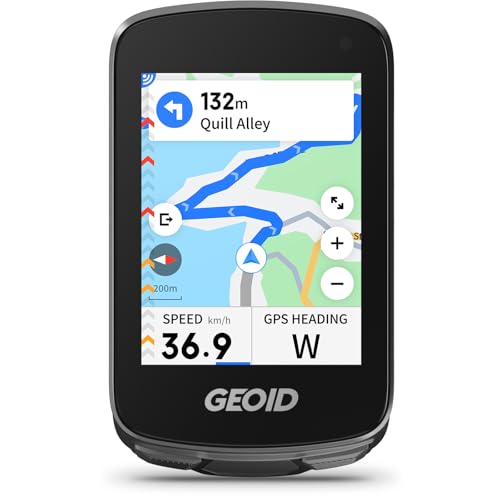
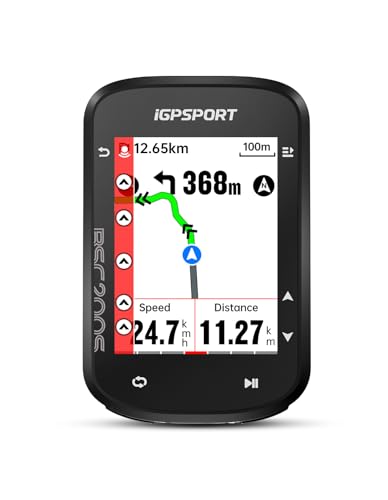
Wired, Wireless, or GPS: How a Bike Computer Actually Tracks Your Ride
Every bike computer falls into one of a handful of categories based on how it measures your speed and distance. Finding the best bike computer for your riding style starts with understanding these categories, since price, battery life, and accuracy trace directly back to which one you pick.
Wired Computers and the Wheel Magnet
The oldest and simplest design uses a small magnet mounted on a spoke and a sensor on the fork, connected by a thin cable running up to the handlebar unit. Every time the magnet passes the sensor, the computer counts a wheel rotation and calculates speed and distance from the wheel circumference you enter during setup. There's no signal to lose and no battery drain from wireless transmission, which makes wired units reliable in a way that's hard to beat, even if the cable itself is an eyesore some riders would rather avoid.
Wireless Computers Using ANT+ or Bluetooth
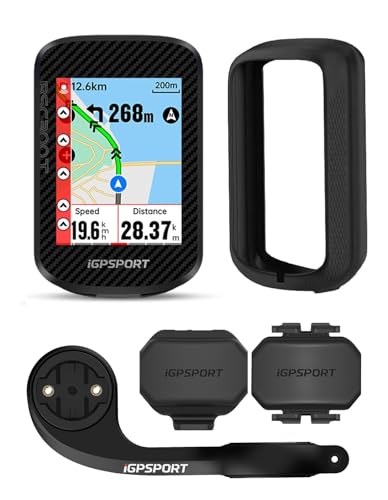
Wireless models replace that cable with a small radio transmitter on the fork sensor, sending speed and distance data to the head unit over ANT+ or Bluetooth. The setup looks cleaner and the handlebar stays free of wires, though the tradeoff is a device that depends on a stable wireless connection rather than a physical circuit. Most riders never notice a difference in day-to-day use, and this category is where sensor compatibility for cadence, heart rate, and other add-ons really starts to matter.
GPS Computers That Record the Route Itself
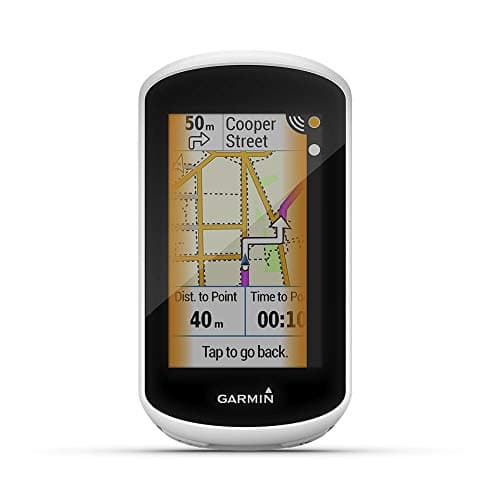
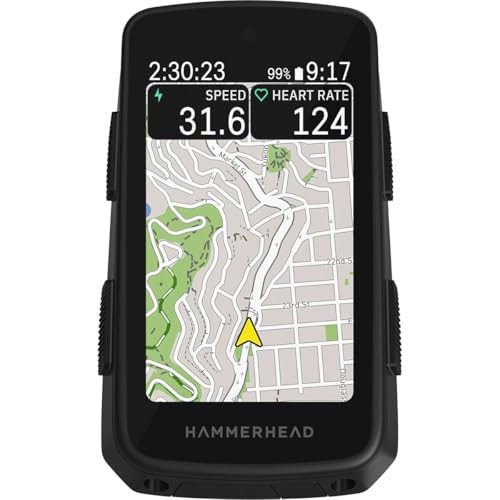
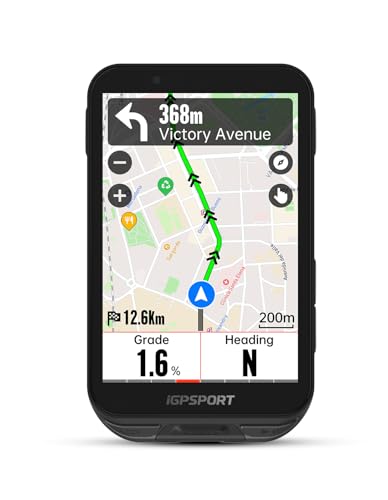
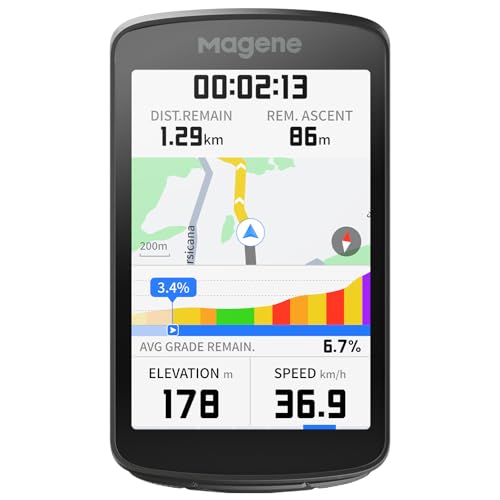
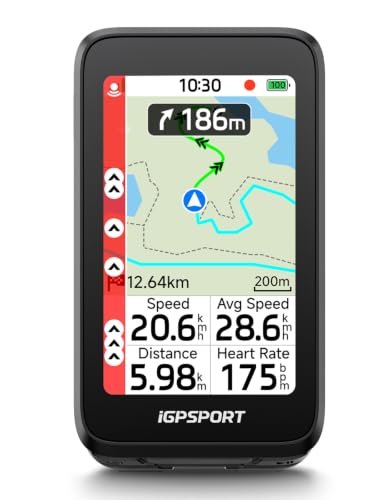
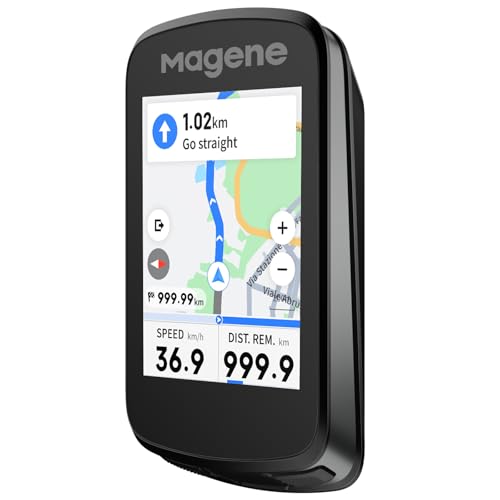
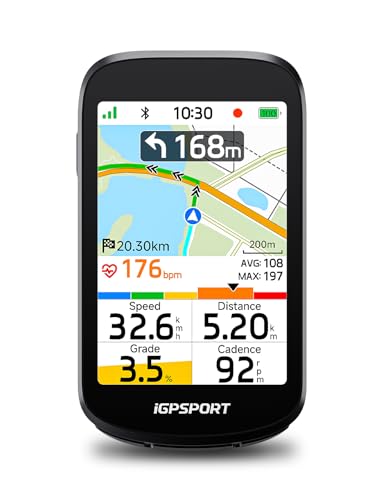
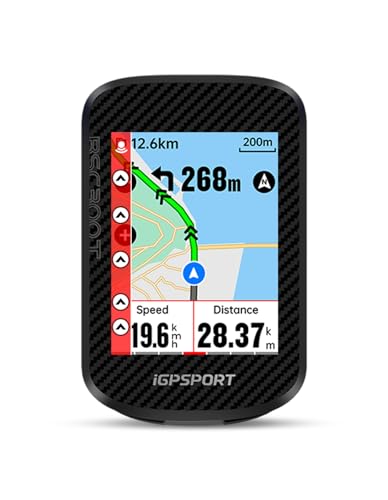
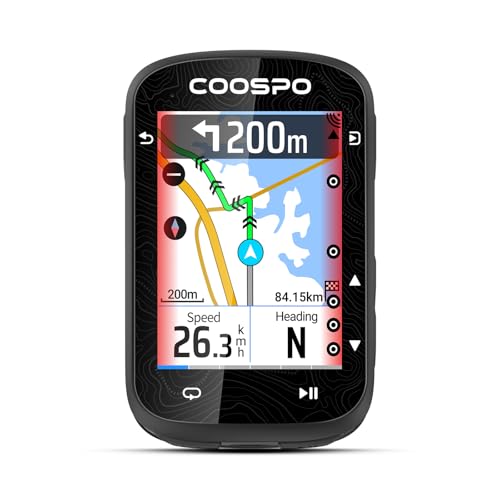
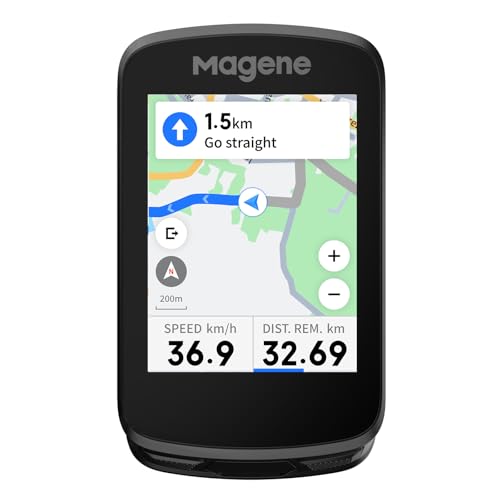
Add a GPS chip and the computer no longer needs a wheel sensor at all; it calculates speed, distance, and elevation from satellite positioning and can record your entire route for later review. This is the category most trail riders lean toward, since accurate, fast-updating position data matters more on winding singletrack than on a familiar paved commute, which is also why it pairs naturally with a capable trail setup like the ones covered in our mountain bikes under $1000 guide. GPS units cost more and burn through battery faster than wired or basic wireless models, but they're the only option if you want turn-by-turn navigation or a detailed map of where you rode.
Smartphone-Connected Displays
A fourth option skips onboard GPS entirely and leans on your phone's satellite chip and processing power instead, showing a simplified version of your ride data on a rugged, glare-resistant screen. It's usually the cheapest way to get GPS-style features, and it works well for road riders who already run a navigation app they like and just want a bigger, sunlight-readable display bolted to the stem for quick glances, similar in spirit to the setups covered in our electric road bikes guide. The catch is that losing your phone, or its battery, means losing most of the computer's functionality too.
Reading Beyond Speed: Cadence, Heart Rate, and Power Meter Data
Speed and distance only tell part of the story. Once you start training with any intention, the best bike computer for you is the one whose sensors can actually keep up with your goals, since what it can read starts to matter as much as how it tracks position.
Cadence Sensors and Pedaling Rhythm
A cadence sensor clips onto the crank arm and measures how fast you're pedaling in revolutions per minute, which helps you find an efficient rhythm instead of grinding in too high a gear or spinning out in too low one. It's one of the cheapest sensors to add and one of the first upgrades riders make once they outgrow a basic speed-and-distance display.
Heart Rate Straps vs Optical Wrist Sensors
Most bike computers pair with a chest strap for heart rate, which reads the electrical signal from your heart directly and stays accurate even during hard efforts or vibration on rough roads. Optical sensors built into wrist-worn devices are more convenient but tend to lose accuracy at high intensity or on bumpy terrain, since they rely on light reflecting through skin rather than a direct electrical reading. If heart rate zones are central to your training, a chest strap paired to your computer is still the more dependable choice.
Power Meter Compatibility
A power meter measures the actual force you're putting into the pedals, giving a number in watts that stays consistent regardless of wind, hills, or fatigue, unlike speed or heart rate. Some power meters live in the crank or bottom bracket, while others are built into the pedals themselves, similar to the options covered in our flat bike pedals guide. Before buying one, confirm your computer can display and record power data, since some entry-level units only show speed, distance, and basic sensor fields.
Building a Sensor Setup That Won't Box You In Later
A common frustration shows up after the first purchase, not before it: someone buys the best bike computer they can find for basic tracking, then wants to add a cadence sensor, a heart rate strap, and eventually a power meter, only to discover their setup can't handle all of them at once. This is where the connection standard matters more than almost any other spec.
ANT+ was built specifically for fitness devices and lets a single sensor broadcast to multiple receivers at the same time, so a cadence sensor can talk to your head unit and a training app on your phone simultaneously without any conflict. Bluetooth is more universal and works with a wider range of consumer devices, but most Bluetooth sensors can only stay paired to one receiver at a time, which becomes a real limitation if you want the same sensor feeding both a bike computer and a phone app. The best bike computer for a growing sensor setup supports both protocols, keeping every future purchase compatible no matter which ecosystem it happens to use.
Screen, Battery, and Weatherproofing for Everyday Rides
The technology inside even the best bike computer only matters if you can actually read it and trust it to survive the ride. A screen around 2.5 inches or larger stays legible at a glance, which counts for more than it sounds like when you're watching traffic or scanning a trail instead of staring at the handlebar. Look for an anti-glare display with an automatic backlight, since a screen that washes out in direct sun or goes dark at dawn defeats the purpose of mounting one at all.
Battery expectations vary enormously by category. Wired and basic wireless units can run for months between battery swaps because there's no wireless transmission or satellite search draining power, while GPS models typically need a recharge every 15 to 20 hours of active riding. Weatherproofing matters just as much, since the unit lives outdoors through rain, sweat, and temperature swings; a rating of at least IPX7 means it can handle a downpour or a splash without failing, which is worth checking before you assume any handlebar-mounted device can survive a wet commute.
Frequently Asked Questions
Do I need a bike computer if I already use a phone app for cycling?
Not strictly, but the best bike computer for you often means a dedicated unit with longer battery life, a screen built for sunlight and rain, and one that frees your phone up for emergencies instead of draining it on navigation. If you already like your app, a smartphone-connected display can bridge the gap without a full switch.
What's the real difference between a wired and a wireless bike computer?
A wired computer uses a physical cable between the wheel sensor and the head unit, while a wireless model sends that same data over ANT+ or Bluetooth radio instead. Wired setups are slightly more reliable since there's no signal to drop, but wireless units are cleaner to install and open the door to additional sensors.
Is ANT+ or Bluetooth better for connecting sensors to a bike computer?
ANT+ lets one sensor broadcast to several devices at once, which suits riders who want the same cadence or heart rate sensor feeding both a head unit and a phone app. Bluetooth is more universal across consumer electronics but usually limits a sensor to one paired device at a time.
Do I actually need cadence and power meter data, or is speed and distance enough?
Casual and commuter riders generally do fine with speed and distance alone. For structured training, the best bike computer choice is one that also reads cadence and power, since those measure effort and pedaling efficiency in ways that speed alone can't capture, especially on hills or into wind.
Can one bike computer connect to a heart rate strap and a power meter at the same time?
Yes, as long as the computer supports enough simultaneous sensor connections, which most mid-range and higher models do. Check the sensor count in the spec sheet if you plan on running several devices at once, since some entry-level units cap out at just one or two.
How much shorter does battery life get once GPS and sensors are running?
Significantly. A wired or basic wireless unit with no satellite search can last months on one battery, while turning on GPS and pairing multiple sensors typically drops that to somewhere between 15 and 20 hours of continuous use on a mid-range model, with some long-range units pushing further on eco settings.
Matching the Computer to How You Actually Ride
There's no single best bike computer for every rider, only the one that matches how you actually get on your bike. A commuter sticking to familiar streets rarely needs more than a reliable wired or basic wireless unit, while anyone training with structured effort or exploring new routes gets far more value out of GPS and full sensor support. Start with how you ride, and the rest of the decision follows naturally.