
Best Bi Directional Scan Tool 2026: A Practical Buying Guide
Disclosure: We may earn a commission when you buy through links on this page, at no extra cost to you. As an Amazon Associate I earn from qualifying purchases. Learn more

Bi directional control, coverage, resets and update fees explained so you can pick the best bi directional scan tool for your garage.
A bi directional scan tool does more than read trouble codes. It can also send commands to the car, so you can switch a fan on, cycle an ABS pump, run an injector balance test or reset a throttle body from the screen. This guide shows how to choose the best bi directional scan tool for your garage, from vehicle coverage to update fees, and the product table above lists current options.
The right tool depends on which cars you work on and which jobs you do. A weekend owner with one vehicle needs a different tool from a mobile mechanic who sees every brand in a week.


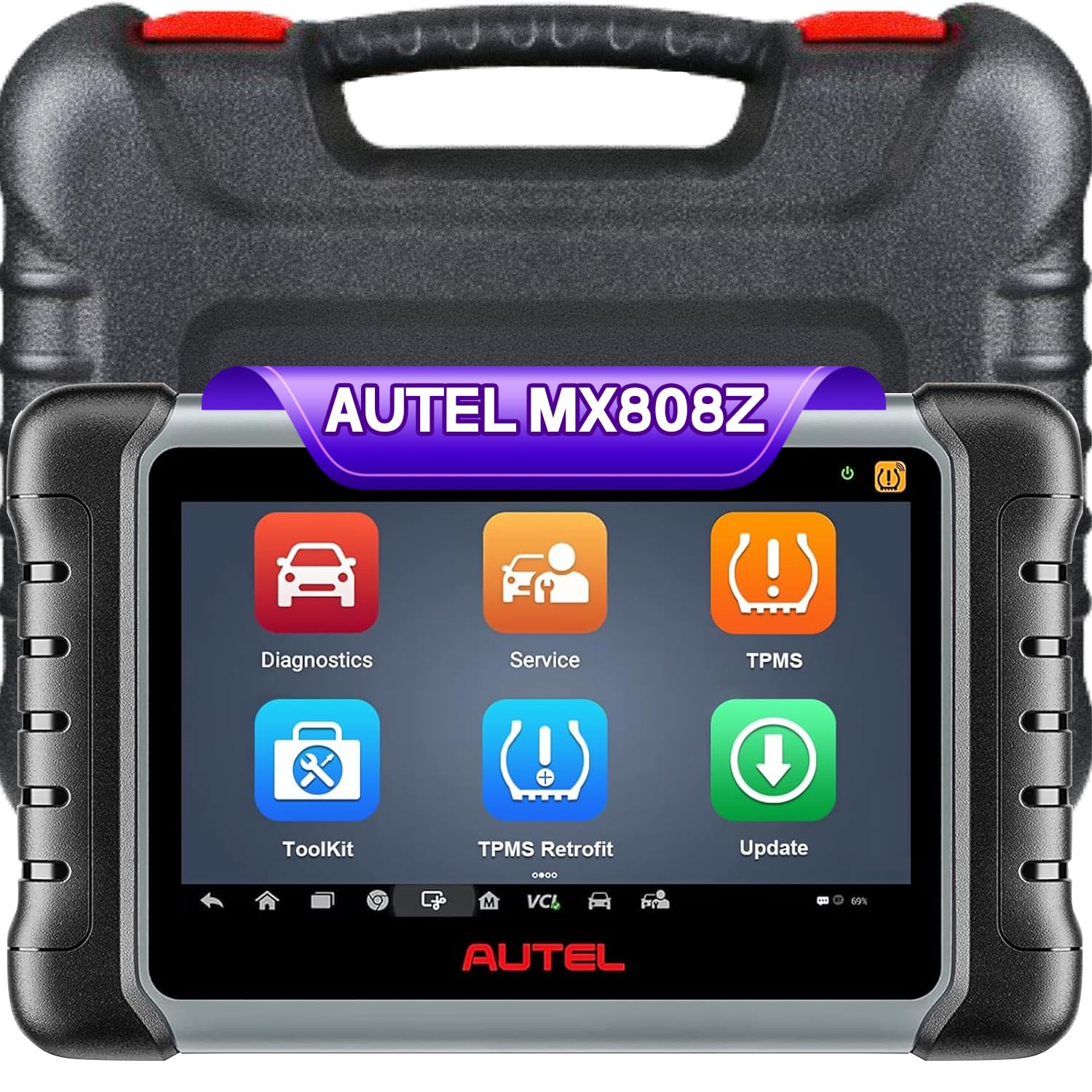


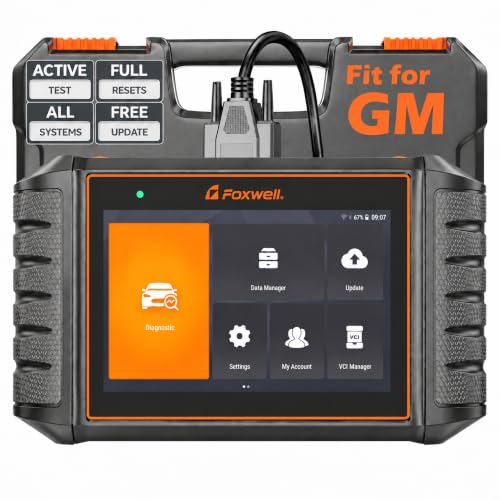

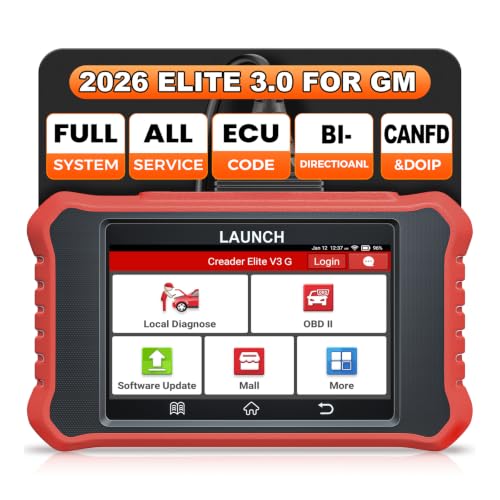
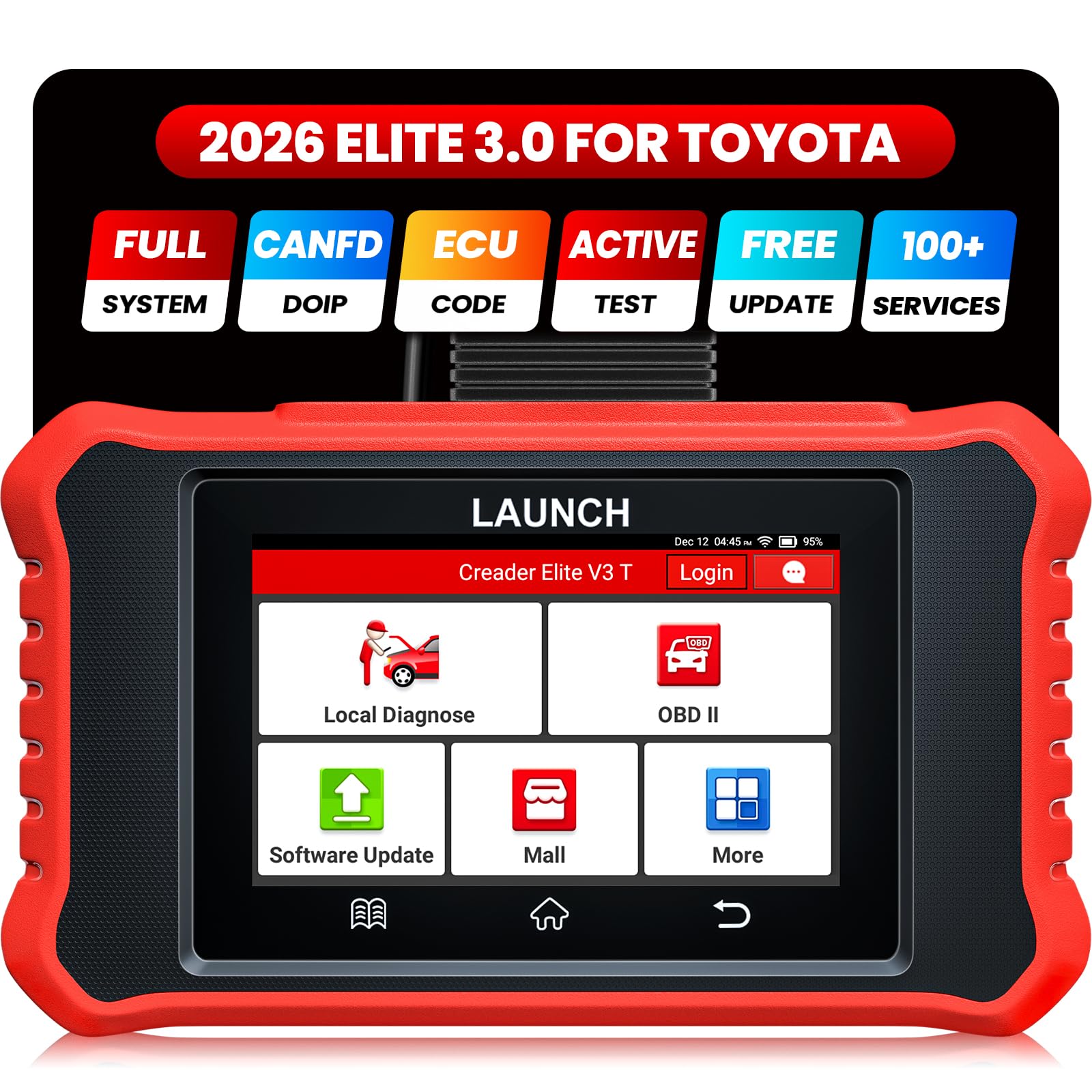
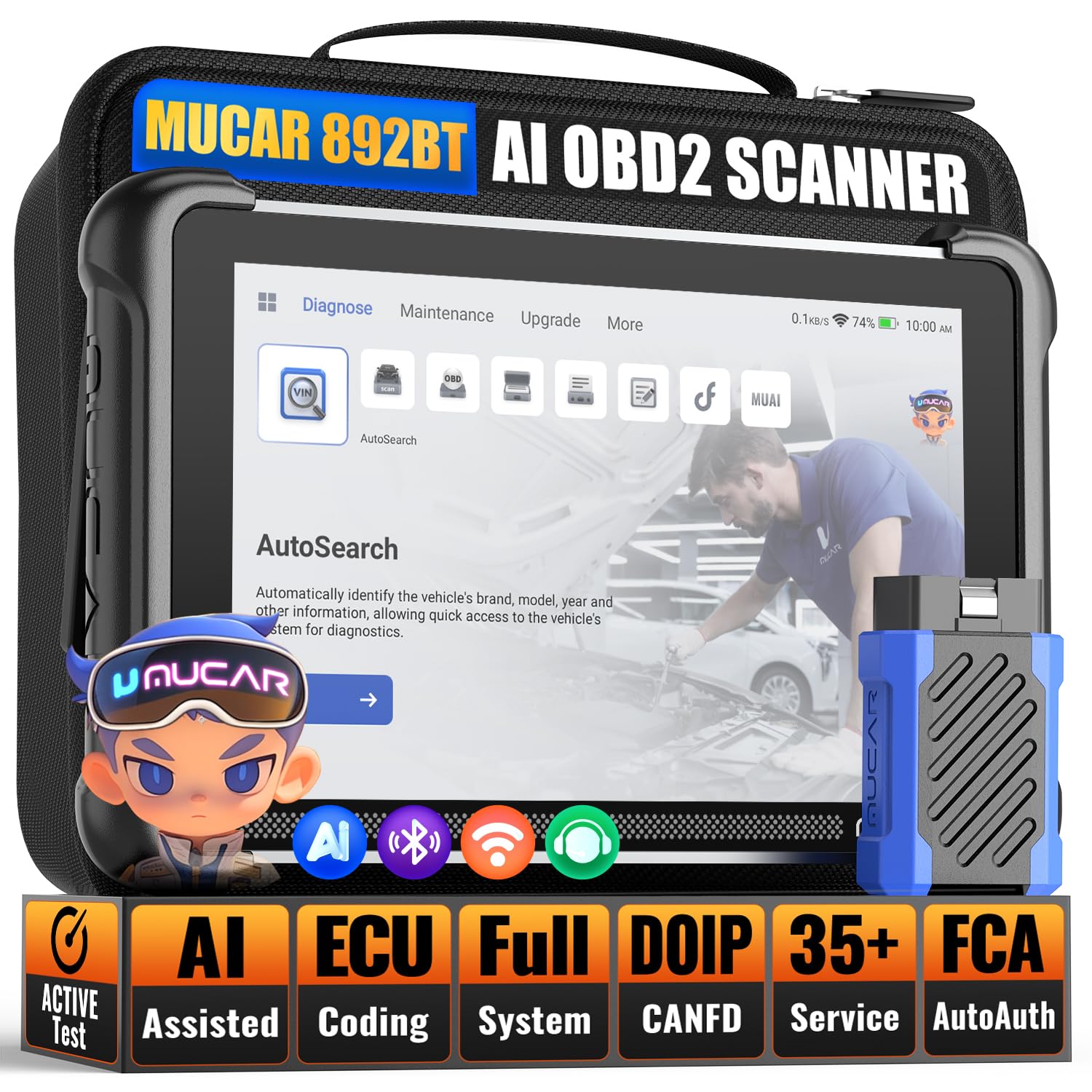
What Bi Directional Control Means
A basic code reader only listens. It pulls fault codes and live data from the control modules. A bi directional tool also talks back, so it can command a component to run while you watch the result. This turns a guess into a test: if the cooling fan runs when commanded, the fan is fine and the fault lies in the sensor or wiring.
Common bi directional tests include fuel pump activation, EVAP leak tests, ABS bleed procedures, injector cutout, electronic parking brake service and steering angle reset. Not every tool offers every test on every car, so check the coverage list for your make and model before you buy. For simpler jobs, see our guides to the best obd scan tool and the best car scan tool.
Key Features to Compare
Vehicle Coverage and Systems
Coverage decides whether the tool is useful on your cars. Some tools cover many brands, while others are built for one make, such as GM or Toyota. Look for access to engine, transmission, ABS, airbag and body modules, not only the engine. A tool that reads only the engine cannot run an ABS bleed or an airbag reset.
Special Functions and Resets
Service resets (oil light, brake pad, steering angle, battery registration, throttle relearn) save a shop visit and are the main reason many owners buy a tool. Check that the functions you need are listed for your model year, since coverage varies by car.
Screen, Speed and Connection
Tablet style tools have a large built in screen and work without a phone. Bluetooth dongles use your phone or tablet and are lighter and cheaper. Faster processors load live data graphs and full system scans in less time, which matters when you scan several cars a day.
Updates and Subscription Costs
Many tools include free updates for a period, often one or two years, then charge a yearly fee. Read the update terms before you buy, because ongoing cost can change which tool is the better deal. Without updates a tool will miss newer models.
Support and Warranty
Look for a warranty of at least a year, clear support contacts and an update site that works on your computer or phone. A tool with poor support is hard to fix when a function fails.
Types of Bi Directional Scan Tools
Handheld Tablet Tools
These all in one units suit shops and serious owners. They have large screens, broad coverage and many special functions, but they cost more and update fees can add up.
Bluetooth Dongle Tools
A small dongle plus an app is the budget route. It is easy to store and suits home owners with one or two cars. Check which functions are included, since some apps lock bi directional tests behind extra purchases.
Brand Specific Tools
Tools built for one brand often offer deeper coverage on those cars than a general tool. They suit owners who work on a single make and want the full set of resets and tests.
Using Your Scan Tool Well
Use the tool on a parked vehicle with the ignition in the correct position and follow the on screen prompts for each test. Make sure the battery is in good condition, since low voltage can cause communication errors. Keep the gear selector in park or neutral as the prompt asks, and never run a command that moves a part while someone has their hands near it. Follow the manufacturer's instructions and the vehicle service manual.
Write down codes and live data before you clear anything, so you can compare after a repair. Clearing codes without fixing the cause only hides the problem.
Care and Maintenance
Store the tool in a dry case, keep cables untangled and install software updates when the maker releases them. Keep the connector pins clean and avoid yanking the cable from the port. Charge the battery of tablet tools every few weeks if you do not use them often.
Common Mistakes to Avoid
- Buying on price alone: a cheap tool without your brand's coverage cannot run the tests you need.
- Ignoring update fees: a tool with free updates for two years can beat a cheaper one that charges yearly.
- Assuming every function works on every car: check the coverage list for your model year.
- Clearing codes first: record the codes and data before you reset anything.
Bi Directional Scan Tools: Your Questions Answered
Is a bi directional scan tool worth it for home use?
It is worth it if you do your own repairs, since active tests help you confirm a bad part before you buy it. For simply reading a check engine code, a basic reader is enough.
How much does a good bi directional scan tool cost?
Entry tools start around $100 to $200, while mid range tablets cost about $200 to $600 and professional units cost much more. Compare coverage and update terms along with price.
Will it work on my car?
Check the coverage list for your make, model and year. Newer cars may need extra adapters or newer software, and some brands lock certain functions.
Do I need a subscription?
Many tools include a free update period and then charge a yearly fee for new coverage. Some brands include lifetime updates on certain models, so read the listing carefully.
Can a scan tool damage my car?
A tool used correctly is safe. Risk comes from running commands without following the prompts or from a weak battery, so follow the steps carefully and ask a professional if you are unsure.
Final Thoughts
Choose by coverage first, special functions second and update cost third. Use the product table above to compare your shortlist, check the brands you work on against the coverage lists, and pick the best bi directional scan tool that matches your jobs without paying for functions you will never use. For related options, see our guides to the best auto scan tool and the best automotive scan tool.


