Best Bezel Less Monitors in 2026: What Actually Matters Before You Buy
Disclosure: We may earn a commission when you buy through links on this page, at no extra cost to you. As an Amazon Associate I earn from qualifying purchases. Learn more

Compare bezel less monitors with a clear checklist on panel type, screen size, ports, refresh rate and edge design for gaming and office use.
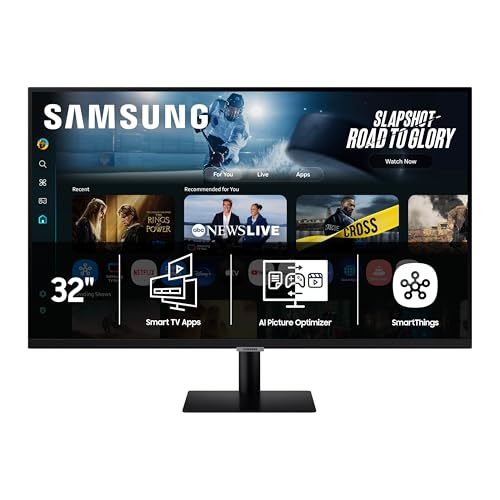
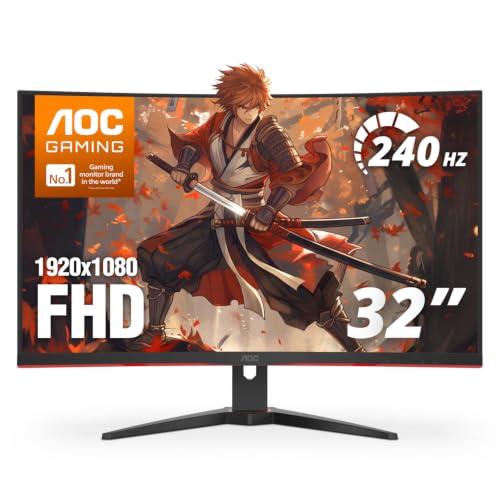
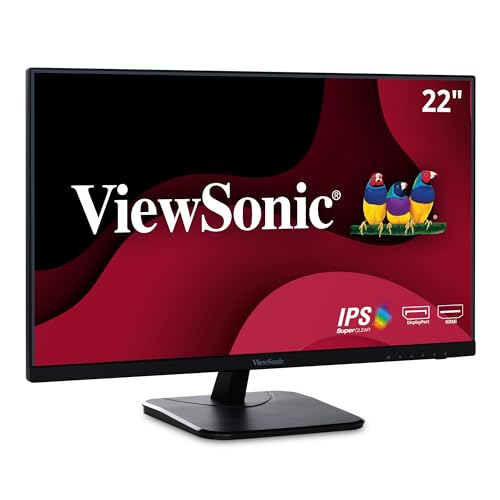
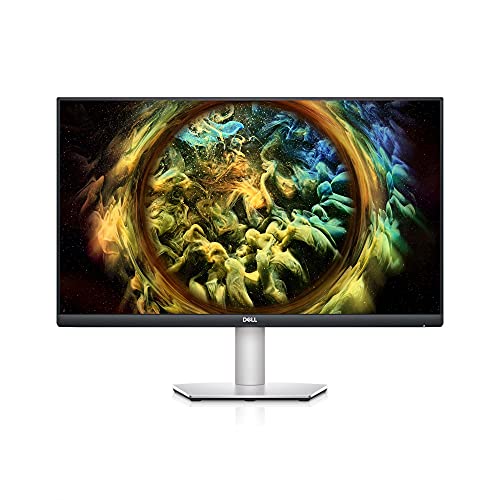
A thin frame changes more than looks. It decides how close two screens can sit, how much desk the stand takes, and how distracting the center gap feels during work or play. The best bezel less monitors pair a narrow border on the top and sides with panel quality that holds up when screens sit side by side. Use the product table above to check size, panel and ports against the checklist in this guide.
Start by naming your main use and your desk limits. A single screen for office work, a matched pair for documents and chat, and one wide screen for games each reward different traits. The sections below sort those needs first, then explain panel, resolution, speed, ports and mounting in plain order.



Who Should Buy a Bezel Less Monitor?
Pick by the setup you will use every day. The frame matters most when screens touch or when a small desk leaves no spare width.
Office Workers Who Run Two Screens Side by Side
You read documents, mail and chat at once and you dislike the thick black bar that splits your windows. Choose two matched screens of the same size and resolution so text stays at the same height across both. A narrow side border keeps the center gap small, and height control lets the panels line up evenly.
Gamers Who Want a Wider and Cleaner View
You play racing, flight or strategy games and want the image to feel continuous across one wide screen or a matched pair. Put refresh rate and adaptive sync ahead of a tiny gain in size, because smooth motion matters more once the frame fades from view. If you play mostly on a PC, see our guide to the best gaming monitors for screens built around speed first.
Creators and Home Workers on a Small Desk
You edit photos, lay out pages or join calls from a desk that also holds a laptop and loose papers. One 27 inch screen often beats two smaller screens here, because it leaves room for speakers and a notebook. Look for accurate color as shipped, one cable picture and power for your laptop, and a steady stand.
Key Features to Compare
Compare these factors in the same order each time, so a slim frame cannot hide a weak panel. Use this order when you compare the best bezel less monitors on your short list.
Panel Technology, Color and Brightness
IPS panels hold color well from side angles, which suits shared viewing and screen pairs. VA panels give deeper contrast in a dim room, while OLED panels give the strongest contrast but can retain a static image left on screen too long. Most office screens offer about 250 to 350 nits, and true HDR needs a higher peak plus local dimming. If color work pays your bills, see our guide to the best quality monitors.
Resolution, Screen Size and Viewing Distance
Match resolution to size so text stays sharp without tiny menus. A 24 inch screen suits 1080p at a normal desk distance, a 27 inch screen suits 1440p for most buyers, and 4K earns its cost at 27 to 32 inches. Sit about an arm length plus a hand span away, and move up a size if you lean back for films.
Refresh Rate, Response Time and Adaptive Sync
Refresh rate is how often the picture updates each second. A rate of 60 Hz is fine for documents, while 144 Hz or higher feels smoother in games and fast scrolling. Response time claims use maker tests, so treat a 1 ms claim as a best case. Adaptive sync from FreeSync or G Sync cuts tearing when frame rates dip, and console players who want 120 Hz play should see our guide to the best monitors for ps5.
Bezel Width, the Bottom Edge and Screen Finish
Makers often quote only the outer frame, so the visible border is wider than the headline number. A slim top and side frame can still sit above a bottom chin of about 15 to 25 mm, and that chin sets how low the picture starts above your desk. Check photos of the powered screen rather than renders, because renders often shrink the border. For screens sold on frame width alone, see our guide to the best thin bezel monitors.
Ports, Stand Adjustment and VESA Mounting
DisplayPort suits most PC gaming, HDMI suits consoles and laptops, and USB C can carry picture, data and about 65 watts of laptop power on one cable when the screen supports it. A pair of screens needs two matching outputs from your computer, and many thin laptops offer only one, so a dock may be part of the real cost. Look for height, tilt and swivel control, plus a VESA pattern of 75 by 75 mm or 100 by 100 mm if you plan to fit a monitor arm.
Single, Dual and Ultrawide Bezel Less Setups Compared
A single large screen is the simplest path. You get one stand, one power cable and no center gap, and window tools can split the picture into zones for mail and documents. It suits small desks and buyers who switch tasks on one panel.
A matched pair gives more width for the money and lets each screen keep its own angle, but it adds stands, cables and the center gap this style shrinks. One ultrawide screen removes that gap and keeps a game in a single view, yet it costs more and can crowd out a laptop beside it.
Quick Buyer Checklist Before You Order
Answer each question before you pay. A no answer points to the section above that explains the fix.
- Does the total black border look slim in photos of the powered screen?
- Does the size and resolution keep text sharp at your sitting distance?
- Does your computer have enough outputs of the right type for every screen?
- Does the stand adjust in height, or does the screen offer a VESA mount?
- Does the bottom edge leave the picture at a height your neck can hold?
- Do refresh rate and adaptive sync match the games or work you do most?
- Does the warranty cover the panel for at least two years?
Watch for red flags as you check. A listing that calls a screen frameless but shows no powered photo, no VESA pattern and no port versions asks you to guess at facts that matter.
Common Mistakes to Avoid
These errors are common because the frame gets all the attention during shopping.
- Trusting a render instead of a powered photo leaves you with a black border far wider than you expected.
- Buying two screens of different sizes makes text jump in height each time you drag a window across.
- Ignoring the bottom chin places the picture too high and leaves your neck sore by the end of the day.
- Forgetting to count computer outputs leaves a second screen dark until you buy a dock you did not budget for.
- Choosing gloss finish for a bright room fills the screen with window reflections during daytime work.
- Skipping the VESA pattern check locks you to the stock stand when an arm would fit your desk better.
Care and Maintenance for Bezel Less Monitors
Clean the screen with a dry microfiber cloth and light pressure, using a cloth dampened with clean water only if a mark remains. Never spray liquid onto the panel, because fluid can run into the slim lower edge where the frame offers little seal. Keep household glass sprays away from the coating, since strong cleaners can leave a cloudy patch.
Leave a little slack in every cable so ports are not pulled when the stand turns or rises. On an OLED screen, leave pixel refresh and pixel shift on, and let the refresh run when the screen asks for it. Lower brightness for plain document work if your room allows it, because a dimmer backlight ages more slowly.
Frequently Asked Questions
What size bezel less monitor should I get for my desk?
Most desks suit a 27 inch bezel less monitor as the main screen. Measure desk depth first, because the stand foot plus a keyboard can leave too little wrist room on a shallow top. Tape the outline on the wall and sit normally for ten minutes, then pick a larger size or an arm if you keep leaning in.
Does refresh rate matter for bezel less monitors used for office work?
Refresh rate matters less for office work, but a higher rate makes scrolling and window movement feel calmer. You do not need 240 Hz for mail or calls. A high rate can also draw more power from a laptop and run its fan more often.
Is 4K worth it on a bezel less monitor?
Yes, 4K is worth it on a bezel less monitor if you sit close and work with text, photos or detailed plans. At 24 inches the gain shrinks, because menus must be enlarged to stay readable and some older programs scale poorly. Gamers should count the graphics card cost too, since driving 4K at high frame rates takes far more power.
How long do bezel less monitors usually last?
Bezel less monitors usually last about five to eight years of daily use. The backlight dims slowly over that span, so a screen run near full brightness may look flat long before it fails. Read the dead pixel policy before you buy, because makers differ on how many bright or dark dots count as a fault.
IPS or OLED: Which panel is better for a bezel less monitor?
Neither panel wins for every buyer, because the right choice depends on your room and habits. OLED suits dim rooms and moving images, while IPS suits bright rooms and long hours of static toolbars and documents. If you choose OLED, set the taskbar to hide on its own to spread wear across pixels.
The Bottom Line
Judge panel, size and ports first, then reward the screen with the slimmest true border that fits your desk and computer. Use the product table above to confirm border photos, VESA pattern and port versions before you pay.
When you choose the best bezel less monitors by fit and panel rather than frame claims alone, the screen fades into the background and your work takes the space.