
Best Bed Desks 2026: Complete Buying Guide
Disclosure: We may earn a commission when you buy through links on this page, at no extra cost to you. As an Amazon Associate I earn from qualifying purchases. Learn more
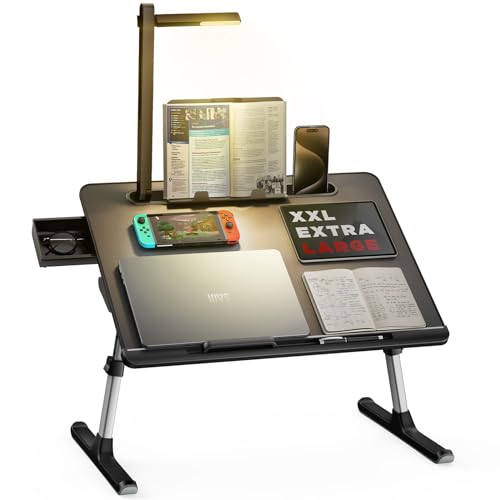
Work comfortably from bed with the right desk: lap desk versus bed table designs, laptop heat ventilation, posture support, size, and storage tips explained.
Working from bed sounds comfortable until heat, posture, and sliding laptops spoil it. This guide to the best bed desks covers lap desks, bed tables, and foldable designs, so you can work, read, or study in bed without neck strain or overheating.
A good bed desk holds your laptop stable, vents heat, and supports a posture that does not strain neck and wrists. A poor one wobbles, traps heat, and forces you to hunch, turning a comfortable idea into an aching session. Judge desks by stability and ergonomics first.
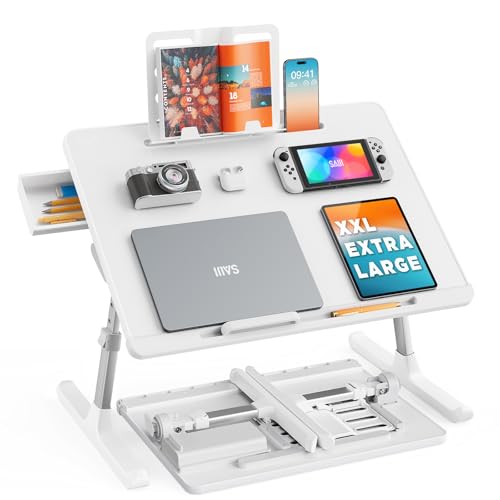
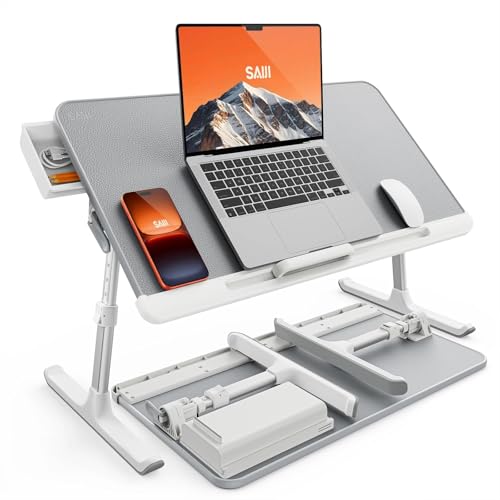
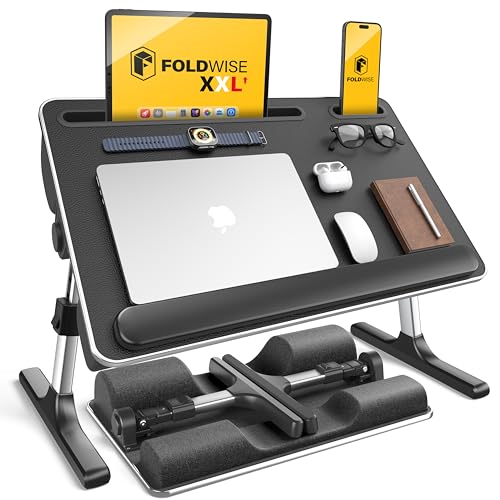



Who Should Use a Bed Desk
A bed desk suits remote workers with limited space, students in dorms, readers, and people recovering in bed who need a stable surface. It also suits anyone who works from bed occasionally, such as morning email checks or evening reading, without dedicating a full desk room.
It is less suited as a full time workstation replacement, since even the best bed desk cannot match a proper desk and chair for posture over eight hours. If you work full days from bed, invest in ergonomic support and take frequent breaks, and consider a proper desk setup for long sessions.
- Remote workers and students with limited space
- Readers and casual laptop users in bed
- People recovering who need a stable bed surface
Key Features That Decide Comfort
Stability and Surface Size
Stability comes first. A desk that wobbles when you type forces constant correction and strains wrists. Look for a wide, flat base or sturdy legs that sit evenly on the mattress, and check how it feels when you type. A surface large enough for laptop plus mouse beats a cramped tray that forces awkward hand positions.
Surface size should fit your laptop with room for a mouse or notebook. A desk that barely holds the laptop leaves no space for notes or a drink, while an oversized desk becomes heavy and hard to store. Measure your laptop and add room for your usual accessories before choosing.
Heat Ventilation and Laptop Safety
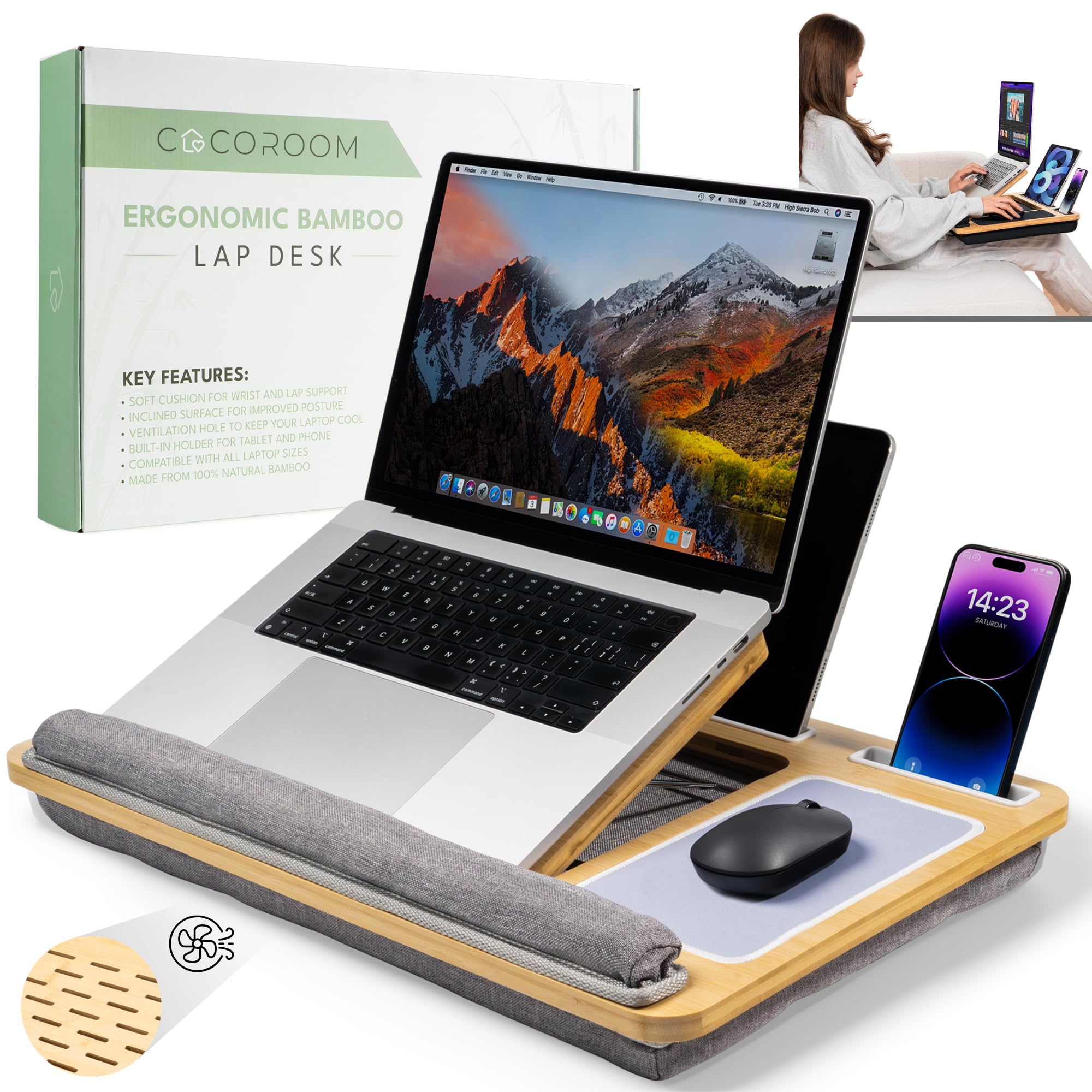
Laptops need airflow underneath, since blocked vents cause overheating, throttling, and long term wear. A bed desk with ventilation slots, a mesh panel, or a raised design keeps air flowing, while a solid tray on bedding traps heat quickly. Never place a laptop directly on blankets without ventilation, since that is the fastest route to overheating.
Some desks include fans, which help heavy workloads but add noise and need power. Passive ventilation suits most users, while active cooling suits gamers and video editors working in bed. Check that fan noise will not disturb others, and clean vents regularly since dust buildup reduces cooling.
Posture, Height, and Adjustability
Posture in bed is the hardest problem. A desk that sits too low forces neck bending, while a desk that sits too high strains shoulders. Adjustable height and tilt help, letting you raise the screen closer to eye level and angle the keyboard comfortably. Even with adjustment, support your back with pillows and keep sessions moderate.
Take breaks often, stretch neck and shoulders, and avoid working hunched for hours. Warning signs such as persistent neck pain, numb hands, or back pain deserve attention and ergonomic advice, not just a new desk. A bed desk improves comfort, but it cannot replace movement and proper posture habits.
Types Compared
Bed desks range from simple lap trays to adjustable overbed tables, and each suits different use. The table below compares them for bed workers.
| Type | Suits | Watch Out For |
| Lap tray | Casual use, reading, portability | Limited stability, no height adjustment |
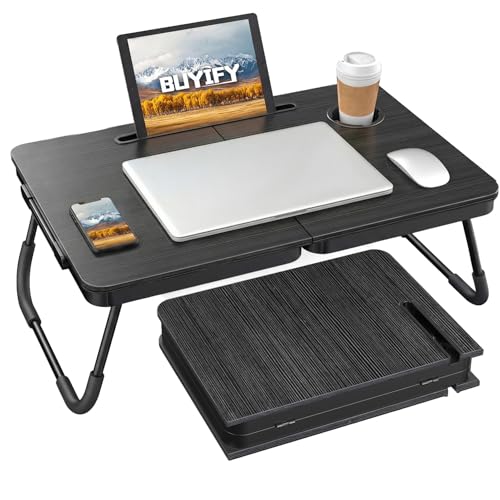
| Foldable bed table | Regular laptop work | Bulkier to store |
| Adjustable overbed table | Long sessions, large laptops | Higher price, heavier |
Lap trays suit casual use and portability, foldable bed tables suit regular laptop work with better stability, and adjustable overbed tables suit longer sessions and larger laptops. Choose by how often and how long you work in bed.
Readers comparing nearby options often find related guides useful. See best murphy bed desks, best laptop desks for bed, and best lap desks for bed for closer looks at those related choices.
Setting Up a Comfortable Bed Workspace
Sit up with pillows supporting your lower back, and place the desk so the screen sits as close to eye level as possible without straining shoulders. Keep wrists straight and elbows supported, and use an external mouse if the desk surface allows, since touchpads force cramped hand positions over long sessions.
Keep water nearby, charge cables tidy, and store the desk where it is easy to reach. A desk that lives in a cupboard far from the bed will not be used, while a desk that folds flat beside the bed encourages better habits. Small setup choices decide whether bed working feels comfortable or cramped.
Mistakes That Spoil Bed Working
The most common mistake is buying a tray without ventilation, then wondering why the laptop overheats and slows. Another mistake is working hunched for hours without breaks, which no desk can fix. Set timers for breaks, stretch regularly, and keep sessions in bed shorter than desk sessions.
Ignoring size is another error. A desk too small for laptop plus mouse forces awkward postures, while a desk too large for your bed dominates the room. Measure laptop, bed width, and storage space before ordering, and favor stability over extra features you will not use.
What Your Money Gets at Each Price Level
Price tiers for a bed desk reflect materials, build quality, and features rather than a single best choice, so use this table as a guide to where extra spending actually helps. A budget option often covers the core job well, while higher tiers add durability, comfort, or convenience that frequent users will notice most.
| Tier | Typical Price | What You Get |
| Budget | about $20 to $40 | Simple lap trays with basic ventilation. |
| Mid range | about $40 to $80 | Sturdier foldable tables with better stability. |
| Higher end | about $80 to $150 | Adjustable overbed tables with fans and large surfaces. |
Start at the lowest tier that meets your real use, then step up only for a weakness that would bother you daily. A casual user rarely benefits from premium durability, while a daily user feels cheap materials quickly. That simple rule keeps spending sensible without sacrificing the features that matter for your routine.
Also consider running costs and lifespan alongside the purchase price. A slightly pricier option with replaceable parts, washable covers, or widely available spares can cost less over years than a cheap option that needs early replacement. Compare total ownership, not just the price on the listing, before you decide.
Frequently Asked Questions
Is it bad to work from bed every day?
Working from bed all day can strain neck, back, and wrists, since beds do not support posture like chairs, even with a good desk. Occasional bed work is fine, but full time bed work deserves ergonomic attention, frequent breaks, and ideally a proper desk setup. If you develop persistent pain, seek ergonomic or medical advice.
Do lap desks prevent laptop overheating?
Lap desks with ventilation slots or mesh help airflow compared with placing a laptop directly on bedding, which blocks vents badly. They do not guarantee cool running under heavy workloads, so keep vents clear and avoid soft surfaces underneath. Active fan desks help further for demanding tasks, at the cost of noise.
What size bed desk do I need for a 15 inch laptop?
Choose a surface at least a few inches wider and deeper than your laptop, with room for a mouse if you use one. A cramped surface forces awkward wrist positions and blocks vents at edges. Measure your laptop footprint, add mouse space, and compare with desk dimensions before ordering.
Can a bed desk help with back pain?
A bed desk can improve posture compared with holding a laptop on your knees, but it cannot treat back pain or replace proper seating and movement. Support your back with pillows, take breaks, and stretch regularly. Persistent back pain deserves professional advice, since seating alone rarely explains it.
How do I store a bed desk in a small room?
Foldable desks store flat under beds or behind doors, while lap trays slide beside beds or on shelves. Choose a folding design if storage is tight, and measure your storage spot before buying. A desk that stores easily will be used more often than one that needs awkward lifting and clearing.
Is a bed desk with a fan worth it?
A fan desk helps for heavy laptop workloads in bed, since it adds active cooling beyond passive ventilation slots. For light browsing and writing, passive ventilation usually suffices and avoids fan noise. Choose a fan model only if your laptop regularly runs hot during bed sessions.
Final Thoughts
A good bed desk stays stable, vents heat, and lets you sit up without hunching. Compare the product table against how long you work in bed and how large your laptop is, and favor ventilation and stability over novelty features.
Keep sessions moderate, take breaks, and support your back well. Careful best bed desks research usually ends with a desk that makes bed working genuinely comfortable rather than merely possible.


