
Best Beat Making Speakers: Studio Monitors Compared for 2026
Disclosure: We may earn a commission when you buy through links on this page, at no extra cost to you. As an Amazon Associate I earn from qualifying purchases. Learn more

Best beat making speakers compared: studio monitors by driver size, response, inputs and placement for honest mixes in a home studio.
Speakers for making beats have one job that party speakers do not: they must tell you the truth about your low end. The best beat making speakers are usually powered studio monitors, because a flat, detailed response shows muddy kicks and harsh hi-hats before your listeners hear them. This guide explains the specs that matter, so the product table above helps you pick monitors that suit your room, your budget and your workflow.
Think about where you work. A small bedroom, a shared desk and a treated studio all call for different sizes and placements.


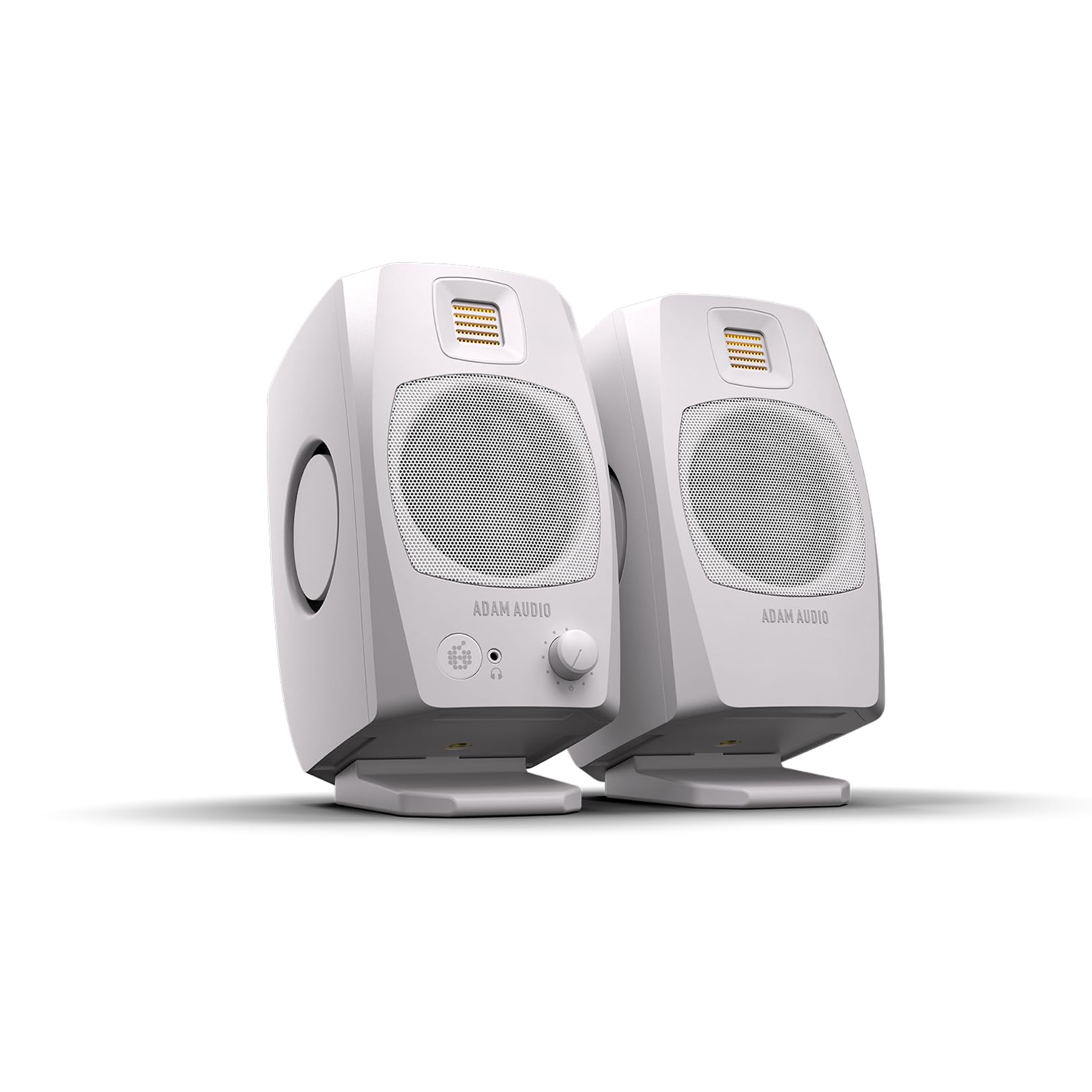
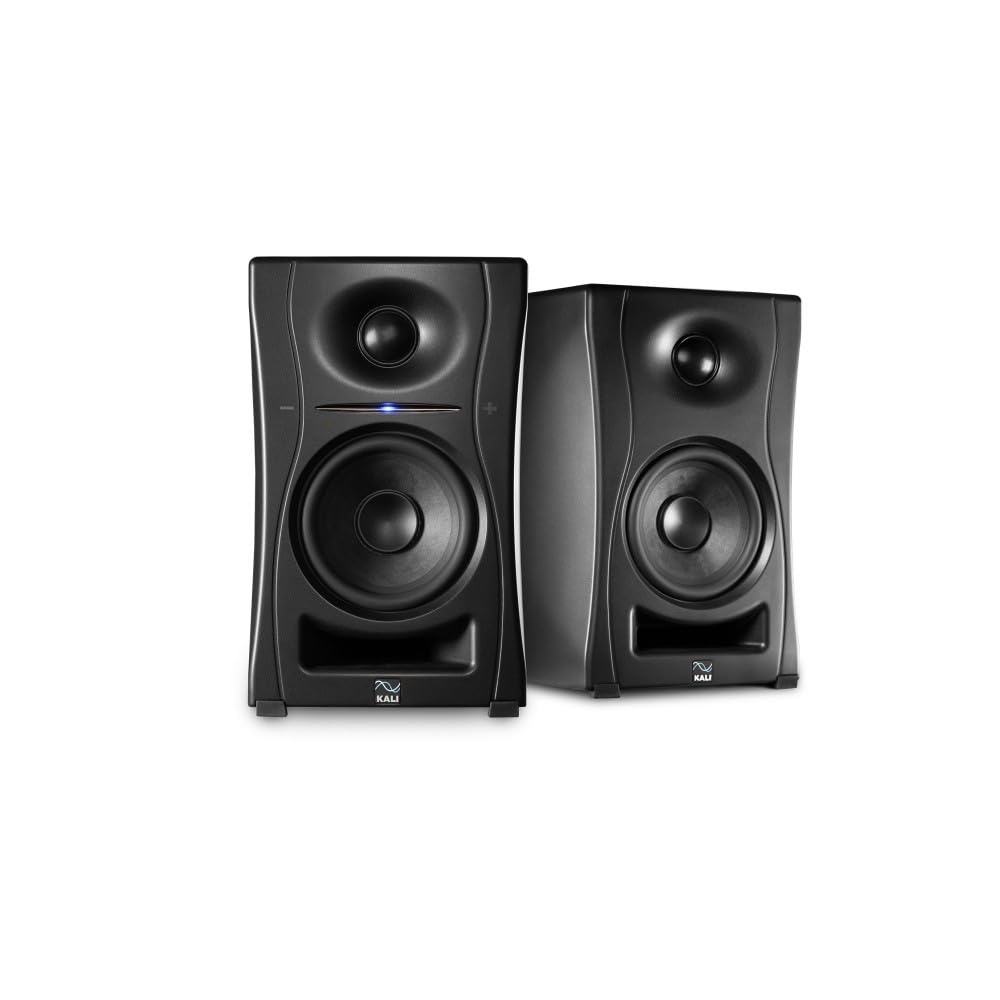
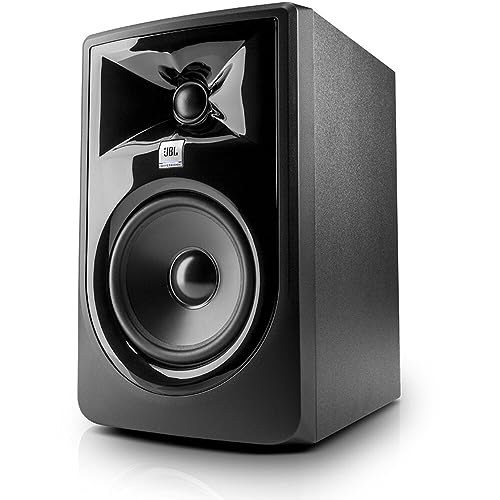
Studio Monitors or Bluetooth Speakers
A powered studio monitor has a built-in amplifier and takes a wired signal from an audio interface or computer. Because it is built to be accurate rather than flattering, it helps you make mixing decisions that hold up on phones, cars and club systems. A Bluetooth speaker adds delay and compression, and many models boost bass and treble, so beats can sound better than they are. Portable speakers are fine for sketching ideas on a couch or checking a rough mix, as long as you check the final balance on monitors. For small portable options see our guide to the best portable speakers for making beats.
Key Specs to Compare
Driver Size and Room Size
Woofer size sets how much low end the monitor can show. A 3 to 4 inch driver suits a tiny desk but cannot show deep bass. A 5 inch woofer is the usual choice for bedrooms and small studios, and 7 to 8 inch drivers need larger rooms and more distance. A big monitor in a small room causes boomy bass that hides problems, so pick the size for the room, not for the biggest number.
Frequency Response
Look for a response that reaches down to about 45 to 60 Hz on a 5 inch monitor and up to 20 kHz, with little variation. Many beat makers pair monitors with a small subwoofer when they work on bass-heavy music, since 808s and sub bass often sit below 50 Hz. A flat response matters more than a long range on the label.
Inputs and Connections
Balanced XLR or TRS inputs give a clean signal over longer cable runs and reject noise. Unbalanced RCA or 3.5 mm inputs are handy for a phone or a mixer. Some desktop monitors add USB or Bluetooth for convenience. Check that your audio interface has outputs that match, and buy proper cables to avoid hum.
Power, Controls and Room Adjustments
Powered monitors list watts per speaker, but loud is not the same as accurate. Rear switches for high-frequency trim, low-frequency roll-off and boundary compensation let you adjust the sound to your room. A front volume knob and headphone jack are convenient for late sessions.
Size and Placement
Nearfield monitors are meant to be heard from about three to four feet away, forming a triangle with your head. Place the tweeters at ear height, angle them to point at your ears, and keep them away from walls and corners to reduce bass buildup. Foam pads or stands decouple the speakers from the desk and sharpen the stereo image.
Types Compared
| Type | Best For | Trade-Off | Typical Price |
|---|---|---|---|
| Desktop monitors (3 to 4 inch) | Small desks, beginners, ideas on a budget | Limited bass | about $100 to $350 |
| Nearfield monitors (5 to 6.5 inch) | Bedroom studios, mixing and arrangement | Need placement and some room care | about $250 to $600 a pair |
| Large monitors (7 to 8 inch) | Treated rooms, bass-heavy genres | Overkill in small spaces | about $500 to $1,000 a pair |
| Portable Bluetooth speaker | Sketching ideas, playback on the go | Delay and boosted tuning | about $60 to $250 |
Setting Up Your Monitors
Place the monitors in an equilateral triangle with your head, with tweeters at ear height and slightly toed in. Keep them at least a foot from the rear wall. Use isolation pads, set the volume to a moderate level and calibrate with a few songs you know well. Add acoustic foam or bass traps at the reflection points on the side walls and the corners if you can. Test a mix on headphones, in the car and on a phone before you share it. If your room is untreated, open the bass trim switch on the monitors only if bass sounds too heavy, and use gentle EQ rather than extreme settings.
Your speakers are one link in the chain, so also see our guide to the best laptops for beat making and our guide to the best keyboards for beat making. For another view on monitor styles, browse our guide to the best speakers for producing beats.
Protecting Your Hearing
Work at moderate volume and take breaks every hour. Loud monitors tire your ears, and a mix made at high volume often sounds wrong at normal levels. Keep a level around conversation volume for most work, and check the mix quietly. If you notice ringing or muffled hearing after sessions, take a long break and ask a hearing professional about it.
Common Mistakes to Avoid
- Buying large monitors for a small room and getting boomy bass.
- Placing speakers on a shelf or against a wall, which exaggerates low end.
- Judging a mix only on boosted portable speakers.
- Using unbalanced cables over long runs and getting hum.
- Working at high volume for hours and losing the ability to judge balance.
Frequently Asked Questions
What size studio monitor do I need for beat making?
For a bedroom or small studio, a 5 inch woofer is a good starting point. Choose 7 to 8 inch drivers only for larger, treated rooms, and add a subwoofer if you work on bass-heavy beats.
Do I need a subwoofer?
Not at first. A subwoofer helps when you make 808-heavy music and your monitors cannot reproduce frequencies below about 50 Hz. Place it carefully and calibrate the level so the bass does not dominate.
Can I use Bluetooth speakers to make beats?
For sketching, yes. For recording and mixing, wired monitors are better, because Bluetooth adds delay and compression and many portable speakers boost the bass.
Do I need an audio interface?
Most studio monitors use balanced inputs, so an audio interface with balanced outputs is the cleanest way to connect them. Some desktop monitors offer USB or Bluetooth for simple setups.
How far from the wall should monitors be?
Keep them at least one foot from the rear wall, and farther if bass sounds boomy. Move them a little and listen, since small changes in position can change the bass noticeably.
Final Thoughts
Pick the monitor size for your room, connect it with balanced cables and place it at ear height. The best beat making speakers are the ones that show your mix honestly, so use the product table above to compare monitors and check your beats on a second system before you share them.


