
Best Basic Security Cameras in 2026: A Simple Buyer Checklist
Disclosure: We may earn a commission when you buy through links on this page, at no extra cost to you. As an Amazon Associate I earn from qualifying purchases. Learn more
A simple checklist for the best basic security cameras covering resolution, storage, night vision, weather ratings and alerts, plus red flags to avoid.
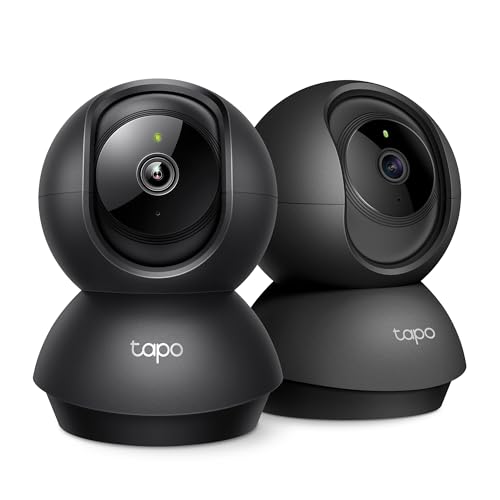
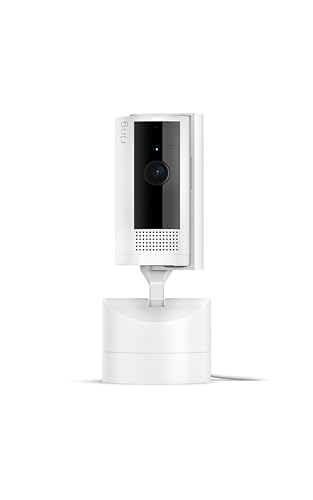
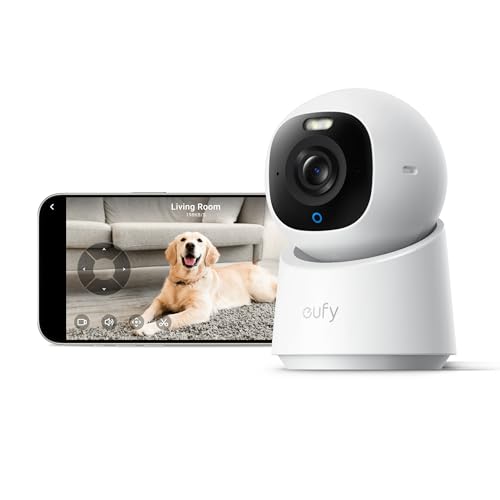
A basic security camera has a short job list, and it should do every job on it well. It should record clear video, alert you quickly when a person appears, and keep working through rain and dark. The best basic security cameras skip novelty extras and get those basics right, so check each model against that standard in the product table above.
This guide turns that standard into a checklist you can apply in minutes: which resolution, storage plan and power source fit your home, and which vague claims should send you elsewhere. Most basic models cost about $40 to $150.
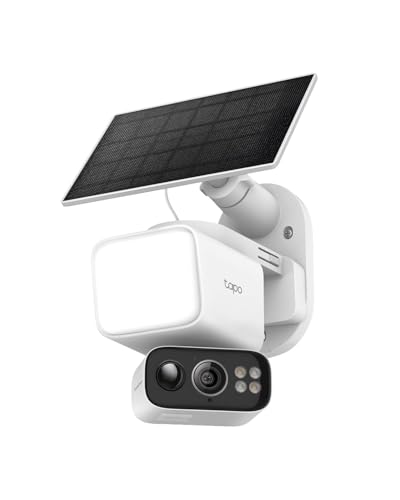
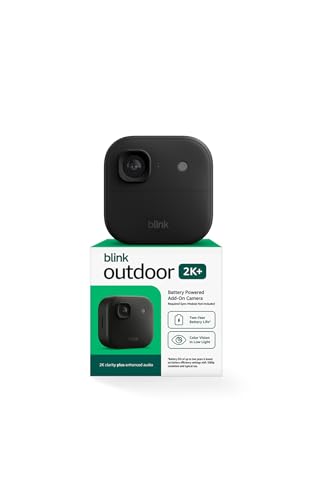
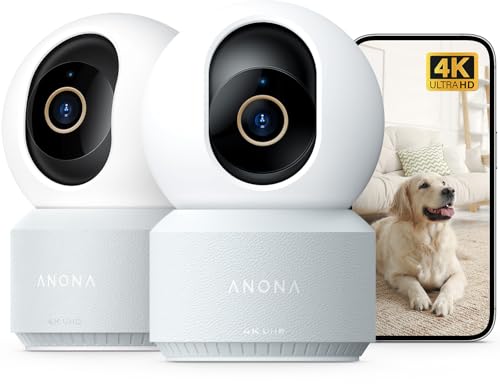
Who Should Buy Basic Security Cameras?
Basic models suit homes that need coverage at a few clear points, such as a front door and a driveway. Your setup points you to the right group below.
Renters Who Need a Camera That Moves With Them
You need coverage that leaves no holes and needs no new wiring when you move out. Choose a battery powered camera with a removable mount, or a doorbell camera that fits an existing bracket. Confirm your lease allows a camera at the door, and aim the view at your own entry rather than a shared hall.
Homeowners Covering One or Two Entry Points
You want a clear face view at the front door and a wider view over the driveway. One wired or battery camera at each point is enough for most homes, and one app runs both. If your plan grows to cover the whole building, see our guide to the best security cameras for house for larger layouts.
Pet Owners and Families Who Check In During the Day
You want to glance at a pet, a delivery or a child arriving home, without recording every passing car. Person detection and activity zones matter more to you than nonstop recording. Two way audio lets you speak through the camera, which settles a dog or tells a courier where to leave a box.
Key Features to Compare
These six factors separate the best basic security cameras from models that only look complete on the box. Judge each one against the spot where the camera will sit.
Picture Clarity and How Wide a Basic Camera Sees
Resolution decides how much detail survives when you zoom into a face or a plate. A 1080p camera can cover a small porch, while 2K resolution keeps more detail across a driveway. Field of view runs from about 110 to 160 degrees, and wider is not always better, because a very wide lens shrinks distant faces. Match the pair to distance: narrow for a door, wide for a yard.
Night Vision, Infrared or Color
Infrared night vision records in black and white and usually reaches about 25 to 30 feet outdoors. A built in spotlight allows color video at night, which helps you describe a jacket or a car, but the light also announces the camera. A porch light can give color detail without a spotlight. Pick infrared for a side path and color for a front door.
Smart Detection and Alerts
Basic motion sensing reacts to anything that moves, including trees, pets and headlights, so your phone fills with clips that show nothing. Person detection filters that noise and flags the events you care about. Check whether person detection is free or paid, because a low camera price can hide a required plan, and favor alerts that arrive within a few seconds.
Storage, Local or Cloud
Local storage keeps clips on a memory card in the camera or a hub at home, with no monthly fee. Cloud storage saves clips online, so you can view them even if a camera is taken, but it needs a subscription after any free trial. Check how many days of clips each plan keeps, since short retention can erase an event before you return from a trip.
Weather Resistance and Power Source
An outdoor camera should carry an IP65 rating or better, which means it resists dust and rain spray, while IP66 guards against stronger water jets. Power shapes your routine: a wired camera never needs charging, a battery model may run a few months per charge, and solar powered cameras can refill a battery. For more on outdoor placement, see our guide to the best security cameras outside.
Two Way Audio, Siren and Smart Home Links
Two way audio lets you answer a visitor or warn off someone, and a short audio delay makes that talk far easier. A siren you trigger from the app can scare off an intruder, though most homes rarely need it. Smart home links let a camera show on a voice assistant screen. Check it works with the system you own, such as Alexa, Google Home or Apple HomeKit.
Camera Types Compared: Which Simple Setup Fits You?
Choose the form that fits the spot from the three types below. Many homes mix two of them.
Battery Powered Wireless Cameras for Flexible Placement
A battery camera mounts anywhere within reach of your WiFi, so it suits renters and spots far from an outlet. You trade that freedom for charging every few months and motion based recording rather than constant recording. Place it where a ladder reaches safely, because a camera you dread charging soon goes dark.
Plug In and Wired Cameras for Steady Recording
A camera with constant power records for longer stretches and rarely misses the start of an event, since it never sleeps to save a battery. It needs an outlet nearby, which limits placement but removes all charging. Readers who want recording around the clock can see our guide to the best security surveillance cameras for systems built for constant watch.
Video Doorbells and Solar Powered Cameras
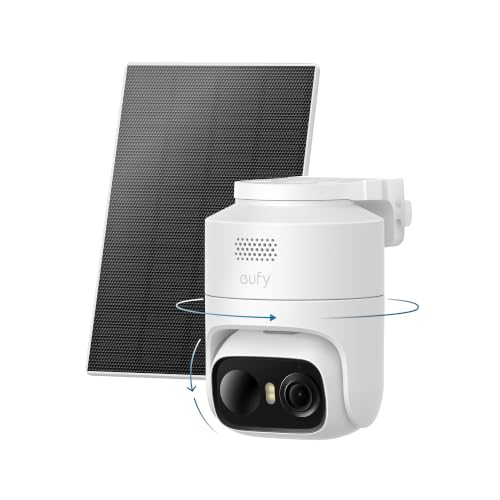
Video doorbells watch the step where deliveries land and record visitors at face height, which a high mounted camera cannot do. Solar powered cameras suit a sunny fence or garage wall with no outlet. If you prefer a standard wall unit built for weather, see our guide to the best exterior security cameras.
Simple Checklist Before You Buy a Basic Home Camera
Answer each question before you order. A camera that earns a yes on most lines beats one chosen on price alone.
- Can the camera show a face clearly at the distance you need?
- Does the field of view fit your porch or driveway without wasted edges?
- Can you store clips on a card, or are you content to pay for cloud storage?
- Does person detection come free, or does it need a paid plan?
- Is there an outlet, strong sun or ladder access for your power source?
- Does the weather rating suit the rain and heat at the mounting spot?
- Can you mount the camera about 8 to 10 feet high and angle it at faces?
Common Mistakes to Avoid
Most regrets come from placement and settings, not from the camera itself. Treat vague listings as a warning sign too.
- Mounting a camera far above head height gives you the tops of heads instead of faces you can identify.
- Pointing a camera straight at a busy street floods your phone with alerts until you stop checking them.
- Placing a camera behind glass ruins night video, because infrared light reflects off the pane and whites out the image.
- Trusting a listing with vague resolution claims and no stated weather rating leads to a camera that fails its first storm.
- Skipping a walk through the camera view after setup leaves blind spots and weak WiFi in place until a real event exposes them.
Care and Maintenance
Wipe each lens with a soft dry cloth every few weeks, because dust, pollen and spider webs blur video and can trigger false motion alerts at night. Check that mounts stay tight, and clear leaves or new plants that creep into the view. Keep the camera out of harsh direct sun glare where you can, since glare washes out faces.
Install app and firmware updates promptly, because they often patch security flaws and fix alert delays. Turn on two factor authentication and use a password you use nowhere else. Recharge battery models before they run flat, rinse solar panels with plain water, and run a walk test each season.
FAQ
Is a wired or wireless basic security camera more reliable for a home?
A wired basic security camera is more reliable for steady recording, because constant power removes charging gaps and sleep delays. A strong router signal matters more than the cable for alert speed. One point buyers miss is outage behavior: a battery camera keeps recording through a short power cut, while a wired camera stops.
Can a basic security camera work without WiFi?
Yes, many basic security cameras can record to a memory card without WiFi, but you lose live view, phone alerts and cloud backup. Some models also need WiFi for the first setup even when they record locally later, so check that detail before a cabin install. Without a connection, plan to view clips on a computer.
Do basic security cameras require a subscription?
No, a subscription is optional on most basic security cameras, and local recording works without one. Plans usually add longer clip history, richer alerts and cloud backup. Read the free tier terms with care, because brands sometimes move a feature behind the paywall after the first year. A gauge is cost per camera each year, since plans charge per device.
How can you protect a basic home security camera from hacking?
You protect a basic home security camera by treating its account like a bank account. Use a long unique password and update the router software as well as the camera, since the router guards every device on your network. Turn off remote viewing features you never use, and remove shared access for guests once they no longer need it.
Final Thoughts
Start with the spot, not the spec sheet. A clear view at face height, storage you control and alerts you trust will do more for your peace of mind than a long list of extras. Use the product table above to compare resolution, power and storage before you decide.
When you choose best basic security cameras by that checklist, one or two units will cover most homes. Buy the simplest setup that guards your doors and let it do its quiet work.


