
Best Bargain 4K TVs 2026: Value Picks Guide
Disclosure: We may earn a commission when you buy through links on this page, at no extra cost to you. As an Amazon Associate I earn from qualifying purchases. Learn more
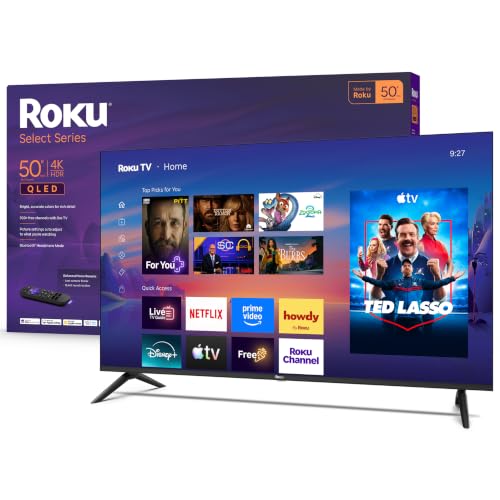
Learn which specs matter when choosing the best bargain 4K TVs, from panel and HDR to smart platform, ports and room size.
The best bargain 4K TVs give you a sharp picture, HDR support and a usable smart platform at a price well below premium sets. The trick is knowing which specs deliver a visible improvement and which are marketing, because two TVs at the same price can look very different in your living room.
This guide explains the panel types, the features worth paying for, how to pick a size and what to check before you order from the product table.




Who Should Buy a Bargain 4K TV
They suit anyone replacing an older HD set, furnishing a bedroom or second room, or buying a main TV on a budget. A 4K panel has four times the pixels of 1080p, which matters most on screens of 43 inches and up or when you sit close. If you mostly watch from across a large room on a small screen, you may notice little difference, and a good 1080p set can be better value.
Panel Types Compared
Standard LED (VA)
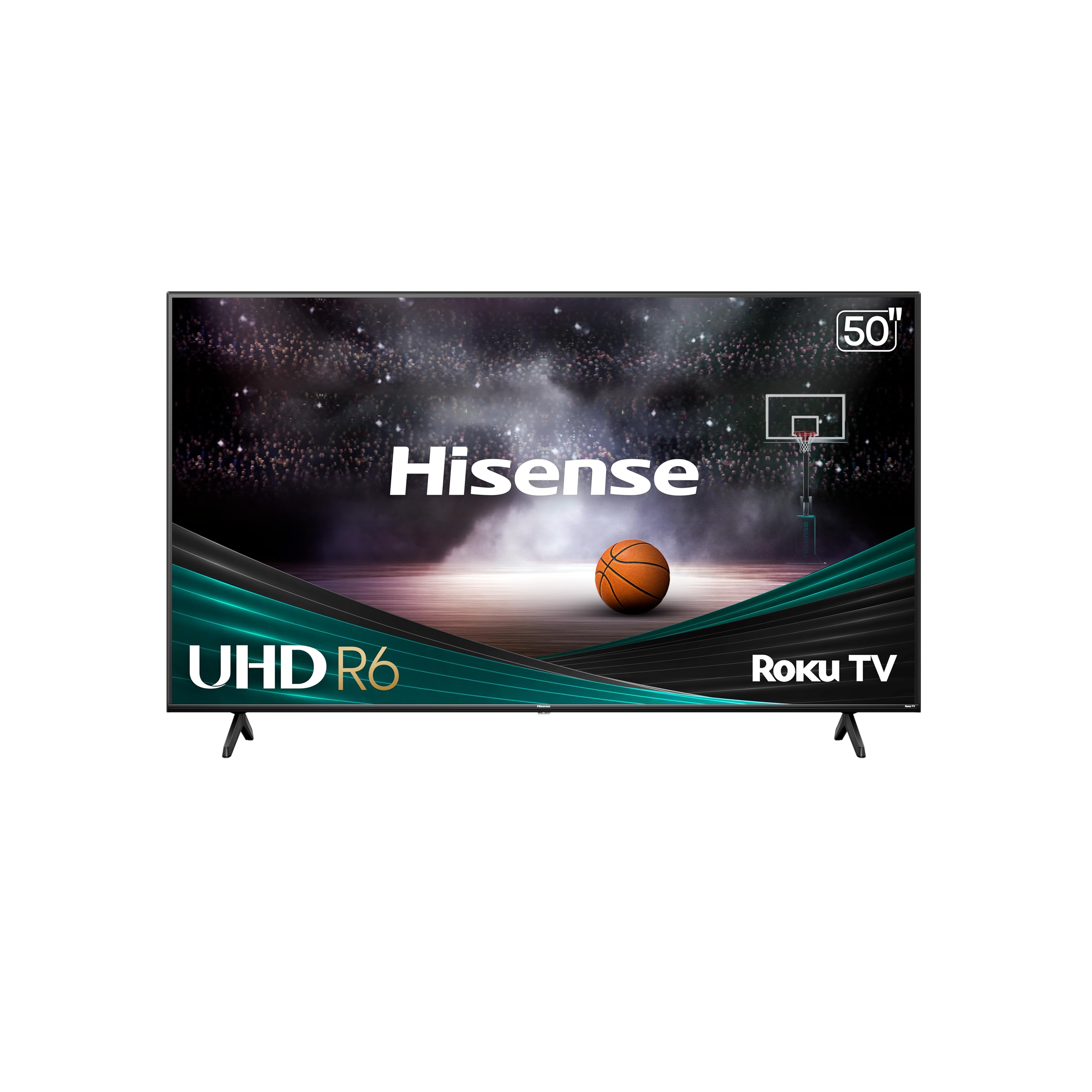
Most bargain sets use VA panels, which offer deep blacks and strong contrast in a dim room but narrower viewing angles. They suit evening viewing in front of the TV.
IPS panels
IPS panels keep colour accurate from the side, which suits wide rooms and shared seating, though blacks look greyer in the dark.
QLED and quantum dot sets
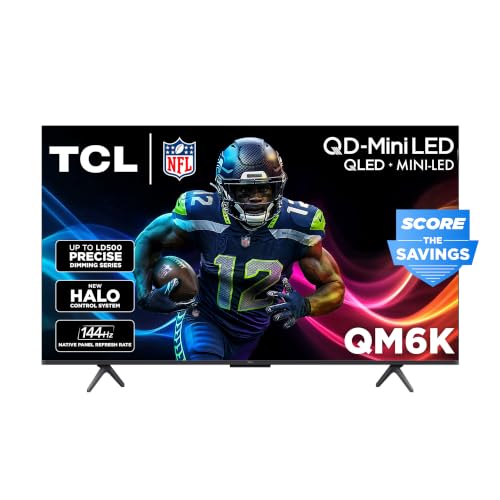
Quantum dot layers add colour volume and brightness at modest cost. They are an upgrade within the bargain range if you watch in bright rooms or want vivid HDR.
Mini LED
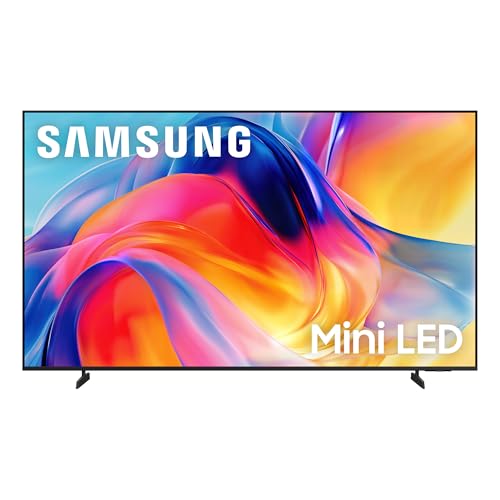
Mini LED backlights with local dimming improve contrast and brightness. Prices have fallen, so some bargain sets now include them.
Features to Compare
- HDR formats: HDR10 is standard. Dolby Vision or HDR10 Plus helps if your streaming apps use them, though a dim panel limits the effect.
- Refresh rate: 60 Hz covers most viewing. 120 Hz helps gaming and sports motion.
- Smart platform: Roku, Google TV, Fire TV and other systems differ in speed and app range. A slow interface becomes annoying quickly.
- HDMI ports and version: you need enough ports for a console, soundbar and streamer. HDMI 2.1 matters for 4K at 120 Hz.
- Local dimming: zones improve contrast in dark scenes, and more zones generally help.
- Input lag: a game mode keeps response quick for consoles.
Choosing a Size
Measure your viewing distance first. A rough rule is to sit about 1.2 to 1.6 times the diagonal screen size away for 4K. For example, a 55 inch screen suits a viewing distance of roughly 5.5 to 7 feet. Check the stand width against your table, since many budget sets use feet at the outer edges, and think about wall mounting if you want a clean look. Bigger is usually better value per inch, as long as the picture quality holds up.
Where Bargain TVs Cut Corners
At lower prices, expect modest peak brightness, basic speakers, simpler remotes and fewer dimming zones. Built in sound is often thin, so a budget soundbar can be the best upgrade. Check how the set handles reflections and whether the glossy or matte coating suits your room. Avoid sets with no reviews or unclear specs, because the savings can hide weak quality control.
Gaming, Sports and Streaming
Console players should look for a game mode, low input lag and, for newer consoles, HDMI 2.1 with variable refresh rate. Sports fans benefit from 120 Hz panels and good motion handling, which cuts blur in fast play. Streaming viewers care most about the apps they use, so check that Netflix, YouTube, Disney Plus and others are supported natively. A fast processor makes menus snappy, while a slow one makes even simple tasks frustrating.
Room Lighting and Placement
A bright room favours higher peak brightness and an anti glare coating, while a dim room benefits from deep blacks and local dimming. Avoid placing the TV opposite a window, and keep the centre of the screen near eye level when seated. If the set sits on a media unit, make sure the legs are stable and the cables have enough slack. A wall mount frees up space but needs a bracket that matches the VESA pattern on the back.
Price Tiers to Expect
Entry level 4K sets in the 43 to 50 inch range cost the least and cover casual viewing. Mid range 55 to 65 inch sets add better HDR, faster processors and local dimming. Moving into the upper bargain range often brings QLED or mini LED panels and 120 Hz support. Spend more when you watch daily in a bright room or play fast games, and save when the TV is for occasional use.
Setup and Everyday Use
Turn off motion smoothing for films, choose a movie or cinema mode and lower the backlight in a dark room. Update the software, and keep the screen dust free with a soft dry cloth rather than spraying cleaner on the panel. Leave a few inches of space behind the set for ventilation.
Common Mistakes to Avoid
- Buying on screen size alone and ignoring panel quality.
- Assuming every HDR label means a bright, punchy picture.
- Forgetting to check HDMI ports for consoles and soundbars.
- Skipping the return policy and warranty terms.
Related Guides
See best bargain TVs, best quality 4K TVs and best TVs of all time for nearby choices.
Frequently Asked Questions
Is a cheap 4K TV worth it?
Yes, if you pick a recognised platform and a decent panel. A modest 4K set can look excellent, but extremely low prices often mean weak brightness and slow software.
What size 4K TV should I buy?
Measure your viewing distance and multiply by about 0.6 to 0.8 to get a comfortable diagonal. Most living rooms suit 50 to 65 inches.
Do I need HDMI 2.1?
Only for 4K gaming at 120 Hz on a modern console or PC. For streaming and films, HDMI 2.0 is enough.
Is smart TV software important?
Yes. It is the part you use every day, so choose a platform with the apps you want and a responsive interface.
Should I buy a soundbar too?
Many bargain TVs have thin sound, so a basic soundbar is a worthwhile upgrade if the room is large or you watch a lot of movies.
Final Thoughts
Start with size and viewing distance, then check panel type, smart platform and ports. The best bargain 4K TVs get the basics right at a low price, and the product table gives you a place to start your comparison.


