
Best Barcode Printers: Which One Fits the Way You Use It in 2026
Disclosure: We may earn a commission when you buy through links on this page, at no extra cost to you. As an Amazon Associate I earn from qualifying purchases. Learn more

Best barcode printers explained: direct thermal vs thermal transfer, label width, DPI, speed, and how to match a printer to your workload.
There is no single barcode printer that fits every job, because a shipping station, a retail counter, and a stockroom ask very different things of the same kind of machine. The best barcode printers for you are the ones matched to your label volume, label size, and work setting. This guide starts with who you are as a user, then walks through the features that decide daily satisfaction.
You will learn the difference between direct thermal and thermal transfer printing, how to read speed and resolution numbers, and which buying mistakes cause the most returns. Use the comparison table below to compare the main printer classes as you read.


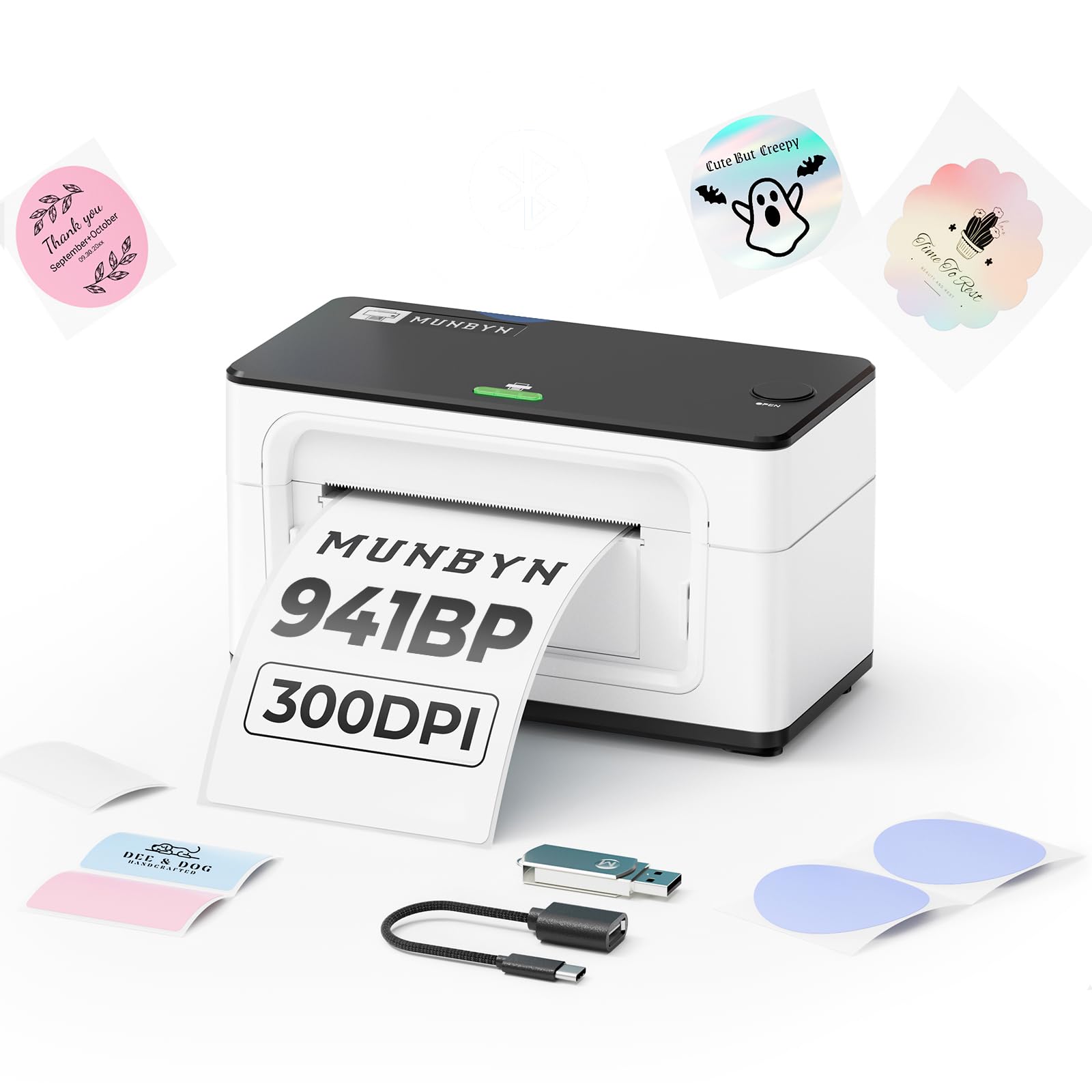


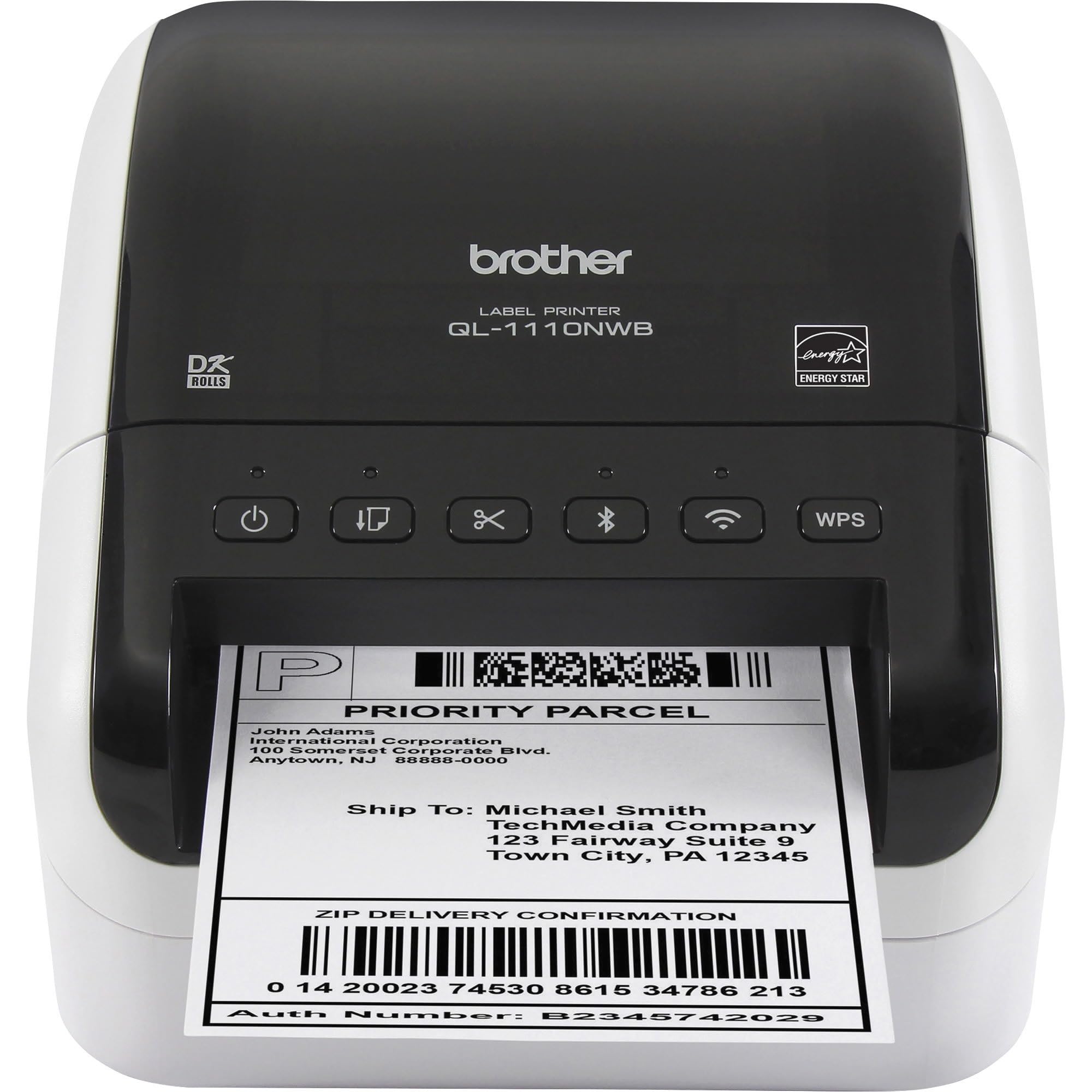


Who Should Buy Which Barcode Printers?
Find your group below first. Each group needs a different balance of speed, durability, and label life, and buying for the wrong group is the most expensive mistake in this category.
For Retail and Point of Sale Teams
Retail counters need a printer that is fast, quiet, and small enough to share space with a register and a payment terminal. Direct thermal models suit price labels and receipts because the labels only need to stay readable for weeks or months, not years. Prioritize a cutter or easy tear design for quick labeling during restocking, plus simple label loading so any staff member can swap a roll mid shift. A printer that connects cleanly to your point of sale software matters more than raw speed, because a line of customers forgives a two second print but not a crashed queue.
For Warehouse and Shipping Teams
Warehouses print at volume, and volume punishes light duty machines. You need a duty cycle rated for thousands of labels a day, a print width of about 4 inches for standard shipping labels, and a metal or reinforced frame that shrugs off dust and bumps. Speed rated in inches per second decides whether a picking wave waits on labels. Look for easy access to the printhead, because warehouse labels streak the moment the head gets dirty. If your team also prints product barcodes for shelves and bins, a desktop thermal model with a movable label sensor handles most mixed label sizes.
For Small Offices and Home Sellers
Small offices and home based sellers print in bursts: a stack of shipping labels on packing day, then nothing for a week. A compact desktop direct thermal printer fits this rhythm, starts fast, and needs no ink or toner ever, which keeps cost per label predictable. Prioritize simple setup with your selling platform and a footprint that fits beside a laptop. If the same desk also handles documents and invoices, our guide to the best computer printers for home helps you plan the two machine setup most sellers end up using.
For Healthcare and Asset Tracking
Healthcare and asset tracking need labels that survive time, handling, and cleaning chemicals. Thermal transfer printing with resin ribbons produces labels that resist smearing, moisture, and fading for years, which suits equipment tags and specimen labels. Resolution matters here because labels are tiny: a 300 DPI printhead keeps small text and dense barcodes scannable where 203 DPI may blur. Choose models with disinfectant resistant cases for clinical settings, and confirm the printer works with your tracking software before buying, since compatibility failures in this group are costly.
Picking the Right Barcode Printers for Different Uses
Two special cases deserve a closer look because shoppers often buy the standard option and discover the limits later.
Best Color Barcode Printers
The best color barcode printers add color to labels so staff can sort by category, priority, or allergen warnings at a glance. Color helps most in food prep, healthcare, and event settings where a colored band communicates faster than text. The trade off is cost: color label printers use ink systems with higher supply costs and slower speeds than thermal models. Choose color only when the color itself carries information your team uses daily; for plain product and shipping labels, monochrome thermal printing stays cheaper and faster.
Best Desktop Barcode Printers
The best desktop barcode printers balance a small footprint with honest daily capacity, usually a few hundred to a couple of thousand labels a day. Judge them on label loading design, because a clamshell that opens wide makes roll changes a ten second job. A movable sensor helps if you switch between label shapes, such as round seals and rectangular shipping labels. Desktop models suit the counter, the office, and the small stockroom; once your volume passes a few thousand labels daily, step up to an industrial class machine instead.
Key Features to Compare
Connectivity and Mobile Printing
Connectivity decides how easily the printer joins your workflow. USB is the simple default for one computer beside the printer. Ethernet suits a shared station where several computers send jobs, and WiFi frees placement in shops and stockrooms where cables cannot run. Bluetooth models pair with tablets and phones for mobile labeling on the floor. Check driver and app support for your actual system before buying, because a printer your software cannot see is useless no matter how strong its hardware is. A practical tip: place a WiFi printer where the signal is strong, since weak signal causes the mystery delays users often blame on the printer.
Printer Type (Direct Thermal and Thermal Transfer)
Direct thermal printers heat specially coated labels to form the image, so they need no ribbon or ink and have fewer parts to maintain. Their labels fade with heat, sunlight, and friction over months, which is fine for shipping and short life uses. Thermal transfer printers melt ink from a ribbon onto the label, producing durable results on paper, polyester, and other materials that can last years outdoors. Transfer models cost more to run and need ribbon changes, but they are the only right answer for long life labels. Match the print method to how long the label must stay readable, and the choice makes itself.
Label Handling and Print Width
Print width sets the largest label you can produce: about 2 inches covers wristbands and small product labels, about 4 inches covers standard shipping labels, and wider machines handle pallet and compliance labels. Check how the printer senses label gaps, because a movable sensor handles mixed label shapes while a fixed sensor limits you to standard layouts. Roll capacity matters for busy stations; an external roll holder or a large internal bay reduces midday roll changes. Also confirm the printer accepts the label brands you plan to buy, since some models prefer their own supplies.
Print Speed and Resolution
Speed is rated in inches per second, and most desktop models print at about 4 to 6 inches per second, which feels instant for single labels and steady for batches. Industrial models run faster for high volume waves. Resolution is rated in DPI: 203 DPI is the standard for shipping and general labels, while 300 DPI sharpens small fonts and dense two dimensional codes on tiny labels. Higher resolution usually prints a little slower, so choose 300 DPI only when your labels are small or detail heavy. Across all printer types, our guide to the best quality printers explains how to judge print quality claims in general.
Common Mistakes to Avoid When Buying Barcode Printers
- Buying by price alone. A cheap printer with costly proprietary labels can outspend a midrange model within a year of normal use.
- Ignoring label lifespan. Direct thermal labels on warehouse shelves fade within a year, which quietly breaks your whole tracking system.
- Choosing the wrong width. A 2 inch printer cannot print a standard shipping label, and no setting changes that physical limit.
- Skipping the software check. If your selling or inventory platform does not support the printer, setup becomes a daily workaround.
- Forgetting supply costs. Ribbons, labels, and spare printheads are the real long term budget, so price them before you commit.
How to Make Your Barcode Printer Last Longer
Printhead care is the whole game, because the printhead is both the hardest working and most expensive wear part. Clean it with a proper cleaning pen or a soft cloth with isopropyl alcohol after every few rolls, and always when print quality streaks. Keep labels stored away from heat and sunlight so coatings stay stable. Use labels and ribbons matched to your print method, since abrasive cheap labels wear heads early.
Two habits prevent most failures. First, never yank a jammed label backward through the head; open the cover and remove it gently. Second, run a short test print after every roll change to confirm alignment before a big batch. Dust the interior monthly in warehouse settings, and your printer should serve for many years.
Barcode Printers: Your Questions Answered
Should I choose direct thermal or thermal transfer?
Choose direct thermal if your labels live for less than about a year indoors, as shipping and price labels do. Choose thermal transfer when labels must survive years, sunlight, moisture, or chemicals, as outdoor asset tags and freezer labels must. The deciding question is always label lifespan, not printer price. Many midsize operations run one of each, because forcing one method to do both jobs costs more in failed labels than a second printer costs to buy.
What does DPI mean for a barcode printer?
DPI means dots per inch, and it describes how fine the printed detail can be. At 203 DPI, individual bars of a standard shipping barcode are wide enough to print cleanly and scan reliably. At 300 DPI, the printer can render smaller bars and tiny text, which tiny jewelry, electronics, or specimen labels require. Higher DPI does not make a big label scan better; it only helps when the code itself is small. Match DPI to your smallest label and save money on the rest.
How long do thermal labels stay readable?
Direct thermal labels typically stay readable for about six to twelve months indoors, and much less in heat, sunlight, or friction. Thermal transfer labels on polyester with a resin ribbon can stay readable for several years, including outdoors. Storage before printing matters too: label rolls kept in a hot storeroom can start fading before they are ever used. If a label must outlive the product warranty, print it with thermal transfer and test a sample under your real conditions.
What does cost per label mean?
Cost per label means the total supply cost divided by the labels produced: label stock, ribbon if you use one, and a share of printhead wear. A typical direct thermal shipping label costs only a few cents in supplies, which is why the method dominates online selling. The figure exposes false bargains, because a printer that demands premium branded labels can double your cost per label forever. Calculate it with the supplies you will actually buy, not the cheapest roll you can find.
Final Thoughts
Start with your user group, match the print method to how long your labels must last, and confirm width and software support before you compare prices. Those decisions decide satisfaction far more than speed headlines do. When you review the best barcode printers in the product table above with that order in mind, the right class of machine becomes clear, and your labels will scan cleanly for as long as they need to.

