
Best Barcode Generators: Budget, Midrange, and Premium Tiers for 2026
Disclosure: We may earn a commission when you buy through links on this page, at no extra cost to you. As an Amazon Associate I earn from qualifying purchases. Learn more
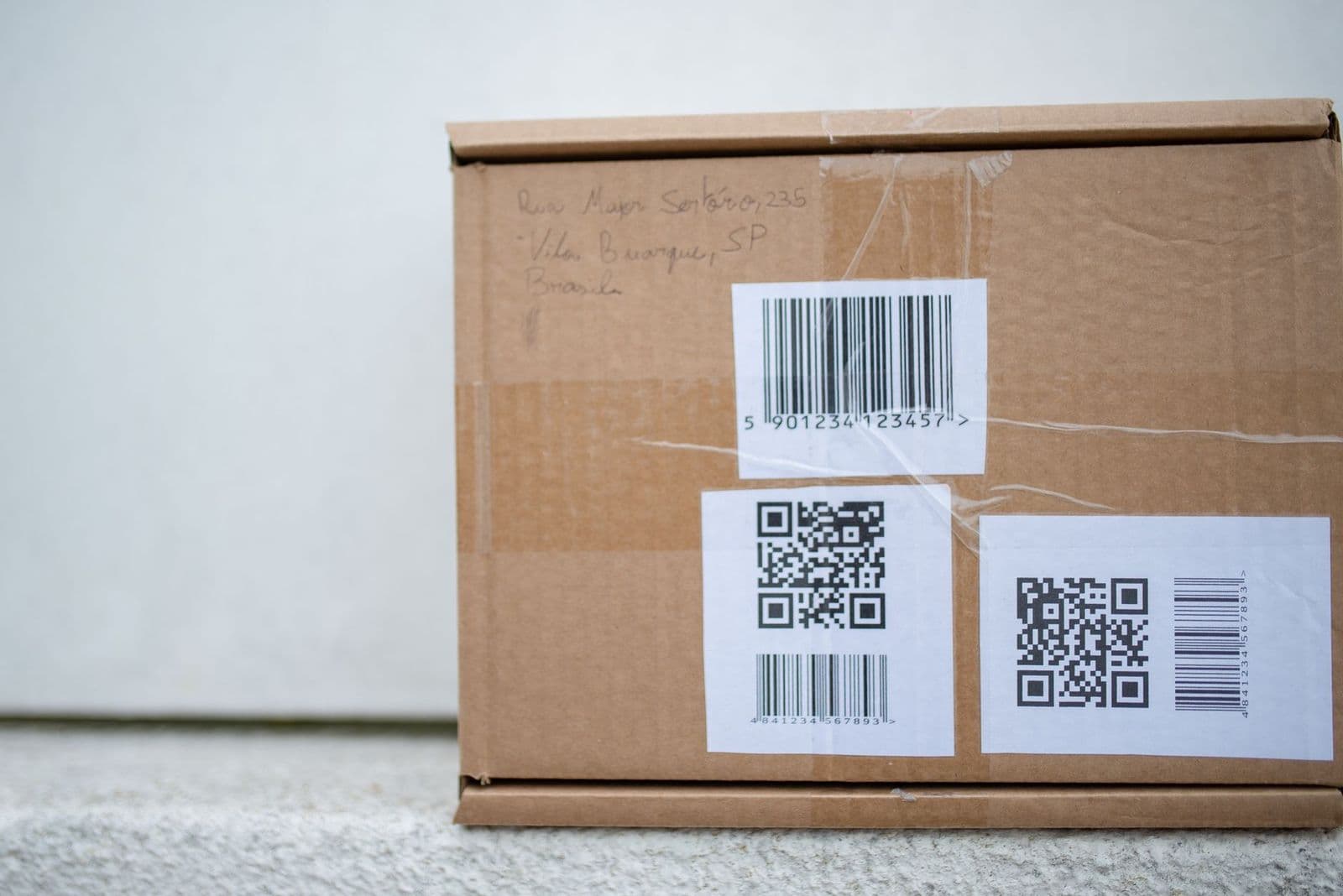
Compare the best barcode generators by price tier, barcode formats, batch tools, export quality, and integrations so you pay only for features you need.
A barcode generator turns a product number or text string into a scannable barcode image, and the price range is wider than most people expect. Simple tools are free, while business platforms charge monthly fees for batch creation, team accounts, and integrations. This guide to the best barcode generators shows you what each price tier actually delivers, so you can spend where it counts and skip the rest.
You will learn which barcode formats matter, why export quality decides whether labels scan at the register, and which upgrades are worth paying for. The tiers below show where each level of spending makes sense.
Three Price Tiers to Consider First
Before comparing feature lists, place yourself in a tier. Your monthly label volume and the number of people creating codes will point to the right one almost immediately.
The Budget Tier: Free and Low Cost Tools
Budget tools, from free up to around $10 per month, create one barcode at a time in the common formats such as Code 128, UPC, and EAN. They suit a home seller labeling a small batch of products or a one time inventory project. Downloads usually include PNG files that print fine on a home printer. The limits are real, though: no batch import from a spreadsheet, little control over size and margins, and ads or watermarks on some free sites. If your code count stays under a few dozen a month, this tier honestly covers you.
The Midrange Tier: Small Business Tools
Midrange tools at about $10 to $40 per month add the features small businesses actually use weekly. Batch creation from a spreadsheet file is the headline upgrade, turning hundreds of product numbers into ready labels in minutes. You also gain vector exports such as SVG and EPS, which stay sharp at any print size, plus saved templates and a history of past codes. This tier fits online sellers, small warehouses, and shops that label new stock every week. For most buyers, midrange is where the value peaks.
The Premium Tier: Business Platforms
Premium platforms at about $40 to $100 or more per month sell reliability and connection, not just codes. They add team accounts with permission controls, direct links to inventory and point of sale systems, label designer tools, and priority support when a print run fails before a shipping deadline. Audit trails show who created which codes and when, which matters for regulated products. A single shop rarely needs this tier. A business with several locations, shared product data, and daily label volume will feel the upgrade in saved hours within the first month.
What Your Money Gets You at Each Price Tier
Budget Tier: What to Expect
Expect a simple web form: type a number, pick a format, download an image. Print quality depends entirely on your own care, because the tool will not warn you if the barcode is too small or the quiet zones are cropped. Free tools may also limit daily code counts. Your data passes through a third party website, so never enter sensitive internal codes on a free site you have not checked. Within those limits, budget tools are honest and useful for learning, testing a scanner, or labeling a garage sale box set.
Midrange Tier: The Sweet Spot for Most Buyers
The sweet spot adds control. You set exact bar width, height, and margins, save those settings as a template, and reuse them for every new product so labels stay consistent across your whole catalog. Batch tools validate your spreadsheet and flag numbers with the wrong digit count before printing, which prevents the classic error of labeling fifty items with unusable codes. Support improves too, with real help available when an export looks wrong. This combination of consistency and checking is exactly what a growing seller needs.
Premium Tier: When Spending More Pays Off
Spending more pays off when barcode creation connects to the rest of your business. Premium platforms pull product data directly from your inventory system, so the code on the label always matches the record in the database. They manage number sequences centrally, which stops two staff members from assigning the same code to different products. Uptime guarantees and backups protect launch days and peak seasons. If a failed label run would idle a shipping team, the premium fee is cheap insurance; if it would only delay a hobby project, it is not.
Features Worth Paying For (and Ones to Skip)
Generator Type (Online Tool, Desktop Software, Integrated System)
Online tools need no installation and work on any computer, which suits occasional use and shared access. Desktop software works offline, keeps your product data on your own machine, and often drives label printers directly, which suits warehouses with spotty internet. Integrated generators live inside inventory or point of sale software and create codes at the moment a product is added, removing a whole manual step. Choose by workflow, not habit: the best type is the one that sits where your product data already lives, so nobody retypes numbers by hand.
Batch Creation and Data Import
Batch creation is the single feature that most separates casual tools from business tools. Instead of typing each number, you upload a spreadsheet and receive a full set of labeled files or a print ready sheet. Look for import checks that catch empty rows, duplicate numbers, and wrong lengths, plus file naming that uses your product codes so the output stays organized. If you create more than about fifty codes at a time even once a month, batch tools repay their cost in the first session.
Barcode Formats and Print Quality
Format support decides whether your codes work where they must scan. Retail products in North America need UPC, most other retail markets use EAN, warehouses rely on Code 128 for its compact data capacity, and QR codes link scanners to web pages. Print quality is the other half: bars need crisp edges, strong contrast, and a clear quiet zone of blank space on both sides. Vector exports scale without blur, while low resolution PNG files can fail at small sizes. Always test print one label and scan it with the actual device your customers or staff will use.
Integrations and Support
Integrations turn a generator from a chore into plumbing. Connections to spreadsheets, inventory apps, and online stores keep product data in one place and remove copy and paste errors. Check whether the integration is native or a manual export, because native links update automatically. Support quality matters on deadline days: look for response times stated in hours, setup guides written for your printer or store platform, and a status page for the service. A cheaper tool with no help on a shipping day costs more than the premium plan would have.
Long Term Costs to Factor In
The subscription is only part of the bill. Labels and printer supplies are ongoing costs, and premium plans often charge per seat, so a growing team multiplies the monthly fee. Some platforms charge extra for high volume months or for exporting your own data when you leave, so read the cancellation terms before you build a catalog inside one system. Training time counts too: a tool your staff understands prevents mislabeled stock, which is the most expensive outcome of all. Add a year of fees, supplies, and an hour of setup time to compare tools fairly.
One know how point saves real money: export and save a local copy of every code file and its source spreadsheet. If a subscription lapses or a service closes, your product data stays yours and reprinting old labels stays possible.
FAQs
What barcode format should I choose for retail products?
Choose UPC if you sell in the United States or Canada and EAN 13 almost everywhere else. These formats are what retail checkout scanners expect, and stores may refuse products labeled with other formats. The numbers themselves must come from a legitimate registration if you sell through major retailers, because they check them against a database. A generator creates the image, but it cannot make an unofficial number valid, so sort out your numbers first and generate second.
Are free barcode generators safe to use?
Free generators are safe for casual labeling when you use a reputable site and enter only public product numbers. Avoid uploading customer data, unreleased product details, or internal codes to any free web tool, because you cannot control how the site logs entries. Also check the output carefully: some free tools add small branding or compress the image, which can hurt scanning. For business records, a paid tool with a clear privacy policy is the safer default.
Why will my printed barcode not scan?
Printed barcodes usually fail for three reasons: the image is too small, the contrast is weak, or the quiet zones at the edges were cropped. Print at the size the generator specifies, use black bars on a white matte label, and leave blank space on both sides at least as wide as the narrowest bar times ten. Glossy labels under bright lights can also reflect and confuse scanners. Test with the real scanner at the real distance before printing a full batch.
Can one generator create both barcodes and QR codes?
Yes, most midrange and premium generators create both one dimensional barcodes and QR codes in the same account. The two code types do different jobs: barcodes carry a product number that a database looks up, while QR codes can store a web address or longer text directly. Use barcodes for checkout and inventory, and QR codes for linking customers to manuals, reorder pages, or setup videos. Keeping both in one tool keeps your label sizes and templates consistent.
Do I need a paid plan to sell products in stores?
You do not always need a paid plan, but you do need valid registered numbers for major retail, and paid tools make managing them far easier. A free generator can draw a correct UPC image from your registered number. The paid value appears when you have many products: batch creation, validation checks, and saved templates prevent costly labeling errors. One mislabeled shipment returned by a retailer costs more than a year of a midrange plan.
Final Thoughts
Choose by volume, format, and connection: casual users need a clean free tool, weekly sellers need batch creation and vector exports, and multi person businesses need integrations and shared control. Print one test label and scan it before any big run, whatever tier you pick. Judge the best barcode generators against those three tests, and you will land on a tool that fits your budget and your workflow.

