
Best Bang for Your Buck TVs: Value Guide for 2026
Disclosure: We may earn a commission when you buy through links on this page, at no extra cost to you. As an Amazon Associate I earn from qualifying purchases. Learn more

How to choose the best bang for your buck TVs: size for your room, QLED or LED, smart platform, ports, and what each price range buys.
TV prices fall fast, yet listings still pile on acronyms that make a $300 set look like a $1,500 one. This guide to best bang for your buck tvs explains which specifications you will notice every day and which ones are mostly marketing, so you can pay for a good picture and skip the rest.
The product table lists affordable 4K sets from several brands in a range of sizes. Read the sections below to choose a size, a panel type, and a smart platform, then compare the table against those choices.
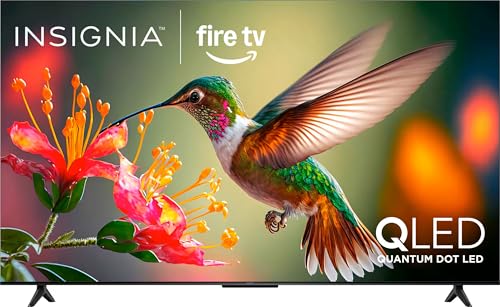
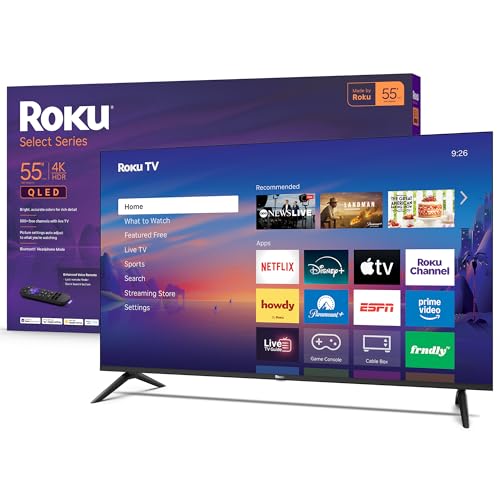
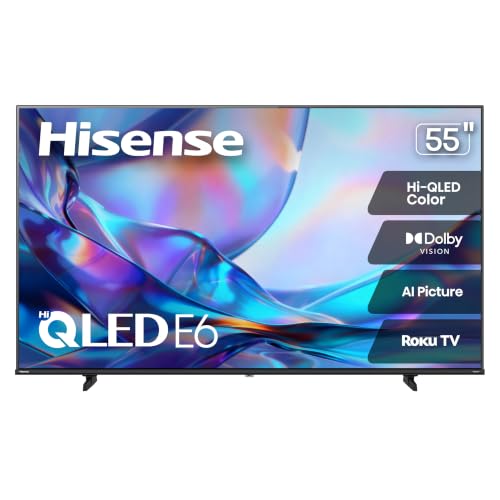
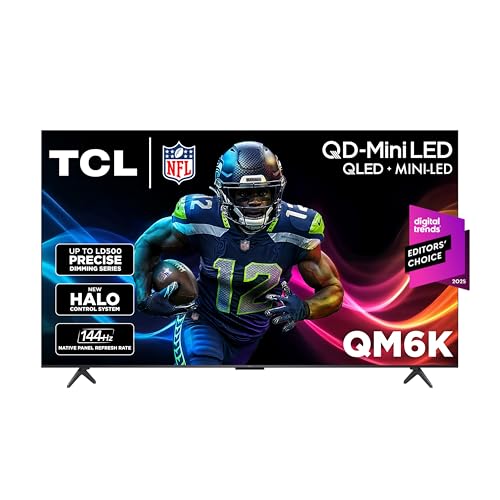
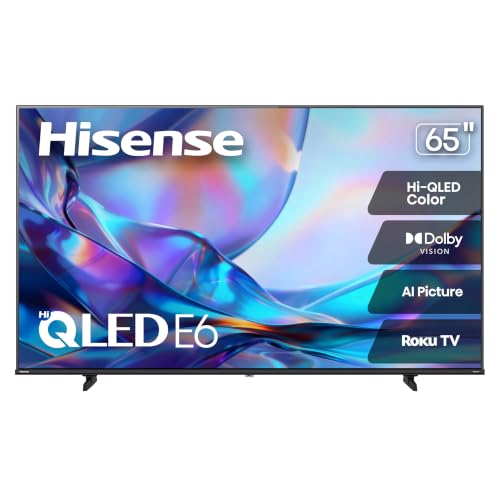
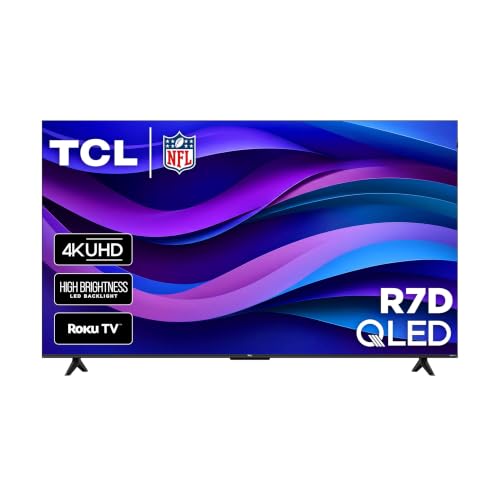
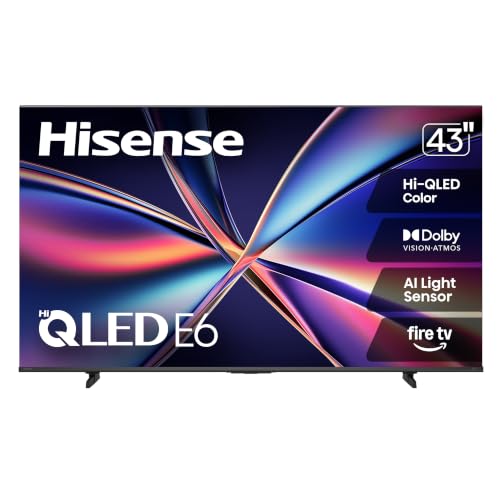
Start With Screen Size and Viewing Distance
Size is the cheapest upgrade in a TV, but only if the room suits it. As a rough guide, sit about 1.2 to 1.6 times the screen's diagonal away from a 4K set. That means roughly 6 to 7 feet for a 55 inch screen, and 8 to 9 feet for a 65 inch one. If your sofa is closer than that, a smaller screen will feel more comfortable.
Measure the wall or stand before you order, and check the width of the TV with its feet, not only the screen. Many people regret buying too small a set, since the price difference between 55 and 65 inches is often modest at the value end.
Best Bang for Your Buck TVs: What to Compare
Resolution
For 43 inches and above, 4K is the standard and costs little more than lower resolutions. Full HD can still make sense on 32 inch bedroom and kitchen sets, where the extra pixels are hard to see. At larger sizes, 4K gives sharper text and a more detailed picture, and most streaming apps now offer 4K content.
Panel Type: LED, QLED, and OLED
Standard LED panels with edge lighting are the cheapest and work well in bright rooms. QLED sets add a quantum dot layer for stronger color and brightness, and are often the best value upgrade. Mini LED models use many small lights for better contrast, while OLED screens deliver perfect black levels and wide viewing angles, but cost much more and are less bright in sunlit rooms. For a first value pick, a QLED set from a well-known brand is hard to beat.
Brightness and HDR
HDR works only if the TV is bright enough to show it. Many cheap sets accept HDR signals but cannot display them well. In a bright living room, prioritize a brighter panel over a long list of HDR formats. In a dark room, contrast and black levels matter more.
Refresh Rate and Gaming
A 60 Hz panel is fine for TV and streaming. If you play console or PC games, look for 120 Hz support, a game mode with low input lag, and variable refresh rate. These features now appear on sets at modest prices, and they also make motion in sport look smoother.
Smart Platforms and Apps
The built-in system matters because you will use it daily. Roku, Fire TV, Google TV, and other platforms all support the major streaming apps. Pick the one whose menu and remote you find easiest to use. Check that the apps you need are available, and that the maker promises updates for several years.
If the built-in system disappoints, a streaming stick plugged into the HDMI port is a cheap fix. It is also an easy way to refresh an older TV without replacing it.
Ports, Sound, and Extras
HDMI Ports
Count the devices you will connect: a console, a soundbar, a streaming stick, and a cable box. Look for at least three HDMI ports, and check that one supports eARC if you plan to use a soundbar.
Sound Quality
Thin cabinets leave little room for speakers, so built-in sound on value TVs is usually weak. A budget soundbar is the best audio upgrade per dollar, so keep part of your budget for one if you care about dialogue and movies.
Stand and Mounting
Check whether the stand legs are placed at the edges or closer to the center, since that affects what furniture fits. For wall mounting, confirm the VESA pattern and weight, and buy a mount that matches both.
What to Spend by Size
For 32 to 43 inches, value sets can cost around $100 to $250 and suit bedrooms and kitchens. For 50 to 55 inches, expect about $200 to $500, which covers the main living room choices. For 65 inches and above, prices climb but promotions are common, and the picture upgrade from a mid-range QLED is often worth it. Premium OLED and Mini LED sets sit higher and fit rooms where picture quality is the priority.
Setup and Care Tips
Switch the picture mode from vivid or dynamic to movie or filmmaker mode for a more natural look, and turn off extra motion smoothing if it makes films look unnatural. Dust the screen with a soft dry cloth, avoid harsh cleaners, and keep vents clear. Use a surge protector for the TV and connected devices, and install system updates when offered.
Common Mistakes to Avoid
Buying on the biggest numbers is the most common error: a high "motion rate" or "dynamic contrast" figure rarely reflects real performance. Another mistake is skipping the viewing distance check and ending up with a set that is too big or too small. Finally, avoid unknown brands with no update policy or clear warranty, because a smart TV that stops receiving updates becomes frustrating over time.
Frequently Asked Questions
What features matter most in a value TV?
Screen size, panel quality, brightness, and a smart system you like using matter most. Ports and refresh rate come next if you game or use a soundbar. Extras such as built-in assistants are nice but not essential.
Is QLED worth it over standard LED?
Often yes. QLED sets usually cost a little more but offer stronger color and brightness, which you notice in a bright room. For dark-room movie watching, contrast matters more, and Mini LED or OLED models do better.
Do I need 120 Hz?
Only if you play fast games on a console or PC, or care about smooth sports. For streaming and general TV, 60 Hz is enough.
How long do TVs last?
A decent TV commonly lasts several years of daily viewing. Software support and smart platform age tend to become the limit before the panel does, so choose a brand with a clear update record.
Should I buy a soundbar too?
If you watch movies or struggle to hear speech, a soundbar is one of the most worthwhile upgrades. Check that your TV has an HDMI eARC port or an optical output for it.
How do I move or mount a large TV safely?
Ask someone to help, carry it upright, and never pick it up by the screen. Follow the manufacturer's instructions for stands and wall mounts, and make sure the wall can carry the weight.
Final Thoughts
Decide on size and viewing distance first, then pick a panel type and a smart platform you are happy to use. The product table above helps you compare current models, and best bang for your buck tvs are usually mid-priced QLED or good LED sets, not the cheapest or the flashiest. For related reading, see our guides to the best bang for your buck 4k tvs and the wider best bang for your buck overview.


