
Best Bang for Your Buck 4K TVs for 2026: Everything to Know Before Your First Purchase
Disclosure: We may earn a commission when you buy through links on this page, at no extra cost to you. As an Amazon Associate I earn from qualifying purchases. Learn more
Shopping for the best bang for your buck 4k tvs for the first time? Learn the terms, compare options, and avoid rookie mistakes with this easy guide.
Buying your first 4K TV can feel confusing because every box lists a long line of numbers and abbreviations. This guide slows the process down and explains each term in plain language, so you can match a screen to your room, your seating distance, and the shows and games you actually enjoy. When you shop for best bang for your buck 4k tvs, value means paying for picture quality and features you will notice every day, not for extras you will never use.
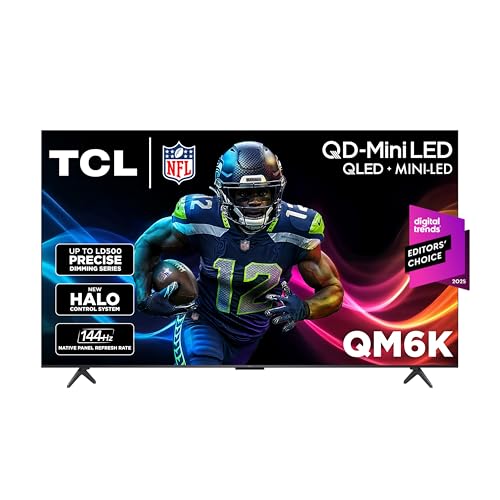
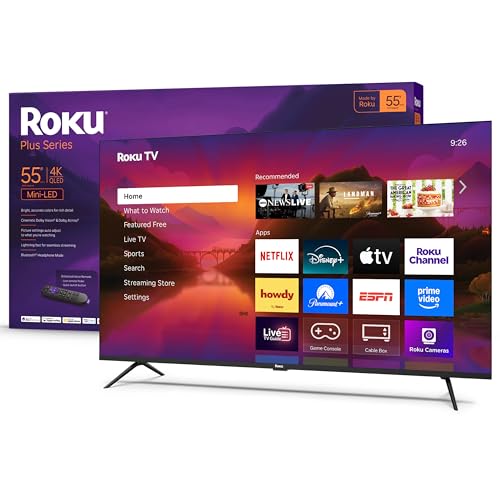
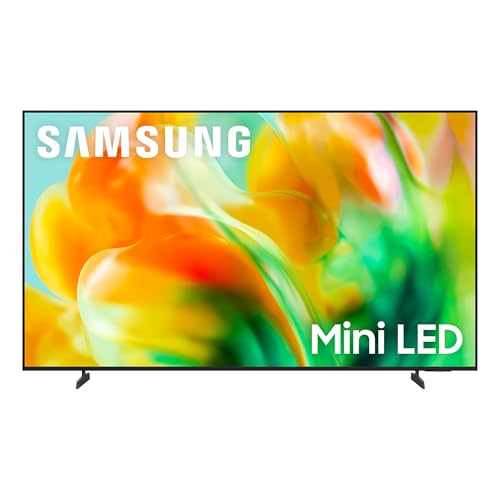
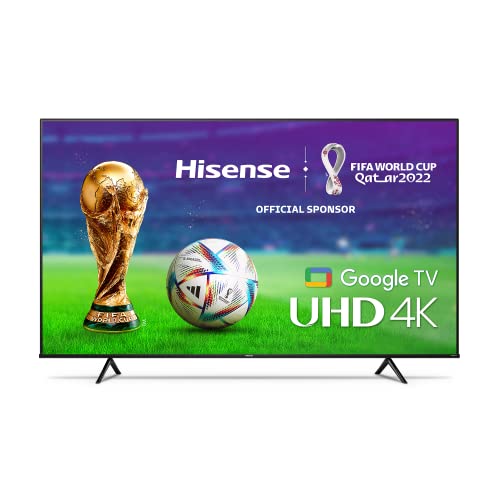
Start with the product table to see how sizes and panel types line up side by side. Then use the sections that follow to learn what each spec means, what level is good enough for most homes, and which mistakes cost first time buyers the most money.



4K TV Basics
A 4K TV has about four times as many pixels as a 1080p TV, so fine detail in faces, text, and landscapes looks sharper, especially on larger screens. Sharpness alone does not make a great picture, though. Contrast, color, brightness, and motion handling matter just as much, and a modest screen with strong contrast often looks better than a larger screen with weak contrast.
Value shopping starts with the same idea behind the best bang for your buck approach in general: list your needs first, then pay for the shortest path to meeting them. If you want a broader starting point before you narrow to 4K models, see the best bang for your buck tvs guide for how the wider TV market is organized. For a first purchase, your needs are usually simple: a size that fits your seating distance, a panel that suits your room lighting, enough ports for your devices, and a remote and menu system you find easy to live with.
Two terms will appear everywhere. Refresh rate describes how many times per second the picture updates, and higher rates can make sports and games look smoother. HDR, short for high dynamic range, describes how the TV shows bright highlights and dark shadows at the same time, and good HDR makes movies look more lifelike than resolution alone ever will.
Key Specs Explained in Plain English
Spec sheets reward buyers who know which numbers change the picture and which numbers are mostly marketing. The five areas below cover nearly every decision you need to make. For each one, you will find what the term means, what to look for at a value price, and when paying more actually helps.
Features That Matter in Value 4K TVs
Because you are shopping for value first, the features that matter most are the ones tied to daily viewing. Look for a panel with strong native contrast, HDR support that includes at least one widely used format, and peak brightness that suits your room. A bright room with windows needs more brightness than a dark movie room. Aim for at least three HDMI ports so a streamer, a game console, and a soundbar can stay connected without swapping cables. Built in streaming apps are convenient, but an external streamer can replace them later, so smart software should rank below picture quality when you compare value.
Panel Technology (IPS, VA, OLED, Mini LED)
Panel type shapes contrast and viewing angles more than any other choice. VA panels give deep blacks and strong contrast when you sit fairly straight in front of the screen, which suits movie nights. IPS panels keep colors accurate from wider side seats, but their blacks can look gray in a dark room. OLED panels control every pixel individually, so blacks are truly dark and motion looks clean, though you should vary content and use the built in pixel refresh to reduce the risk of burn in from static logos. Mini LED is an LCD backlight with many small zones, and it delivers high brightness and good contrast at prices below most OLED sets.
HDR and Brightness
HDR only helps when the TV is bright enough and can control its backlight in zones. HDR10 is the basic format found almost everywhere, while Dolby Vision adjusts brightness scene by scene and is worth having if you stream a lot of movies. As a practical guide, a value TV for a light controlled room can work well at moderate brightness, while a sunny living room benefits from a notably brighter panel. Ignore inflated HDR labels with no brightness figure behind them. If a listing will not state peak brightness in nits, treat its HDR claims with caution and weigh panel type and reviews of contrast more heavily.
Connectivity and Ports
Ports decide how easily your other gear connects. HDMI is the main input for consoles, streamers, and players, and one port should support eARC so a soundbar can receive full quality audio from the TV. HDMI 2.1 matters mainly for the newest game consoles because it allows 4K at high refresh rates and variable refresh. USB ports are handy for playing files from a drive or powering a small streaming stick. An optical audio output helps older soundbars and receivers. Count your current devices, add one spare port for the future, and make that total your minimum when you compare models in the product table above.
Adaptive Sync and Gaming Features
Adaptive sync, sold as VRR, G Sync compatible, or FreeSync, lets the TV match its refresh rate to the game output, which removes tearing and stutter. ALLM switches the TV into its low lag game mode automatically when a console starts. Input lag is the delay between pressing a button and seeing the result, and a good game mode keeps that delay very low. If you only watch films and broadcast sports, these features add little value, so do not pay a premium for them. If you game several times a week, put HDMI 2.1 and VRR near the top of your list because you will feel the difference in every session.
Stand, Mounting, and Ergonomics
Check the stand before you buy, because many value TVs use two feet placed near the edges, and your furniture must be at least as wide as the foot spacing. Measure your stand or cabinet first and compare it with the listed width between the feet. Most TVs support VESA wall mounting, and the VESA pattern in the specs must match your mount bracket. Wall mounting frees surface space and lets you set the screen at eye level from your main seat. Also check where the ports sit. Side facing ports are far easier to reach after mounting than ports that face straight back toward the wall.
Rookie Mistakes to Avoid
- Buying size by price alone. A larger screen on sale is not a bargain if it overwhelms a small room or sits too close to your seats, so measure your viewing distance first.
- Chasing resolution and ignoring contrast. All 4K sets share the same pixel count, so contrast, brightness, and color are what separate a dull picture from a vivid one.
- Forgetting sound. Thin TVs have small speakers, so budget for a basic soundbar if dialogue clarity matters to you.
- Ignoring port counts. Running out of HDMI ports means constant cable swapping, which gets old within a week.
- Leaving the vivid picture mode on. Store style settings oversaturate color and can make skin tones look wrong at home.
Getting Started: Setup and First Use
Place the TV, connect your devices one at a time, and run the guided setup for network and channels. Then open the picture settings and switch away from vivid or dynamic mode to a movie, cinema, or filmmaker style mode, which is usually the most accurate starting point. Turn motion smoothing down or off for films, because it can make movies look like video, though a low setting can help fast sports.
A quick practical check helps a lot. Play a dark movie scene and a bright sports clip, then adjust brightness so shadow detail stays visible without washing out the picture. On an OLED set, run the pixel refresh when the TV prompts you and avoid leaving a static image paused for hours. If you shop for other home tech with the same value mindset, the best bang for your buck laptops guide shows how the same compare-the-core-specs-first approach works for screens you use at a desk.
Frequently Asked Questions
What features matter most in value focused 4K TVs?
Contrast, brightness suited to your room, and enough HDMI ports matter most. These three shape every viewing session, while extras like fancy remotes do not. One point buyers often miss is viewing angle. If your seating spreads wide across the room, side seat picture quality can matter more than a small gain in peak brightness for the center seat.
How long do 4K TVs last?
Most modern TVs last about seven to ten years of typical home use. The backlight and software support usually age out before the panel itself fails. You can extend useful life by keeping vents clear and installing updates. Smart features may stop receiving support sooner, but an inexpensive external streamer can restore current apps without replacing the whole TV.
Does refresh rate matter for non gamers?
Yes, but only up to a point for most viewers. A native rate that handles motion cleanly makes sports and action scenes look steadier. Much of the benefit beyond that comes from better motion processing rather than the headline number itself. If you mainly watch news and dramas, invest in contrast and brightness before paying extra for the highest refresh figures.
What size 4K TV should I get for my room?
Choose size from seating distance rather than wall space alone. As a simple guide, most people enjoy a screen that fills a comfortable share of their view without forcing head movement. Measure the distance in inches and let that range guide you, then confirm the stand width fits your furniture. Sitting a little farther from a larger screen beats sitting close to a smaller one.
Is 4K worth it on a value TV?
Yes, 4K is worth it because most streaming, broadcast upgrades, and game consoles now target 4K output. The gain is clearest on screens of about 50 inches and up, or when you sit fairly close. On a small bedroom screen viewed from far away, the difference over 1080p is modest, so picture quality and price should lead your decision there instead.
IPS vs OLED: which is better for a value 4K TV?
OLED is better for dark room movies because each pixel makes its own light, giving perfect blacks and fast response. IPS suits bright rooms and wide seating because colors hold up from the side. The value answer depends on your room. Buyers with controlled lighting gain more from OLED, while shared family rooms often get better everyday use from a bright LCD based panel.
Final Thoughts
Focus on three decisions and the rest becomes easy: pick a size that fits your seating, choose a panel that matches your room light and seating layout, and confirm you have enough of the right ports. The product table above pulls those choices together so you can compare at a glance. Chosen with those priorities, the best bang for your buck 4k tvs deliver a picture that still pleases you years later, without paying for features your household will never use.


