
Best Basic TVs in 2026: A Practical Buying Guide
Disclosure: We may earn a commission when you buy through links on this page, at no extra cost to you. As an Amazon Associate I earn from qualifying purchases. Learn more

The best basic tvs keep size, resolution, smart apps and ports simple at a fair price. Compare types and viewing distance before you buy.
A basic TV should deliver a sharp picture, clear sound, and simple menus without a premium price. The best basic tvs skip the advanced gaming panels and cinema processing, and focus on what a bedroom, kitchen, or second living room really needs. This guide explains size, resolution, smart platforms, and ports, so you can compare models without wading through technical jargon.
The product table above lists current options at everyday prices. Below, you will find the main TV types compared, the specs worth checking, and practical advice on viewing distance, setup, and care.


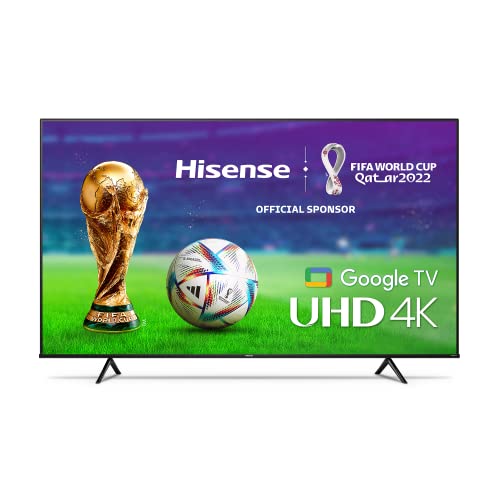
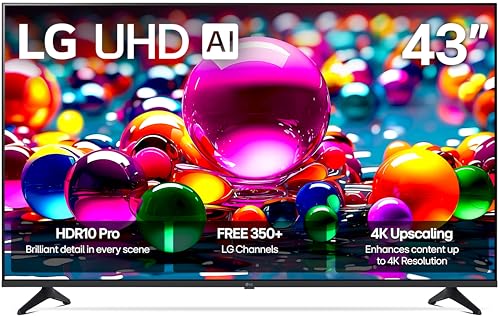
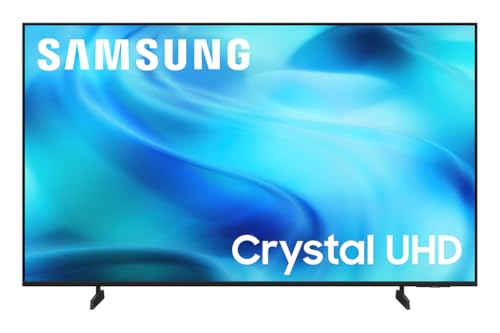
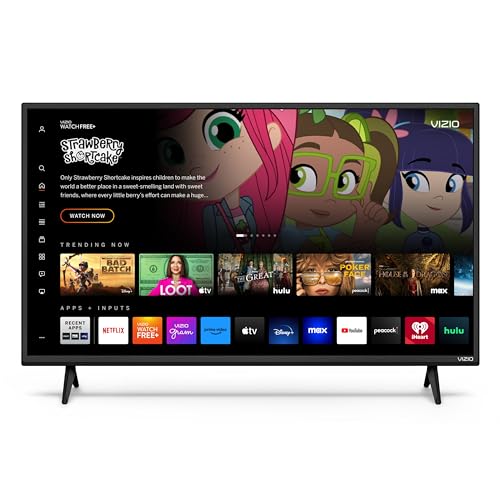
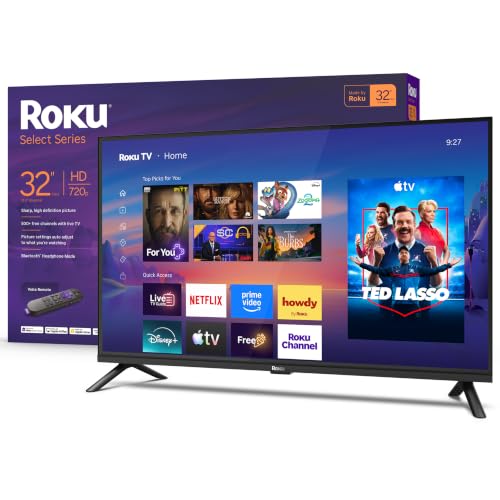
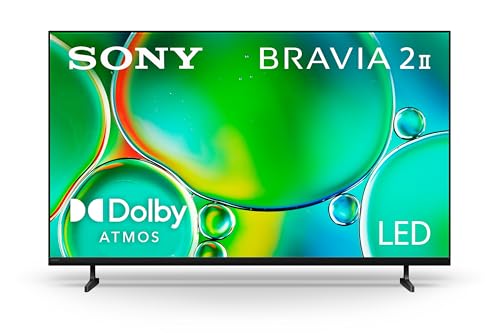
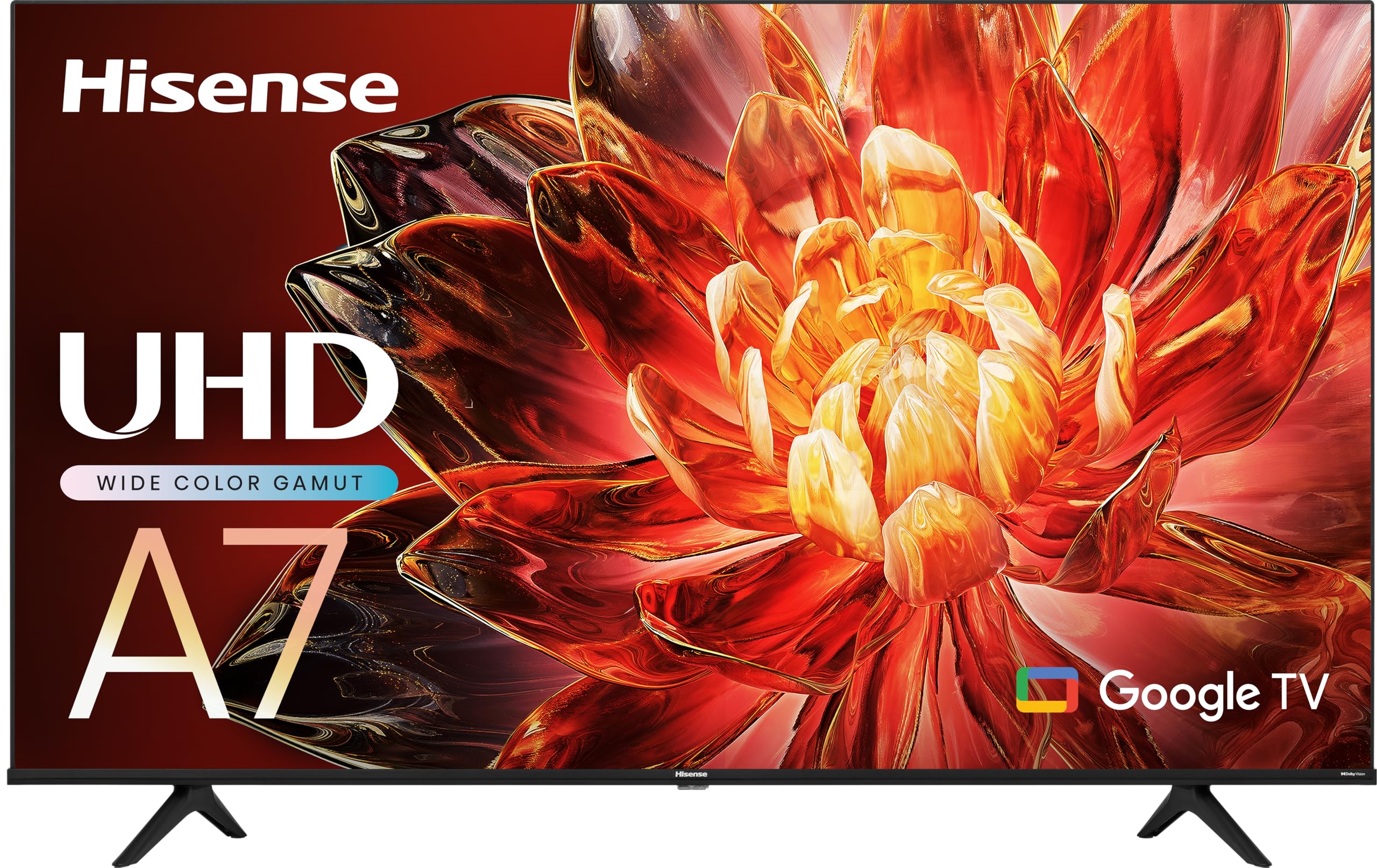
What Makes a TV "Basic"
A basic TV covers streaming, cable, and casual gaming with a decent LED panel, a built in smart platform, and a handful of HDMI ports. Most cost roughly $120 to $400, depending on size. You give up very high brightness, local dimming, and 120 Hz gaming features, and you gain a lower price and a simpler remote. For a room with moderate light, that is a good trade.
Types of Basic TVs Compared
Small HD TVs (32 Inches)
A 32 inch 720p or 1080p TV suits a kitchen counter, a dorm room, or a child's bedroom. At that size and a viewing distance of 4 to 6 feet, HD resolution looks sharp enough. These sets are light, cheap, and easy to wall mount, though sound is thin, so a small soundbar helps.
43 to 50 Inch 4K TVs
This is the sweet spot for most basic setups. A 4K panel at 43 to 50 inches fits a bedroom or a small living room, and almost all streaming apps now offer 4K content. Look for HDR support, even at a basic level, because it improves contrast in movies and shows.
55 Inch and Larger 4K TVs
Larger basic TVs suit a main living room with a viewing distance of 7 to 10 feet. Prices rise with size, but the cost per inch falls. Check the stand width against your furniture, since larger sets often have feet near the screen edges.
Key Specs to Compare
- Resolution: 1080p is fine at 32 inches, and 4K is the better choice from 43 inches up.
- Smart platform: Roku, Google TV, Fire TV, webOS, and Vizio's platform all run the main streaming apps. Pick the one whose menus feel simplest to you.
- HDMI ports: at least three, with one marked ARC or eARC for a soundbar.
- Refresh rate: 60 Hz is normal for basic sets and fine for TV and movies.
- Sound: built in speakers are modest on thin panels, so plan for a soundbar if dialogue matters to you.
- Remote: a simple remote with a voice button and dedicated app keys saves daily frustration.
Viewing Distance and Room Light
Match size to distance: as a rough guide, sit about 1.5 times the screen's diagonal away for a 4K set, so a 55 inch TV works well from about 7 feet. Check the room light too. A basic LED panel looks best in a moderately lit or dim room, and a very bright, sunny room may wash out the picture. Place the TV across from windows, not in front of them, and avoid glossy screens in direct glare.
Who Should Buy a Basic TV
Basic TVs suit bedrooms, kitchens, guest rooms, dorms, and families that mostly stream and watch cable. They also suit first apartments and anyone replacing an older set on a tight budget. They are less suited to dedicated movie rooms or competitive gamers who want 120 Hz and the brightest HDR. If you watch mostly in a dim room and care about deep blacks, consider stepping up to a better panel type.
Setup and Care
Set up the TV on a stable stand or a wall mount rated for its weight and size, and use two people for anything larger than 43 inches. Switch the picture mode to Movie or Standard for more natural color, and turn off motion smoothing if faces look unnatural. Keep vents clear, use a surge protector, and wipe the screen with a dry microfiber cloth, never a spray. If you wall mount, check the VESA pattern on the back of the TV against the bracket.
Common Mistakes to Avoid
- Buying a screen too large for the viewing distance, which makes the picture look soft and tiring.
- Counting on the built in speakers for a living room, then discovering dialogue is hard to follow.
- Ignoring the smart platform, which is the part you use every day.
- Forgetting wall mount compatibility and cable length before delivery day.
- Paying extra for 120 Hz or advanced gaming features you will not use.
Related guides: see the best inexpensive tvs for lower prices and the best samsung tvs for one brand's lineup.
Basic TVs: Your Questions Answered
What screen size should I choose for a bedroom?
A 32 to 43 inch TV suits most bedrooms. Choose 43 inches if you sit more than 6 feet from the screen, and 32 inches for a small room or a shelf.
Is 4K worth it on a basic TV?
Yes, from 43 inches up. Most basic 4K sets cost only a little more than HD models, and streaming apps send 4K video. At 32 inches the difference is hard to see, so HD is fine there.
Do basic TVs need a soundbar?
Not required, but it helps. Thin TVs have small speakers, and even an inexpensive soundbar makes dialogue clearer. Look for an HDMI ARC port so the TV remote controls the volume.
How long does a basic TV last?
Most basic TVs last six to ten years with normal use. The smart platform can feel slow before the panel fails, and an external streaming stick is a cheap way to refresh an older set.
Which smart platform is simplest?
Roku is often praised for simple menus, while Google TV and Fire TV offer more recommendations and voice features. Try the interface in a store or watch a demo video if you can, and pick the one that feels natural to you.
Final Thoughts
Choosing among the best basic tvs comes down to the right size for your room, 4K for sets of 43 inches and up, a smart platform you like, and enough HDMI ports. Use the product table above to narrow your shortlist, then match the size to your viewing distance and budget.


