
Best Bags for Laptops and Books: Types Compared and How to Choose for 2026
Disclosure: We may earn a commission when you buy through links on this page, at no extra cost to you. As an Amazon Associate I earn from qualifying purchases. Learn more

Compare backpacks, messenger bags, and totes for carrying a laptop and books by divider, padding, and carry comfort.
Carrying a laptop and books together is a specific problem: the computer needs padding and a flat home, while books are heavy, bulky, and hard on screens. With so many styles on sale, choosing the best bags for laptops and books starts with understanding what each type does well. This guide compares the main types side by side, then shows you how to match capacity, protection, and comfort to your daily load.
Think about a typical day before you shop: how many books, how large a laptop, and how far you walk. Then use the comparison table below and the type guide that follows to narrow your choice to one style with confidence.
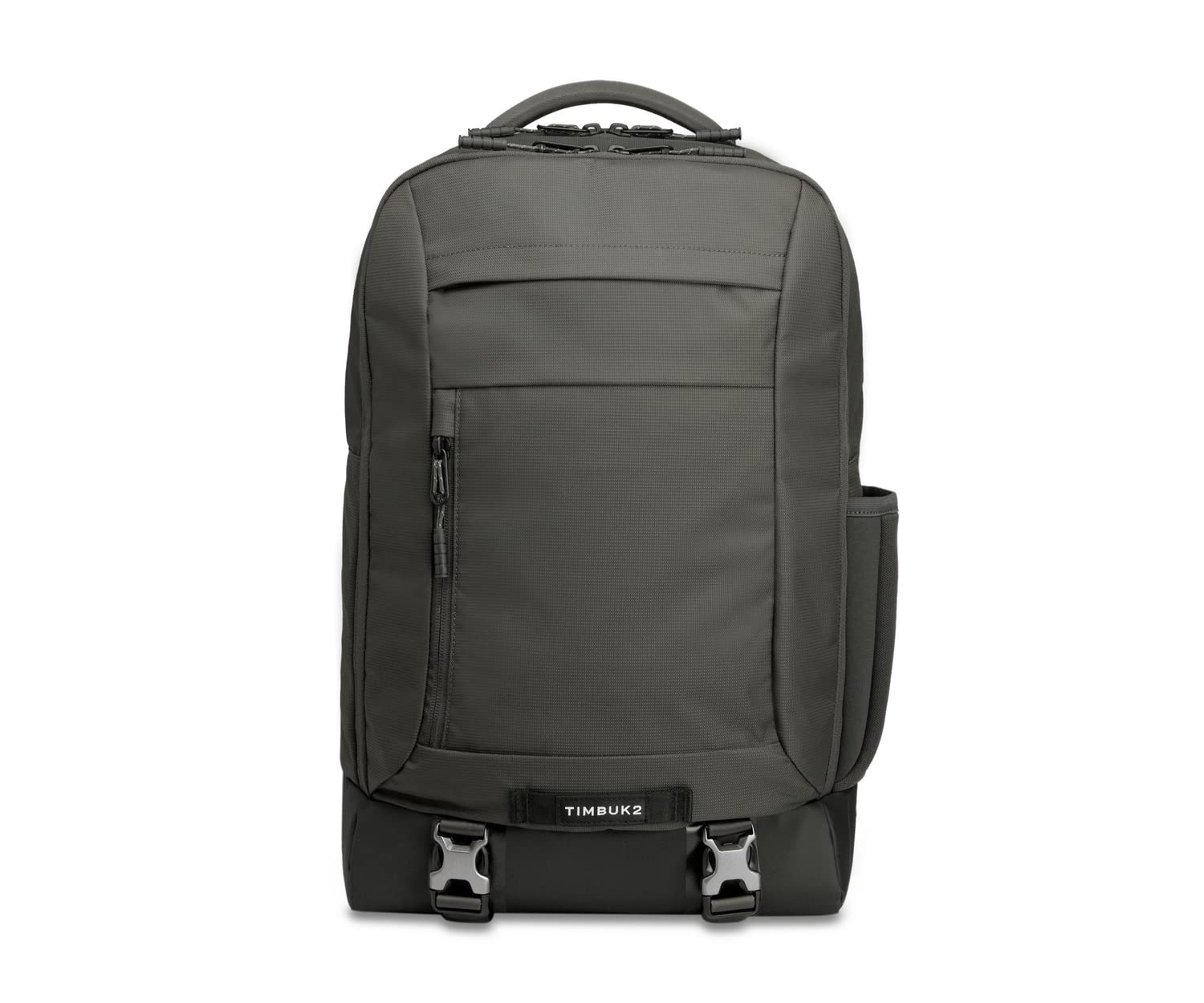
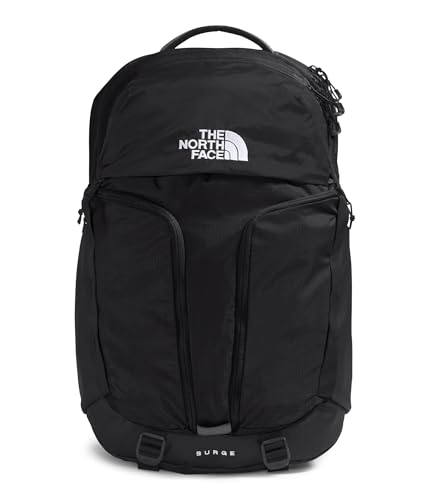
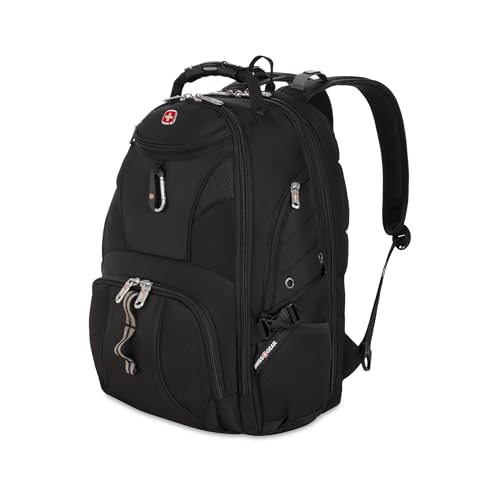


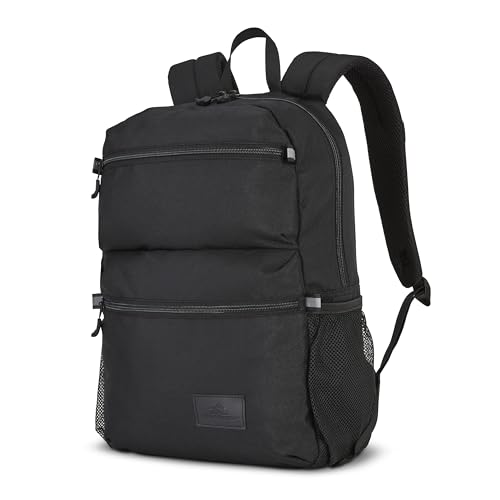


Types of Bags Compared
Three styles cover almost every student and worker who carries both a computer and reading material. Backpacks usually hold the most and carry the heaviest loads best, messenger and side bags trade capacity for quick access, and tote bags offer an open, simple space that suits lighter book loads. Typical prices overlap, with simple totes often around $30 to $70, messenger styles around $40 to $110, and full backpacks around $45 to $130, depending on padding and materials.
Backpacks: The Heavy Load Specialist
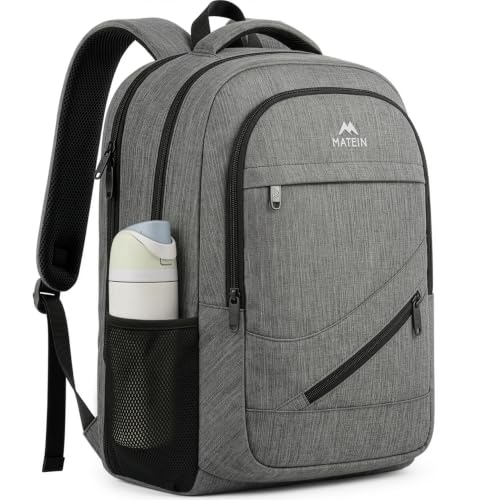
A backpack carries weight on both shoulders and keeps a laptop in a padded section against your back, separate from the book space in front of it. That separation is its biggest strength, because hard book covers never press directly on the screen. Capacity is generous, straps are padded, and most designs add a sternum strap for long walks. This type suits students with several textbooks, commuters on foot, and anyone whose total load regularly tops ten pounds.
The trade offs are bulk and access. A full backpack looks casual in formal settings and must come off your back to reach anything inside. In crowded trains it takes space and can feel hot in summer. If your book load is one paperback and a slim laptop, a backpack is more bag than you need, and a smaller style will feel better all day.
Messenger and Side Bags: Quick Access for Moderate Loads
A messenger or side bag hangs across your body and opens from the top, so you can reach a book or laptop without setting the bag down. The best designs include a padded laptop section along the back panel and a front space for one or two books. This type suits teachers, library users, and workers who move between rooms and need their materials fast. Prices sit in the middle, and a good strap pad makes a real difference.
The limit is weight distribution. All the load rests on one shoulder, so heavy textbooks quickly become tiring and can strain your neck on long walks. Capacity also runs smaller than a backpack, and an overfilled side bag swings as you walk. Choose this type when your book load is moderate and access speed matters more than maximum comfort. For dedicated work focused carriers, see our guide to the best work bags for laptops for office ready layouts.
Tote Bags: Simple and Open for Light Loads
A tote offers one open space with handles and sometimes a shoulder strap, which makes loading books fast and flexible. The better laptop totes add a padded sleeve or a built in padded section, handles that balance when full, and a closure that keeps contents in if the bag tips over. This type suits office workers, book club readers, and anyone moving between a car, a desk, and a meeting room with one book and a laptop.
The weakness is structure. A plain tote lets books slide against the laptop, offers little drop protection, and can strain your hand or shoulder with heavy loads. If you choose a tote, insist on a separate padded section and a zip or snap closure. Readers comparing this style can see our guide to the best tote bags for laptops for handle and closure details that matter.
Backpacks vs Messenger Bags: Which Should You Choose?
Compare these two popular types on five points. For capacity, the backpack wins clearly, holding several textbooks plus a laptop with room to spare. For comfort over distance, the backpack also wins, because two straps spread the load. For access speed, the messenger wins, since you can swing it forward and grab a book while standing. For weather, a backpack with a covered zip usually sheds rain better than an open flap messenger, though flap designs vary. For setting, messengers look sharper in offices and classrooms, while backpacks suit campuses and transit.
The verdict follows your load and your walk. Choose a backpack if you carry two or more heavy books or walk more than about fifteen minutes each way. Choose a messenger if your load is one book, your laptop, and small items, and you value quick access during the day. Many students start with a backpack and add a side bag later for light days, which is a sensible order.
How to Choose the Right Bag
Features That Matter for Laptops and Books
The defining need of this combination is separation with protection. Look for a padded laptop section that is divided from the book space by a firm panel, because book corners and spines are the main threat to a screen. Total capacity should fit your heaviest normal day without forcing zips, and the base should be reinforced, since books make a bag land hard. A water resistant bottom, padded straps or handles rated for heavy loads, and an internal pocket for a charger and pens complete the core list for this category.
Weight and Portability
Books are deceptively heavy: two hardcover textbooks can outweigh the laptop itself. Add the bag empty weight, often about two to three pounds for a padded backpack, and a normal school day can reach fifteen pounds quickly. If your walk is long, two padded straps and a sternum strap protect your back better than any single strap style. A practical test is to load the bag with your real books at home and walk for ten minutes. Shoulder pain in that short test means the style or size is wrong for your load.
General carrier styles overlap with this category, so for a broader view see our guide to the best laptops bag designs and note which ones add a true book divider.
Picking the Right Bags for Different Uses
Bags for Laptops and Books for Women: Which Type Works Best
If you are choosing a bag for a smaller frame, start with strap and handle comfort, because narrower shoulders and smaller frames change how loads sit. Backpacks with shaped straps spaced for a smaller frame, and totes with a drop length that clears the elbow, tend to work best. Look for a padded section sized to your actual laptop rather than an oversized compartment where it slides around. Weight matters even more here, so favor lighter builds with strong padding over bulky designs. For women focused styles, see our guide to the best laptop bag for women.
Side Bags for Laptops and Books
For side bags, focus on strap width, bag structure, and separation. A wide padded strap that adjusts across your body keeps a moderate book load stable, and a firm base stops books from sagging into a ball at your hip. The laptop should sit in a padded section against the back panel, with books in front of the divider rather than beside the computer. This style shines for teachers, librarians, and commuters with one or two books and frequent stops where quick access saves time.
Setup and Care Tips
Set up your packing order once and repeat it daily: laptop in its padded section first, books upright with spines down in their own space, charger in its pocket, and small items up top where you can find them. Avoid leaving a laptop sealed in a hot bag in a parked car, because heat is hard on batteries. Use a padded sleeve when commuting if your bag divider is soft, and empty crumbs and grit from the book space weekly so debris does not reach the laptop section.
Bags: Your Questions Answered
What features matter most in bags for laptops and books?
A firm divider between a padded laptop section and the book space matters most, followed by capacity for your heaviest normal day and straps or handles built for real weight. Books damage screens by pressure, so separation is protection, not just tidiness. A reinforced base and a charger pocket complete the essentials. If you remember one test, load the bag fully at home and check that no book corner can reach the laptop lid.
How long should a bag last?
A sturdy bag used daily should last about three to five years, with strap anchors, handles, and the base showing wear first. Book loads are heavy, so bags in this category work harder than light laptop carriers and cheap stitching shows it sooner. Inspect those stress points when you shop and again each school term. Repairing a loose handle stitch early can add a year or more to the life of a good bag.
Final Thoughts
Choose your type by load first: backpacks for heavy book days, side bags for quick access with moderate loads, and totes for light formal routines. Then confirm the divider, padding, and carry comfort with your real gear. Compare your finalists in the product table above with those points in mind, and you will choose the best bags for laptops and books for your campus, office, or library routine.

