
Best Backpacks for Students with Laptops by Budget
Disclosure: We may earn a commission when you buy through links on this page, at no extra cost to you. As an Amazon Associate I earn from qualifying purchases. Learn more
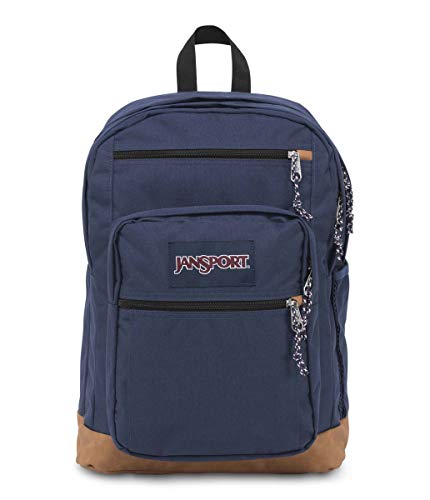
Compare the best backpacks for students with laptops by budget, sleeve size, comfort, organization, and durability so you buy once and carry it daily.
Student backpack prices range from under $30 to well over $150, and the price gap is not always obvious from photos. This guide to the best backpacks for students with laptops shows you where extra money actually helps, and where it does not. You will learn how sleeve size, strap comfort, and fabric quality change across budget tiers.
Start with the table of picks below for sizes and prices, then use the tier sections to match a pack to your laptop, your commute, and how many books and extras you carry each day.


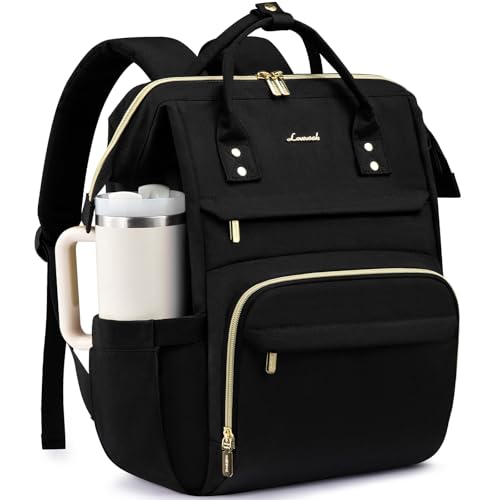


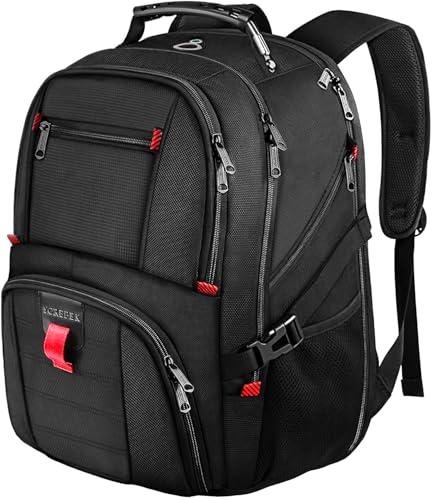
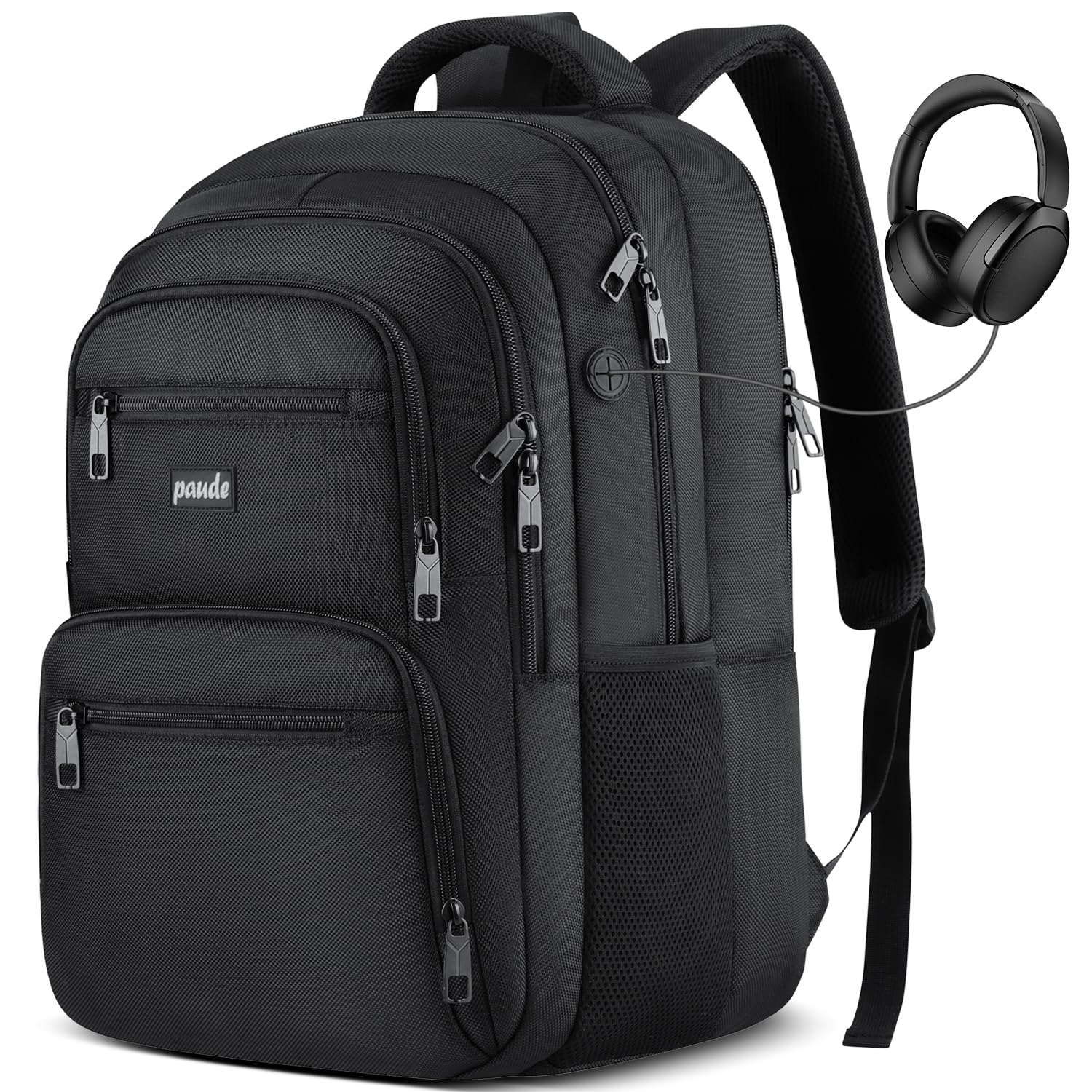
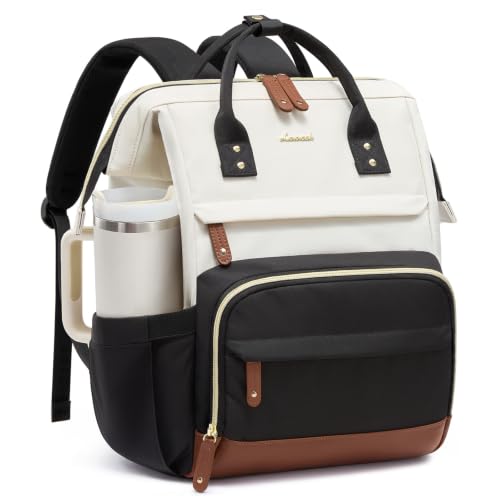
What Your Money Gets You at Each Price Tier
Budget Tier: What to Expect
In the budget tier you get basic protection and simple storage. Sleeves are often a padded divider rather than a true suspended compartment, so set the pack down gently. Straps may lack the foam density needed for heavy loads, and water will soak through in steady rain unless you add a cover. This tier works for light schedules, but plan to replace it sooner, often after one or two years of daily use.
Midrange Tier: The Sweet Spot for Most Buyers
Midrange packs improve the parts you feel every day. Back panels breathe better, shoulder straps curve to fit, and the laptop sleeve usually has a false bottom that guards against drops. Fabrics resist abrasion from desks and bus floors, and zippers glide more reliably. For most students carrying a laptop, a charger, and two or three books, this is where spending stops feeling like a compromise.
Premium Tier: When Spending More Pays Off
Premium packs pay off when load and travel increase. Expect firmer framesheets, load bearing hip support on larger models, weatherproof zippers, and compartments that keep tech, clothes, and lunch apart. Warranty length often grows at this tier, which lowers long term cost. If your day is short and your load is light, those upgrades sit unused, so be honest about your routine before paying for them.
If you want a broader view of laptop focused designs before you decide on a tier, see our guide to the best laptop backpack.
Features Worth Paying For (and Ones to Skip)
Why Choose a Laptop Backpack
A backpack built for laptops protects your most expensive school tool and organizes the gear around it. A dedicated sleeve stops the computer from shifting against books, and a separate compartment speeds up security checks and classroom setup. The limit is size. A pack shaped only for a slim computer may swallow few books, so confirm total volume, usually around 20 to 30 liters for student use, matches your load.
What Students Should Look For
Students should look for comfort first, because a pack is worn for hours each week. Padded, adjustable straps, a sternum strap for heavy days, and a back panel that does not trap all heat make a real difference. Next comes layout. You need quick access to a water bottle, transit card, and phone without opening the main compartment. Finally, check that the pack stands upright or has a reinforced bottom, which helps in crowded classrooms.
Build Quality Checks
A pack with a firm framesheet, bar tacked strap joints and quality zipper pulls protects everything inside. Run your hand along seams and tug gently at straps in store. Loose threads and thin webbing at this stage predict early failure.
Practical know how: load the pack with your real books and laptop before a long day out. Walk for 15 minutes, climb stairs, and sit down while wearing it. Hot spots on shoulders or a laptop edge pressing your back will only get worse over a semester.
How to Fit a Student Backpack
The best backpacks for students with laptops only work when they are worn correctly. Tighten both shoulder straps until the pack sits high on your back, with the bottom resting just above your waist. Use the sternum strap on heavy days, and place the laptop in the sleeve closest to your back so its weight stays centered. Keep the heaviest books next to the laptop, and put light items such as a jacket or notebooks toward the outside.
Try the pack on in a store or at home with your real load. Walk for ten minutes, climb stairs and sit down while wearing it. If the straps dig into your shoulders or the pack swings from side to side, adjust before deciding it is a poor fit.
Care Tips for the School Year
Empty the pack at the end of each week, shake out crumbs and wipe the inside with a damp cloth. Spot clean stains with mild soap and water and let the pack dry fully before use. Avoid overloading beyond the maker's guidance, since stitched seams and zippers carry most of the strain. Fix a loose thread early with a few stitches, and keep zipper teeth clear of grit so they glide smoothly. A little care can stretch a midrange pack through several school years.
Long Term Costs to Factor In
The sticker price is only part of the cost. A rain cover, a replacement charger, or a second smaller pack for light days can add around $20 to $60 over time. A cheap pack replaced every year can cost more than a midrange pack that lasts four years, and it creates more waste. Check warranty terms before you buy, and keep your receipt. Also factor in cleaning. A pack that can be wiped clean inside will handle lunch spills without holding odor for months.
Backpacks: Your Questions Answered
What makes backpacks for students different?
Backpacks for students are different because they balance book volume, laptop protection, and daily comfort at a modest price. They add organizer pockets for chargers, pens, and cards, and they size the main compartment for folders and textbooks. Travel packs focus on clothing volume, and hiking packs focus on hip support, so a student design is the better match for campus routines.
How big should a student backpack be?
Most students do well with 20 to 30 liters, which holds a laptop, a charger, a few books and a jacket. Lighter loads suit smaller packs, while heavy textbook schedules or a gym kit push capacity higher.
Do I need a waterproof backpack?
Most student packs are water resistant, not fully waterproof. A coated fabric and covered zippers handle light rain, while a rain cover or a dry pouch for the laptop adds protection on stormy commutes.
How can I carry a heavy load comfortably?
Wear both straps, tighten them so the pack sits high on your back, and use the sternum strap. Place the heaviest books close to your back, and remove items you do not need that day.
Should I buy a bigger pack to be safe?
Not necessarily. A pack that is too large invites overloading and tends to swing on your back. Choose the smallest pack that fits your real daily load with a little room to spare.
Our Verdict
Match sleeve size to your exact laptop, choose the tier that fits your load and commute, and put comfort ahead of extra pockets you will not use. Most students will land happily in the midrange. Check your finalists in the table above and pick the best backpacks for students with laptops option that you will still enjoy carrying in year three.

